How to use custom date formats in #Excel & #MSAccess.
Table, from @TomUrtis, shows meaning of each placeholder ("m", "mm", "d", "DD", etc) can use at:
In #MSExcel:
Select cells > right click > Format Cells (Ctrl+1) > Number > Format
In #MicrosoftAccess:…https://t.co/0xE0S45zTf
Did you know can auto-generate #VBA in #Excel w/ built-in #MacroRecorder?
To automate #MSExcel:
1. View > Record #Macro
2. Type shortcut
2. Perform steps
3. Go to next row/sheet
4. End
5. Use shortcut (Ctrl+?)
6. Watch auto repeat!
#ExcelTips@ExcelEasy
https://t.co/1Ag01eDvh9
#PowerPivot will be available in all #Excel edition SKUs, making feasible to use without worrying won't be installed or supported.
Thanks everyone who voted for this and thanks @msexcel team!
https://t.co/dNRrsWizc0
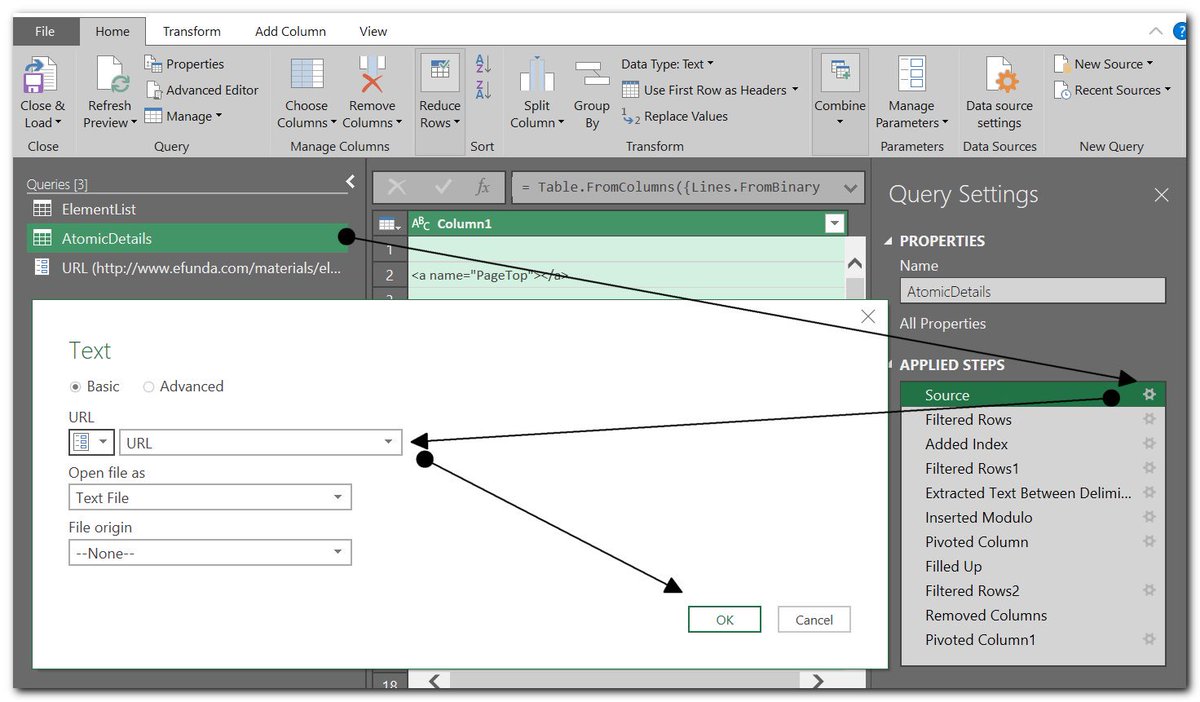
For those unfamiliar with it, #PowerQuery isn't a difficult to use, advanced #Excel feature, it's a incredible time- and headache-saving tool - complete with easy visual designer.
Power Query is capable of pulling data from whole folders of workbooks and…https://t.co/TVzD1W7en2
Now, at long last, #Microsoft's well known #Northwind#Sample#Database is available for easy download, as a #MicrosoftAccess#Template, and to non-English users!
Also, for those unaware, MS Access Templates are now available onli…https://t.co/Mc97VAshXZ https://t.co/UXnVGfbAhd