@DrKewp@tnculp@nimlot26 You can be both right? Available doesn't mean DLSS5 uses them? Nvidia confirmed it's using 2D output and motion vectors for temporal stabilization, but it's effectively an AI slop renderer 2D -> 2D.
@kringobob@veilofashesgame@GhislainGir No you're absolutely right, ACES is still the de-facto standard. There's nothing wrong with ACES or UE5's implementation of it.
The only time I would recommend AgX is when you're doing cyberpunk-ish stuff with bright and saturated neon lights.
@GorkaGames Bad textures can absolutely ruin a scene though. I've worked on projects where all albedo textures had baked in AO and non-PBR values (mostly too dark) because "it looked better". Ruined the PBR pipeline. No change in lighting could fix it.
I'd wager those squares are all in one single mesh with vertex animation, it's how we did it at Ubisoft.
To reproduce this effect in UE5: spawn a flat plane for each light with a Blutility, merge them into one mesh with Modeling tool, add the shader - voilà!
random post about how gta5 manages to render every single light at all times
In this frame they render 22,877 tinted squares facing the camera to achieve the lights
Theres also 1,402 cone lights that actually light the surrounding LODs (like on near roads) and 57 point lights.
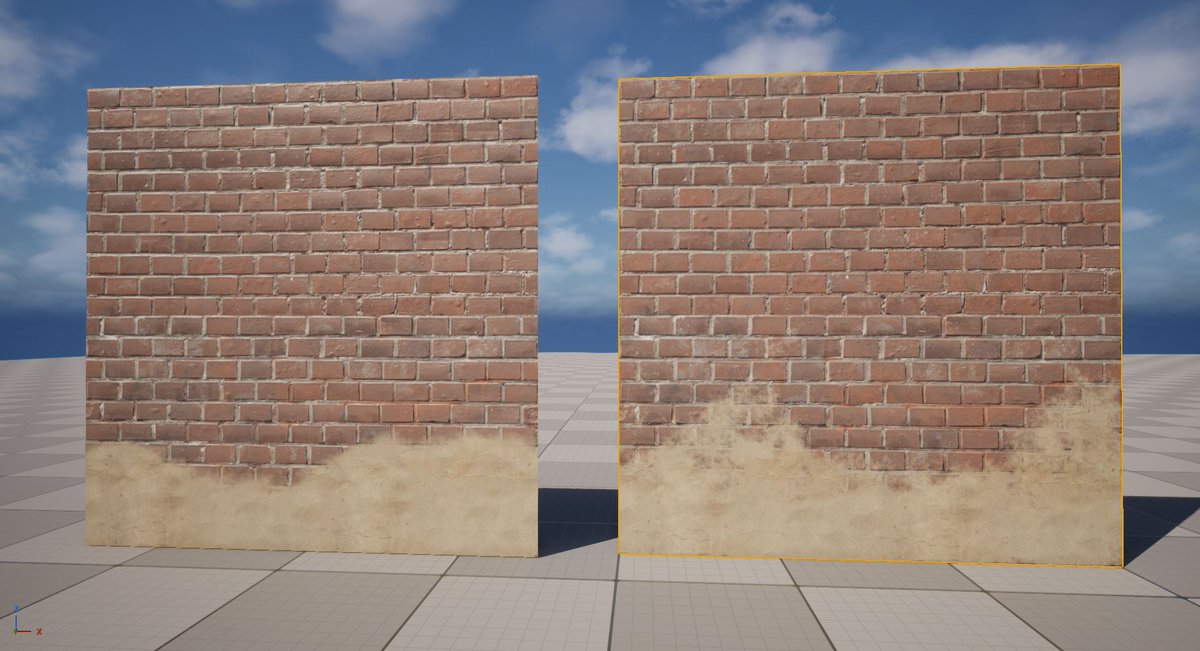
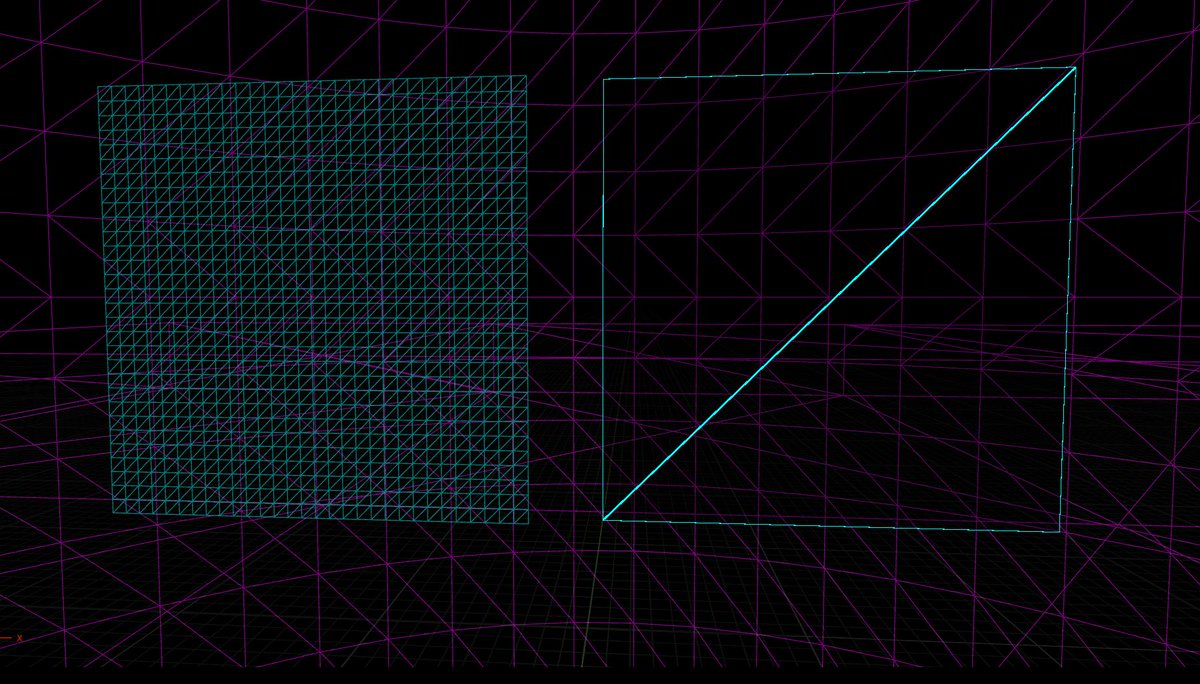
@KenneyNL@andkalysh Wait if it's baked, why not extrude inward and outward for the exact same result for a fraction of the time? You could also literally paint that in an image editor...
This is quite disingenuous, you can achieve the same result with no extra verts using vertex painting. If your two top verts are black and the lower ones white, it'll create a gradient that, multiplied with noise, looks exactly like that.
UE5.5+ there're 2 methods of texture painting on Meshes:
1. Vertex: standard (older). Been around for years. Doesn't work on Nanite, needs subdiv (more verts the better).
2. Texture: new method, requires Virtual Texture on. Works on Nanites & not, doesn’t require lot of verts.
Oh thanks, but I think that's pretty much the opposite of what this blender tool does? The effect isn't hand drawn, it's fully procedural and controllable in real time from within the editor
@flassari Really useful talk!! Profiling GPU in UE5 is pretty difficult due to all the async compute spreading work on multiple frames, traditional profiling methods don't help as much as they used to...
@SheriefFYI@valigo That LLMs alone can't do that? Oh yeah for sure.
Thing is, depth perception is a solved problem (for a good decade). If you really want to involve an LLM, the best way to go at it is using LLMs as an interface to pilot pure logic executions under the hood. Don't generate images.
@valigo@SheriefFYI Not really, it can't get better at this, it's not mathematically accurate and won't ever work in 3D. For it to work it should follow a world model and build upon an internal logic. That's the one thing LLMs can't do.
@RedLadyJJ Yes. Someone struggling to maintain the game at 60fps will experience 57fps in this exact scenario. It doesn't "halve the frame rate", it increases render time from 1ms to 2ms.
@TipTopToad@DaluzLuciano That's not what they're asking, you're talking about details but they want to know if the normal map values are correct (normal directions). Can you apply it to a cube/plane/cylinder and rotate a light around it?
Unreal Editor magnetism🧲
Annotate your meshes with connection points and they become magnetic. Also works with splines etc. Now on sale $9.90 (link in reply) #UE5
@SebAaltonen The contrast between how large voxels look at your feet compared to far distance is so uncanny, I don't think I've seen this before!
It would almost be worth tessellating those near voxels to keep detail consistency 😅
AAA need to stop optimizing for high end. Mass-audience gamers need 60fps stable at 1080p on a 3060.
However, the 1080TI is nearly 9 years old and doesn't even support DirectX12... Does it really fit on the right of this graph?!