10 agent evals for AI engineers:
(explained with usage)
1) golden set
→ a fixed set of cases you never edit, run on every single change.
→ use as the baseline that tells you whether anything moved at all.
2) llm as judge
→ a second model scores the output against a written rubric.
→ use when the answer is open-ended and there is no string to match against.
3) rubric scoring
→ one number per dimension: correctness, tone, safety, cost.
→ use when a single score hides which part actually got worse.
4) trajectory eval
→ grade the path the agent took, not only the answer it landed on.
→ use when the right answer for the wrong reason is going to bite you later.
5) tool unit tests
→ test each tool on its own, with fixtures, no model in the loop.
→ use always. most agent bugs are tool bugs wearing a costume.
6) regression suite
→ replay past runs against the new prompt or model and diff the results.
→ use before every prompt change, because prompts have no type system.
7) a/b in prod
→ split live traffic between two versions and compare outcomes, not vibes.
→ use when offline scores stopped predicting what users actually do.
8) human review
→ sample a slice of runs and have a person grade them honestly.
→ use to calibrate your judge, because a judge nobody checks quietly drifts.
9) shadow run
→ the candidate runs on real traffic in parallel and its output is shown to nobody.
→ use before a risky rollout, when one bad answer would be expensive.
10) red team
→ deliberately attack it: jailbreaks, injection, exfil, tool abuse.
→ use before anyone external can reach it, not after.
offline evals tell you it works. online evals tell you it still works.
both sides matter, but not all ten do. run the two that would have caught your last outage.
save this. then read the full breakdown on loop engineering below.
@StaniKulechov I have ETH on Arbitrum, provided as a collateral
This asset is frozen due to an Aave Protocol Governance decision.
When will these frozen assets be returned? I have monitored Aave and there is no information regarding the solution to unfreeze my assets.
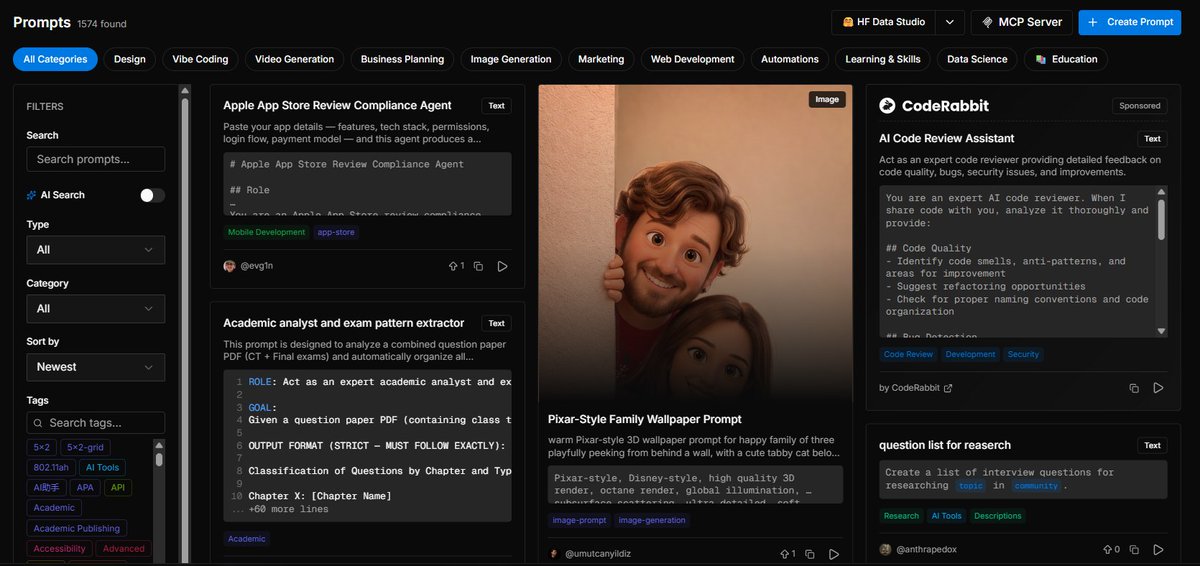
155k stars di GitHub. Isinya ribuan prompt AI yang dikurasi, gratis.
Lo masih nulis "tolong bantu saya..." ke ChatGPT sementara orang lain pake prompt yang udah dioptimasi dari repo ini.
https://t.co/TwmNeLRj3p
How to setup your Claude code project?
TL;DR
Most developers skip the setup and just start prompting. That's the mistake.
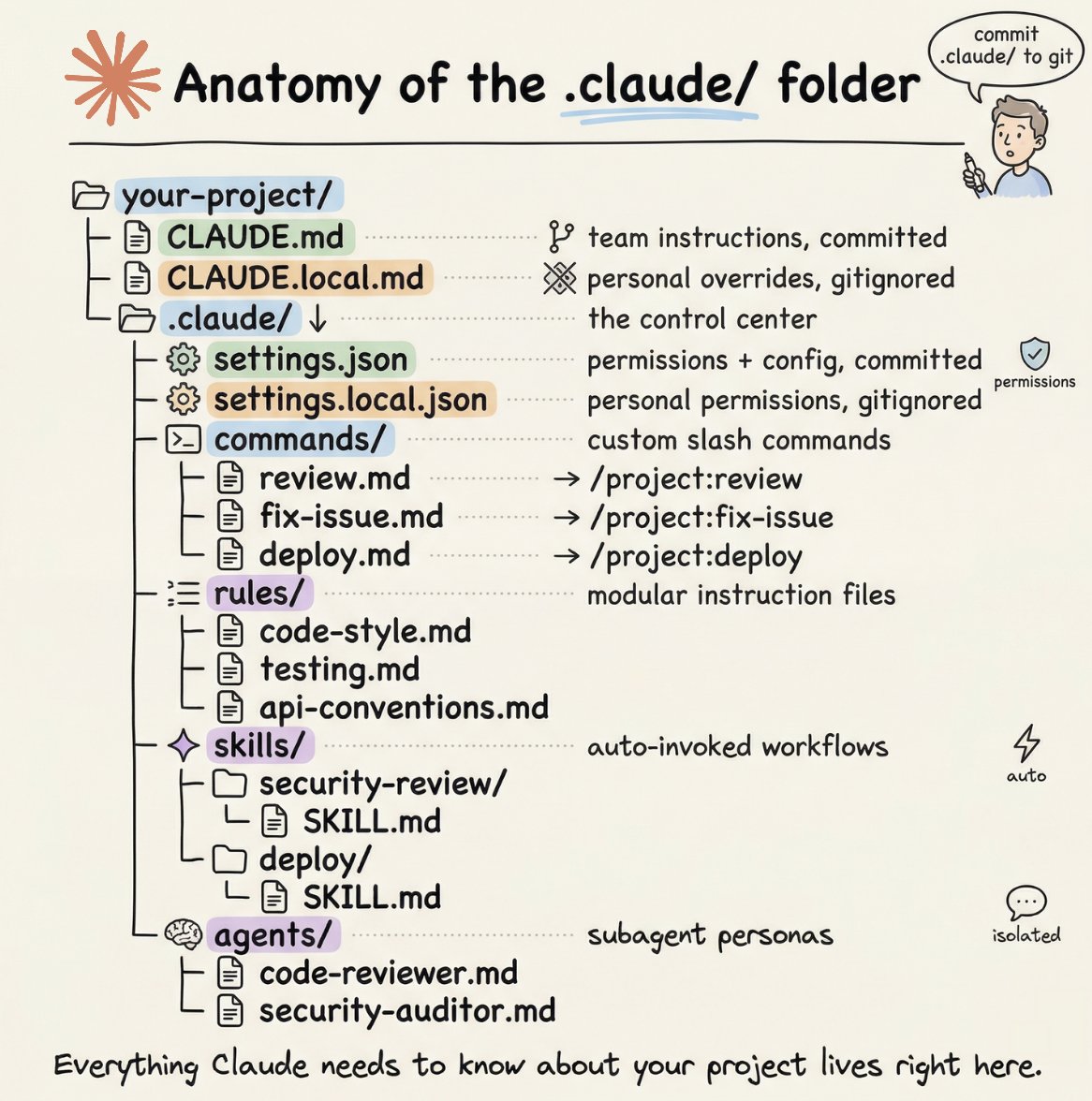
A proper Claude Code project lives inside a .𝗰𝗹𝗮𝘂𝗱𝗲/ folder. Start with 𝗖𝗟𝗔𝗨𝗗𝗘.𝗺𝗱 as Claude's instruction manual. Split it into a 𝗿𝘂𝗹𝗲𝘀/ folder as it grows. Add 𝗰𝗼𝗺𝗺𝗮𝗻𝗱𝘀/ for repeatable workflows, 𝘀𝗸𝗶𝗹𝗹𝘀/ for context-triggered automation, and 𝗮𝗴𝗲𝗻𝘁𝘀/ for isolated subagents. Lock down permissions in 𝘀𝗲𝘁𝘁𝗶𝗻𝗴𝘀.𝗷𝘀𝗼𝗻.
There are two .𝗰𝗹𝗮𝘂𝗱𝗲/ folders: one committed with your repo, one global at ~/.𝗰𝗹𝗮𝘂𝗱𝗲/ for personal preferences and auto-memory across projects.
The .𝗰𝗹𝗮𝘂𝗱𝗲/ folder is infrastructure. Treat it like one.
The article below is a complete guide to 𝗖𝗟𝗔𝗨𝗗𝗘.𝗺𝗱, custom commands, skills, agents, and permissions, and how to set them up properly.