@wimdows@GitKraken Hi @wimdows, if you're using GitKraken Desktop you can go to Preferences > GitKraken AI and set your own API key to make AI requests.
@domesticcadiz@GitKraken Hi @domesticcadiz can you please provide more information about the issues you're experiencing with the graph so we can troubleshoot?
Feel free to open an issue with more detail (images and videos are helpful too) and we'll take a look. Thanks!
https://t.co/Q5A3z13Mpa
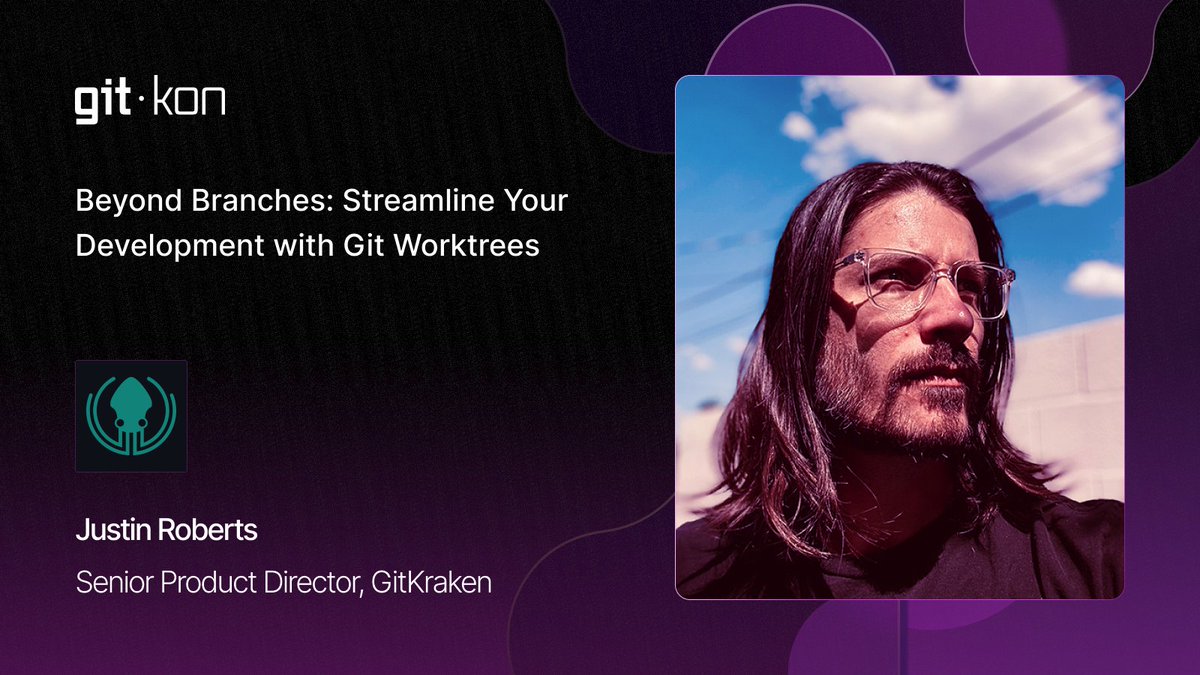
Day 2 of #GitKon2024 just started! I'm excited to represent @GitKraken and share how you can leverage Git Worktrees to multi-thread development workflows. Don’t miss other sessions on DevEx, AI tools, and the future of development. Watch at https://t.co/ERbmdncUW7 - it's free!
@BuzzEins@GitKraken@jetbrains What integrations between Jetbrains and GitKraken products would be most helpful to you? Where do you see the best opportunities for synergy between them?
The next #UnhandledException podcast episode is now out! I was joined by @roarked and @eamodio to chat about the @GitKraken git client - including its features, and what it's been like developing a Git client.
We also chatted about the @gitlens vscode extension.
https://t.co/G3X9pJytXG #git #gitkraken
@Malix_off @GitKraken We’re also exploring other use cases for Cloud Patches, like improving conflict resolution by allowing the conflicted state to be packaged, sent to a team mate to be resolved, sent back, and applied by the person looking for assistance. A lot of possibilities.
@Malix_off @GitKraken Cloud Patches provide PR reviewers more flexibility for suggestions while giving PR authors agency to commit what they choose. Ideally though, Cloud Patches facilitate easier collaboration much earlier than the review phase and ultimately decrease review times.
@Malix_off @GitKraken @Malix_off In your GitHub actions workflow, are you opening draft PRs as soon as you start development and using them for testing, or are you testing locally during development and then opening a PR to run final tests and deployments?
🥁 Drum roll, please... 🥁
Our special guest speaker at #GitKon is none other than the legendary Sean Astin!
Known for iconic roles like Mikey in The Goonies, Rudy in Rudy, and Samwise Gamgee in #LOTR. Don't miss GitKon: The Fellowship of Code! ✨
Register at https://t.co/EuCmRirEZk today! 🚀
Announcing Founder & CTO of @HubSpot, and author of https://t.co/s7x1ho77XV, @dharmesh as a featured speaker at #GitKon 2023!🎉
Pre-register now to save your seat to 👀 Dharmesh ➕ get entered for a chance to win an epic #developer prize pack 🎁
#DevConference#Software
@whoisgraham@GitKraken Recent updates to the GitKraken UI and theme system in v9.0 make this possible with a custom theme. I'd love to see someone try and re-create this style and share the theme in this public repo!
https://t.co/w5MHdKh9M4
@eneko@git_fork@GitKraken Only for files currently. How would you expect to view the history of changes to all files in a folder? Would this essentially be a list of commits filtered by a set of of files within a folder? Any examples you can share?
📢@gitlens for @code just passed 💥20 Million Installs💥
Thank you to users around the world and congratulations to GitLens creator, @eamodio, and the GitLens team! 👏👏👏
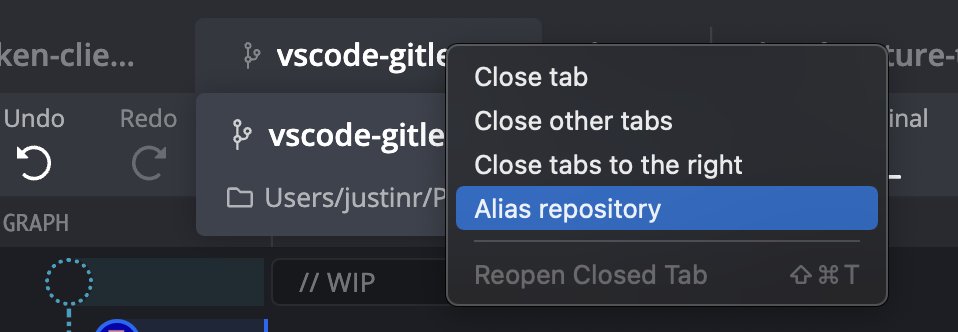
@kiliman@GitKraken Another fast way to navigate repos from the keyboard is Cmd+Shift+O to open the Command Palette to the "Open Repo" search.
The Command Palette in general (Cmd+Shift+P) is a good way to navigate GitKraken and perform operations from the keyboard.
@TheAnarchoX@GitKraken You could change the root "blue" color to something other than blue, but ideally there should be a variable for focused borders that could be used here.
We are continuing to refine themes so I'll add this to the list of things we can improve.