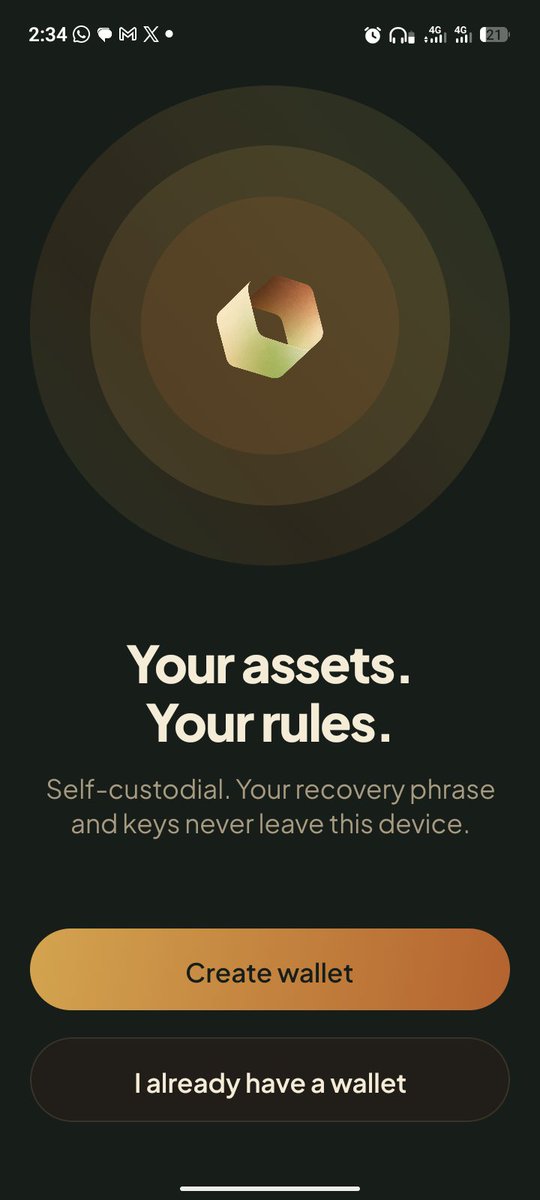
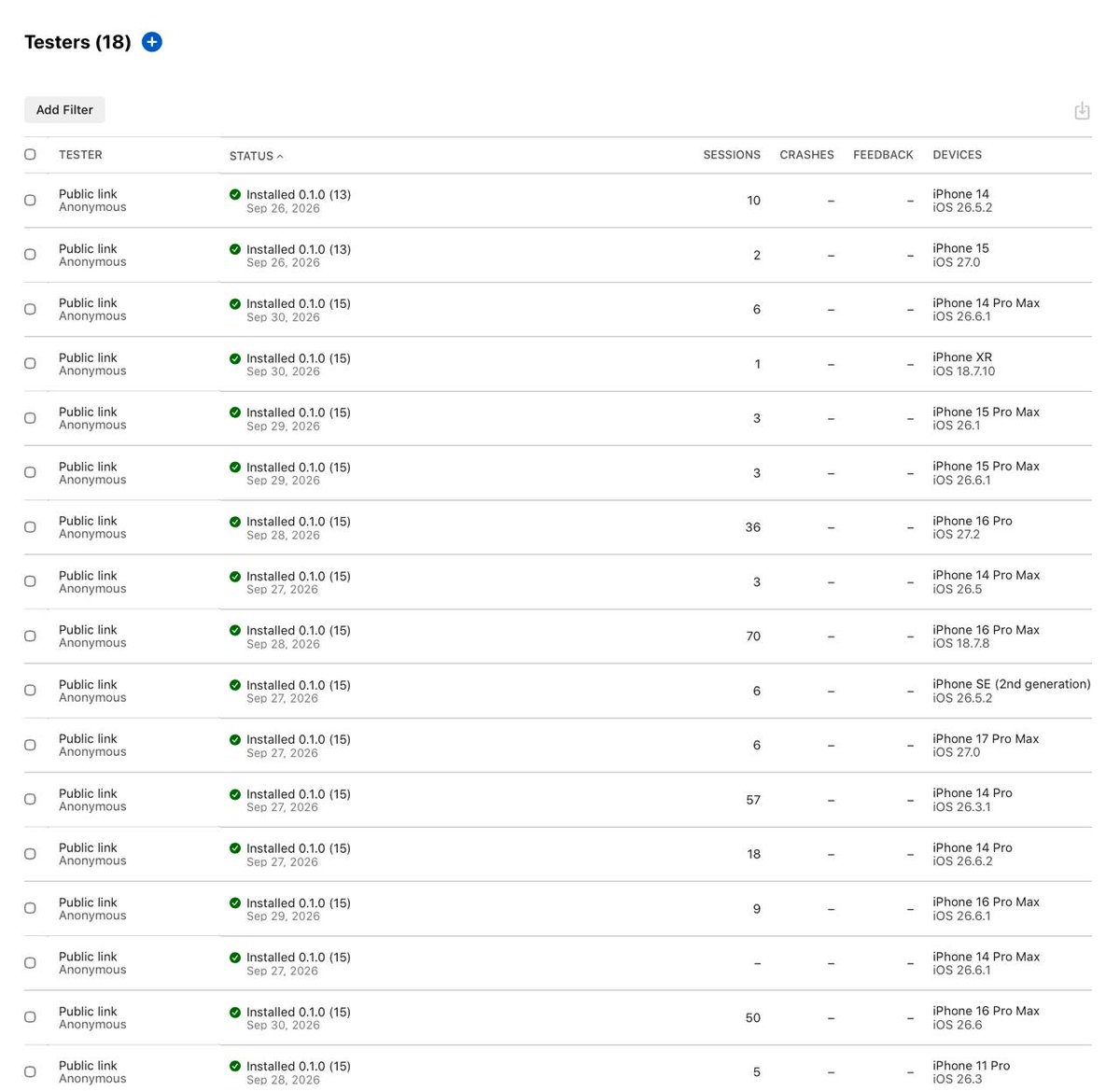
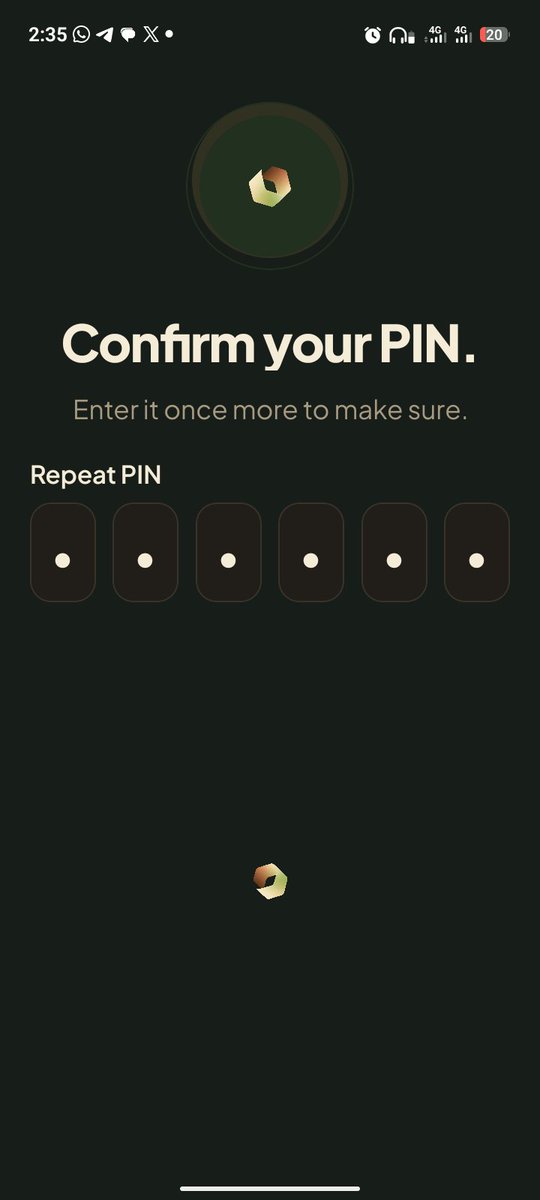
We are pleased to announce that our ios closed beta has successfully onboarded its initial cohort of 18 testers, with active validation currently underway as we prepare for subsequent phase rollouts
Tera Business now has payment links.
Pick an amount in dollars, add a note like "Invoice #104", and Tera gives you a link. Send it to your client however you like.
They open it in Tera and see who's asking. That's your verified business email if you've linked one, otherwise a clear "Unverified merchant" warning with your full address. The amount and payee are fixed, so nothing can be edited on their side.
They review and sign, and you receive exactly that amount in USDG on Robinhood Chain. Short on dollars? They can top up from ETH first, as a separate swap they sign themselves.
A link is never marked paid just because someone says so. Tera reads the payment from the chain first: it has to succeed, be the exact amount in USDG, go to your wallet, and not have paid another link already.
Your links show as Waiting, Paid or Cancelled, with who paid and a link to the transaction.
Spending controls are next.
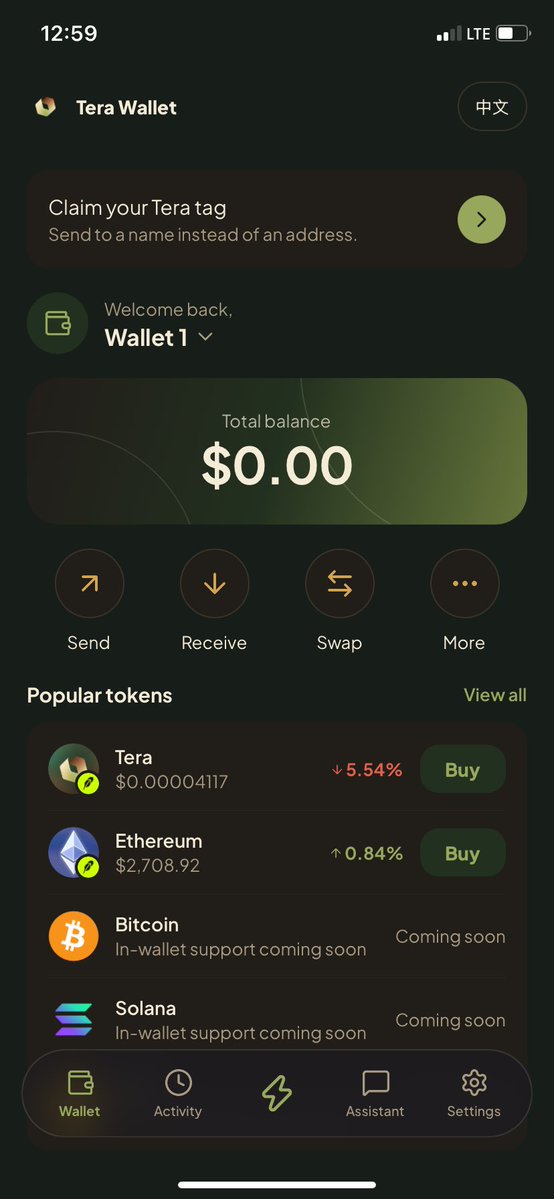
Testing the iOS beta of @TeraWalletRH has been a smooth experience.
✓ Fluid onboarding/setup
✓ Intuitive wallet navigation
✓ Clean, visually appealing UI
✓ Responsive interface
✓ Seamless transitions
✓ No noticeable lag
The UI/UX team clearly paid close attention to detail. Solid frontend experience so far.
Yooo hooo, I am one of the first users of the Terra Wallet.
I told you this team is building something very unique, you can check out $TERRA and probably get a bag.
@TeraWalletRH
Tera Business team treasuries now run on your rules.
Choose how many approvals a payment needs, whether that's more than half your signers or a fixed number like 2 of 3 or 3 of 3, and changing the rule itself needs your current signers to approve.
A new "Waiting for you" card on your dashboard shows every payment that needs your approval and every one that's ready to send, across all your teams.
The treasury, a Safe on Robinhood Chain, enforces it all: Tera can never move your money.
https://t.co/fzXwQjap9l
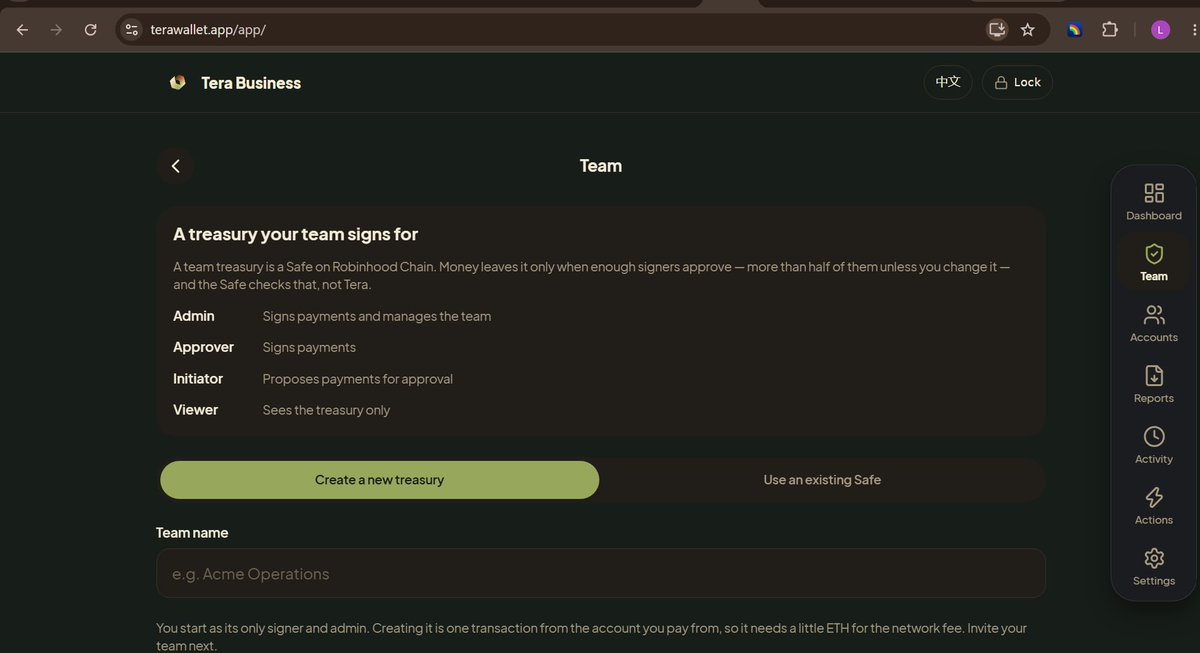
Tera Business now has team treasuries, so your team can run shared money together.
A team treasury is a Safe on Robinhood Chain: one shared account your team controls. Money only leaves when enough of your signers approve. The treasury itself enforces that, not Tera. Tera keeps your member list and the approval queue, and it can never move your money.
Here's how to set one up:
1. Open Tera Business on the web, go to Team, and tap "Create team treasury". You start as its admin and only signer, and creating it costs a small network fee. Already have a Safe? Add it instead.
2. Fund it. Copy the treasury address from the Team screen and send ETH, USDG or any token you hold.
3. Invite your team by wallet address or by business email, and give each person a role:
• Admin: approves payments and manages the team
• Approver: approves payments
• Initiator: proposes payments but can't approve them
• Viewer: sees the balance and the queue, nothing else.
4. They accept the invite the next time they open Tera Business. When someone becomes a signer, your current signers approve adding them, so nobody can take over the treasury alone.
How payments work:
• Anyone with the Initiator role or above proposes a payment: pay to a wallet address or a business email, pick the token, enter an amount, and add a note for the approvers.
• Signers see the full recipient address and amount before they approve. Tera decodes exactly what they're signing.
• By default more than half of your signers must approve: 2 of 3, 3 of 5. Once they have, anyone on the team can tap "Send now".
Changed your mind?
• Withdraw a proposal nobody has approved yet, instantly and for free.
• Reject a payment, and when enough signers agree it's cancelled on-chain without touching anything else in the queue. Every other payment keeps its approvals.
• Team changes are handled safely too. Add or remove a signer and Tera works out the change for where it sits in the queue, and rewrites it if the team changes first.
Everything shows up in your Tera Business dashboard next to your other accounts, and in your CSV and PDF reports.
Your business wallet is still yours: your recovery phrase is the only way back into it, and your email only receives payments.
Try it at https://t.co/fzXwQjap9l → Settings → Switch to Tera Business → Team.
Tera Business is here on the web.
Open Settings → Switch to Tera Business for a separate wallet with its own PIN: a treasury dashboard across all your accounts, watch-only addresses and groups, reports you can export as CSV or PDF, and soon, getting paid at your business email.
https://t.co/bl8DHW3erC
Tera Wallet now runs in your browser.
Same app as mobile: create a wallet, or bring one in with a recovery phrase or a private key.
Add it to your home screen and it installs like an app. Your keys stay on your device, sealed with your PIN.
https://t.co/Z8eqYpTjbk