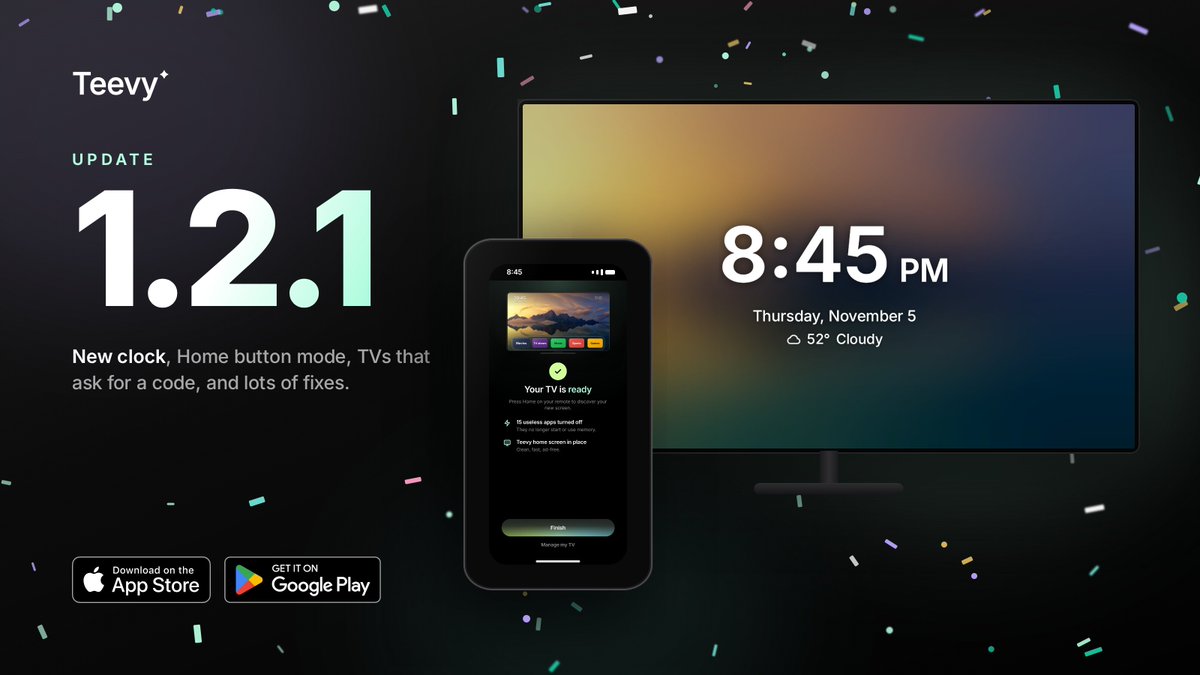
Teevy is live on the App Store 📺
Your Android TV came with dozens of apps you never asked for. Teevy switches them off and gives you a clean, fast home screen, from your iPhone in 2 minutes. Nothing gets deleted.
Android TV · Google TV
https://t.co/RK7uTpaXey
Weekend's here. Before the next binge, give your TV a cleanup.
Open Teevy on your phone, stay on the same Wi-Fi, and choose what to turn off. No computer, no cables.
Android TV & Google TV. Fire TV depends on the model.
https://t.co/QMif2e5Tvd
@ntmgfrvr Pi-hole is a great call!! and on Android TV / Google TV you can also turn off the preinstalled apps you never use, Teevy does it from your phone 🫡 https://t.co/QMif2e5Tvd
@MUO_official Nice read!! and if you'd rather keep your Google TV, you can still calm it down.. Teevy switches off the extra apps and gives you a cleaner home, all from your phone 🫡 https://t.co/QMif2e5Tvd
@JohnnySlammo Not cooked yet boss.. if it's an Android TV / Google TV you can switch off the extra apps + services you never use, Teevy does it right from your phone 🫡 https://t.co/QMif2e5Tvd
Friday movie night and your TV opens on ads?
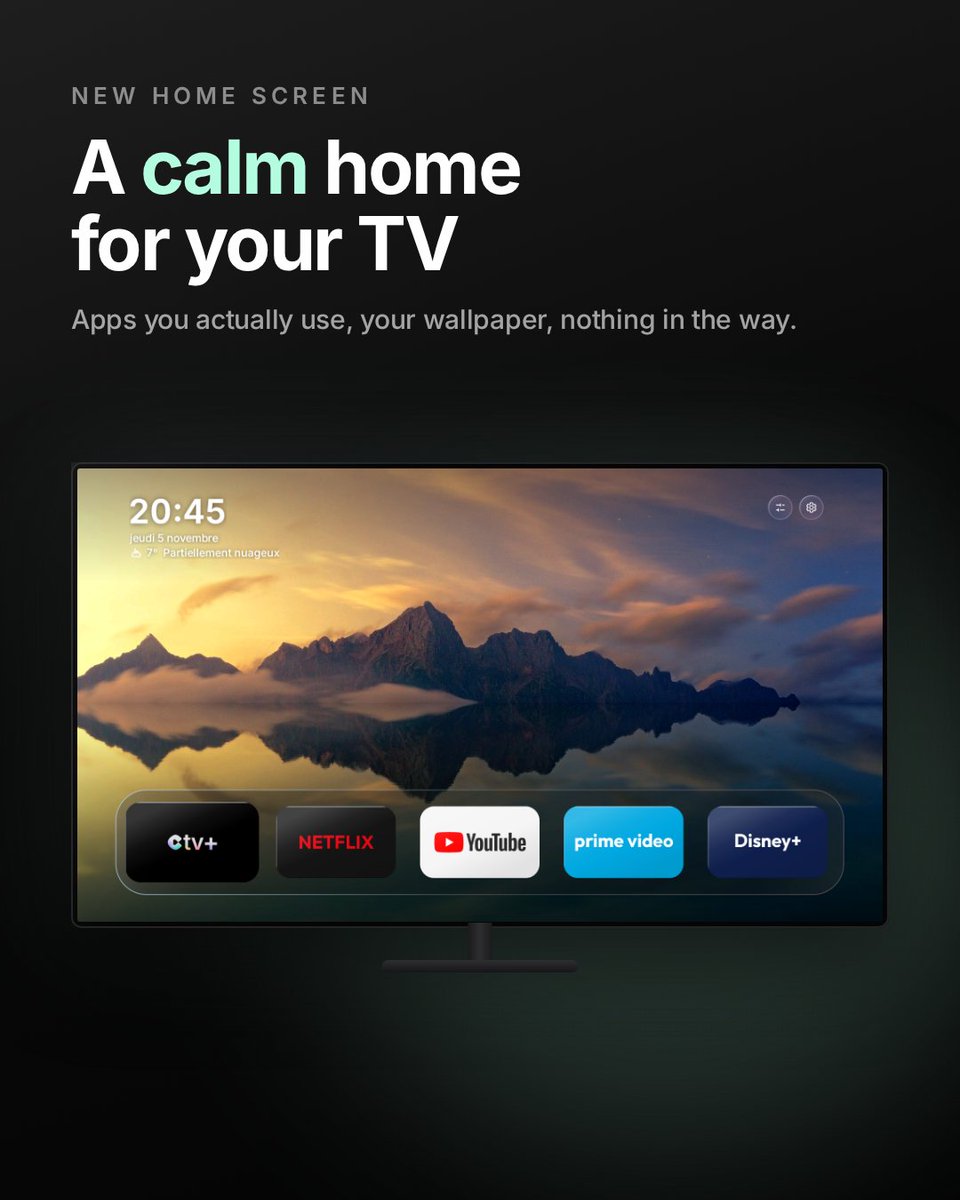
Set up Teevy once from your phone: turn off what you don't use, pick a calm home screen with a big clock, and your remote's Home button lands there.
Android TV & Google TV. Fire TV depends on the model.
https://t.co/QMif2e5Tvd
@VujuOnX Worth checking for sure.. if your TV runs Android TV / Google TV, Teevy lets you turn off the extra apps and services right from your phone 🫡 https://t.co/QMif2e5Tvd
@stpete69 Good reminder boss!! on Android TV / Google TV you can also switch off the extra apps + services you never use, Teevy does it from your phone 🫡 https://t.co/QMif2e5Tvd
@Voidman_reality Nice!! the speed boost after a debloat is real.. and for anyone who'd rather skip the computer part, Teevy does the cleanup straight from the phone 🫡 https://t.co/QMif2e5Tvd
A Teevy user sent us this photo of their TV (translated from French):
"Perfect, it works"
Clock, their wallpaper, their own apps up front. No sponsored rows in the way.
Android TV & Google TV, set up from your phone → https://t.co/QMif2e5Tvd
@SinisterX010 Super clean setup boss!! for anyone who wants a tidier TV without the hassle, Teevy cleans up Android TV / Google TV + sets a cleaner home from the phone 🫡 https://t.co/QMif2e5Tvd
@extraa2AB@claudeai Smooth!! and if you ever want to redo it without the computer, Teevy does the cleanup + a cleaner home straight from the phone 🫡 https://t.co/QMif2e5Tvd
Which TVs can Teevy clean up?
✅ Android TV & Google TV: Sony, TCL, Philips, Hisense, Xiaomi, Chromecast with Google TV, Shield…
⚠️ Fire TV: depends on the model
❌ Samsung, LG, Roku (not Android)
Check your exact model → https://t.co/QMif2e5Tvd
Cleaning up your TV in 3 steps:
1. Open Teevy on your phone
2. Connect to your Android TV / Google TV (same Wi-Fi)
3. Pick what to turn off, then choose your new home screen
No computer, no cables, no command line.
Fire TV depends on the model.
https://t.co/QMif2e5Tvd
Your TV asks for a code when you connect? That's handled.
Since Teevy 1.2.1, TVs that show a pairing code work too: type it in on your phone and keep going.
Android TV & Google TV. Fire TV depends on the model.
On the App Store & Google Play → https://t.co/QMif2e5Tvd
@jorgerebollo_ia Buena guía!! y para quien no tenga ordenador ni Claude Code, Teevy hace la limpieza y pone un inicio más limpio desde el móvil 🫡 https://t.co/QMif2e5Tvd