DocManager Pro 1.1.5 is out ✨
Filter open docs by orientation, dimensions, resolution, color mode & more. Clearer session access when the panel is empty, plus thumbnail fixes.
Still hunting through open document tabs in Photoshop?
DocManager Pro 1.1.3 adds filter by name in the panel header search bar: type a few characters and the list narrows to matching filenames.
Full context in the 1.1.3 release notes: https://t.co/zXWi8Lus6c
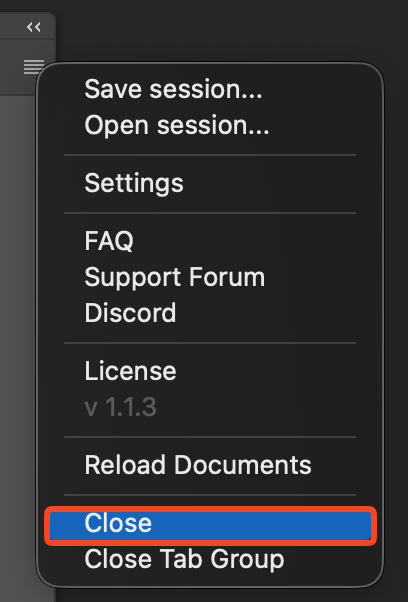
@notfollow Thanks for the report. I'm working on a fix. Should be ready tomorrow. In the meantime you can simply close the plugin panel and you will not see the error.
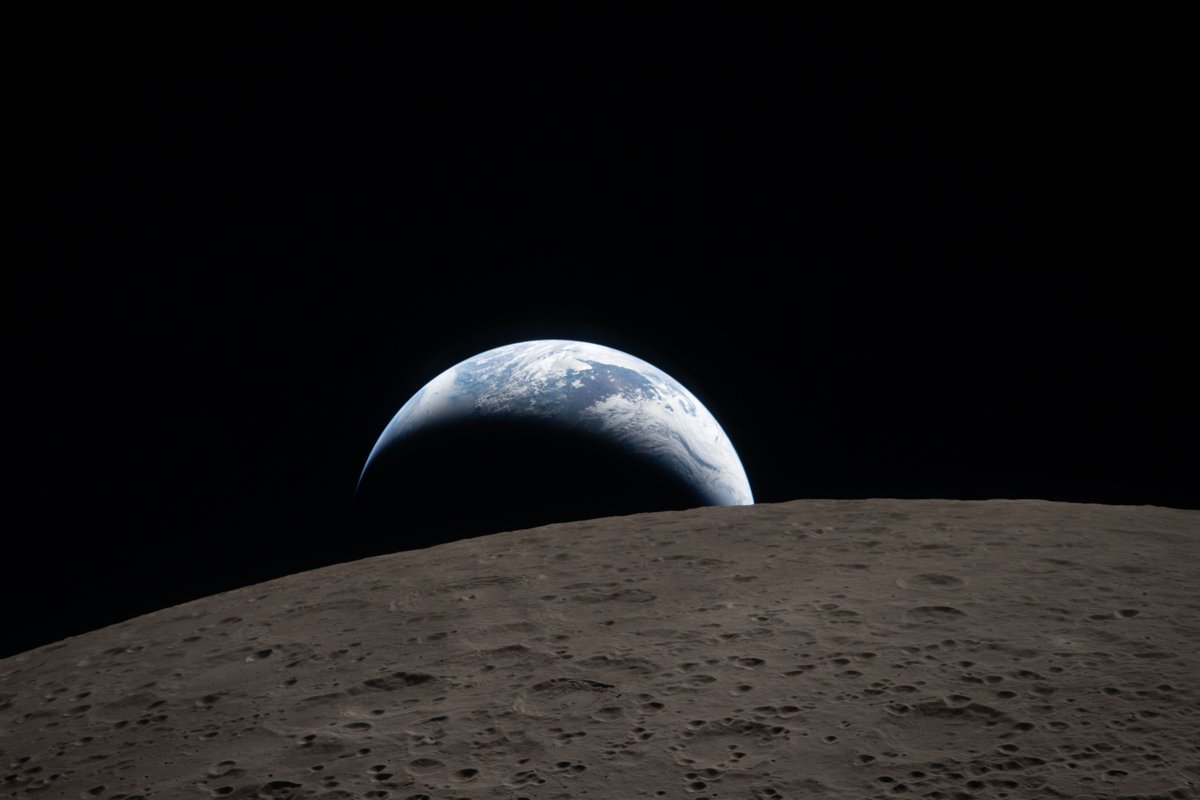
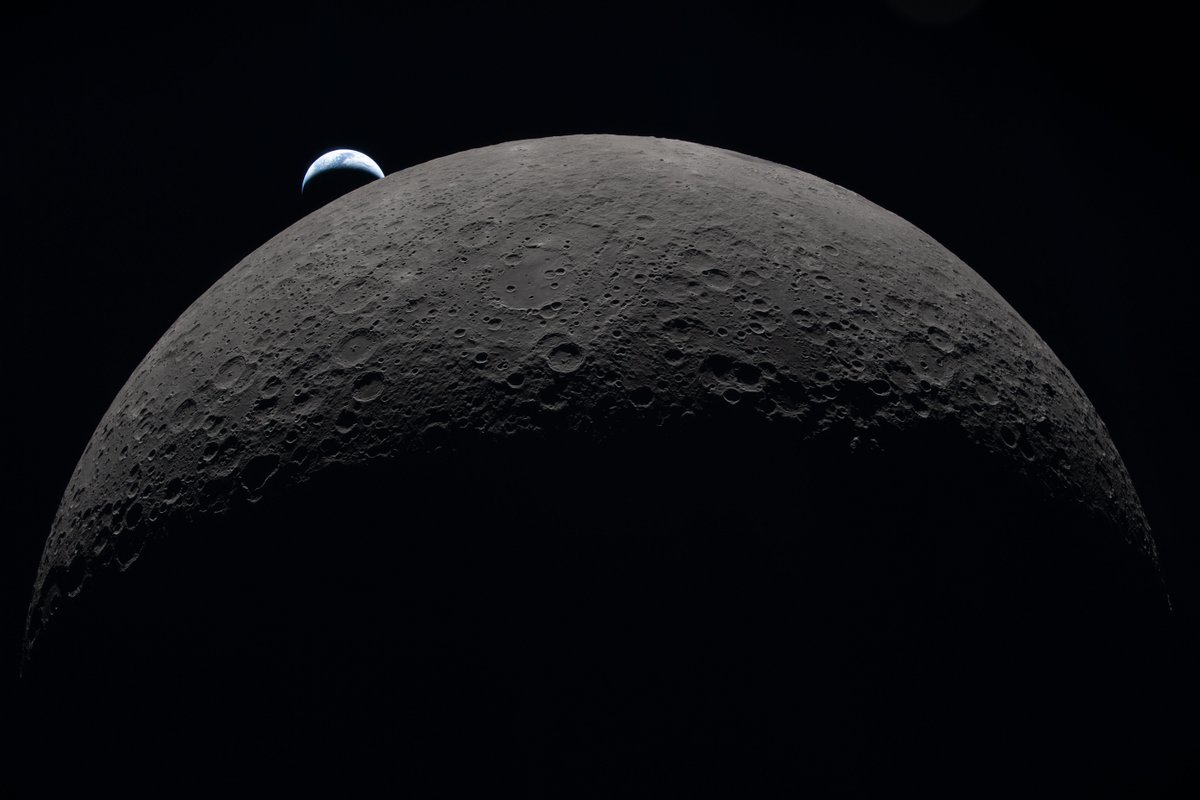
Hello, Moon. It’s great to be back.
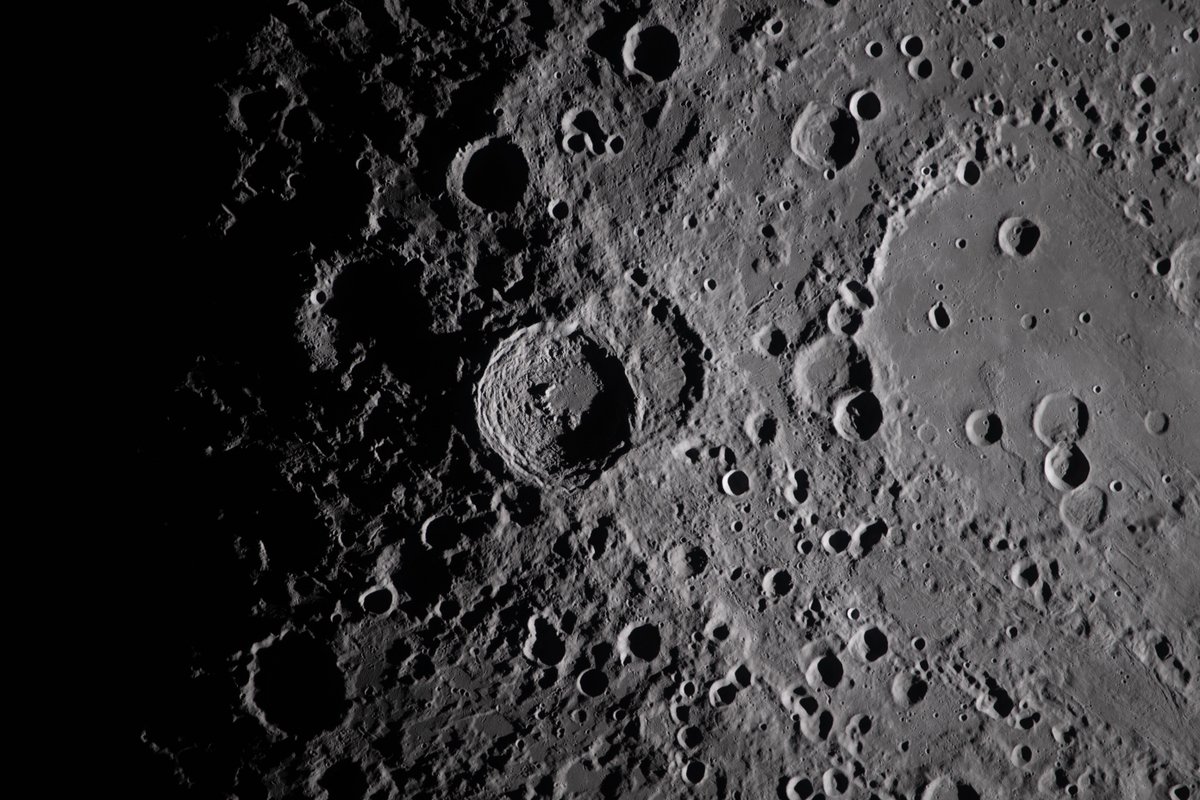
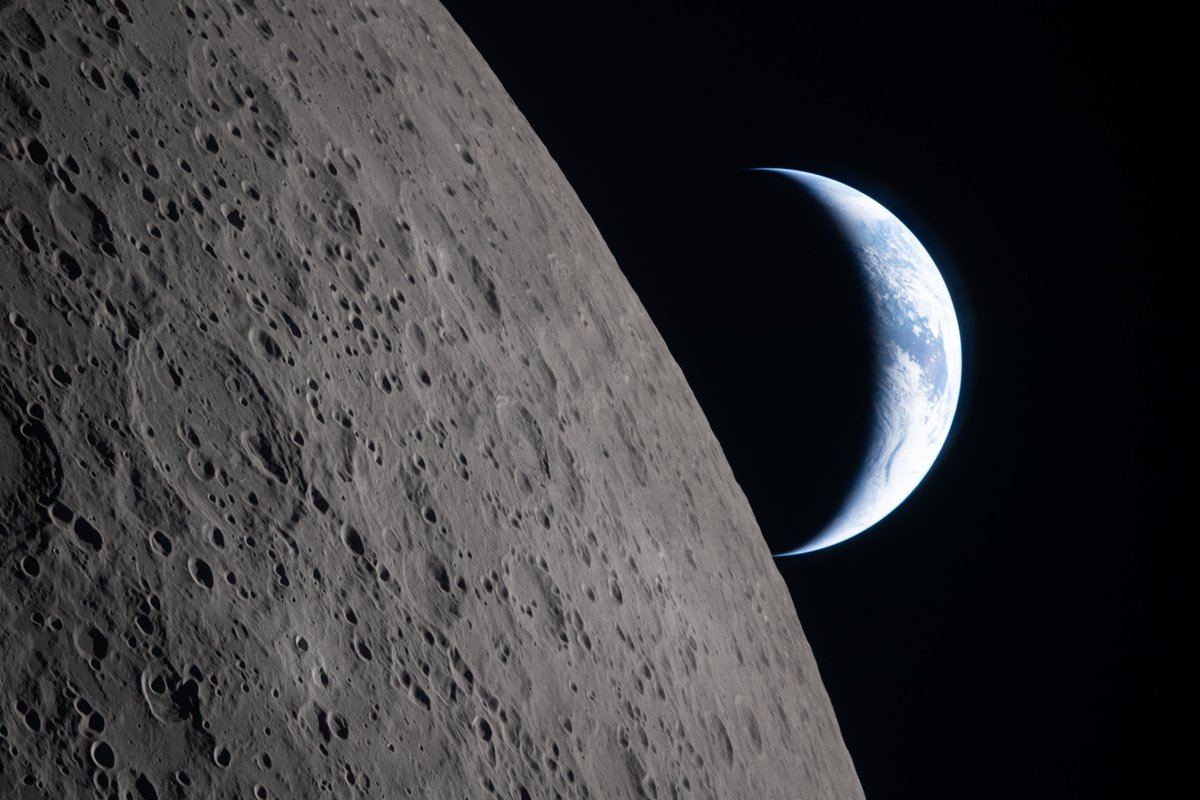
Here’s a taste of what the Artemis II astronauts photographed during their flight around the Moon. Check out more photos from the mission: https://t.co/rzM1P0QbOl
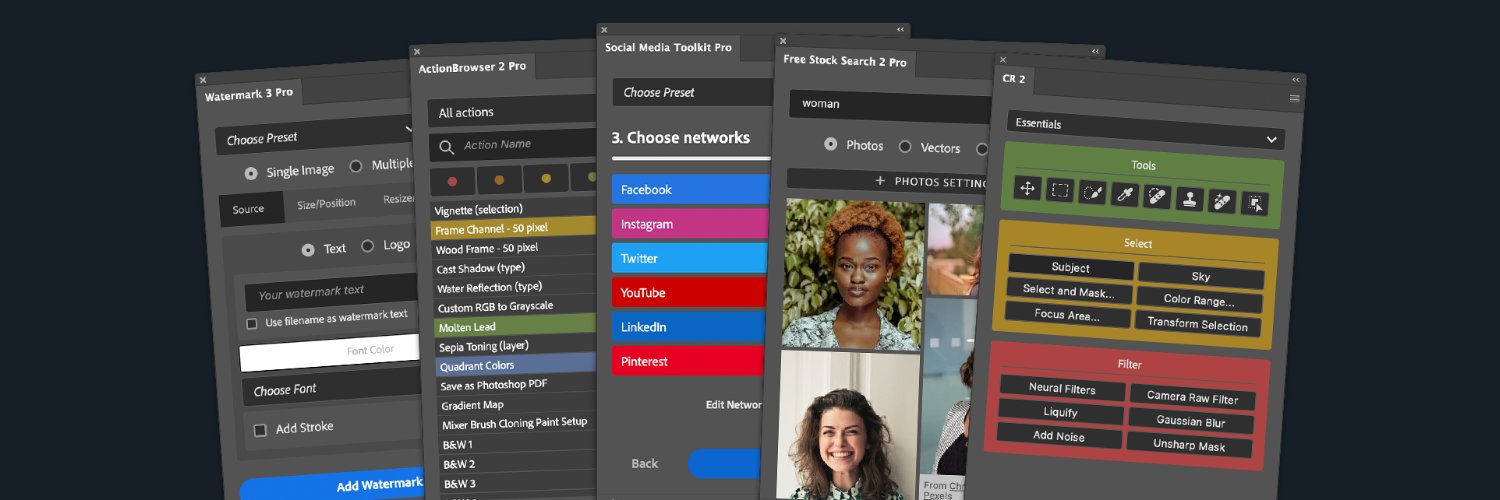
Configurator Reloaded 2.2.3 with one of the most requested features is finally here: Now, you can control button rows.
Plus, check out new Workflow Scripts: Dodge & Burn (Gray Layer), Dodge & Burn (Curves), and High Pass Sharpening.
More details: https://t.co/s5aZpyCtW4
DocManager 1.1.2 is here!
🎉 Enjoy stable thumbnails while editing, new preview options, and a fix for the 'No open documents' bug.
Read more: https://t.co/vQahyUfkE7
Same task. Two workflows.
Finding the right document in Photoshop when you have many files open can be surprisingly slow.
Here’s the difference between switching tabs vs using DocManager.
Moving a layer between Photoshop documents.
⏱ Normal Photoshop: 6.2s
⚡ With DocManager: 1.2s
That’s 5× faster. When you work with many open PSDs, these seconds add up quickly.
I built DocManager to make this easier.
@notfollow I see. There’s probably no way to completely avoid it, since every thumbnail regeneration causes a flicker. Maybe reducing the number of regenerations could help. I’ll test that. Thanks for your feedback.
@Pinsky What bothers me the most is that the UI is not consistent. Some new features are designed with Adobe Spectrum, others are not and others are a mix of old and new.