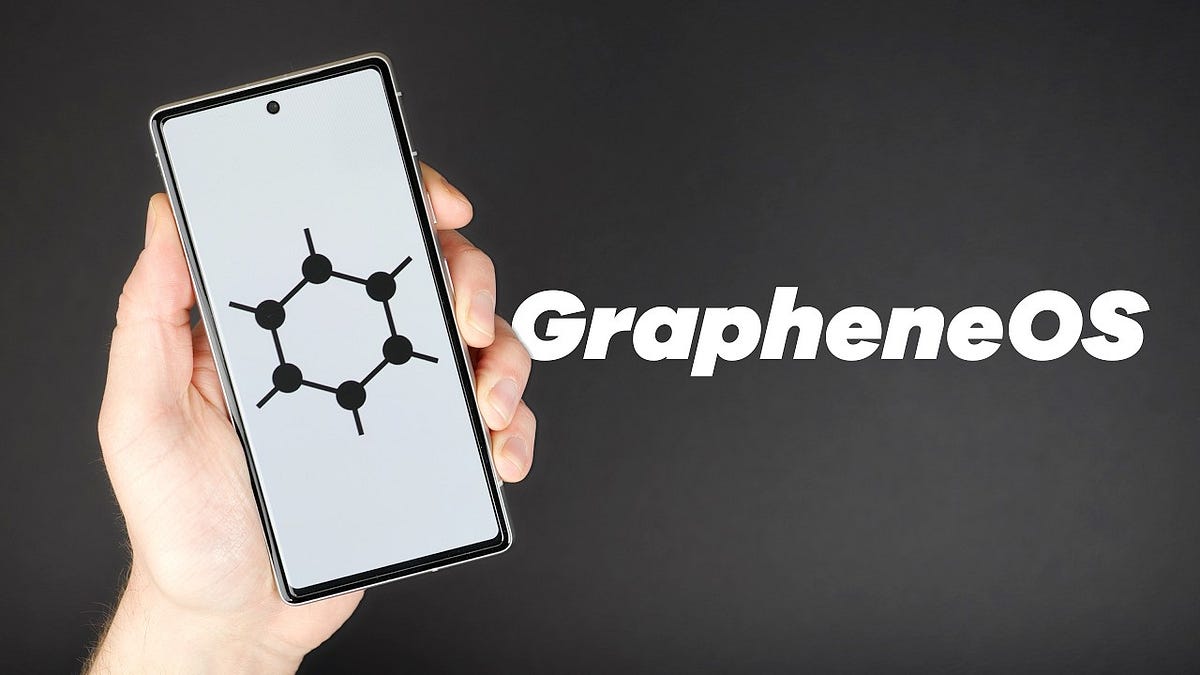
I switched to @GrapheneOS 4 years ago.
Zero Google. Zero tracking. Zero regrets.
What you get:
- Disk encryption
- Memory hardening
- Network controls
- Duress PIN that wipes everything
It's free. It's easy. It changed how I think about phones.
Still on stock Android? Why?
@BTCtoOblivion In the past I'd have probably spent time explaining to you why your arguments are pure bullshit. Luckily, a famous Italian quote fits your opinion perfectly: "i coglioni vanno inculati".
Have fun studying it :)
@Rajatsoni Have you figured out why it’s been free falling since core v30 yet? I’ll give you a hint, it’s a lot deeper than just “spam”.
BTC has no legitimate reason to go back up this time.
You should a least stop giving advice when you don’t understand what you’re talking about.
@GianlucaLilla You can exceed 30 tok/s with shitty models, sorry, but the minimum baseline rn is 2 3090s, still veeeery far from even a decent setup...
@Ra_The_Return Nah, it's just cheap.
1. With a $200 plan, it's super easy to earn that back.
2. You pay $200, but for Anthropic, there are at least $2k in expenses.
@onlyTatsugiri@obscuravpn How did you measure battery consumption? If you did it from Settings > Battery, sometimes it's bugged.
Try rebooting the phone, fully charging it, letting it discharge, and then checking again.
I really love @obscuravpn , so I built my own Android client for it.
How Obscura works, in short: your traffic goes through two hops run by two different companies. The first hop is an Obscura relay. It sees your IP but can't read your traffic, because your WireGuard tunnel is encrypted all the way to the second hop. The second hop is a Mullvad exit. It sees where your traffic goes, but only ever sees Obscura's IP, never yours. Neither company gets both pieces.
I love the model, but the official Android app was slow on my phone. So I wrote Ombra, an unofficial client: a native Android app on top of Obscura's open-source Rust core, plus a pile of my own patches. It's out now, Android only.
Numbers on my Pixel 9 Pro XL, same entry relay, home Wi-Fi (rough estimates):
- Download: from ~30 to ~270 Mbit/s
- Upload: from ~85 to ~240 Mbit/s
- Ping while uploading: from 110-250 ms to ~50 ms
- CPU time per GB downloaded: from ~300 s to ~25 s
Most of the speed comes from how the Rust core handles packets. Writes to the VPN interface now run on their own thread, packets stay on one CPU core instead of bouncing around, and QUIC is tuned for a tunnel, with fewer ACKs and a fixed packet size so nothing gets split in two. Padding got cheaper too: small packets share one padded packet, about 10x less upload.
More control than the official app:
- Pick the entry relay and the exit by country, city or server, or let it choose the fastest, and pin favourites
- Three protocols: Stealth (WireGuard inside QUIC), Speed (plain WireGuard over UDP, for networks that don't block it) and TCP/TLS
- DNS content blocking, custom DNS, split tunnelling, local network access
- Quick Settings tile
Privacy:
- The app ships without analytics, crash reporting, Google Play Services or third-party SDKs. Only the Rust core talks to Obscura.
- Your WireGuard key and your account details are encrypted with an Android Keystore key.
- Key rotation every 30 days, every day or at every connect. The original core only checked the key age when the tunnel stopped, and an always-on VPN almost never stops.
- No log files unless you turn on diagnostics.
GPL-3.0, Android 16+ (arm64). Ombra is not made by Obscura.
@YuurinB Yes, this tool is a lifesaver on Windows. On macOS and Linux, it offers very few patches, mostly for security hardening and privacy. But on Windows, it’s a must-have tool for the default operating system.
https://t.co/ThML1aIYSa was the best Windows debloat tool for years. Its last release was March 2025.
Since then Microsoft shipped Recall, Click to Do and Copilot everywhere, and a lot of the old patches stopped working or broke after a few updates.
So I forked it and I'm maintaining it: https://t.co/K5gQZHmEyZ
1,300+ patches across Windows, macOS and Linux. Kill telemetry, turn off Recall and Copilot, remove preinstalled apps, block tracking domains through the hosts file, harden UAC and Defender. Every patch explains what it changes and what it can break.
The script is generated in your browser, you read every command and you run it yourself. The site never touches your PC, and there's no account and no cookies.
Start with the Standard preset, it keeps all your apps and services working. Strict goes harder, and manual removals take out real parts of the system (remove the Xbox apps and Game Pass stops working). Anything that lowers security, like disabling Defender, isn't in any preset. Make a restore point first anyway.
Windows is still Windows. It gets lighter and sends way less data to Microsoft, but it won't turn into Linux.
Free and open source. Found a broken patch? Open an issue.
What's the first thing you rip out on a fresh Windows install?
https://t.co/vV2Jjp5Opk