I finally was able to compile and build a real iOS app from Linux, using @bazelbuild and distributed Linux workers.
I used @Dimillian's IceCube app, got Codex to modularize it to allow parallel Swift compile actions, and let it loose on 100s of cheap remote Linux workers!
herdr plugin marketplace is live!
https://t.co/MIEjfv0GZS
if you'd like to share your plugins with other people, all you have to do is add "herdr-plugin" to your github repo's topic list, and it will be automatically added to the website!
Just built automatic MTU sizing for Uncloud's WireGuard mesh so the cross-machine container communication never stalls.
WireGuard sets DF (Don't Fragment) bit on its own (outer) packets so setting the correct MTU on the link is important to avoid weird connectivity issues (smaller packets deliver, larger ones silently drop).
MTU = the biggest packet a link can carry, usually 1500 bytes. Every tunnel steals some of this for its own headers. WireGuard takes 60 bytes over IPv4, 80 over IPv6. So inside a WG tunnel on a 1500 link your real MTU is 1420 (worst case).
That's the correct tunnel size to ensure that everything that fits it gets delivered.
You can still send 1500-byte packets over a 1420 tunnel, and they get fragmented to fit or dropped. TCP can recover via PMTUD (path MTU discovery) but it relies on ICMP which is often blocked.
So you ideally want to right-size the packets routed through the tunnel at the origin. In our case that's the container packets coming from the Docker bridge network.
By default, docker network mtu is 1500. Note that setting a Docker bridge's MTU does nothing to your containers. eth0 inside a container is sized from the network's driver.mtu option. And it's immutable so you need to disconnect/remove all containers and recreate the network to change it.
Uncloud now detects each machine's egress MTU, subtracts WireGuard worst-case 80 bytes, caps at 1500, and floors at 1280 (IPv6 min). Then sets this as the MTU for both the WG tunnels and Docker networks so container traffic fits precisely into the tunnel. There's also a --wg-mtu flag if you want to override.
This is very similar to what Flannel and Cilium do by default: pod MTU = link MTU minus tunnel overhead.
It slightly caps internet egress too but the cost is ~0.15% throughput and ~5.8% more packets. Which is a fair price to make cross-machine traffic correct for both TCP and UDP.
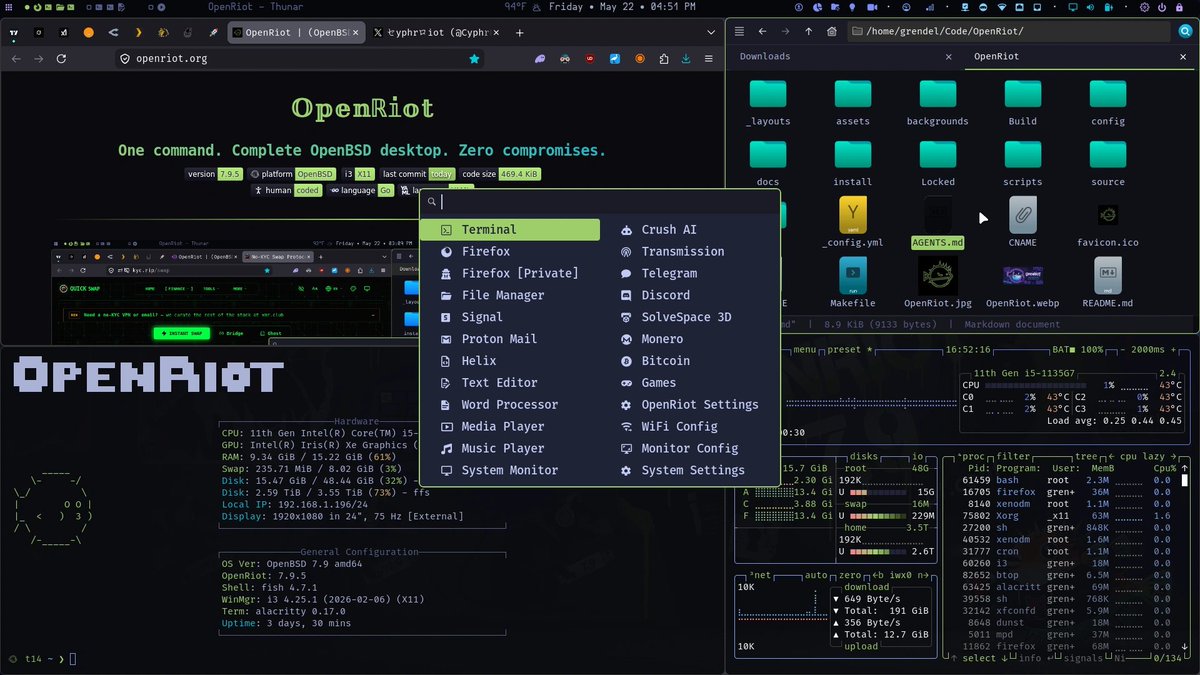
@vermaden Have you seen OpenRiot? https://t.co/tAXPwGj6UC
It's not an Omarchy clone and is a completely different approach, but it's for OpenBSD and it works quite well.
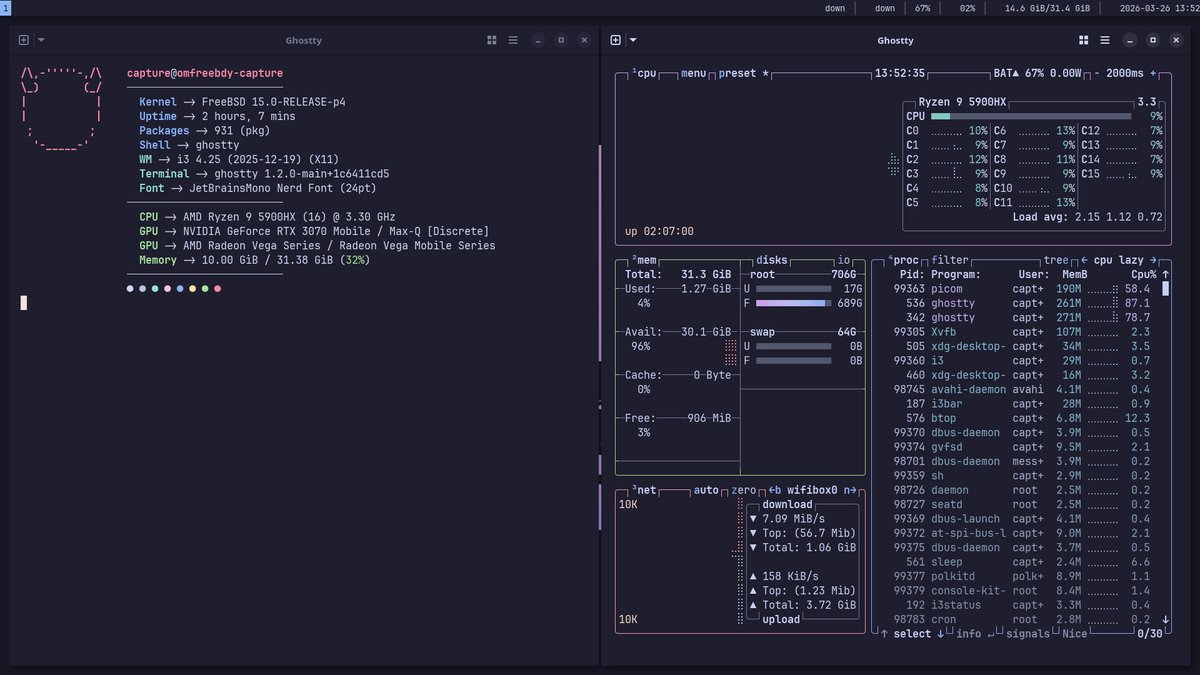
I have seen Omarchy Linux ... but for some reason I missed Omfreebdy FreeBSD based alternative.
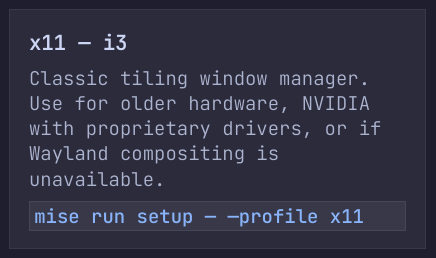
I personally use X11 and prefer it over Wayland - but I now know that Omfreebdy comes with X11 version as well.
Great to see such option available.
https://t.co/fI8TVW39Mq
#freebsd
Surprised by the enormously positive reactions to his task manager, @thomasklemenc decided to release TaskSlinger as a free beta! Go check it out now!
https://t.co/jHNHWSwGro
The OLTP, OLGP, OLAP spectrum:
"Postgres is in the middle as a general-purpose system and there are hardcore OLTP systems out there, like TigerBeetle. TigerBeetle can run so many circles around Postgres in transactions it's insane."
– Prof. Hannes Mühleisen
DuckDB: Quack Remote Protocol
You can use DuckDB between multiple machines out of the box... set up a database on a server and work with or query it remotely from another device.
Just started testing and it's so simple... This seems pretty damn amazing what you get from an OSS
https://t.co/JkydJ9GrJN
Hannes Mühleisen just revealed the Next Big Thing for DuckDB at AI Council 2026: Quack, a protocol that turns DuckDB into a client-server database.
True to DuckDB's philosophy, Quack is simple and fast. You can set it up in seconds and it delivers high-performance remote access, turning DuckDB into a full-fledged general-purpose database system.
We are very excited to see the possibilities Quack will unlock, from serving multiple concurrent writers to creative architectures with several DuckDB processes talking to each other. The ingenuity of our community never ceases to amaze us and we're certain that we'll see many use cases we did not even think of.
For now – follow the link in the thread, give it a spin and let us know what you think. Happy quacking!
Hunk is very good. It has completely replaced any other local diff viewer for me. It looks good, its speedy, good keyboard shortcuts, good mouse support for fallback. Great software @bentlegen. https://t.co/6HH5DPO5mO
Here's my conversation all about @FFmpeg, the legendary open-source software powering most video on the Internet. In the episode, I talk with Jean-Baptiste Kempf and Kieran Kunhya. JB is lead developer of VLC and Kieran is FFmpeg contributor, codec engineer, and the person behind the now-infamous @FFmpeg account on X.
VLC (@videolan), by the way, is also a legendary piece of open-source software: it's a video player that can open basically anything & has been downloaded over 6 billion times.
I think both FFmpeg and VLC are two of the most important and impactful software systems ever created, both open source, and both created & maintained by volunteers: brilliant engineers from all walks of life.
Thank you to everyone who contributed to FFmpeg and VLC, and in general to all engineers giving their heart & soul to building systems used by millions (or billions) of people, and often doing so not for money, status, or fame, but purely for the love of building great software and doing good for the world.
Thank you to the builders! 🙏❤️
Shoutouts in this chat to @ID_AA_Carmack@karpathy@elonmusk@TimSweeneyEpic and everyone who is a contributor & fan of open source!
It's here on X in full and is up everywhere else (see comment).
Timestamps:
0:00 - Episode highlight
2:17 - Introduction
5:35 - Weirdest things VLC opens
9:59 - How video playback works
19:20 - Video codecs and containers
30:07 - FFmpeg explained
51:07 - Linus Torvalds
55:46 - Turning down millions to keep VLC ad-free
1:10:04 - FFmpeg & Google drama
1:29:18 - FFmpeg developers
1:35:55 - VLC and FFmpeg
1:40:29 - History of FFmpeg
1:43:46 - Reverse engineering codecs
1:57:01 - FFmpeg testing
2:01:08 - Assembly code (handwritten)
2:25:26 - Rust programming language
2:34:42 - FFmpeg and Libav fork
2:43:04 - Open source burnout
2:50:51 - x264 and internet video
3:04:07 - Video compression basics
3:11:04 - CIA and fake VLC
3:21:39 - Ultra low latency streaming
3:39:07 - AV2 codec and video patents
3:48:59 - VLC backdoors
3:59:14 - Video archiving
4:05:51 - Future of FFmpeg and VLC
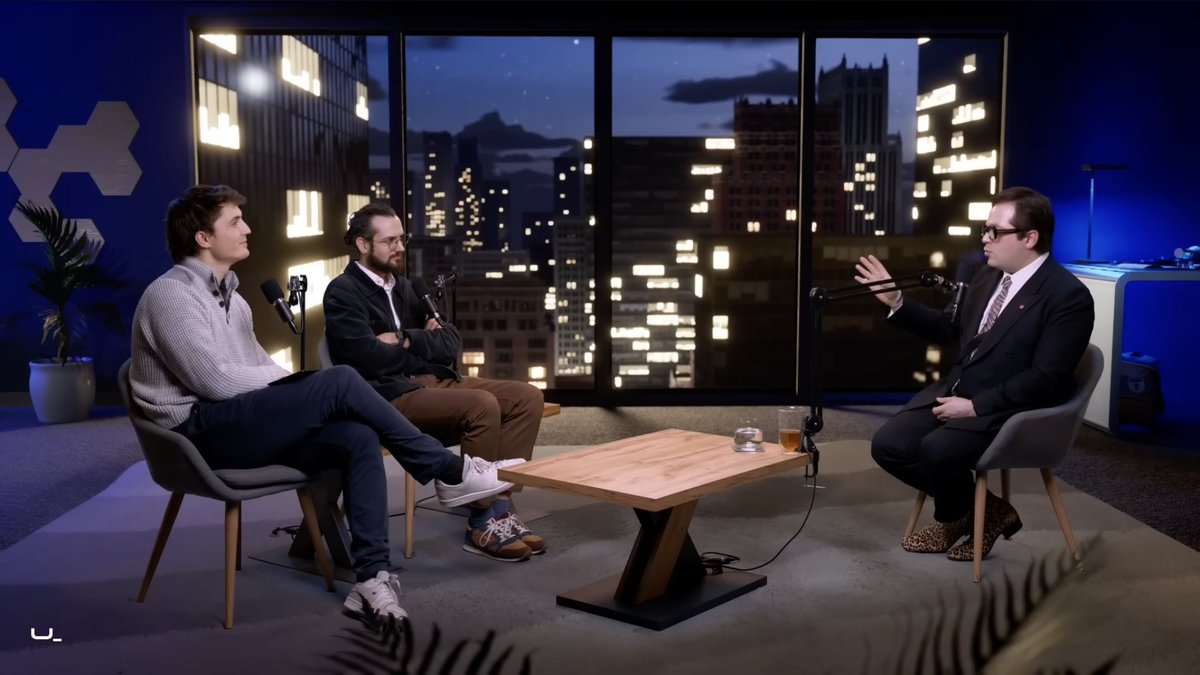
Je retourne dans Underscore_ en live sur Twitch avec @Micode demain à 14h45.
La dernière fois, on avait parlé cloud, souveraineté et dépendance. Il est temps de parler IA, et surtout de ce que ça change vraiment quand tu dois faire tourner une boîte tech avec.
Merci @Micode et @MatthieuLambda pour l’invitation, j’ai hâte d’y être.
Rendez-vous demain 14h45 sur le Twitch de Micode : https://t.co/teQNa0UDwD
Today I found a TUI for managing multiple repos! 💯
🌀 gitpane — Multi-repo Git dashboard for the terminal
🌲 See branches, diffs, commit graph & worktrees across all repos in one view
🦀 Written in Rust & built with @ratatui_rs
⭐ GitHub: https://t.co/gm6hm2u8WM
#rustlang #ratatui #tui #git #vcs #productivity #terminal