@michalmalewicz You can't reliably identify agents, and they don't identify themselves. All the biggest publishers (TIME, CNN, etc.) are easily being scraped past paywalls, robots.txt, server setup, you name it. Feel free to test it here https://t.co/FcrAQaQsqx
Awesome stuff! How did you approach a three-stage transition (A → B (compressed) → C (expanded))? I've found .phaseAnimator unreliable sometimes and ended up using triangular interpolation. But I couldn't really control the easings/springs for the mid stage (B → C) as you only have control over the general 0 → 1 interpolation that drives all the stages
@radcraftor Love the transitions, but not sure about the ux. Doesn’t this introduce the paradox of choice? Ideally, I (a normie user) would want to have a single input — let the system under the hood decide what the right tool would be for each specific query
@pie6k Yay, let’s go! Also, this would probably be the most popular export option. What do you think about having a separate button instead of hiding it in the dropdown?
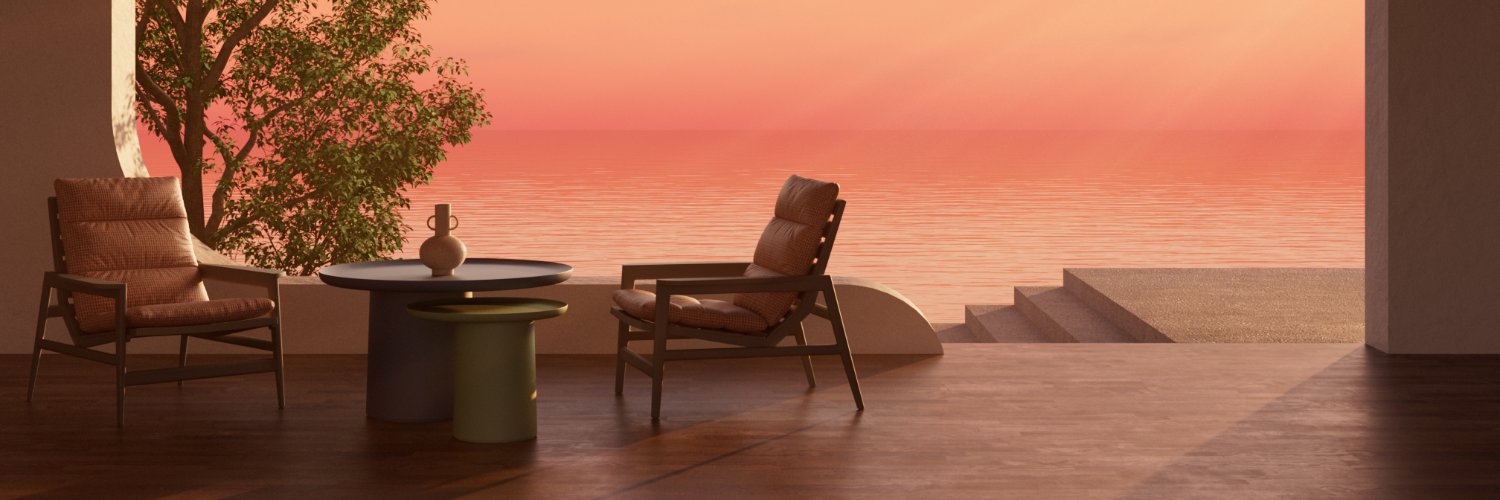
You haven't asked for this, but I made it anyway. Now furnishing your home can be done with ease!
(Of course, we'll conveniently ignore the fact that to "furnish your home with ease" you'd need to have the Vision Pro. Oh, and another small detail — this concept needs to be implemented as well.)
Anyway, I thought this video was the final missing piece in this exploration. Finally, everything has come together.
More than a year ago, I moved to another country. And you know what? Relocating is hard, at least for me. I won't bother you with not-so-exciting stories about doing all the relocation-related paperwork. Instead, I'll tell you about the many headaches I had while furnishing the apartment.
I bet all designers often find themselves creating several different design options. They compare these options and then proceed with the best one. However, it's quite different when purchasing physical objects. The problem is that we can't simply buy five different coffee tables to see which one fits best in our specific living spaces.
Will this carpet complement the sofa? Will this dining table fit in the living room? And will these chairs match that table? All these questions were floating around in my mind while I was watching WWDC23, where the Apple Vision Pro was announced. That's how the idea for the IKEA x Apple Vision Pro concept sparked in my head. I immediately knew what would be my first spatial design exploration.
Apple's original visionOS design kit for Figma hadn't been released when I started working on this. So, I ended up taking hundreds of screenshots from the presentation. I used these screenshots as a reference — I really wanted to nail the "native" look and feel of the app. And I'm pretty proud of how it all turned out. I managed to accidentally confuse many people, who thought this was a real IKEA app for visionOS.
Equipped with tons of screenshots from the presentation, I started... Well, that's a story for another time, as I promised you some behind-the-scenes posts.
———
If you like what you see, please leave a like and share your thoughts in the comments section below. This would help me a lot!
No AI used for content generation purposes.