Yesterday I posted about my local model stack for Hermes, and it was well received. So I thought I’d share some more important details.
All of this is running locally on a single RTX 3090.
And I think this is where the real strength of local LLMs is: the options we have, and the freedom to quickly switch between models depending on the task.
I don’t need one model to be the best at everything. I can use whichever model fits the task best.
Here’s how I’m splitting those models while vibecoding my Three.js game entirely locally:
The first thing I made sure of was to only use Unsloth quants (all of them below are UD). At this point, I just prefer them over standard quants.
1. Gemma4-12B-QAT (Fast AF ⚡️)
Max context, Fully on GPU, F16 KV, Fastest model
This does all the reading and planning. It has the most context in my setup, and the QAT version is more than good enough for these tasks while giving me the best speed.
It can quickly reads code and git diffs, then creates and maintains the planning/progress markdown files.
No actual code writing.
2. Qwen3.6-35B-A3B-UD-Q6 (The underdog 💀)
144K - 164K context, Q8_0 KV, with MoE experts offloaded to RAM (-ncmoe 18 -ngl -1).
This is for the max context coding tasks: refactoring the codebase, reviewing plans, changes spanning many files, and finding annoying bugs.
It’s also faster than the 27B on my 3090.
3. Qwen3.6-27B-Q4/Q5_K_M (community beloved 🥳)
~100K context, fully on GPU, Q8_0 KV.
This is what I use for implementing new features or if any bugs cannot be tracked by 35b.
By the time task gets to the 27B, Gemma has already read everything and written the plan, and the 35B has reviewed and improved it.
The 27B just has to implement it.
The harness is still Pi Coding Agent. I haven’t had to look at anything else for a while now. Really good, really solid.
Everything in this video was vibecoded entirely locally. I started this game on my single RTX 3060 and later moved to my RTX 3090.
I’ve started building an AI-assisted CAD workbench/workflow for engineering and maintenance parts within my workplace.
By trade I'm a maintenance engineer, not into parametric design at all.
Most of my experience is in fault-finding, machinery improvements, maintenance. Plus I’ve never had the time to sit down and properly learn a full mechanical CAD package, even though I’ve wanted to make better use of 3D printing for years.
That is what pushed me towards trying AI-assisted design.
My first approach was using AI with Blender through MCP.
It was... interesting, and it proved that AI could interact with modelling software and create geometry, but it also showed me where that approach starts to break down.
Spent most of my time reinforcing prompts to Deepseek but Claude Sonnet smashed it but more expensive API cost.
Then Blender is great for visual modelling, but it is not built around mechanical design.
The MCP side could also become slow and fragile. The AI had to work through a long chain of modelling actions, and if it misunderstood something early on, the rest of the model could be wrong.
The biggest problem was that a part could look right without actually being right.
Dimensions could be off, features could be in the wrong place, and reproducing the exact same result was not always straightforward.
Instead of asking AI to build the model directly, I’m using it to understand the request and turn it into an engineering spec part.
The CAD side then builds the part using parametric templates.
The current prototype can already generate a few common part types, including mounting plates, spacers, adapter plates and L-brackets.
The next stage is making sure the actual geometry and exported files are verified, rather than just assuming everything is fine because a STEP or STL file was created.
I want to make it easier for someone with practical engineering knowledge to prototype.
Will be updating on my progress here in due time😎
@Tech2Wild I have run into this a few times, for me it seems to be from alot of messages in a session. Starting a new session usually fixes it.
Not sure of a root cause if UI bug or something along those lines...
Whats everyone's setup for building out a 3090 AI rig? Currently thinking of threadripper 9985WX mobo
I will be primarily aiming for the budget king 3090's
It’s wild how differently Codex and Claude Code feel.
Codex is a Stanford engineer: you give it the shape of an idea and it comes back in 5 minutes with a working prototype but with code that feels like it was written 5 red bulls deep at 4 am.
Claude Code is spiritually Eastern European: demands an annoying amount of clarification, goes on vacation for a couple of months, but then delivers something elegant enough to make Knuth cry.
my name is sudo and i'm 26.
i am going to build the biggest data centers in southeast asia. not to go chasing users. because the demand from what i'm building will get so big i'll have no choice but to own the metal myself.
datacenters in southeast asia. then in space. remember the name. sudo.
@ItsmeAjayKV Bambu labs P1S is a steal for the price. There is a Blender MCP that you can prompt to design your object in blender. Export to an STL file your printing in minutes.
Just started with hosting AI locally, thanks to awesome people like @sudoingX , @TheAhmadOsman and many others.
Also started some courses on LLM's to learn more of how they are built and trained.
Can't wait to delve in deeper.
@__AndreaW__ Agreed specialised and local at that speed would go hard!
I have done little heavier coding tasks on them due to being limited currently to 64k context. Its caused looping when that window gets eaten up.
Gemma 4 26B A4B. Initial testing compared to Qwen3.5 27B.
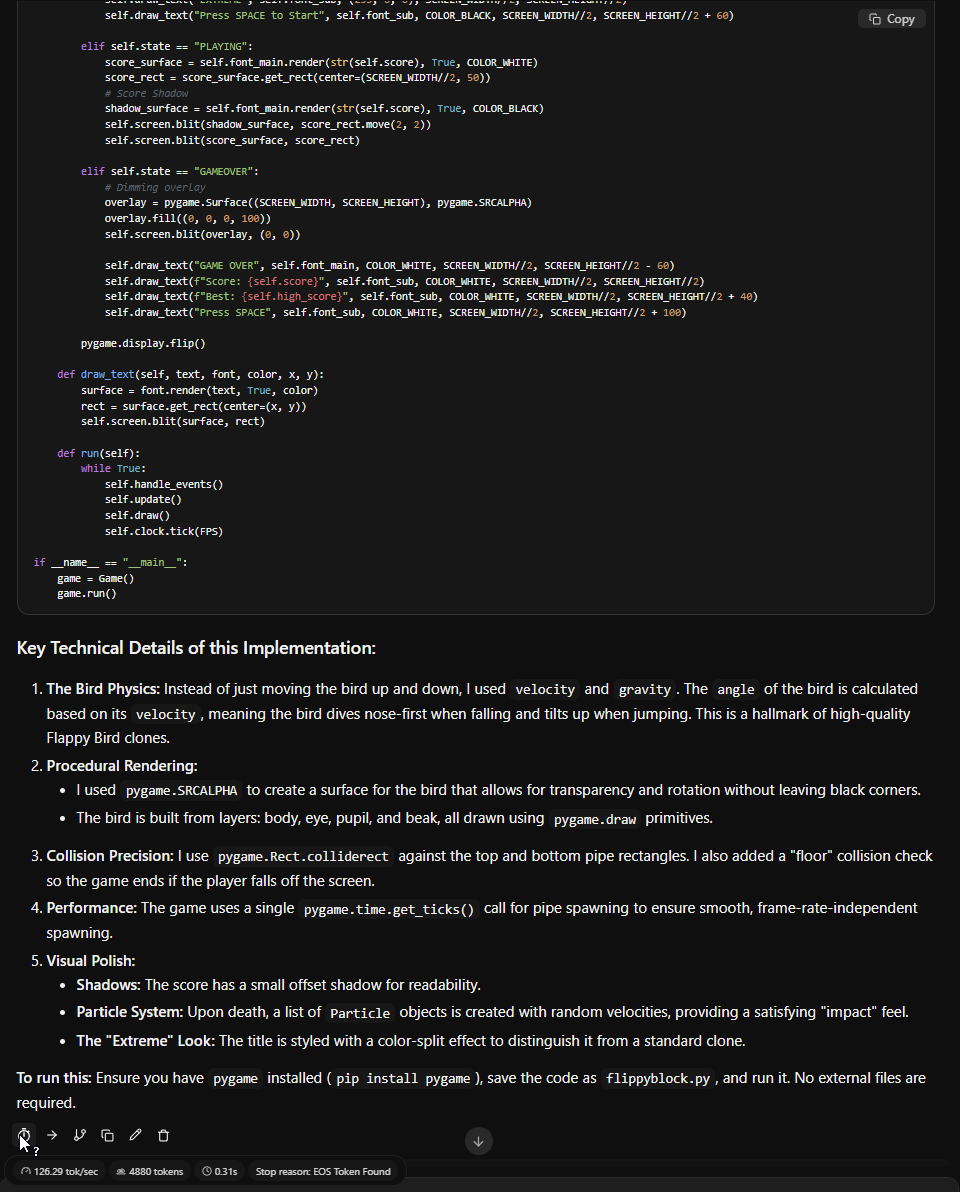
Gemma 4 created a flappy bird mock-up in 31 seconds at 126 tok/s. Simple test extremely fast worked first time.
Qwen 3.5 27B running at 30.27 tok/s, also worked first time but took longer to complete