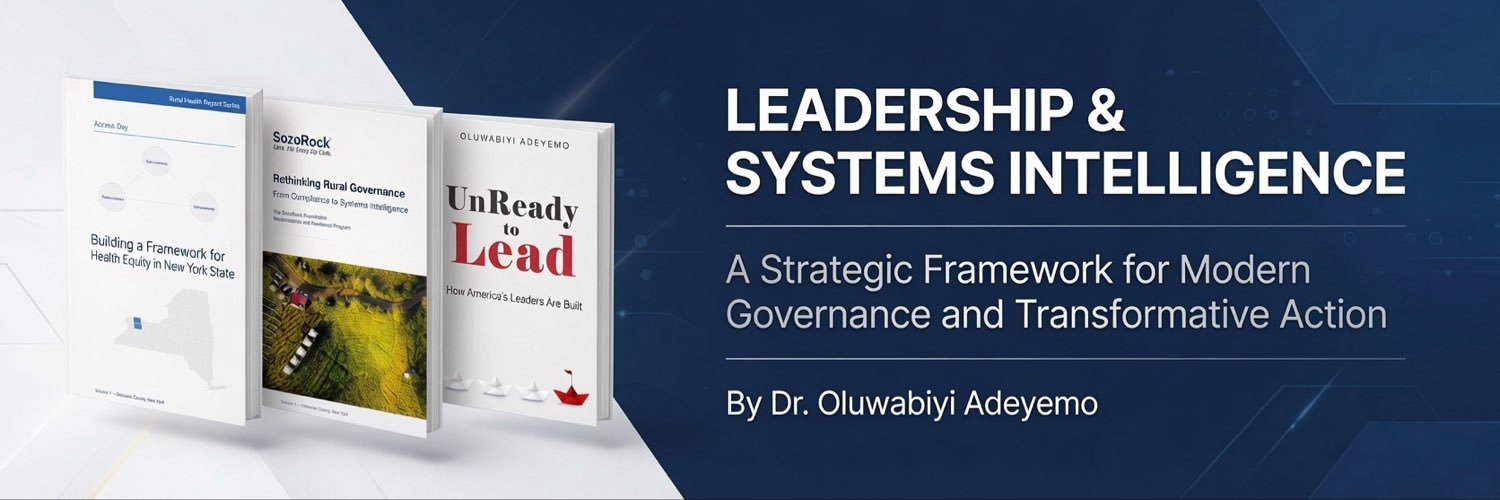
Building better health access where people already are.
SozoRock Health strengthens existing systems with:
• Voice Access
• Library & Community Health Equity Hubs
• County-level intelligence
• Provider-led pathways (BYOP)
Non-clinical. Scalable. Designed for rural and underserved communities.
See the full model: https://t.co/OTc9FhnpK0
#HealthSystemsEquity #RuralHealth
Over the summer, we have been sprinting on safety priorities; it's more important than ever for capabilities and safeguards to advance together. We have more to do but have made a lot of progress. We are also going to be launching our next model soon.
There is an obvious tension here: on one hand, Astra is very good and we are excited to see what people will build with it. We are proud of our work.
On the other hand, we are clearly in a phase of development where we believe caution is warranted, and we are pacing our progress to ensure that we can meet the safety standards required by new capability levels.
Astra has been done training for a while now and is a significant step forward in both capabilities and alignment. For the models after that, we have been slowing things as needed to ensure that we can do sufficient work on safety and alignment.
AI is getting extremely capable; no one fully understands the consequences of this. Managing the transition to a world with abundant and powerful AI to optimize for safety and benefits to people should be one of the highest priorities in the world. It is our highest priority at OpenAI.
We have been living with the tension between being excited and anxious about progress for some time, and it is still discordant for us. We know it is much more discordant for other people. And yet, we believe strongly that the world needs to understand where AI is going and how models perform in the real world. More importantly, we believe the world will need aligned AI to manage the future phases of this transition.
An iterative loop where society and this technology evolve together is what will lead to the highest chance of getting this right.
So we hope you enjoy our new model, and we hope the world continues to take what’s happening in AI extremely seriously.
As we prepare to release Astra, we’re focused on making increasingly capable AI safe and broadly accessible.
Astra represents a significant advance in cybersecurity capability, reaching the Critical threshold under our Preparedness Framework.
We're previewing how we evaluated the model, how its safeguards have advanced alongside its capabilities, and what we'll continue to learn and improve.
https://t.co/OrrTgdU90K
GrokBot Complete Guide:
11 Tips for using the fastest growing Agent Platform in the world.
Get the full list of 11 tips down below👇
00:00 Intro
00:44 GrokBot Basics
03:23 #1 MTS Bot
06:54 #2 Developer Bot (Connect to Cursor)
10:11 #3: General GrokBot
12:10 #4: Agents Talking to Each Other
15:29 #5: Project-Specific Bots
19:36 #6: Connecting GrokBot to X/Twitter
22:55 #7: Trigger-Based Automations (Routines)
26:15 #8: Plugins & Context
28:23 #9: Multiple Email Accounts
31:26 #10: Notion Integration & Custom Skills
32:43 #11: Your Agent Has a Computer (+ Grill Me Journal)
ChatGPT Work can now use its computer and browser to sign in to websites on web and mobile, without ChatGPT ever seeing your username or password.
That means you can ask it to:
• Set up utilities for a new apartment
• Book a DMV or passport appointment
• Check reimbursement costs through your insurance
• Find and book an in-network doctor around your availability
• Check when your car registration expires and prepare the renewal paperwork
• Compare your rental insurance policy with an issue you’re emailing your landlord about
• Find and save apartment listings that match your criteria
• Restock something just by uploading a photo
• Schedule a package pickup for a return
• Cancel tickets for a rescheduled trip
• Book a vet appointment
• Submit reimbursement paperwork for medical treatments
• Check resale sites for new drops and save things you might like
• Find candidates with specific experience and draft outreach
• Take invoices from your email and submit them to your accounting software
• Draft replies to rental property inquiries
• Fill out permit applications for your small business
• Add action items to a vendor portal based on a recent client call
• Analyze the latest ad campaign for your small business
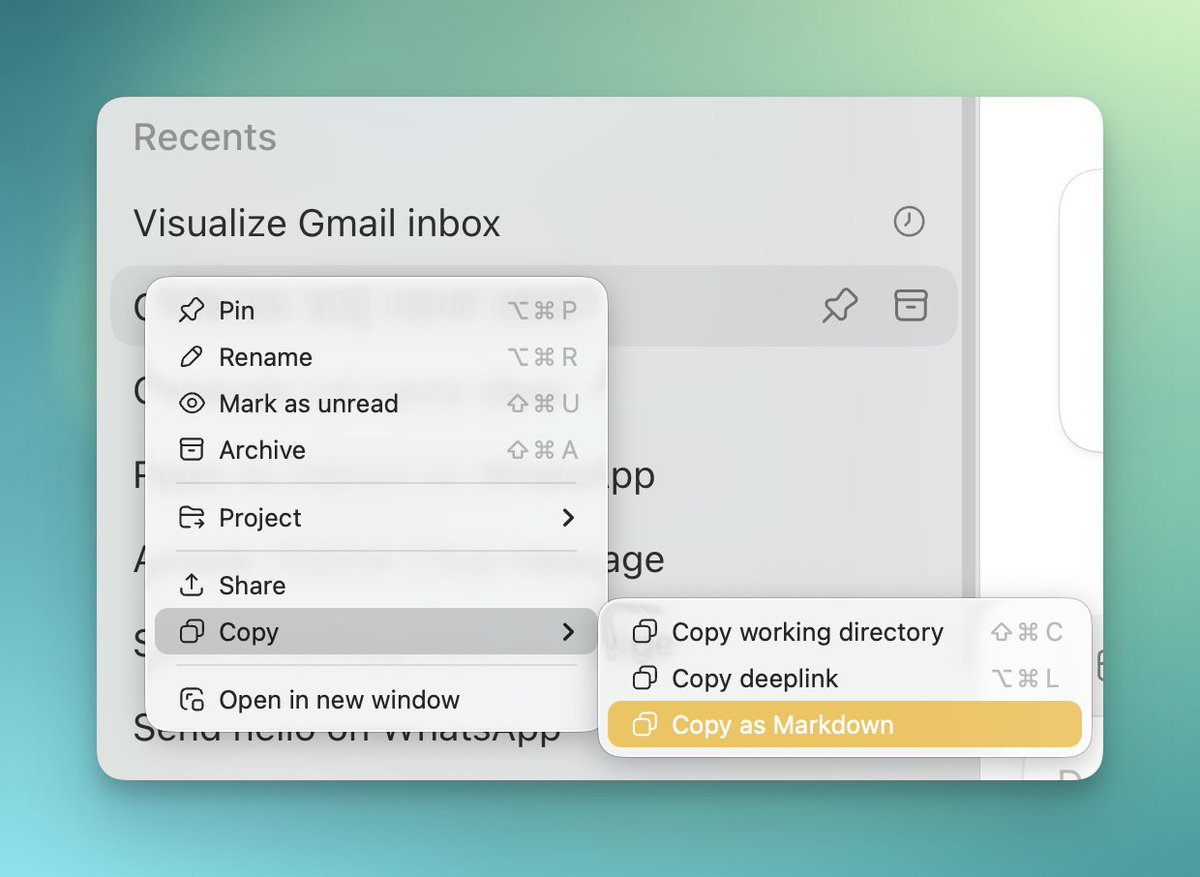
codex tip: you HAVE TO use side chats. They are a way to get stuff done quickly without leaving your main thread, without sacrificing any functionality, without sacrificing context, and being HYPER memory efficient
mac: command + option + s
win: ctrl + alt + s
If you are not already using these, side chats are a huge unlock. They are perfect for quick one-off extra instructions that you can get done quickly in parallel without having to wait for a queue instead.
I love the way that they pop up in a literal side window so you can see your original thread still spinning. It's far more comfortable than starting new threads every time.
The BIGGEST thing: side chats get deleted. They don't hold extra bloat in your codex that slows it down over time. I ran into this problem a lot until I figured this out... super long threads would make my codex CRAWL. But the more I use side chats, the less the drag hits me.
But also keep in mind, these things expire. If you find yourself AFK for about 10 minutes, the side chat session will expire and you'll be left with no option even to fork to a new chat. In this case, you CAN still screenshot or copy and paste the side chat into a new one for context.
And one other warning flag: there are so many times when I have what seem to be meaningless and forgettable threads that are very valuable to keep around. So keep in mind that when you choose to side chat, you're choosing for the contents to disappear permanently and not be remembered. (This is reversible up until you delete it, though. Just say "fork this into a regular chat")
For almost all document creation and app building I still use codex w/ 5.6 sol. I try to migrate to GPT work but I always end up making sure my laptop is set up so I can remote into Codex.
My coding projects and the knowledge work tasks I do are deeply related. Thus I don’t want any separation between the tools. I just want codex, I wish there was cloud codex that was exactly like desktop codex.
Codex is still the best AI product ever released.
What if you could spend less time at your desk and still get more done?
Hint: you already can
@AlexFinn joins us in the studio tomorrow to show how he builds hands-free using voice in Codex—on desktop and mobile.
https://t.co/TZVBy3EBDD
Google Brain founder Andrew Ng:
"Prompting will be dead in 6 months"
"Loops and graphs are replacing it"
In just 2 hours, he shows how to build agents that work, learn, and improve on their own
LLMs → Agents → Loops → Graphs → Self-Improving Systems
The first 15 minutes alone are more valuable than most $500 AI courses
Most people are still learning prompts while AI engineering is already moving beyond them
Watch the lecture first
Then read the full guide to loops and graphs below ↓
This course is turning into a team sales monster
Perfect if you want an affordable way to give your team a leg up into using AI
Cross-harness, built for collaboration, easy to keep quality high
https://t.co/ZM8hBld37C