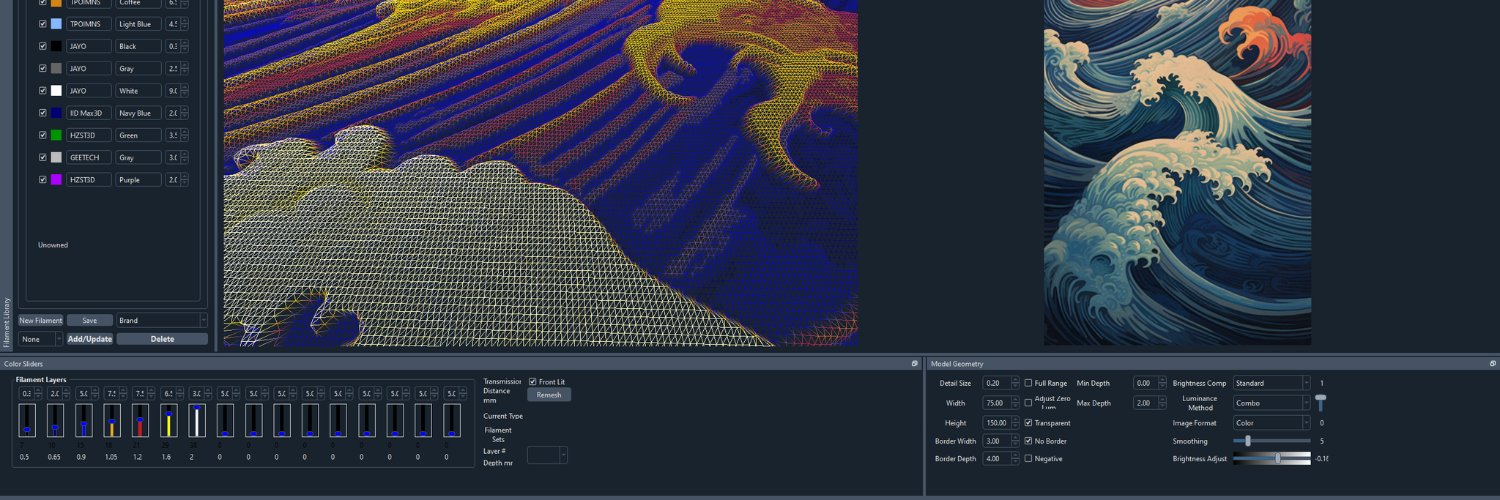
Interestingly none of the standard image editing tools I use will tell you how many distinct colors are in your image. But it's easy enough to vibe-code these days. Check out your images at and see for yourself (runs local on your system)
https://t.co/erENopBRuS
One of the things that makes HueForge hard is that images don't have "a few colors". This example image has nearly 713k distinct color codes in it's pixels.
That's a lot of different colors that look really similar, but aren't.
One of the things that makes HueForge hard is that images don't have "a few colors". This example image has nearly 713k distinct color codes in it's pixels.
That's a lot of different colors that look really similar, but aren't.
@CanuckCreator I've seen a couple in driveways recently. I was actually just thinking about this. They had super crammed in Neon engines which were VERY hard to work on and of course not great to start with.
They have failed their way into obscurity.
@comingconflict@TLavedas00 You can find the info about it in Help->What is TD?
It has a button to load the Seashell Test into HueForge and Documents/HueForge/Tools should have the PDF too
I don't think a lot of people realize how much of a mess the 3MF format is.
It seems clean - your slicer makes 3MF files that work.
But they only work correctly with THAT version of THAT slicer.
I thought "sure I'll make 3mf output, it won't be too bad" and then three weeks later I gave it up for a lost cause and that was only targetting 2 or 3 slicers. @AdditiveAtom talks over the process of making 3MFs for 10 different slicers.
I can't tell you how happy I am to have people like Adam in the community to tackle problems I just don't have the time for.
Since release - there have already been requests for more slicers and Adam has answered the call. I have just pushed v1.0.2 to the store adding Anycubic Slicer support.
Today I am excited to release the 3MF Export Plugin for @hueforge. With the 3MF Export plugin you can export your HueForge projects right into the slicer and printer of choice, with the project setup with filament swaps or object colors already assigned ready to slice and print. Learn more at: https://t.co/xqiV9KkAm2
Today I am excited to release the 3MF Export Plugin for @hueforge. With the 3MF Export plugin you can export your HueForge projects right into the slicer and printer of choice, with the project setup with filament swaps or object colors already assigned ready to slice and print. Learn more at: https://t.co/xqiV9KkAm2
Super excited to announce the first 3rd Party Plugin for HueForge. And it's a doozy!
@AdditiveAtom's 3MF Export Plugin! You can get it here: https://t.co/BR37uQVNHs
Oh - and HueForge v0.9.4 is out too with some pretty big changes. Check the details of both on my devlog post.
https://t.co/CbbSUMhNwn
So - I was planning on releasing v0.9.4 today. Then my code-signing token got locked somehow. Still not clear how. So now I'm waiting to get it unlocked before I can release.
Also cool in this release is what I hope is a starting point for Community Filament Libraries. Just fork this repo: https://t.co/zDv4wb1WUz
Follow the instructions to set it up and you can post your library in a way that users can easily add to their library and even check regularly for updates.
So - I was planning on releasing v0.9.4 today. Then my code-signing token got locked somehow. Still not clear how. So now I'm waiting to get it unlocked before I can release.