Building small AI & workflow automations.
Testing demand before features.
Excel / Google Sheets / Gmail → less manual work.
Currently testing: LedgerDrop.
Still copying data between Excel, Google Sheets or Gmail by hand?
Send me the workflow. I’ll spot what’s wasting time for free, and if it’s simple, I can build a small fix for $25–50.
#Automation#GoogleSheets#Excel#SmallBusiness
Today’s LedgerDrop lesson: the “OCR bug” was partly a deployment bug.
Old build: 0 transactions.
Fixed OCR + correct deploy: 19/19 on a 3-page image-only Chase-style test.
Now waiting for the real-user retest before calling it solved.
#buildinpublic#indiehacking
@skeval96_ Does Power Query still work cleanly when the statements come as PDFs from different banks, or do you usually need to convert/clean them first?
A real user broke my parser this week.
Text-based PDF, but the layout still returned “Needs support.”
So I added a privacy-safe debug mode instead of guessing another fix.
Real users > synthetic tests. 😅
#buildinpublic#Bookkeeping
@RyanMallin@mikepat711 That monthly upload sounds annoying. Once you upload the statement, is there still any manual cleanup or formatting before it’s usable?
@Joshua_WD That’s a good point. Asking about the last real example should expose the messy workarounds way better than asking about their “usual process.” I’m going to use that in the next bookkeeper conversation.
A small milestone from my phone 📱
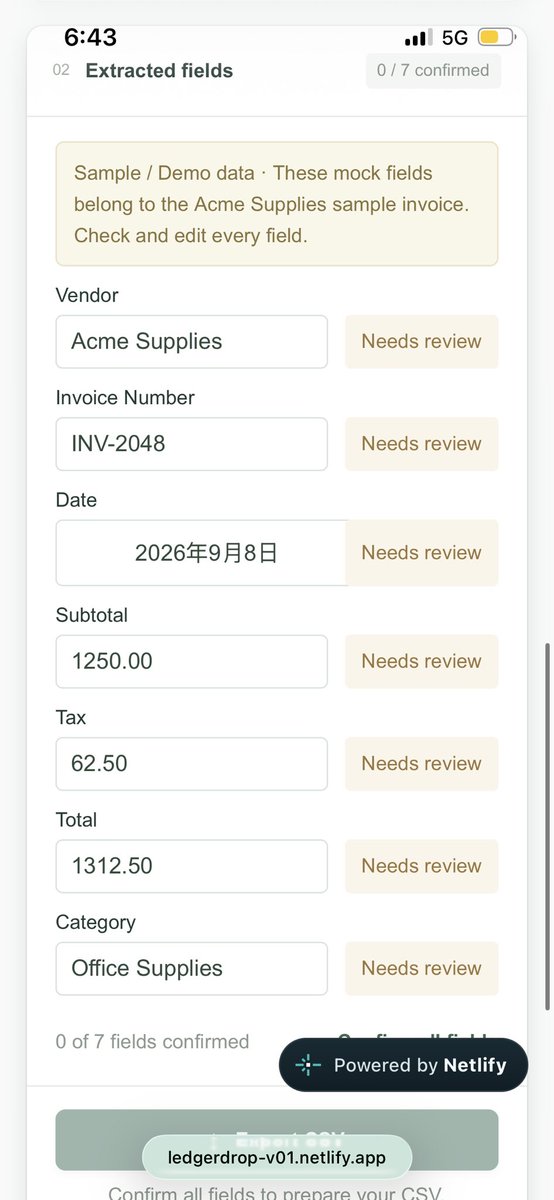
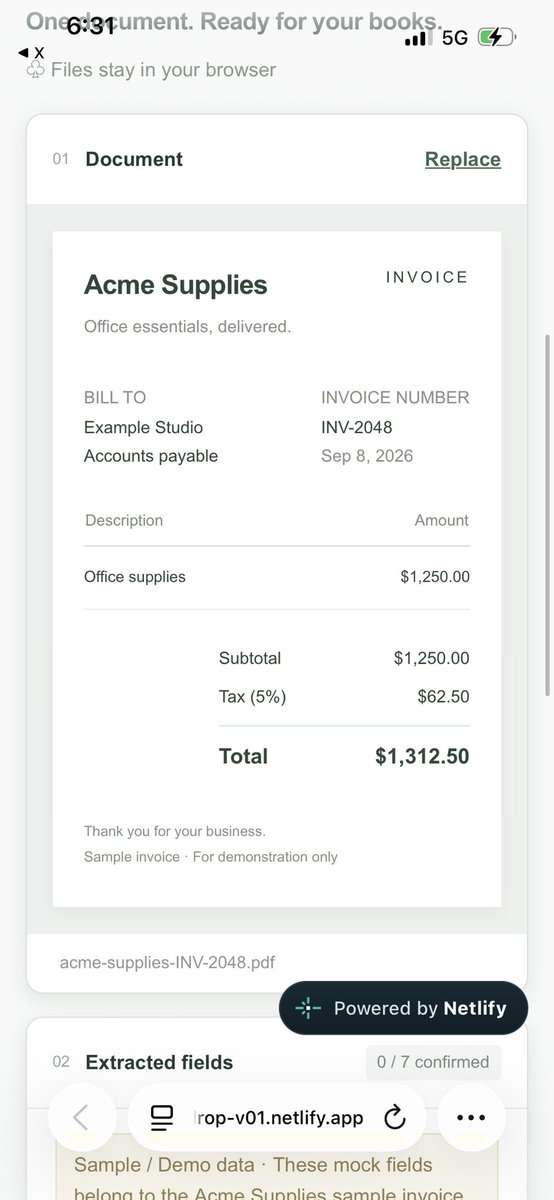
LedgerDrop v0.1 demo: sample invoice → review 7 fields → export a clean CSV.
Real invoice extraction isn’t ready yet.
Looking for 1 person who handles invoices monthly to test the next version.
DM me 👋
#BuildInPublic#Bookkeeping
@IMFletcher2 Falling behind on a year of entries sounds painful 😅 Is the bigger headache getting the old bank transactions into the books, or reconciling/categorising them once they’re there?
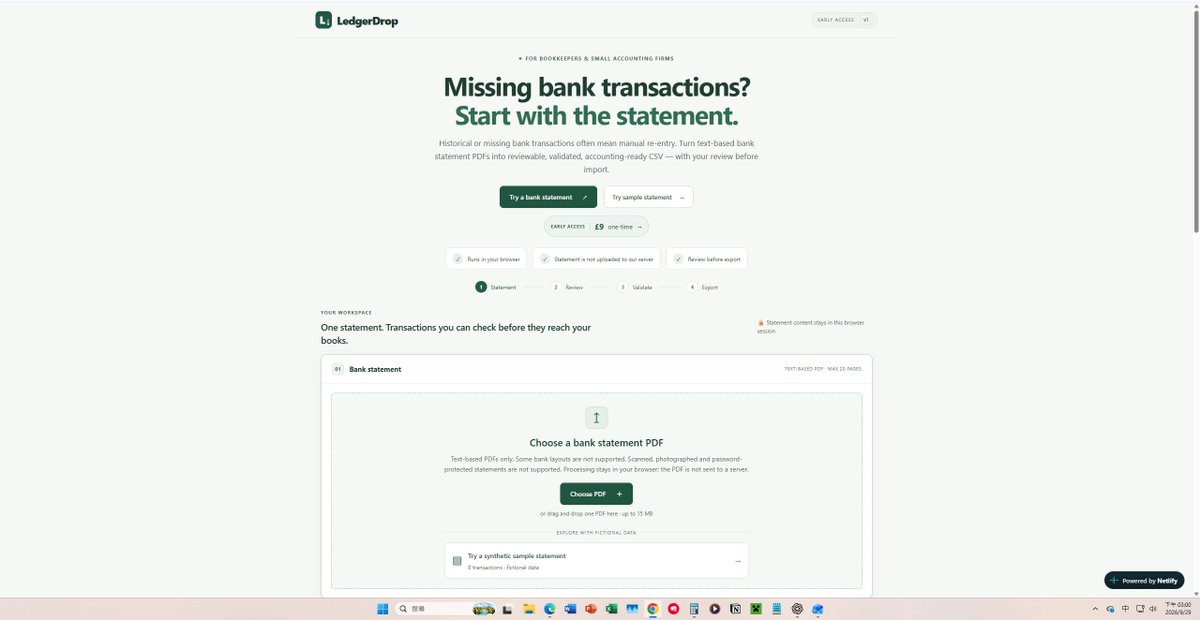
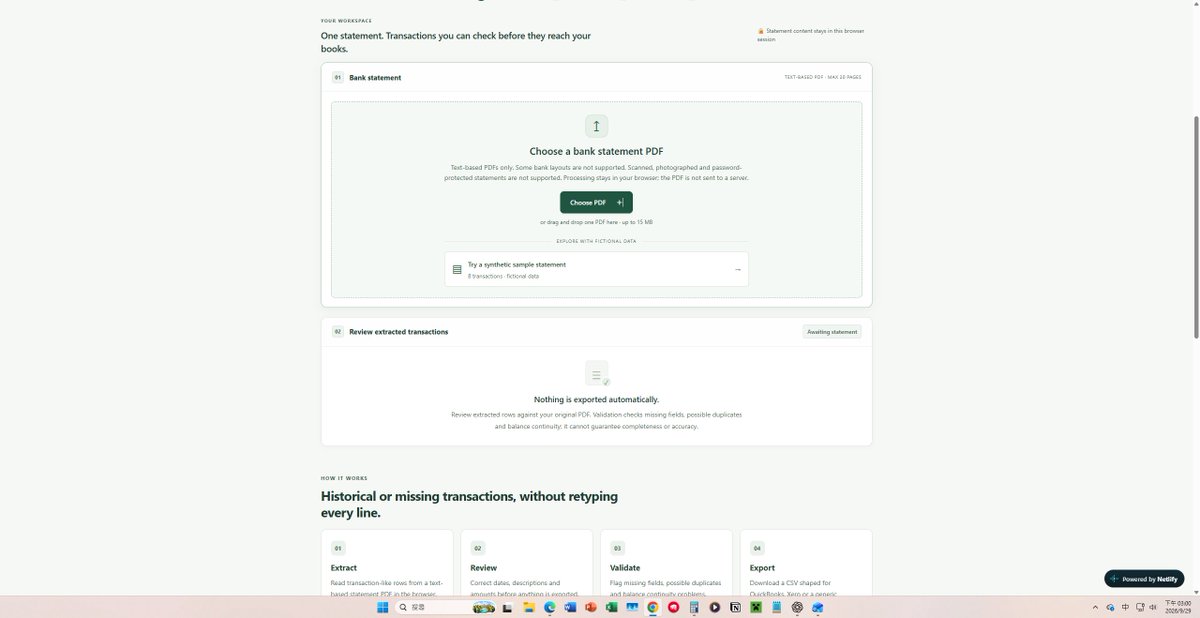
Today I froze V1.
It now turns text-based bank statement PDFs into reviewable CSVs, flags obvious issues, and keeps the statement in your browser.
No more feature creep for now.
Next step: 5 real bookkeepers, real workflows, real feedback. 🧾
#buildinpublic
@aayush_cs26 Returning only the problem rows is a really clean workflow. Curious how you handle different bank statement formats — normalize everything first, or keep separate parsing logic per format?
@gc2217@AutismCapital Accounting CSV cleanup is one of those jobs that sounds simple until the files are messy 😅 Has Gemini Notebooks been reliable with mismatched columns / dirty data, or do you still end up fixing a lot manually?
@B081984@AutismCapital@bot 700 invoices at ~2 minutes each is brutal 😅 Saving 3 days from one workflow is a pretty wild result. Did the bot struggle with any weird invoice formats or edge cases when you spot-checked them?
Tiny win, but a useful one 🔧
My phone → ChatGPT → GitHub → Netlify workflow now works for LedgerDrop.
It means I can push small test changes even when I’m away from my laptop.
This screenshot is just the deployment smoke test — not the actual product UI 😅
#buildinpublic
@oderajoseph Good catch 😅 That was a temporary test deployment I used while testing the mobile → ChatGPT → GitHub → Netlify workflow.
The deployment itself worked, but that test URL is no longer active. I probably should’ve clarified that in the post.
@Joshua_WD That’s a really useful distinction. I’ll pay more attention to what happens before and after the tool, especially the steps they still improvise each time, instead of copying one user’s exact workflow. That’s probably where the repeatable problem actually is.
@Joshua_WD Appreciate that 🙌 I’m trying not to build too far ahead of real feedback. Funny enough, someone just reached out with an actual bookkeeping problem, so now I’m learning what the workflow really needs before building the next version.
@itssaba2112 I’d be happy to help. X won’t let me DM you yet. If you’re comfortable, follow me back and I can message you privately. No sensitive info needed — I just want to understand what part of your daycare bookkeeping is taking the most time.
Past week I kept seeing the same bookkeeping pain:
receipts → categorize → match → reconcile.
I’m looking for 2 small business owners/bookkeepers to test a simpler workflow on one real example.
No pitch — I just want to see if it saves time.
#Bookkeeping#QuickBooks
@TimArmstrong81@GallagherPreach@bot That makes sense — keep Grokbot for the heavier PDF extraction stuff and use Gmail automations for the simple email flows. Appreciate the tip 🙌