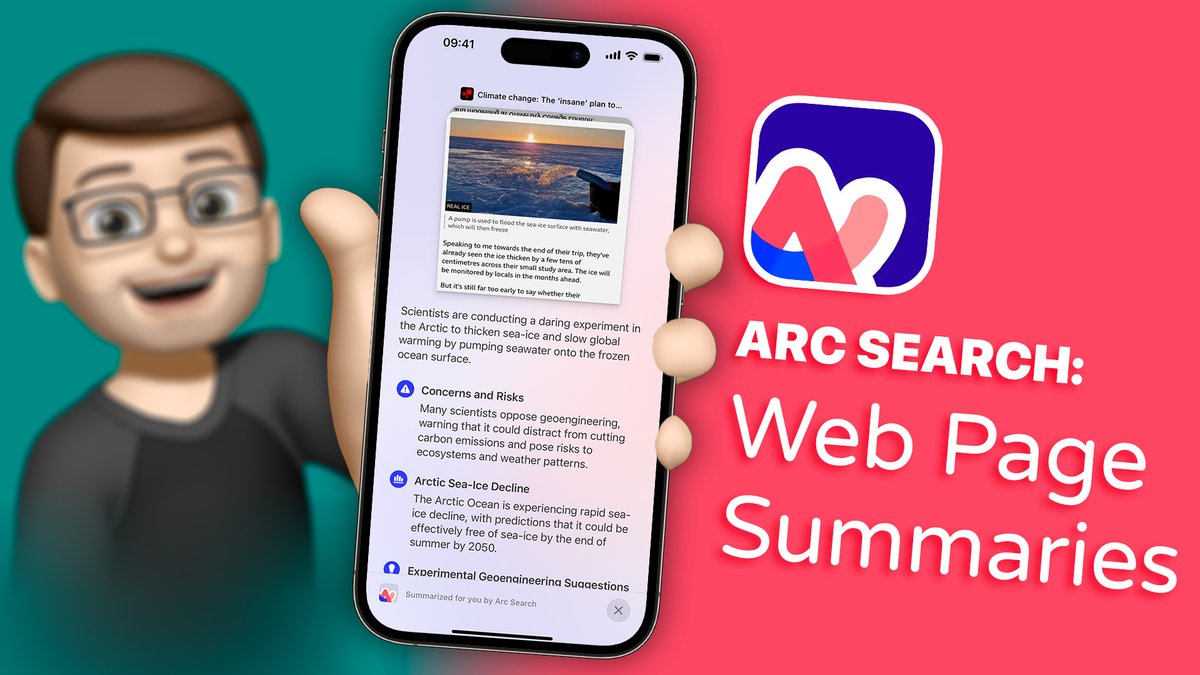
The Fitness app on iOS 18 has had some nice updates this year, including more customisation options as well as the ability to (finally!) pause your rings!
Here's everything new...
📸 Photographic Styles are a brand new feature on the #iPhone16 which lets you customise how your iPhone camera processes photos - both before and after you take them.
👍 With this new feature you can fine-tune your images without losing any quality!
➡️https://t.co/6cRnehvMIt⬅️
The new Camera Control button on iPhone 16 and iPhone 16 Pro completely changes how you use the camera in some really fun ways.
Check out this new QuickTip video to get to grips with how it works: https://t.co/knU5Aw7f0b
It's time. iOS 18 has just been released and that means I can share what I've been working on all summer!
I'm thrilled to share https://t.co/Q8Z2zpKE7X - lovingly made and designed to help you unlock all of the new features your iPhone has just gained with iOS 18.
1/4
This week Apple released 3D models in the Maps app for all of the new #Paris2024 Olympic venues
I've found the best way to explore these detailed models and the stunning Olympic venues is by using the Landmarks app by @andre8aev
Here's how it works:
➡️https://t.co/N81Xcs3dLl⬅️
YouTube have chosen me as one of 1,000 creators in the UK who have recently reached a key milestone in a program they're calling #YouTubeHighFive
(1/3)
🏠 Want to make managing your #HomeKit devices easier?
Check out this brand new update to @ctrl4homekit which lets you use LiDAR to create an interactive 3D Floor Plan for your devices.
#SmartHome#HomeAutomation#QuickTips
https://t.co/Gzu9yChbry
@AppleEDU@gbla11yday 🌟 In my first chat, Lyndsey Balfe shares how iPad dictation had a life changing impact on own her dyslexia journey and how it boosts confidence for students in her classes. #EdTech#GAAD2024#Accessibility@LyndseyBalfe
🔗 https://t.co/z27udCdVKE
[🧵 2/11]
In celebration of Global Accessibility Awareness Day, I’ve connected with nine educators to explore the incredible accessibility tools on iPad.
Join me for these Quick Conversations over on the Apple Education Community: https://t.co/8aNAV2RkMt
@AppleEDU@gbla11yday
[🧵1/11]
Join us tomorrow for a special series of conversations to mark Global Accessibility Awareness Day with @AppleEDU + @gbla11yday.
I'll be joined by nine inspirational educators who share the impact iPad accessibility tools have had in their classrooms.
https://t.co/8aNAV2RkMt
Looking to photograph the #AuroraBorealis tonight? Make sure you've got your iPhone set up for the longest exposure you can - ideally on a tripod!
https://t.co/cnIMB2IonV
Did you know an eSIM will let you use a local mobile network when you're abroad, completely bypassing data roaming fees?
Here's how it works: https://t.co/NMw6HmzmAy
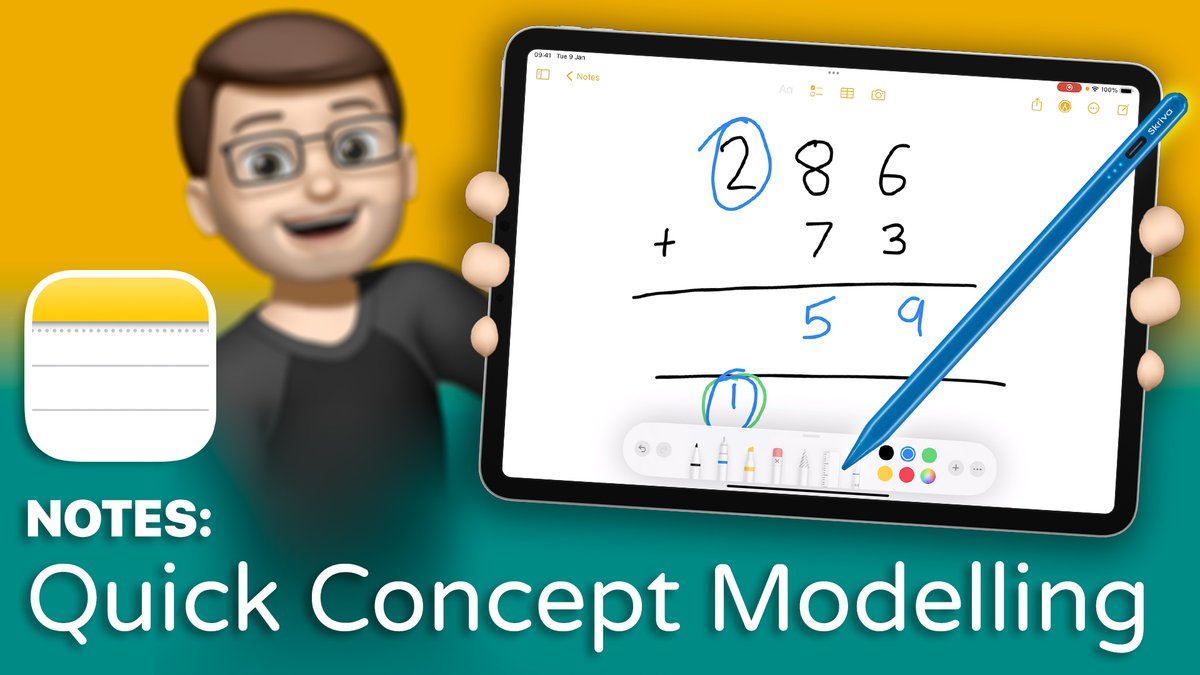
When I'm teaching I often want to grab a whiteboard pen and go over a quick concept or idea on the board with my students.
However, with my iPad and my @SkrivaStylus, I can do this in an even better way by recording it to share with my students later.
https://t.co/Xlo6Sdnbs5
Introducing https://t.co/07rowgH0A0
This is the new home for all of my videos. It's the one link I can proudly share with people when they ask where to find my resources and my hope is that it might be a link you'll consider sharing with your own schools + colleagues too.
(1/4)
I'm pleased to be able to share a new series of #QuickTip videos: a complete guide to the Classroom app for iPad.
Find them here: https://t.co/NCsiNlZIIH





![JacobWoolcock's tweet photo. @AppleEDU @gbla11yday 🌟 In my first chat, Lyndsey Balfe shares how iPad dictation had a life changing impact on own her dyslexia journey and how it boosts confidence for students in her classes. #EdTech #GAAD2024 #Accessibility @LyndseyBalfe
🔗 https://t.co/z27udCdVKE
[🧵 2/11] https://t.co/7zaKcW17lB](https://pbs.twimg.com/media/GNrub0JWYAAvgPG.jpg)
![JacobWoolcock's tweet photo. In celebration of Global Accessibility Awareness Day, I’ve connected with nine educators to explore the incredible accessibility tools on iPad.
Join me for these Quick Conversations over on the Apple Education Community: https://t.co/8aNAV2RkMt
@AppleEDU @gbla11yday
[🧵1/11] https://t.co/qPbMUnCGjG](https://pbs.twimg.com/media/GNrmnFPWoAMVWnF.jpg)