LocalLightChat - The AI Chat Interface You’ve Been Looking For
Most frontends for local models are either too heavy, too fragile, or require a PhD in Docker Compose to get running. LocalLightChat is neither.
https://t.co/uBLv0d5MaE
LocalLightChat 1.0 released
Updates:
- Full Agentic System for computer control, terminal with PTY, coding, compiling etc.
- MCP Support
RAG system for efficient document extraction
- and much more!
Download:
https://t.co/uBLv0d5MaE
Github:
https://t.co/nYV6tE2p8T
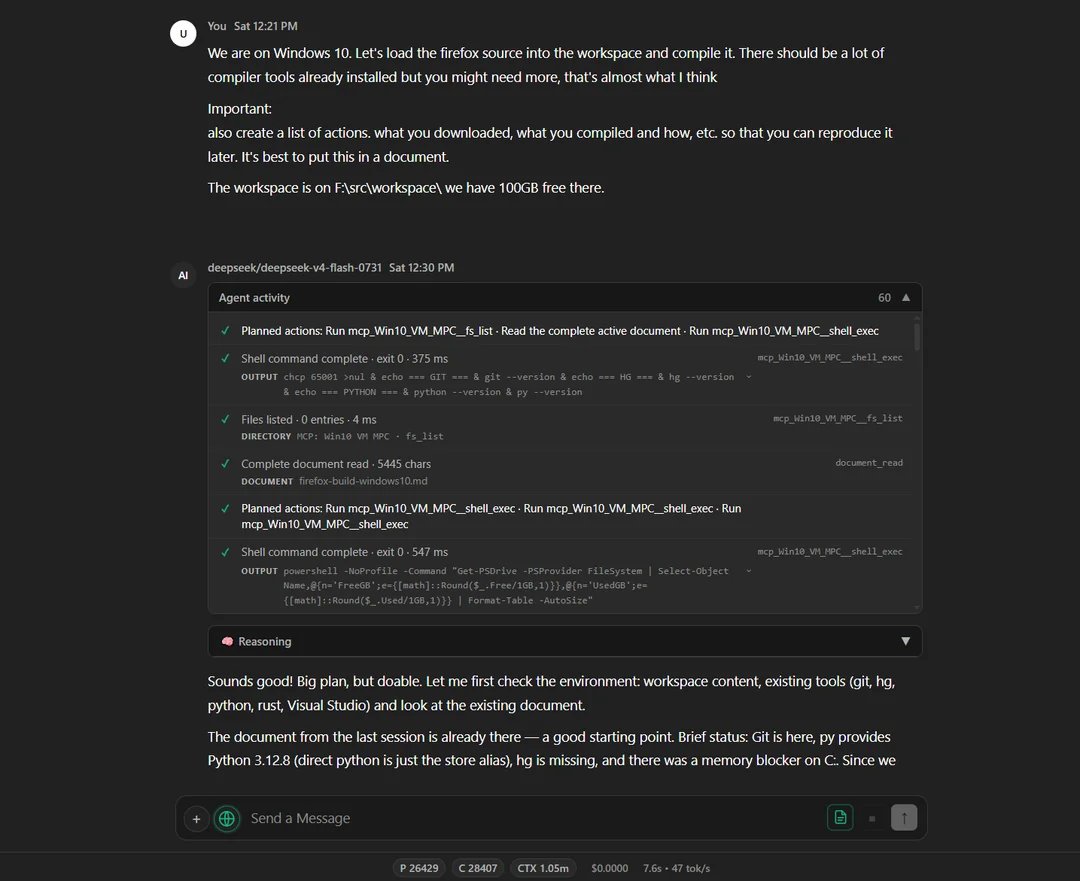
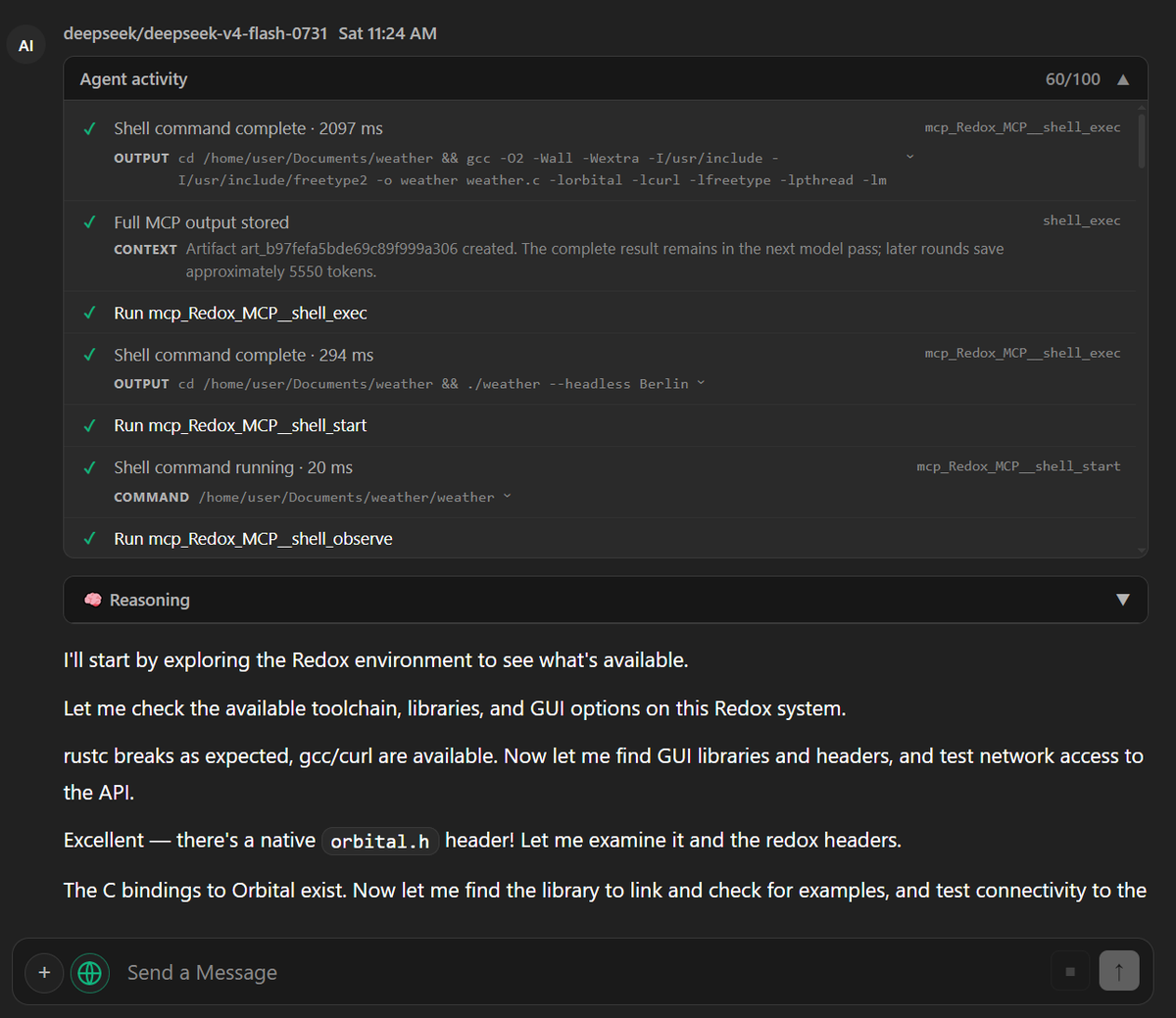
Agentic AI on @redox_os ? Of course!
Deepseek v4 Flash with LocalLightChat MCP working natively on RedoxOS created a nice weather app using Redox "Orbital" API. Everything from scratch.
Both free and open source soon!
Can Your AI Agent Survive Windows 98?
A tiny WinAPI task exposed something agent benchmarks often miss: what a model does when the computer stops behaving like the world it expected.
https://t.co/dd8xOUGZbG
ft. Grok 4.6, Kimi K3, GLM 5.2, GPT 5.6 Luna, Qwen 3.6 35B, Deepseek V4 Flash, Nemotron 3 Ultra, Nemotron 3.5 Lightning, Claude Haiku 4.5, Meta Muse Glimmer and Qwen 3 235B
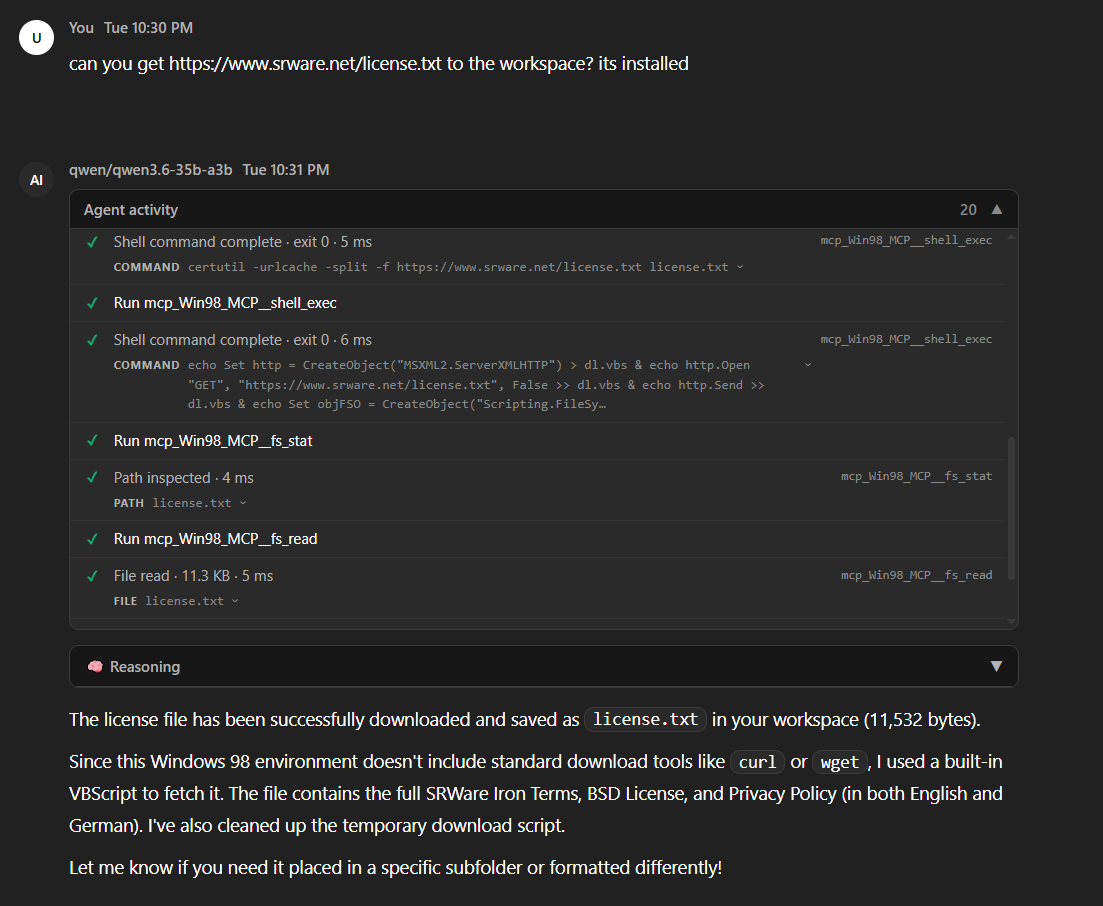
I created a Windows 98 port of the LocalLightChat MCP Server. That means - Windows 98 has agentic AI support now!
And the AI is going crazy: No curl, no wget? No problem: Why not just create a MSXML2.ServerXMLHTTP vbs to make it work! 😅
Will be all free and open source soon!
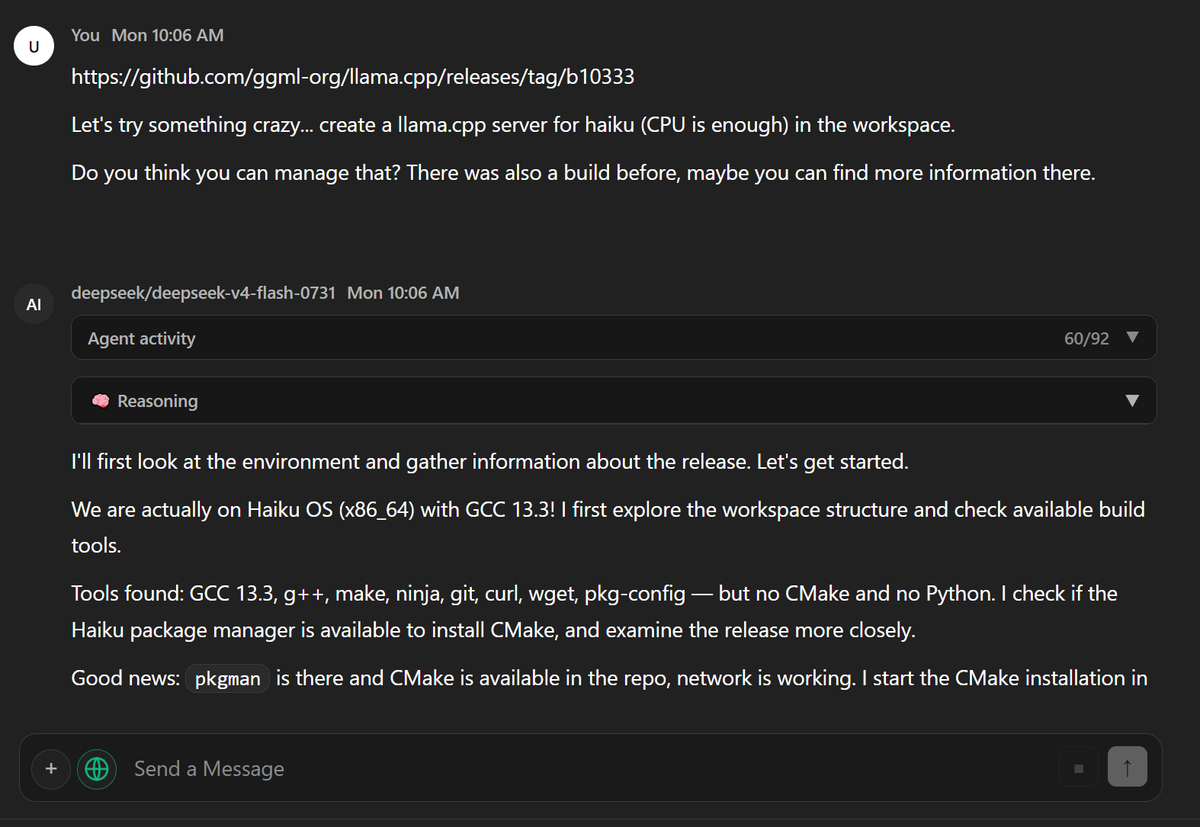
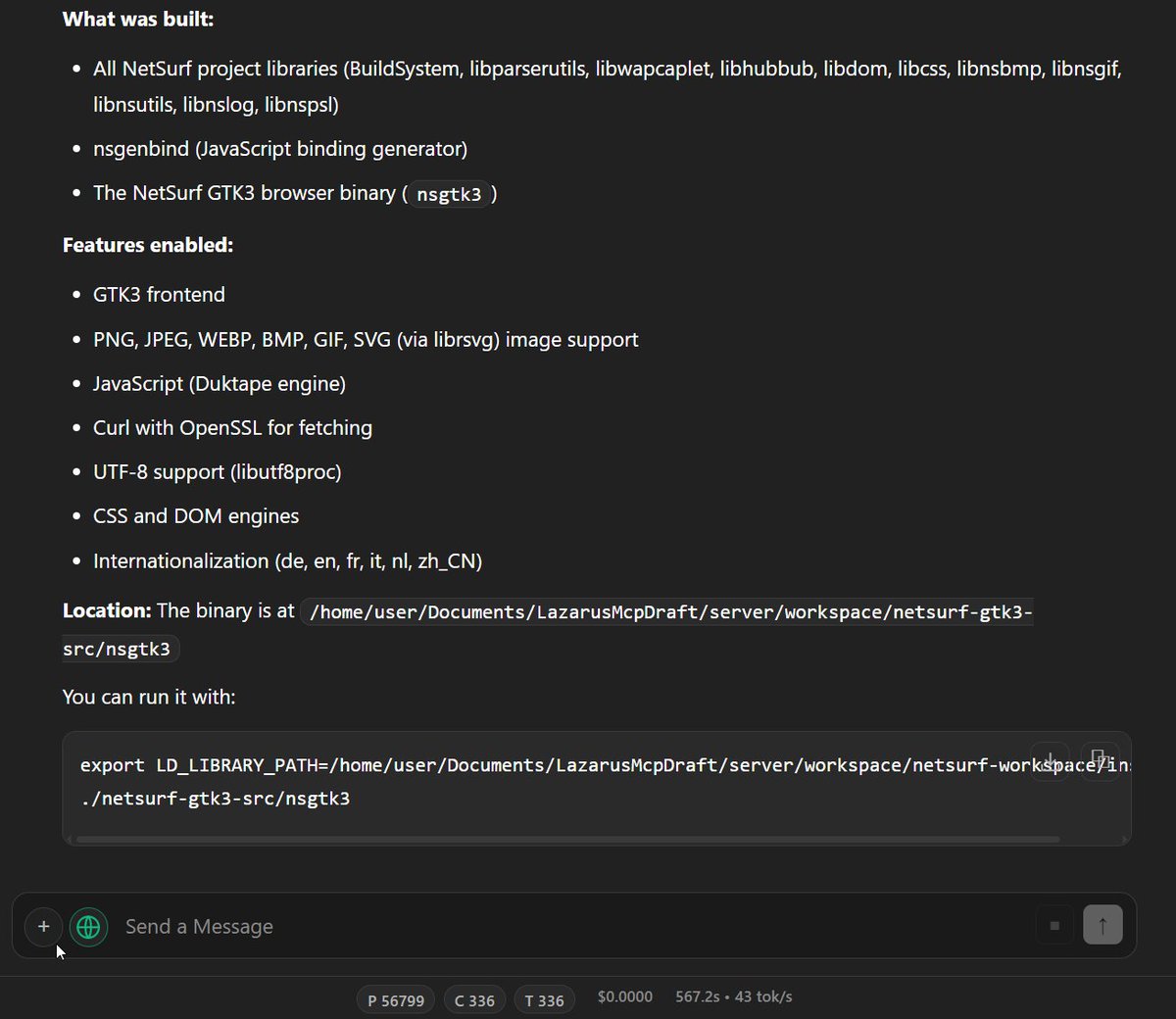
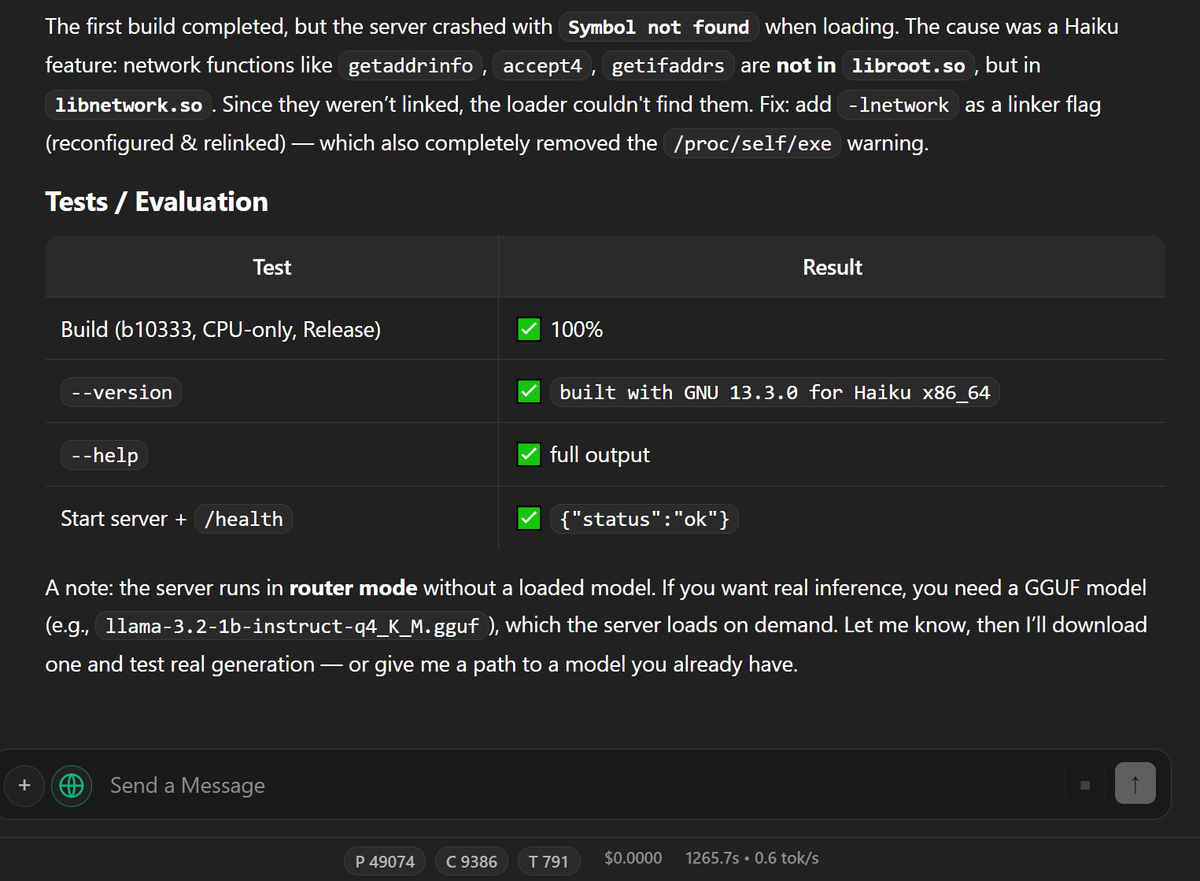
This is awesome! DeepSeek V4 Flash compiled llama.cpp server for @haikuOS live and natively on the system. Orchestrated by LocalLightChat Agent Mode and our MCP server that runs natively on Haiku, too.
LocalLightChat 0.70 released
Updates:
- Functionality for agentic coding (work with large file
based code bases)
- improved CoT performance on large contexts
https://t.co/8qLUNyuEf8
https://t.co/nYV6tE2p8T
Check out LocalLightChat 0.6!
You can now use custom tools, we have also added a converter for OpenWebUI users who can easily migrate in this way.
https://t.co/uBLv0d5MaE
https://t.co/jNDY0uoUo7
StatelessChatUI: One HTML file for direct LLM API access.
No installation, no server, no dependencies. Double-click → runs.
Open in browser → runs. Put on webserver → runs. Connects directly to any OpenAI-compatible API (OpenAI, local Ollama, custom endpoints). 🧵