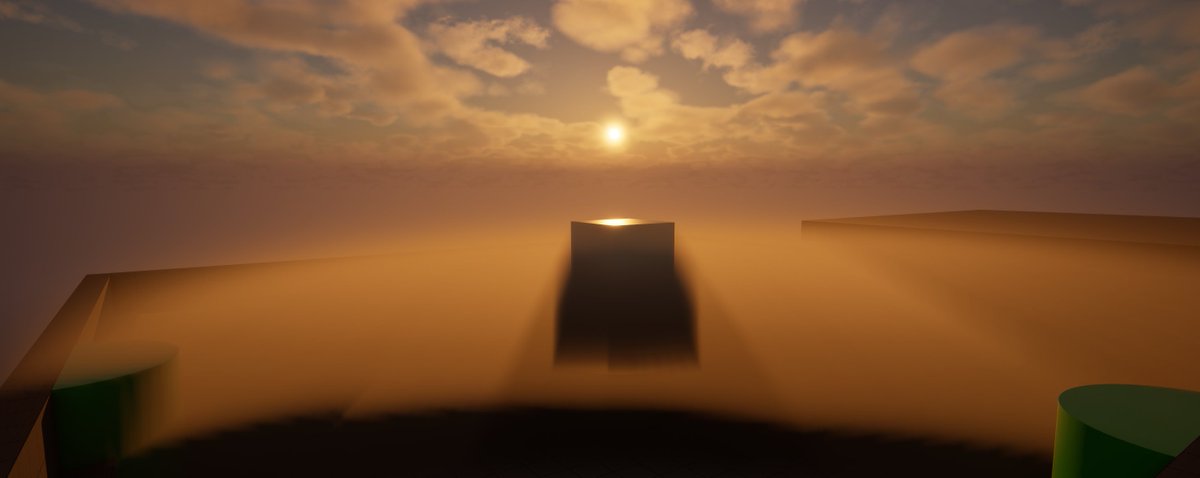
A common complaint about Unreal is that Motion Blur defaults to a fixed 30FPS shutter speed, meaning most devs leave it untouched.
I made a PR to fix it:
https://t.co/68Rwg0DKLj
The purpose of motion blur is to fill in the gaps between frames, adding information on the speed each object had. This mirrors the behaviour of film, but it can also look good in games (it creates the perception of continuity).
However, for that to work as intended, the shutter speed needs to be based on the current frame's length.
Unreal doesn't adhere to this principle, and instead goes for a fixed 30FPS length.
This means at high FPS games feel more "blurry" than they should, given that blur travels "faster" than the camera, with somewhat jittery motion.
Noise is used everywhere in games: terrain, animations, camera shake, and more.
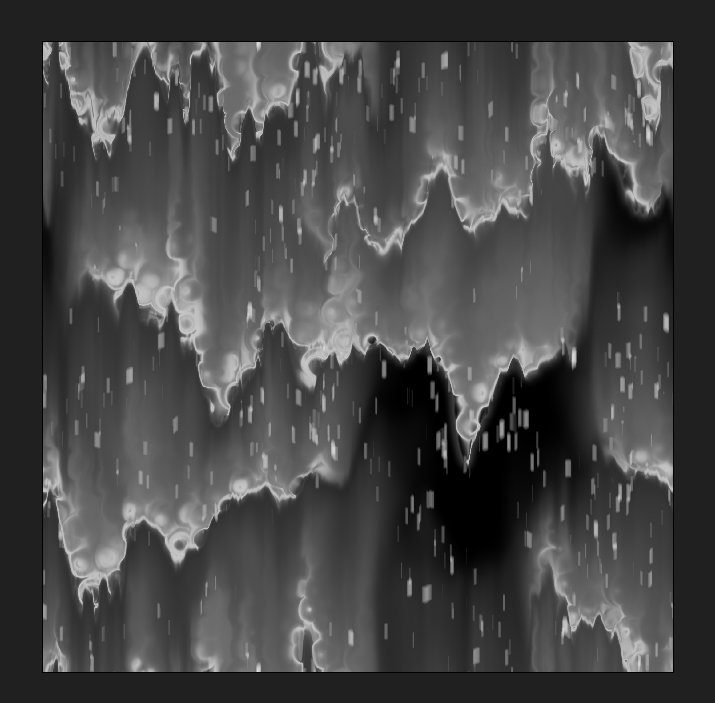
But it can still feel like magic. How do you turn greyscale blobs into real effects?
Here are a few practical ways to use it.
#threejs#shaders
Similar techniques still used. Especially on terrains. Difference is that instead of multiplying by singing texture, developers use multi-layered approach that:
Remove tiling entirely
Scales detail level based on distance
Adds detail on much bigger level
This very well doc...
What's next for ShaderShift? Volumetric Fog Improvements!
Engine Default (left) vs Dual Lobe Heney-Greenstein phase function, self-shadowing and multi-scattering, with "powder" edge brightening
Improved my old Page Curl Post Process in UE5! Replaced the Custom Node with Step Node for better optimization and now it works in UEFN too.
Smoother and lighter page-turning effect. Fully copy-paste ready from BlueprintUE.
https://t.co/pH4kCrggaT
ページめくりポストプロセスを改善。以前はCustomノードを使っていたが、それを置き換え。UFENでもつかえるように。上のリンクからコピペ可能。
参考になれば幸いです。
#UE5
Entertaining (and accurate) video about the streaming in gta3 just dropped.
(Tech by Adam Fowler that made the trilogy possible)
https://t.co/xZXK9Q9gdH
Quick rendering math lesson (common trap):
FoV in Unreal Engine isn't interpolated correctly when blending between two cameras
The current code does:
FoV = lerp(FoVA, FoVB, Weight)
however, that's not how you interpolate FoV!
To be "perceptually" linear and also correct under aspect ratio scaling, FoV needs to be lerped in tangent space:
FoV = atan(lerp(tan(FoVA*0.5), tan(FoVB*0.5), Weight)) * 2
First video showcasing the problem.
Blending between a 32:9 camera with 98.21° FoV and a 16:9 camera with 60° FoV.
Viewport is 32:9. Due to FoV scaling being Hor+ by default in UE, at 32:9 they should look identical.
But during blends, they don't (the FoV isn't stable)!
The relationship between FoV and aspect ratio isn’t linear, because FoV is angular
In practice, it also means camera interps aren't as smooth as they could be, second video shows that.
PR to fix the problem:
https://t.co/hhnZFTfylE
hopefully it gets merged!