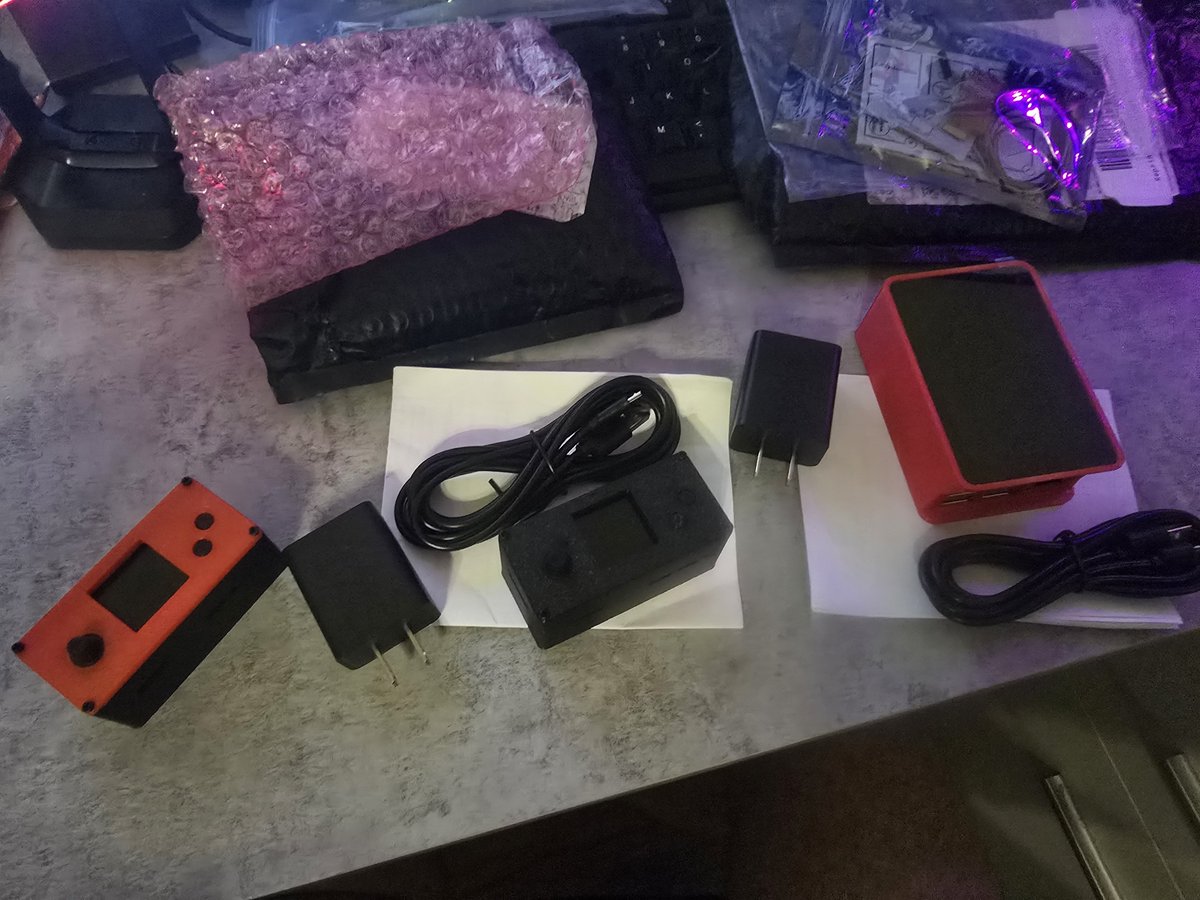
@PiWalletSV This video was exactly what I needed. Was a little stuck on reflashing the sd card. I’m loving my PiWallet Pro! A much needed option in the BitcoinSV space, thank you sir!
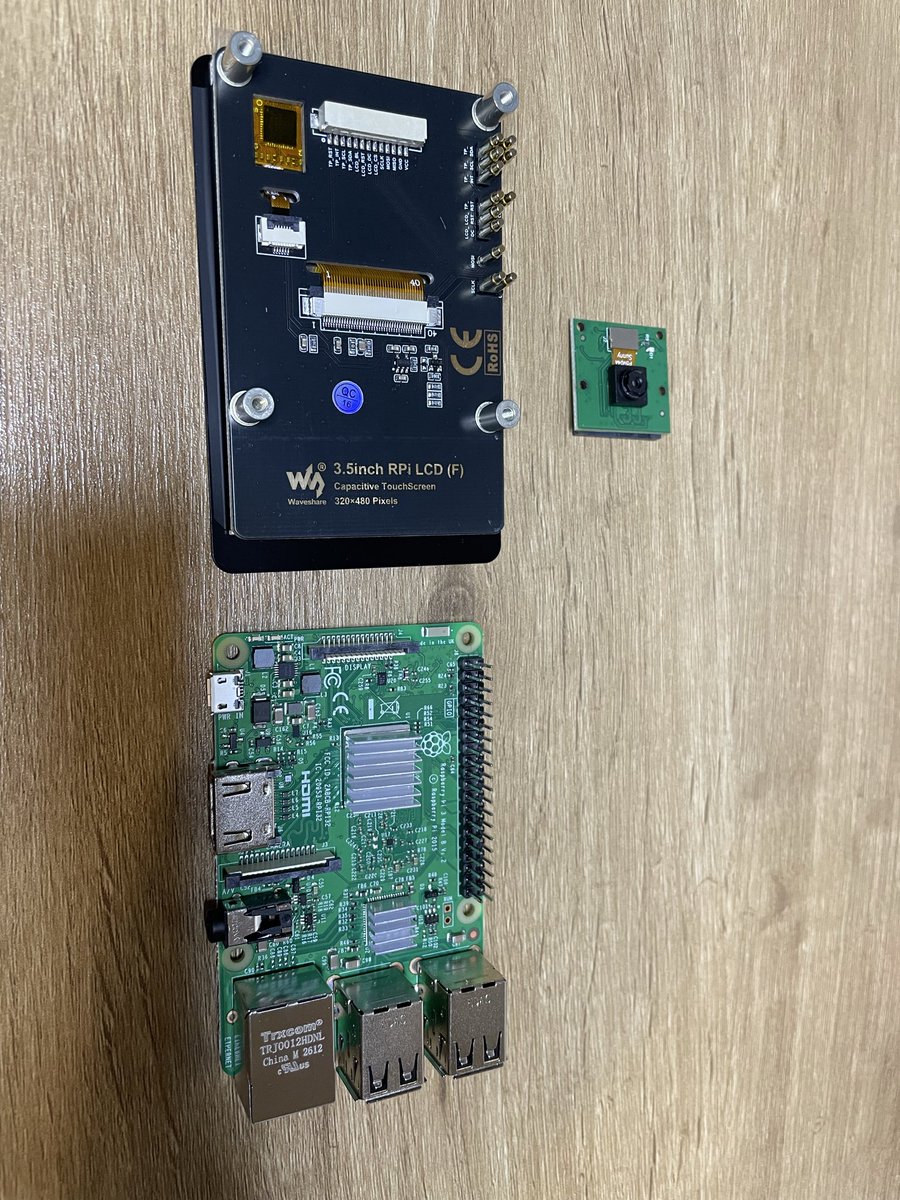
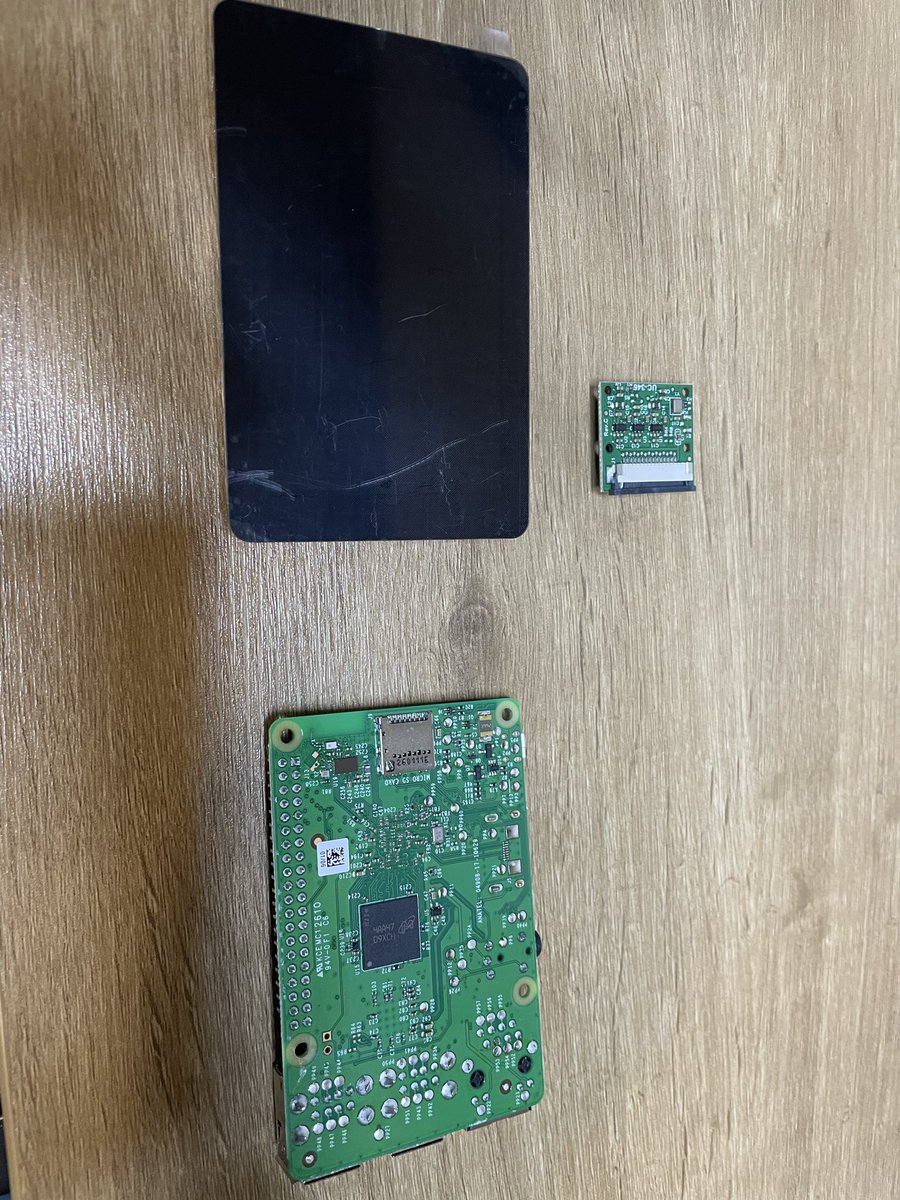
BSV cold storage. Air-gapped. Open source software. Open DIY components. The only hardware cold storage that is exclusively for BSV. If the hardware fails one day, replace with off-the-shelf components. Nothing proprietary. Keep the SD card in a safe place, like seed phrases. 🔥
@bf17047823 i'll be posting a tutorial video soon. Basically you download the image from the GitHub website (zero or pro), then flash it onto your sd card with flashing software such as the official raspberry pi imager or etcher. then boot it.
More hacks on hardware wallets. When you receive your PiWalletSV, out of abundance of precaution, inspect that the package has not been opened and resealed. We have not had any reports of tampering, but better safe than sorry! 🔥
https://t.co/kmygdDZ6pV
@markpc09@ProjectBabbage we use open source hardware, we dont make the hardware. we make the case and write the code and assemble them. raspberri pi zero boards are currently unobtainable. this has been an issue ever since AI chips have been higher priorities by manufacturers.
WARNING: Never under any circumstance purchase a PiWalletSV anywhere but the official store on https://t.co/Y6Q5iit0S5 🔥🔥🔥That includes 2nd hand devices, you just cant trust any of them!