Is Time Intelligence slowing your #PowerBI reports down?
Have you considered using a row-based Time Intelligence table? My latest article describes an approach to consider if you want to speed up your reports.
https://t.co/VrRhHAYQWH
Jaw-dropping dynamic array discovery:
Define a name, say f, to be =transpose(files()) then simply type =f in cell A1 and watch your jaw drop. You’re seeing all the files in the current directory. Define it to be =transpose(files(“*.xl*”)) to limit it to excel files.
Mac #OfficeInsiders, check out the latest blog post on our Insiders blog from Guy, one of our Excel PMs. He's here today talking about the first steps towards full Power Query support in Excel for Mac, with a feature now available to #InsideFast users! https://t.co/Clow2BZnwm
New user testimonial for calculations not in #Excel:
"We have been using https://t.co/9IX2hn4uMC for the past two years. This so simple to use, yet so efficient little piece of #software has save our accounting department literally hundreds of hours.
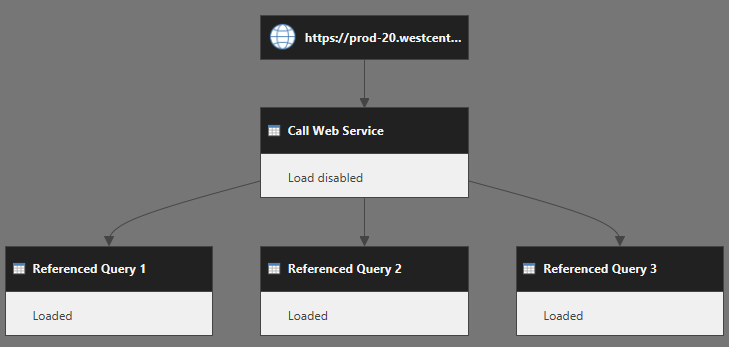
Purely #PowerQuery-based #WebScraping is now possible in #PowerBI, like in #Excel! This is an exciting new feature, with no need for any other tools or scripting:
Check out @Migueldotxlsx's new blog post on this at the link below:…https://t.co/Ei68J8UqaC https://t.co/XQqLjxMM0k