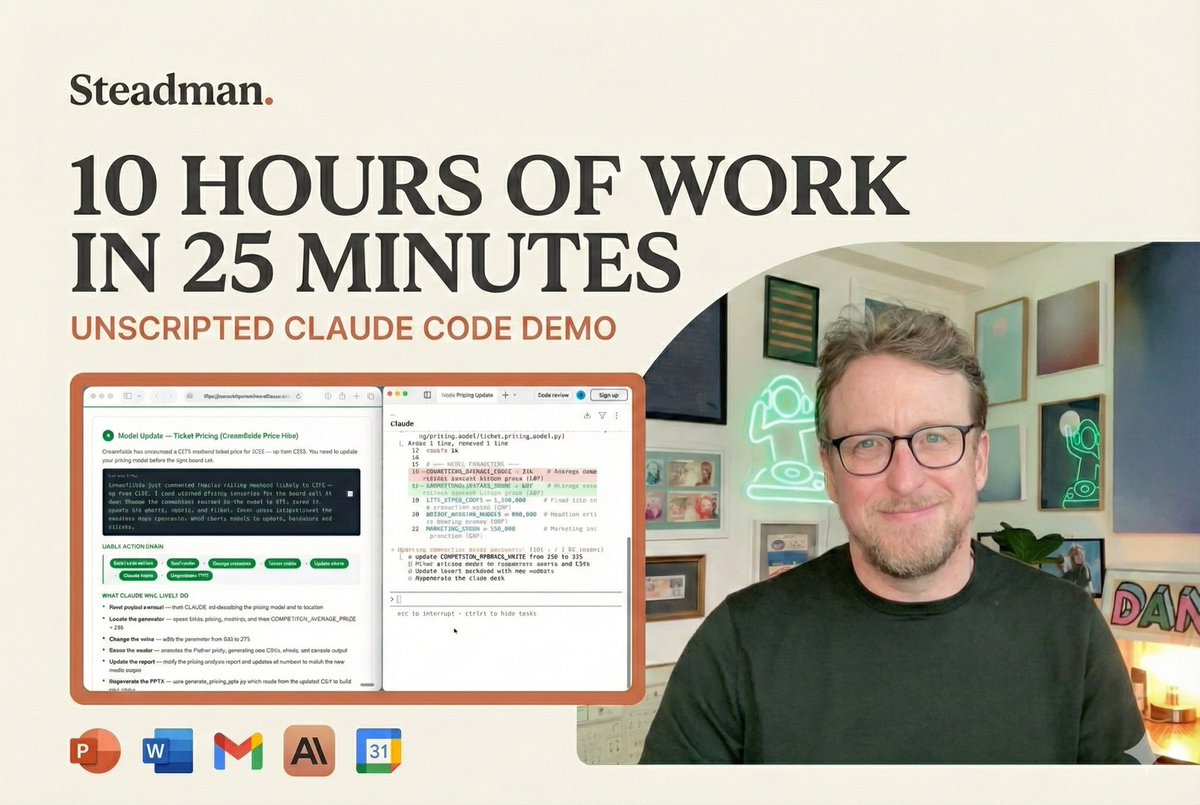
This is what it looks like when a senior leader works with AI on real tasks. Hours of work in 25 minutes.
This walkthrough covers four tasks. Meeting prep, a board recommendation, a sponsorship deck review, a pricing model rerun. AI read 15 emails, eight documents, two transcripts and a revenue model. I steered, checked and decided.
Ok. But I spend time with hundreds of people who expect uploaded files to be read. And who get bad results because they’re not. And who struggle to get it to properly read uploaded files.
The behaviour changed on them without notice and without communication. They’re struggling.
@levie@paulg Yeah. ‘Do research’ was exciting. Then ‘also write the report’. Now ‘ensure its designer-quality layout’ … soon ‘publish it and do the marketing campaign’.
X has the best information on the internet and the worst incentives & culture.
meet noscroll — the AI that doomscrolls it for you and texts you just the things that matter.
no feed. no brainrot. no ragebait. just signal.
try it for free → https://t.co/XqdExWR13j 🙅🏼♂️
You simply cannot make this up.
I saw @satyanadella’s post hyping Copilot in $MSFT Word, so I replicated his exact demo workflow in my own environment.
- Had ChatGPT generate an investment memo
- Opened the Copilot pane in Word
- Used the first prompt verbatim: “turn on track changes and tighten the executive summary”
Copilot happily generated a redlined version…
…inside the chat box.
The actual document? Untouched.
How is this possible? 😂