How to write a systematic literature review in 1 day?
A systematic literature review takes 4-6 months.
You can reduce this time.
🎯 Here is how you can write it in 1 hour.
1️⃣ Go to https://t.co/SLNgTwMdK5
2️⃣ Select Gatsbi reviewer from the drop-down menu
3️⃣ Enter the topic of your literature review
4️⃣ Configure review protocol
5️⃣ Click on write manuscript.
6️⃣ Gatsbi will write the literature review for you.
👉 The literature review contains the following parts
✓ Title
✓ Abstract
✓ Introduction
✓ Methodology
✓ Results
✓ Discussion
✓ Conclusion
✓ References
👉 This polished paper also contains
➝ Diagrams
➝ Tables
➝ Equations
➝ Graphs
Once the paper is ready, you can humanize the text.
After this, you can download it in the following formats.
↳ MS Word
↳ Latex
↳ Markdown
It is only to understand a field of study.
Don't confuse it with a publishable paper.
🎗️ Try Gatsbi today for free: https://t.co/SLNgTwMdK5
❄️ Anything you'd like to add?
PhD Students – Use this FREE tool to analyze data in 10 sec.
This tool is used by more than 500,000 researchers.
1. Go to https://t.co/Inblo0CJXs
2. Click on Data Analysis and upload your data file.
3. Write your prompt for data analysis.
4. For example, generate graphs for data analysis.
5. @answerthisio will generate variety of graphs for you.
6. It also generates an insightful data analysis report.
You can download the graphs and the report.
Try AnswerThis today. It’s FREE.
AnswerThis link:
https://t.co/Inblo0CJXs
طلاب الدكتوراه 🚨
هل ما زلت تقضي ساعات في مقارنة الأوراق البحثية يدويًا؟
مع Tabbit يمكنك مقارنة 10 أوراق في ثوانٍ:
• اجمع الأوراق في مكان واحد
• افتح Chat داخل المتصفح
• اختر نموذج الذكاء الاصطناعي
• اطلب مقارنة شاملة بين الدراسات
وسيمنحك مقارنة واضحة
https://t.co/czbgb2YnvF
PhD Students – Do you need an all-in-one workplace to 10x your research productivity?
Meet @otioai 2.0: all-in-one workplace for researchers
Otio 2.0 link: https://t.co/hgdGIRTjwo
You can use Otio to:
- Create a research project
- Gather your research materials
- And go deep (all without leaving one tab)
Here is how it works.
1. Create a project folder
2. Upload research PDFs
3. Add URLs (journal articles, clinical trial pages)
4. Drop in your own notes and research questions
5. Pull your Zotero library directly into the workspace
6. Run a full AI chat across all of it
7. Highlight a figure/graph/diagram inside a paper
8. And ask Otio to explain it
9. Ask the same question to multiple models
10. Run multiple threads with zero switching
Try Otio for Free Now: https://t.co/hgdGIRTjwo
Today is an incredibly meaningful day for me.
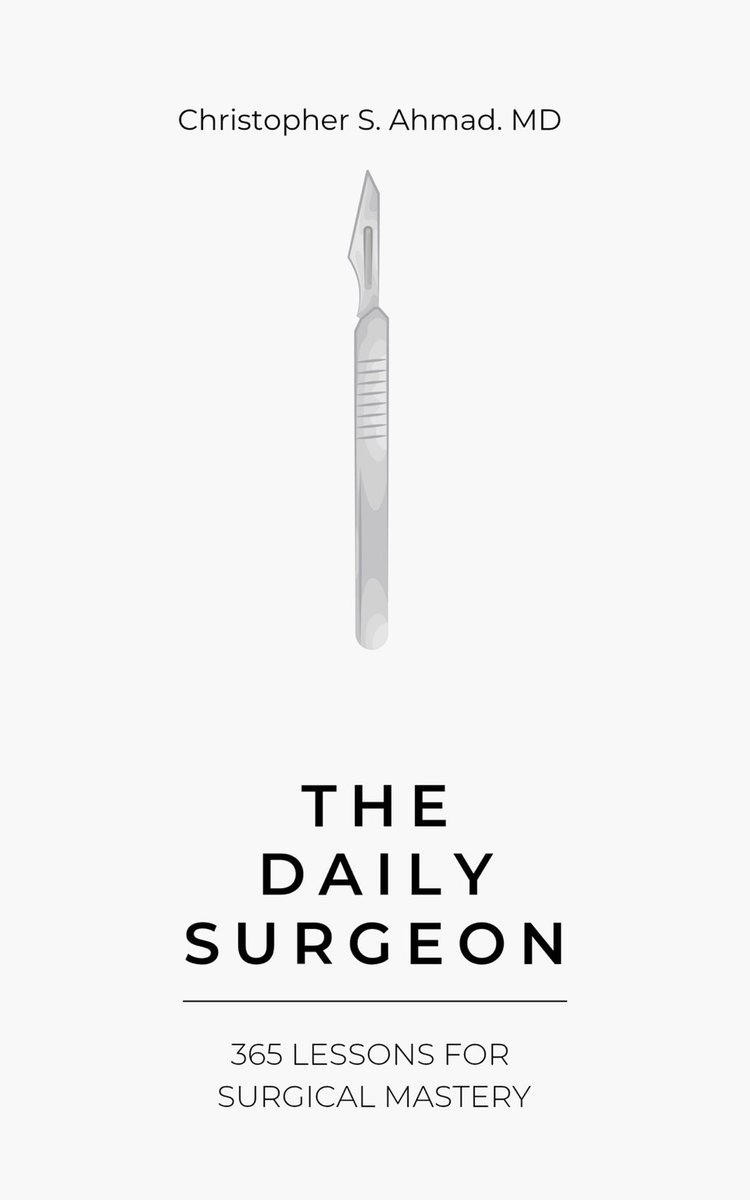
The Daily Surgeon is officially out in the world.
This book has been years in the making, built in the quiet moments most people never see. Early mornings. Late nights. Between cases. Between innings. Between responsibilities.
It’s a collection of 365 lessons shaped by the operating room, by sport, and by the pursuit of doing something at a high level, consistently, over time.
Along the way, I’ve been fortunate to learn from incredible mentors, colleagues, athletes, and patients. Their influence is woven into every page.
I didn’t write this just for surgeons.
I wrote it for anyone committed to improving their craft…
for those who show up every day…
for those who understand that mastery isn’t a single achievement, it’s a daily process.
If even one lesson in this book helps someone take a step forward, then it was all worth it.
I’m incredibly proud to share this with you.
🖤 The Daily Surgeon -- available now:
https://t.co/5X156cYe2F
#TheDailySurgeon #SurgicalMastery #Discipline #Excellence #Gratitude