Have you bought books and saved articles, but never have time to read them?
In the newly released version 2.4.1, you can set an "alternative reading tool when opening social media."
1. Once set up, every time you open a social media app, you’ll be prompted, "Hey, how about switching to a reading app?"
2. If you choose "Open Reading App," the reading app will launch automatically.
The first wave of supported readers includes @ReadwiseReader , @AmazonKindle , @substack, and @Medium.
You can check out the 20-second video for detailed steps.
👉Click here to update to the latest version: https://t.co/UM6iIkmGlw
If there are any other reading tools you'd like us to support, feel free to leave us a comment!
1. Use @clarymind to lock Instagram and TikTok
2. Congrats, you're hired. You're welcome.
Bonus: you can even set Clarymind to redirect distracting apps straight to Substack.
The aim is to break muscle memory and encourage positive change in a fun and mindful way.
👉 Tap here to update to the latest version: https://t.co/z316IlaaSp
We’d love to hear if this unlock mode works for you.
The team is also working on other unlock modes. If we receive positive feedback on Soul-Searching Questions, we’ll continue adding more question sets. 🚀
In this week’s 2.11.0 update, Clarymind introduces a new unlock mode called “Soul-Searching”. Clarymind Pro users can try it out first.
When you enable this mode, you will be asked a “this or that” question each time you unlock the app. The goal is to help you reflect on whether using social media is truly the best choice at that moment.
For example:
• Is this a tool or a distraction?
• Does this bring you closer to your ideal life or take you further away?
👇
Clarymind is an app that automatically locks your social media by default. It comes with a cute AI companion that acts as your screen time guardian, and you can set reading or learning apps as alternatives. It’s a fun way to turn mindless scrolling into a daily reading or learning habit.
Clarymind was just featured on the App Store!
If you're into deep work or want to improve your focus, give Clarymind a try.
📍What could your life look like if you showed up at your best every day?
📍Who might you become in three years if you kept growing steadily?
Reclaim your time from endless scrolling and reinvest it in yourself.
On average, people spend over 6.5 hours a day on phones and social media. Cutting just 2 hours a day saves you 730 hours a year.
That’s a full 30 extra days in your year.
We all know time and attention are precious.
All we need is the right approach and the courage to start today.
2️⃣ Blog link added in the app
This year, Clarymind started sharing books and research related to productivity, habit-building, and goal execution.
If you're taking a break from social media and want something to read, go to Account > Take a Read to visit our blog!
3️⃣ "Time Planning" UI improvements
We've redesigned the layout to make it clearer and easier to use, along with improved instructions.
🎉 Last week, Clarymind ranked #1 in the App Store's "Health & Fitness" category!
We're also consistently in the top five rankings in Taiwan and Hong Kong. We've received a lot of positive feedback, and your support is our biggest motivation.
It's amazing to see more people becoming mindful of their attention. Let's make the most of our time and get more done together!
In the newly released versions 2.6.4 ~ 2.6.6:
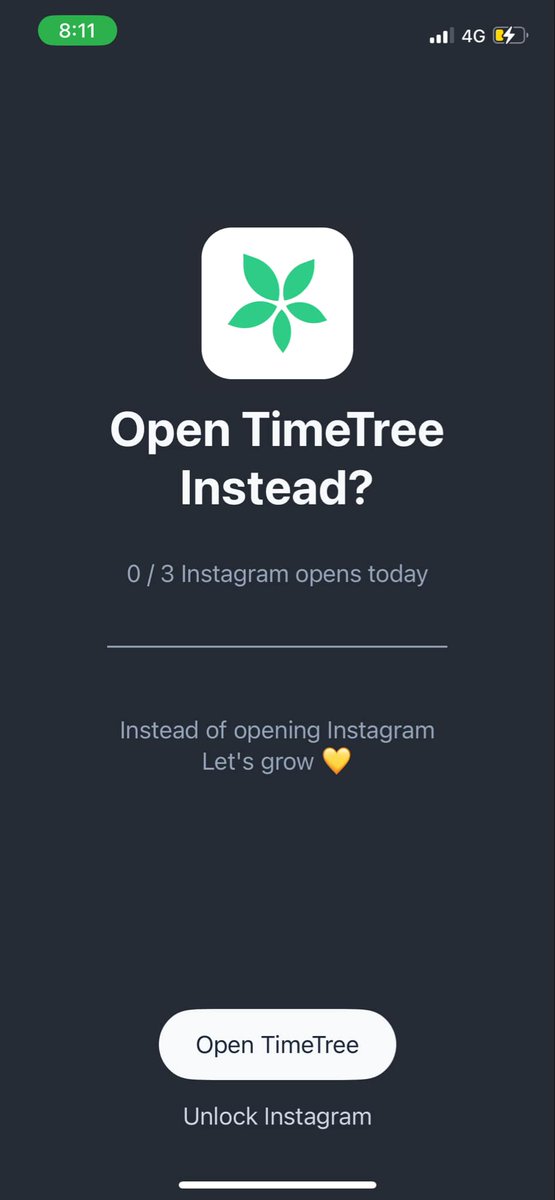
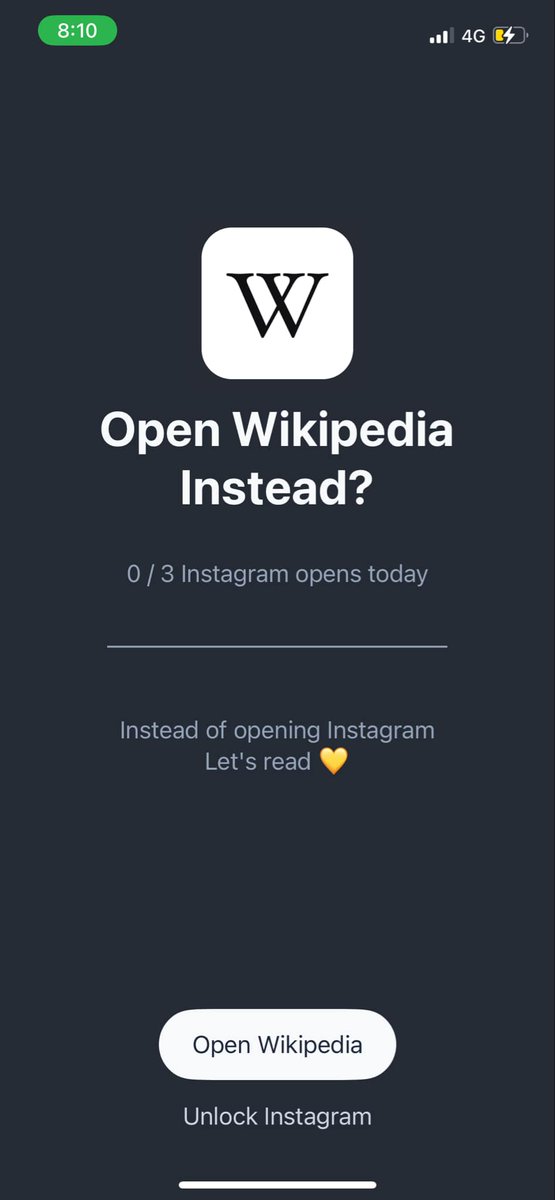
We added "switch to alternative apps" options for @LibbyApp, @Wikipedia , and @TimeTreeApp.
When you set an alternative app, every time you open social media, you’ll be reminded:
"Instead of scrolling, why not switch to this app?" (See example below.)
👉Update to the latest version: https://t.co/UM6iIkmGlw
We also fixed some UI issues, improved performance, and added in-app tips for a smoother experience.
In 2024, Clarymind will continue to introduce personal management features on "focus" and "well-being."
We hope Clarymind will be even more helpful to you in various aspects of your life.
In the new 2.6.3 update:
The "Switch to Alternative Apps" feature has been expanded.
We’ve added dozens of new apps, such as:
◼︎ Reading: @ReadwiseReader, @AmazonKindle
◼︎ Self-Care: @calm , @Headspace ,@finchcareapp
◼︎ Productivity: @NotionHQ , @obsdmd , @Heptabase
◼︎ Learning: @coursera , @udemy
◼︎ Religion: Bible, Quran
We also added search and categories to help users find apps more easily.
When you set an alternative app, every time you open social media, you’ll be reminded: "Instead of scrolling, why not switch to this app?" (See example below.)
How to set it up: Go to Focus > Select the linked app > Choose 'Replace with app.'
👉Update to the latest version here: https://t.co/GhRU3hocdz
If your goals for 2025 include:
- Reducing screen time
- Reading more
- Building a daily habit of writing and learning a foreign language
Try using @clarymind to help you reach your goals.