Spending hours scrolling through LinkedIn but barely retaining anything?
I built a simple extension named Feedbite to solve this exact problem. 🚀
Here's what it does:
→ Instantly summarizes any LinkedIn post with AI
→ Works with Groq, OpenAI, or Gemini APIs
→ 100% free and privacy-focused (your API key stays in local storage)
→ Saves you hours per week
How it works:
1️⃣ Install the Chrome extension
2️⃣ Add your API key (stored locally)
3️⃣ Click "Summarize" on any post
That's it. No sign-ups. No subscriptions. No data harvesting.
I've been using it for weeks, and it's completely changed how I consume content on LinkedIn. Instead of reading every long post, I get the key insights in seconds.
🔗 Try it free: https://t.co/7x6UrS5IbU
What do you think? Would this be useful for your LinkedIn workflow?
Day-54✅🚀
🎉 Just created a captivating webpage using Tailwind CSS property! 🎥✨ Smooth and engaging webpage of steve jobs brought to life with tailwind CSS wizardry! 🔑⚡ Check it out!
🚀 #Loadingwebpage#100DaysOfCode#learnInPublic
Day-53✅🚀
🎉 Just created a captivating loading animation using the keyframe property! 🎥✨ Smooth transitions and engaging visuals brought to life with CSS wizardry! 🔑⚡ Check it out!
🚀 #LoadingAnimation#Keyframes#100DaysOfCode#learnInPublic
Day-52✅🚀
I just crafted a stunning animation button using keyframes, flex, and transform properties! It's like giving life to a static element. 🎉🎨
🟢 Get ready to be mesmerized by my animation button on Twitter! ✨
https://t.co/3ZDi0aojKl
#100DaysOfCode#learnInPublic
Day-50✅🚀
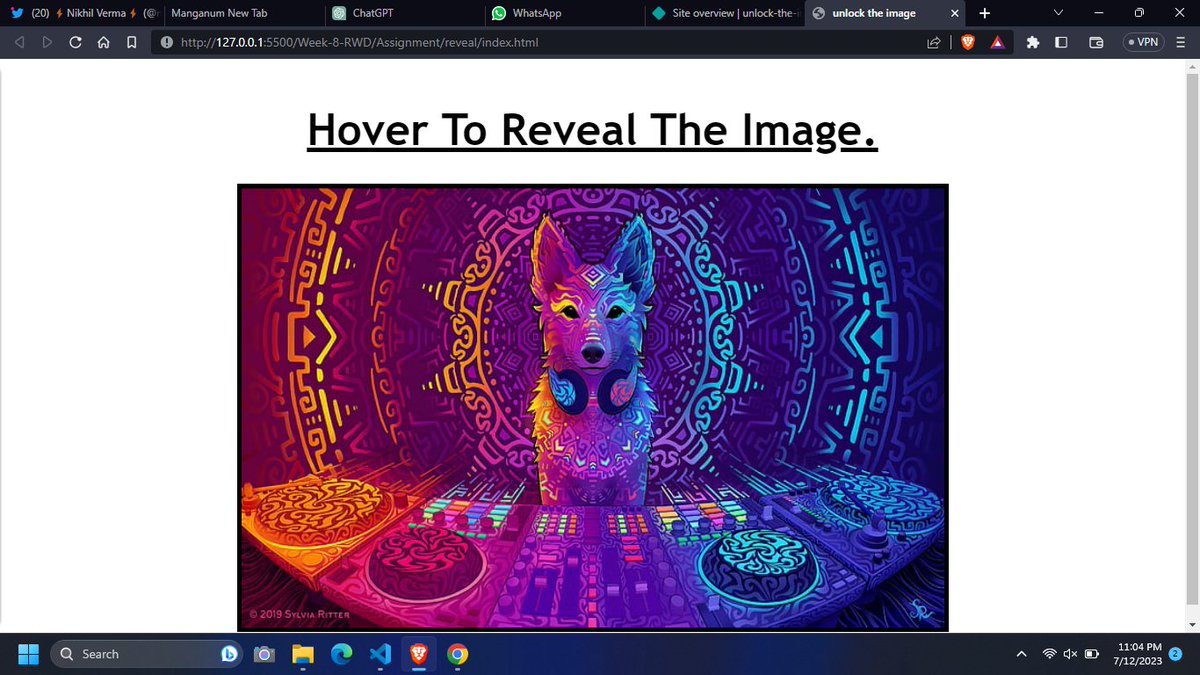
🎨 Creative image unlock: Use the hover effect to unlock an image with style! 🖼️✨
🟢 Unlock the potential of your images with this innovative technique and captivate your audience on Twitter! 💫📸
#HoverToUnlk
https://t.co/PhhhkJod3c
#100DaysOfCode#learnInPublic
Day-49✅🚀
Created an eye-catching leopard card using #Flexbox and the scale property! ✨
#CSS#Webdesign
🖱️ Hover over this incredible leopard card to witness the magic! 🐾
https://t.co/ljtrphlSHB
#100DaysOfCode#learnInPublic
Day-48✅🚀
🎉 Today, I created a fantastic sticky note using flex, gradient colors, and hover effects!
🟢 my sticky note design is flexible and dynamic, allowing me to arrange content in a visually appealing manner.
🟢 #webdesign#flexbox#100DaysOfCode#learnInPublic
Day-47✅🚀
🎉 Today, I created a transition button using the transition property! Here are four points to highlight its awesomeness:
🟢 Can't wait to share this awesome transition button with the world! 💪
😊 #webdevelopment#creativebutton#100DaysOfCode#LearnInPublic
Day-46✅🚀
Flexbox Brilliance: Utilized flexbox properties to craft a stunning gradient header. #FlexboxGenius 🌈✨
Striking Visual Impact: The gradient header adds a captivating and modern touch to the design. 🎨💥 #EyeCatching#100DaysOfCode#learnInPublic
Day-45✅🚀
🎉 Just created a gradient box using flexbox! Here are four key points about my creation:
🟢Flexbox Mastery: Successfully implemented flexbox properties to achieve the gradient box effect. #FlexboxWizard 🎨
#100DaysOfCode#learnInPublic
Day-44✅🚀
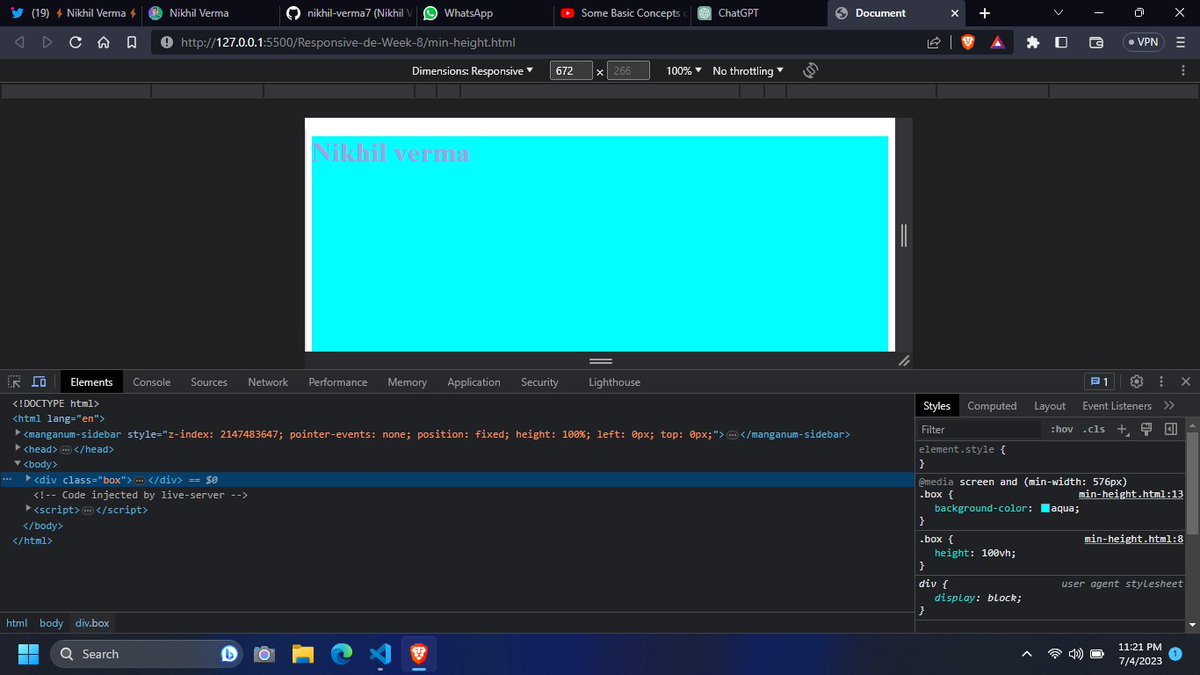
Flexibility: 📏💪 Max-height and min-height allow elements to adapt to various screen sizes.
🟢 🖼️🎶 With max-height and min-height, your website elements can maintain their proportions while adjusting to different screen heights.
#100DaysOfCode#learnInPublic
Day-43✅🚀
🟢using the RGB color model. Feel free to use these points and corresponding to enhance the user experience on your page!
#100DaysOfCode#learnInPublic