We've all had that incident in production where we want to quickly disable a @sidekiq job. Here is a blog post about how we handle it at @planetscaledata https://t.co/W2CXv4EOQC
@pavelsvitek_ Don’t forget emails trying to get feedback on why a customer left or why they stopped using a feature.
You can get all that info now based on what they ask their agents and what their agents decide to report to us.
It’s a whole new world with MCPs + agents
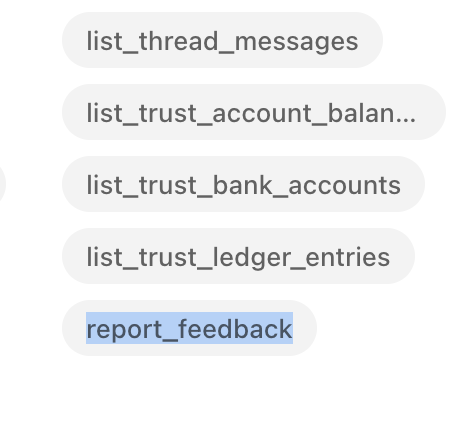
We recently added this to the PlanetScale MCP, and it’s been eye-opening to see the questions users ask and where we have gaps in the information we provide.
https://t.co/J0PpFOWeW4
Lot of people asked about this. You can basically make your MCP self improving by doing this:
- Add a submit_feedback tool to your MCP
- Agent using your MCP will write detailed issue including proposed fix.
- Have it send to an internal Slack channel
- Have Claude in Slack channel and tag it to put up a PR when you agree w proposed change.
Week one, and already hunting p99's. All I did is pointing the @PlanetScale MCP to our codebase and fixing some of the outliers. It's extremely easy with Insights.
Insights is my fav @PlanetScale feature. Click into any query to see:
- AI generated query summary
- query latency
- total time the query has run
- percentage of queries that used an index
- notable instances of the query (>10k rows returned or took longer than 1s)