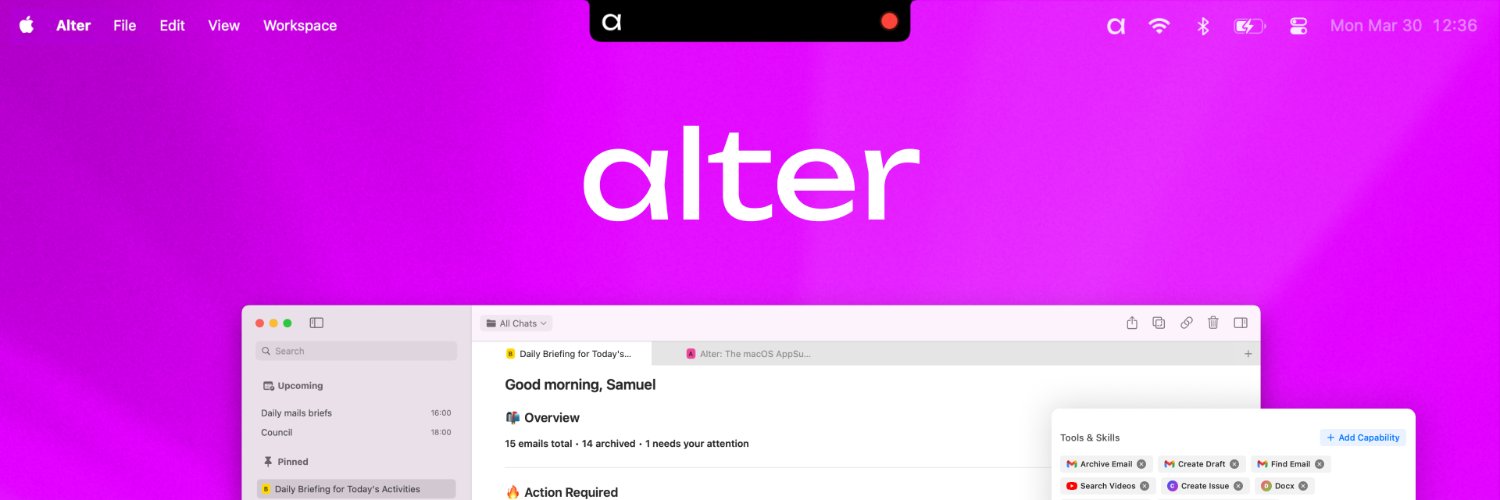
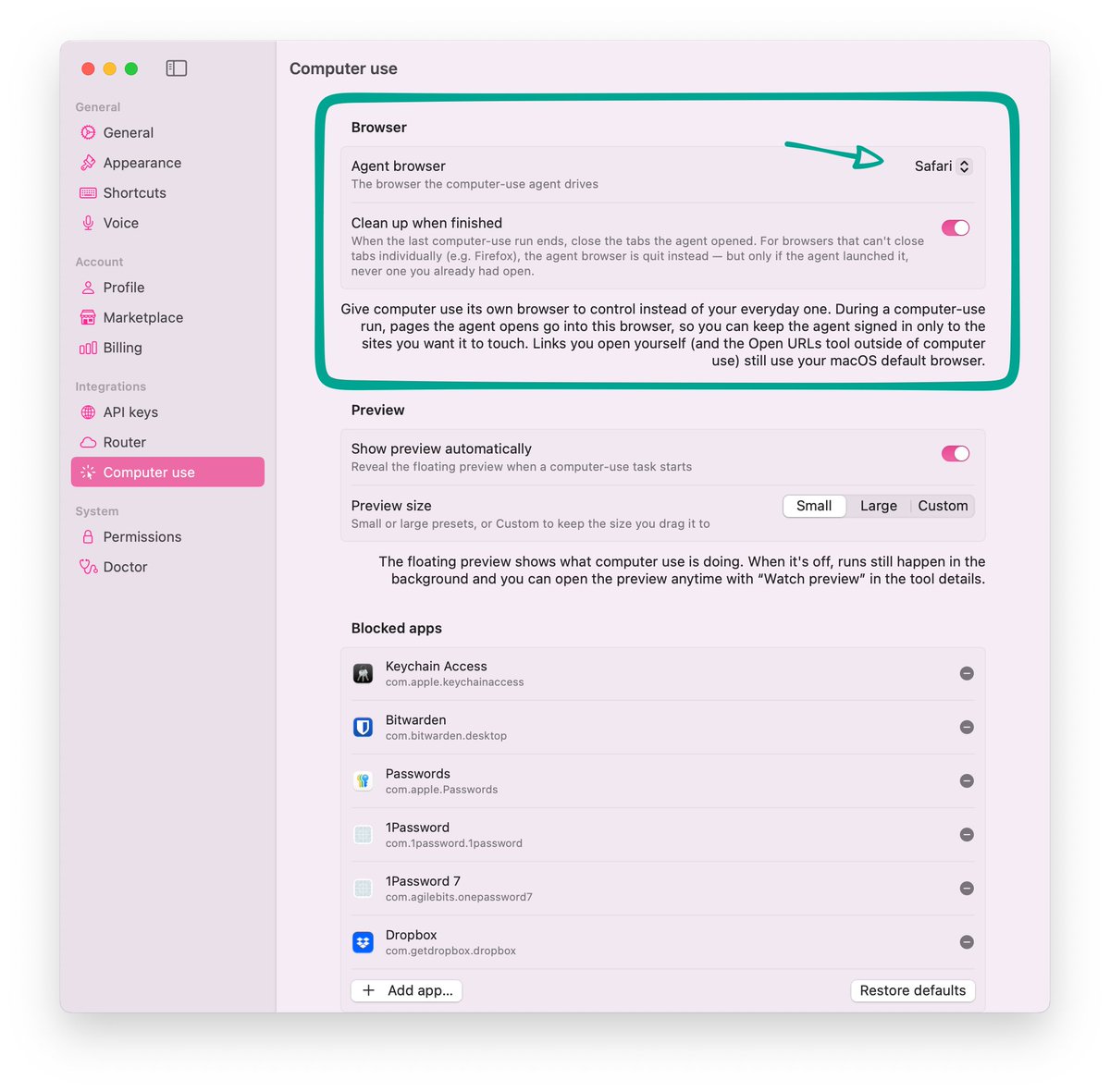
Exactly what we promote at Alter: have 2 browsers, one for you and one for your agent.
There are so many advantages:
1. You can log into websites as usual and are unlikely to be blocked because it's a normal, well known browser.
2. While prompt injection is unsolved, the agent doesn't have access to the rest of your services.
3. Background computer use works, so you can do other things while your agent is using it.
When OpenAI is shipping your last week's features...
...but you can plug in any model, including your local favorites 🙌
Whether with Alter or ChatGPT, you'll love the picture-in-picture mode.
It's the best way to stay in control while an AI agent works on your behalf on your computer.
This is especially useful when exploring Computer Use capabilities.
Stop it immediately and steer it before catastrophic failures happening.
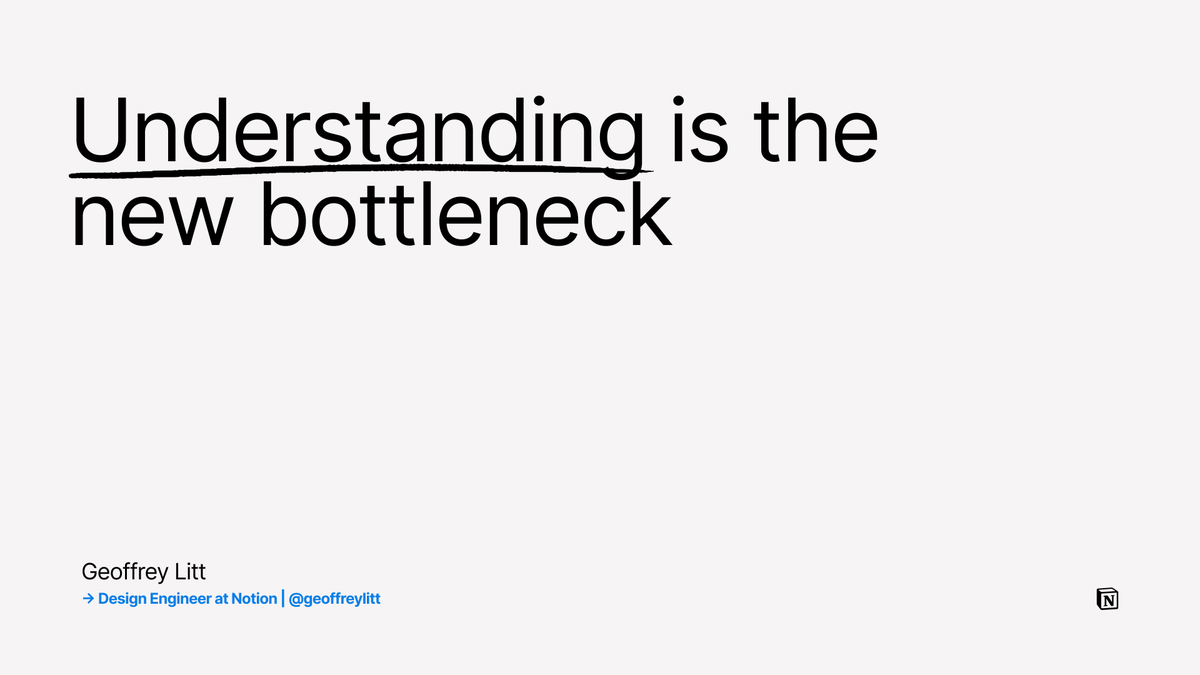
Understanding the code is ownership.
This is a great writeup on patterns a dev can use to avoid drowning in diffs.
On my side, I have two scheduled actions:
1. At the end of the day, a wrap-up of the most significant things that happened in the codebase
2. The next morning, a quiz to ensure I fully grasped the changes and their meaning.
If I'm wrong, I'm quizzed again the next day until I get it.
My previous flow was generating HTML reports with charts, but the micro-worlds idea is much better.
Well done @geoffreylitt!
Hot take: I think it's still important to understand the code that our agents write!
In this mega thread (based on my AIE talk today), I will explain why that's the case, and show some ideas for how to efficiently understand code. Alright, let's dive in. 1/
Guys, if you want both the perfect monitor for your mac device and the perfect AI assistant for macOS, you know what to do.
We partnered with BenQ to offer 3 months free of @alterhq_ if you buy the new MA320UG monitor, a 32" 4K matching your macbook colors.
Thanks @BenQAmerica !
@Teknium@AndreBaltazar We’ll become Alchemists, all in search for our very own recipes of MoA. Why does it feel like we’re part of a secret congregation? 🧙♂️
At the end, using a router to handle all that for you might be the best choice.
OpenRouter does it with their Fusion Model, Sakana with Fugu, Replit as well and we're also doing it at Alter.
There's a real motion to abstract that choice from users and make things less complicated.
What's your take on routers? Do you always choose a specific model?
@testingcatalog They are building the bridges to make Codex the new ChatGPT, basically this is just a permission to let Codex use https://t.co/lPJ4A3szZg
@soniox_ai can confirm @soniox_ai is crushing it and is now our primary cloud processor for meetings and dictation.
To tell how important it is, this is the default for new users on Alter.
@ruthheasman Are you not feeling constrained or limited?
You have far fewer AI requests than the subsidized plans from OpenAI and Claude.
Besides, you can't select frontier models, unless I'm mistaken.
Did you notice the engraved quote on OpenAI’s first chip?
1. It's the last sentence of last year “Gentle Singularity” post by Sam Altman. A must read.
2. It tells a lot about what Jalapeño really is: the first stone in OpenAI’s compounding infrastructure flywheel.
3. If intelligence is going to become abundant, its cost has to collapse.
The long-term target is having intelligence priced close to the cost of energy.
Custom silicon is how OpenAI starts compounding that flywheel:
better chips → cheaper inference → more usage → more products/agents → more infra → lower cost of intelligence.
It’s a physical step toward the world Sam described: smoothly, exponentially scaling intelligence.
Am I right @sama?
We’ve designed and built our first AI chip: Jalapeño.
Designed from the ground up by OpenAI and brought to production with @Broadcom, Jalapeño is purpose-built for the LLM workloads powering ChatGPT, Codex, the API, and future agentic products.
Chips are foundational to the AI economy. Building our own expands our full-stack platform from products to models to infrastructure, and will help us scale intelligence, serve more people, and expand access to AI.
Adding 2 more reasons to be model-agnostic:
1. Lack of compute causing outage, too often on Anthropic side. If you're serious at using AI in your business you need reliability
2. Using multiple providers and models drive cost down and efficiency up by blending models behind a router
Apple container has been the default code runner in Alter for the past 4 months, helping thousands of users run AI-generated code safely.
For every macOS builder out there in need of a sandbox, 100% recommended.
Apple just made Docker Desktop optional on Mac.
And it is completely free.
This is apple/container. 26.5k stars no Github.
You can now run Linux containers natively on your Mac without installing Docker Desktop, without a background daemon hogging your RAM, and without paying $21 a month per developer for a commercial license.
Here is what it does:
→ Runs Linux containers as lightweight VMs directly on Apple Silicon using macOS 26 virtualization
→ Fully OCI compatible. Pull any image from Docker Hub, GitHub Container Registry or anywhere else
→ Written in Swift and optimised specifically for Apple Silicon. Faster and lighter than anything Docker Desktop does on Mac
→ Standard container CLI syntax. If you know Docker commands you already know how to use this
→ Push images you build to any standard container registry and run them anywhere
Docker Desktop charges $21 per developer per month for commercial use. Apple's version costs nothing and ships as open source under Apache-2.0.
Microsoft made Docker Desktop optional on Windows with WSL Containers last month.
Apple just did the same on Mac.
Docker is not going anywhere. But the era of paying for a GUI wrapper around containers on your own machine is quietly ending.
Repo here: https://t.co/uFJ867sul6
Xcode 27 beta 2 released and it will make loop engineering easier for iOS and macOS apps.
Loop engineering is basically:
stop prompting the agent for every step, and give it a workflow where it can act, observe, fix, and continue.
For iOS/macOS apps, the useful feedback loop usually sits outside the repo.
In the simulator.
In SwiftUI previews.
In screenshots.
In runtime state.
In debugger output.
In crashes, hangs, launches, energy, and disk writes.
Xcode had MCP support since 26.3, but Xcode 27 expands access to the parts agents could not easily reach by only reading files.
Agents can boot simulators, install and launch apps, synthesize touch events, capture screenshots, render SwiftUI preview variants, get richer preview snapshot context, access app diagnostics, and use LLDB through lldb-mcp.
So the loop can move from:
prompt -> edit files -> wait for human QA
to:
prompt -> edit -> build -> launch -> interact -> screenshot -> inspect -> debug -> fix -> repeat
It should check that the UI works in dark mode.
That large type does not break the layout.
That the interaction actually behaves correctly.
I’m really curious to see how far we can push this.
At the same time, I’m a bit worried about the performance side.
Xcode is already slow and heavy today.
If you start running multiple agent loops, with builds, simulators, previews, screenshots, diagnostics and LLDB sessions in parallel, your Mac can get cooked pretty fast.
Especially on smaller machines.
An M2 Pro with 16GB RAM is still a very common dev setup.
Will that loop stays usable on a real codebase, on a real machine, while you have multiple git worktrees?
Let's find out