I worked with a group of engineers to create github/lever - a library of skills for automating boring work so that us humans can focus on the things we love.
We pooled our session history, mined it for the patterns that produce the best results, and turned them into low barrier skills.
Building powerful long running agents requires a powerful agent harness. Now it's easier than ever inside of @Microsoft Foundry with the new Microsoft Copilot harness in Foundry Agent Service! 🧑💻
Build and govern a powerful agent powered by the same harness optimized across GitHub, Microsoft 365, and Copilot scenarios for agents that can accomplish complex and long running enterprise tasks -- no code required. All secured and governed in Foundry 🔐
Check it out:
https://t.co/q5iTQFqWPV
Many apps on iPhone Duo are broken right now and it requires real work to get right.
When we first got the @MSFTCopilot app running on Duo, so much was in a broken state. We had too much “if iPad” in our layout code instead of adapting to size classes and the space available.
iPhone Duo has a lot of postures. Fully open, rotated, the little front screen, partially open, the front screen rotated...we kept finding new ones we didn't anticipate, and every one needed its own fixes, layouts, and design decisions. Good luck designing this by hand in Figma...way better to flip it around in the sim and design it right in code.
All of the AI apps have converged on a sidepanel to show the list of conversations behind a burger menu that slides in from the left. But on the iPhone Duo front screen, the tab bar and the navbar controls sit vertically on the right. Just moving the existing burger icon to the right doesn't make that interaction intuitive.
So we dropped the burger icon on Duo. There's now a chevron on the right (which is common across the OS). This is great because it's so natural to hit the back button with your right thumb. Tap it and you get a full page view with all your conversations and everything else that would've been in a peak view side panel.
Then you open up the device and it all just carries over with smooth continuity. Using the native split view allows side panels to be open by default on the big screen. This is where productivity feels awesome. Kick off real work with Cowork, check on running tasks, or build full apps on the new Copilot Code (coming soon).
It's rare to get a new iPhone form factor to experiment and express yourself with. Software feels fun again on Duo.
Every quarter gives us an opportunity to step back and look at the progress we are making with our customers and partners around the world. What continues to strike me is not simply the pace of change, but the ambition we see from organizations using technology to achieve aspirations that simply weren’t possible before.
I encourage you to read my pre-earnings blog for some of our favorite stories from the past quarter that highlight the three durable traits that are required for Frontier Transformation and our platform approach that enables the same.
https://t.co/odVJkeDKqD
What a way to kick-off day 1 of the 5th annual Power Platform Community Conference! We sold out this year, with over 9,000 people joining from all around the world.
There’s never been a better time to be a maker. The tools are getting more powerful, more people can build than ever before, and the kinds of problems we can solve keep expanding. My Autopilot (Apollo) even made a cameo in the keynote.
Loved seeing what this community is building and sharing some of what we’ve been working on. And the week is just getting started here at #PPCC26. 🙌
The agent I demoed is a Microsoft Foundry hosted agent/autopilot. Messages arrive from Teams & Outlook (or locally), then it uses gpt-6-luna for reasoning and Decision 1 for fast decision making.
If you're in the Microsoft ecosystem WorkIQ is probably the most important tool you can give your agent! A memory store to let your agent scope memories depending on who its talking to or the channel its in is also very useful.
Made a high level diagram for more context💜
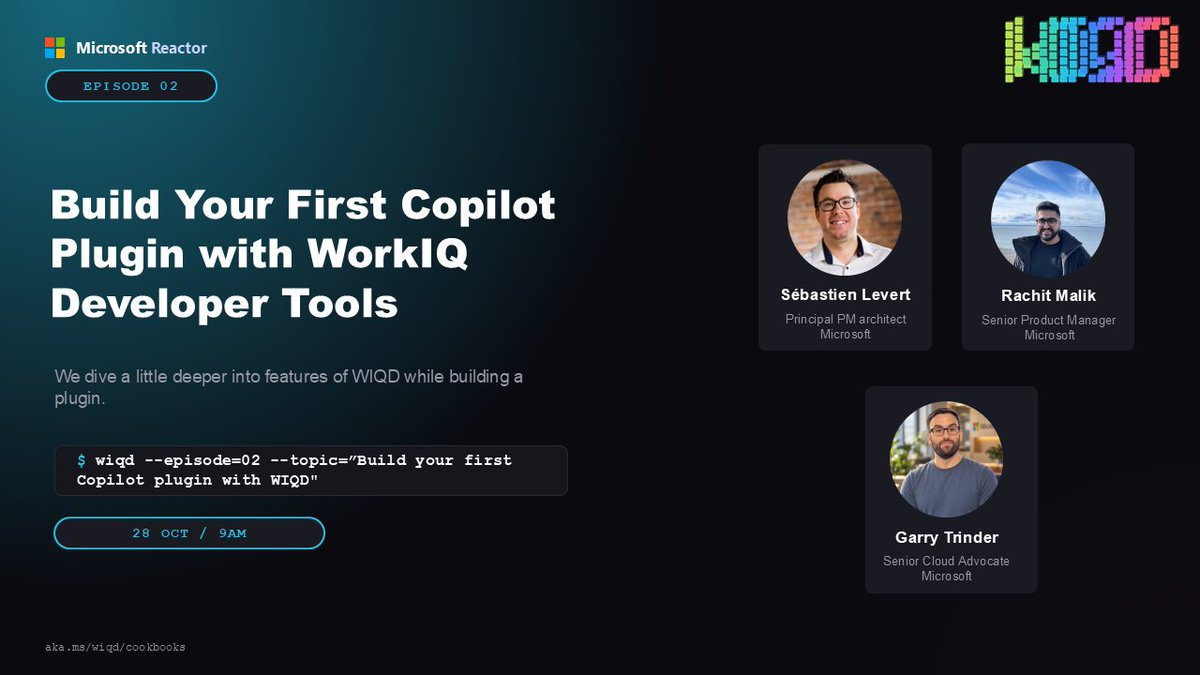
🚀 Build your first Copilot plugin with WorkIQ Developer Tools!
📅 Oct 28 | 9 AM PT
🔗 https://t.co/O1hxqkMNke
Go hands-on from setup to a working extension, using a WIQD Cookbook recipe to get there faster.
#Microsoft365Dev#WorkIQ#Copilot
We’re about 35 mins to showtime and the arena is filling UP!
If you’re at #PPCC, get on over to the Garden Arena! There are some breakky burrito looking things, coffee and 9K of your closest friends filling up this room!
I know @clamanna is going to kick off this morning with thanking the BEST community in the world.
So much good stuff going LIVE today…there is a very specific announcement I’m waiting for 😅
Let’s go! 🚀
Microsoft has taken steps to protect customers following an issue involving eMudhra certificate authority keys. Learn about the protections in place and recommended actions for customers: https://t.co/nBvmb1YMb1
I rebuilt my Power Apps canvas time tracker in Microsoft Copilot Code in under an hour, on the same Dataverse tables.
The trick wasn't a clever prompt. It was a detailed spec.
Video: https://t.co/0c3NZuswQy
Blog: https://t.co/pCrZFyVnRX
#PowerPlatform#Copilot
⚡ Incredible things are being built with #Copilot, #Microsoft365 & #PowerPlatform
But too many stories stay hidden
Let’s fix that 👇
• Share your solution 🫵
• Help others learn from you
• Grow through teaching 🧠
• Reach more in YouTube
Sign up → https://t.co/PgTMTK9Svn
Jeff Teper's recap of the last three months is worth your time. It's incredible to see the pace of change and innovation, which means we MVPs have our work cut out for us to keep up.
Copilot Code is a new AI-powered coding experience in Microsoft Copilot that helps people turn ideas into working software. Learn more: https://t.co/P0uJ60RXou
Volkswagen Group has brought Microsoft Copilot to more than 330,000 employees, embedding secure AI-powered assistance across its business and enabling teams to focus on higher-value tasks. Learn more: https://t.co/kO0I9HTTXO
Copilot Cowork just got a serious upgrade. PROJECTS are here!
Give each project its own instructions. Keep the project context together. Find the files created by its tasks under Outputs.
Client engagements. App builds. Content production.
When you’re handing real work to an agent, the instructions and context deserve as much attention as the prompt.
This update was long overdue.
LET’S GOO!
I'm having an amazing day at the Microsoft Frontier Tour in London! If you're here, I'll be talking about Microsoft Agent Framework later this afternoon at 4:40 PM | Lightning Talk 2 | Connection Hub #Microsoft#FrontierTour#London#Keynote