🔥 Design real websites right on the canvas. Publish in seconds. All with blazing fast performance. We’re shipping a new version of Framer, and we would love your help. Learn more at https://t.co/7qb6QVswre and check the thread (1/6)
@wraaick The transformed element case is a little more complex, because you need to "undo" transformations, which is harder than it sounds. So yeah, very much a pile of if-statements :)
The most requested feature of the year is here—announcing Auto Size ⚡️ And it works dynamically on everything from text to interactions. Design expanding accordions, dropdowns, buttons, and more.
Open the playground — https://t.co/qDpjRb3g8K
Read more — https://t.co/enORVyhCJx
@wraaick How you calculate paint offsets roughly splits into two cases - the element is either transformed or not, and the logic is browser-specific for both cases. The non-transformed case is much simpler, because it's really a pixel-snap function (which has some browser-specific quirks)
Want to learn more about the new Auto Size feature in Framer? Join @AddisonSchultz and @nvh on May 4 as they take you through everything from simple buttons to advanced Smart Components using Auto Size for content and interactions.
Sign up here — https://t.co/buRrrlxLFV
In the end I think we ended up with the world's most accurate HTML node highlighter, which is I'm sure an achievement no one should care about, so I'll just leave it buried in this thread here, as a memento of battles fought and lessons learned.
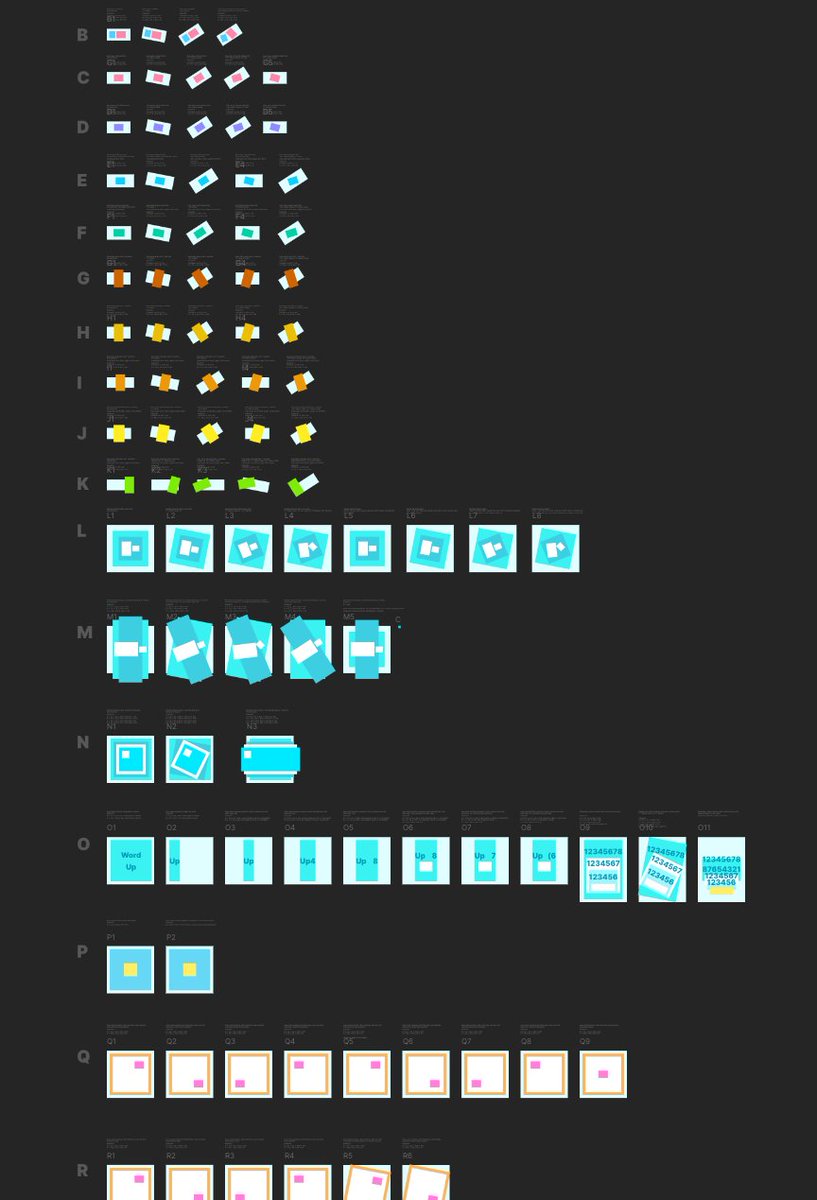
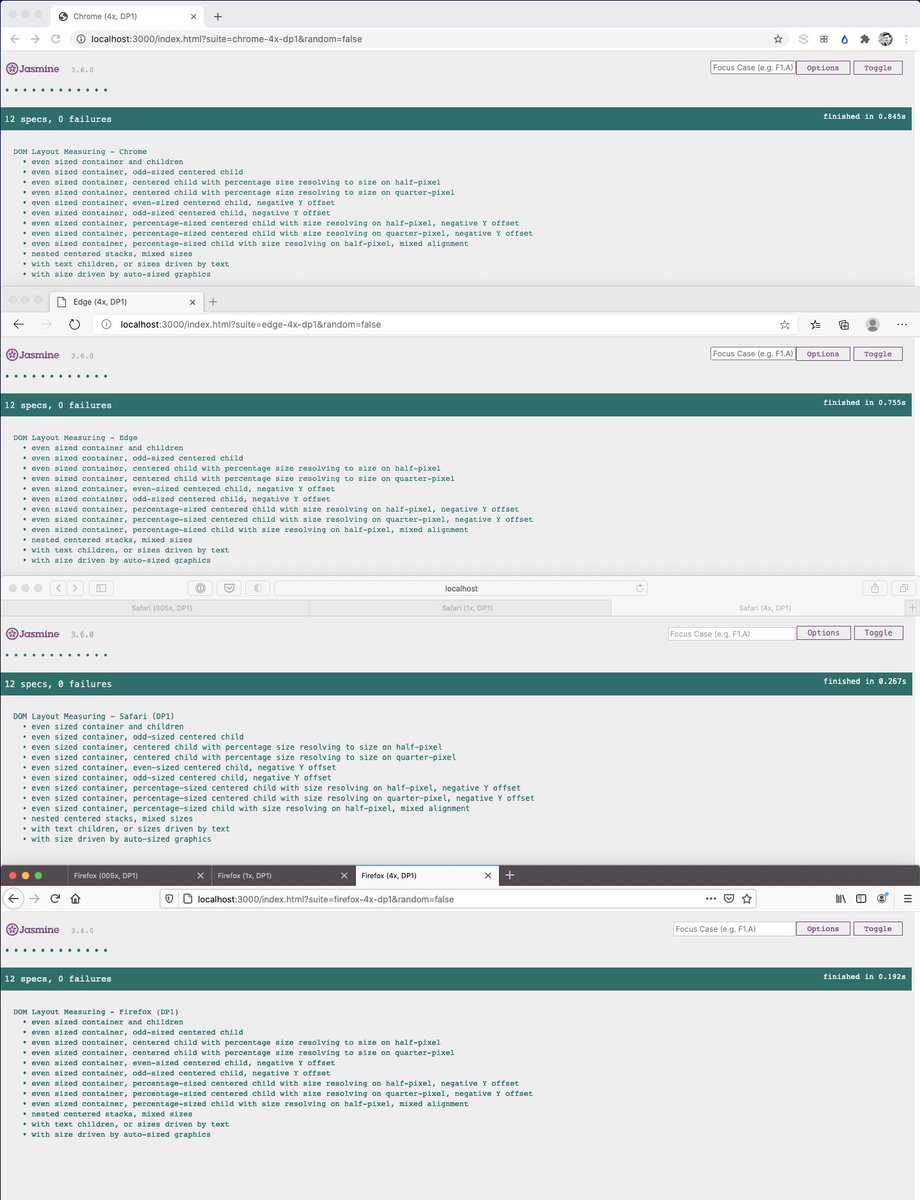
Every change had to go through the entire testing matrix, making its way through > 2400 cases. I ended up writing a custom test harness that allowed me to go through all cases in under 2 seconds, because our existing playwright-based test suite got too slow to work with.