@fredrikkjell@MrBhupend@Truecaller Hi Bhupendra,
This is a bit unusual.
Can you please share the app version that you're on? You can find it from Account > About
Hey Anuj,
My name is Nakul and my team manages Truecaller on iOS.
Glad to hear that Truecaller comes in handy to you.
What I see from your call history is that you don't have Truecaller Auto-block turned on, which can, in fact, automatically hang up such calls for you.
Let me know if you're interested in knowing more and I can reach out to you.
// NK
Yes, it is indeed possible to have multiple admins and all members can be admin too but in that case you won't really be able to manage settings of other members.
Having said that, this is great feedback and if you have more feedback, can I connect with you over DM?
Let me know.
@OrestTa Main USP is that it enables database lookups without revealing who's looking up or what's being looked up. Almost magic.
This implementation is specifically for iOS.
@sonalbhutra@TRAI Yikes! I can feel your annoyance.
We built a series blocking feature on Truecaller for iPhone specifically for this reason! You can block all these calls at once so your phone automatically rejects them.
This is how to set it up:
@rishj@saptarshinath@Tim_NumpyNinja@Truecaller Hi Saptarshi,
If you're a first time subscriber, there should be a free trial available for you when you try to buy Premium.
You're saying you have all settings in place so you should be good to go once there's a paid subscription.
Give it a try and let me know how it goes.
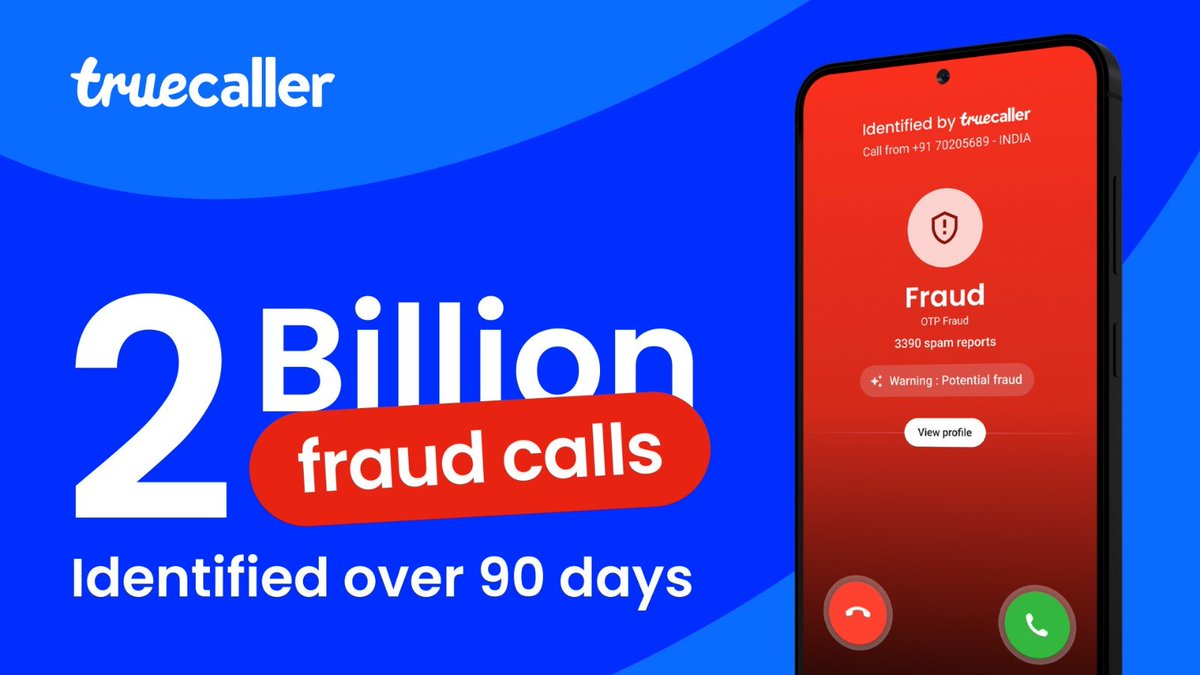
In India alone, @Truecaller identified 2 billion fraudulent calls in 90 days. The global number is even higher.
This isn't 'just' a statistic. It's a testament to the power of people coming together, protecting each other by reporting spam and fraud when they receive calls on the Truecaller app.
Humbly doing our small bit to build a scam-free Viksit Bharat.
I see what you're saying.
Here’s my interpretation of the situation:
Once Truecaller identifies a number, iOS no more considers it as an unknown number and hence lets the call come through. So the definition of "Unknown" is different from what you're thinking vs what iOS thinks.
Ideally, iOS should silence and show the Truecaller name in the call log but that doesn't seem to be happening.
Your feedback is valuable, but it’s more appropriate to file this one with Apple. We've outlined steps on how to share such feedback with Apple: https://t.co/a73MPVQgMI
Let me know if this helps.
@kirtanaha Hey KH
My name is Nakul and I look after the Truecaller iOS app
I read your post regarding iOS 26 Call Screening being affected by Truecaller.. Wanted to get some more deets to understand the issue better.
Can we please connect over DM?
@kirtanaha fair enough.
Could you please explain how you see Truecaller impacting Call Screening? Ideally, if you have Call Screening on, iOS would automatically pick up the call and start screening while waiting on Truecaller to send Caller ID. The two features are designed to co-exist.
Hey Rahul,
I understand why this is frustrating.
iOS prioritizes user choice, and if Truecaller is installed, the system will display Truecaller’s information instead of the carrier’s information. In the case of a real-time lookup, the phone will ring, showing the carrier’s caller ID, and then switch to Truecaller’s caller ID within a second or two.
To investigate this further, could I send you a DM to get more details?
Let me know.
@Mrimoved@fredrikkjell Hey Reemo,
This is a bit unexpected. You should have been able to do a couple of free searches.
Can you tell me what app version you're on? You can find it under Truecaller > Profile > Scroll down to bottom
I see what you're saying. When was the last time you used it?
After iOS 18.2, we released a major update (Jan 2025) which does real time lookups onto our servers to provide best-in-class Call Identification & Spam blocking. Can be unlocked using Truecaller premium.
Have you tried this?