Things to teach your kids;
- Chess
- First aid
- Resilience
- Astronomy
- Persuasion
- Adaptability
- Self-respect
- Self-defence
- Cooking skills
- Assertiveness
- Managing time
- A good attitude
- Public speaking
- Problem solving
- Self-awareness
- Gardening skills
- How to volunteer
- How to negotiate
- Living off the land
- Basic home repair
- Starting a business
- Money management
- Good communication
- Don’t watch the news
- Emotional intelligence
- How to manage stress
- Basic car maintenance
- How to make a decision
- How to influence people
- How to be a great mother
- It’s okay to feel your emotions
- Mental frameworks for thinking
- Understanding healthy relationships
- Building others up, not tearing them down
- Problem-solving over memorization
- Exploration over conformity
- Creativity over rote learning
- The value of hard work.
- How to be kind to everyone.
- Why failure is the path to success.
- How to think, not what to think.
- How to adapt, not conform.
- How to lead, not follow.
- How to create, not consume.
- Taking care of animals.
- Good use of language.
- Opposite sex relationships.
- Healhy food choices.
- Music, listening and performing.
- General culture.
- Foreign languages.
- Leadership.
- Stoicism.
- Fasting.
- Sports.
- Video games.
- Spirituality.
- Travelling.
- Copywriting.
- Drawing.
- Self love.
What would you add?
The laptop hasn't changed in 30 years. NVIDIA just changed it
RTX Spark is their first PC chip ever.
- RTX 5070 level GPU
- 128GB unified memory
- 1 petaflop of local AI
- thin, light, barely throttles unplugged
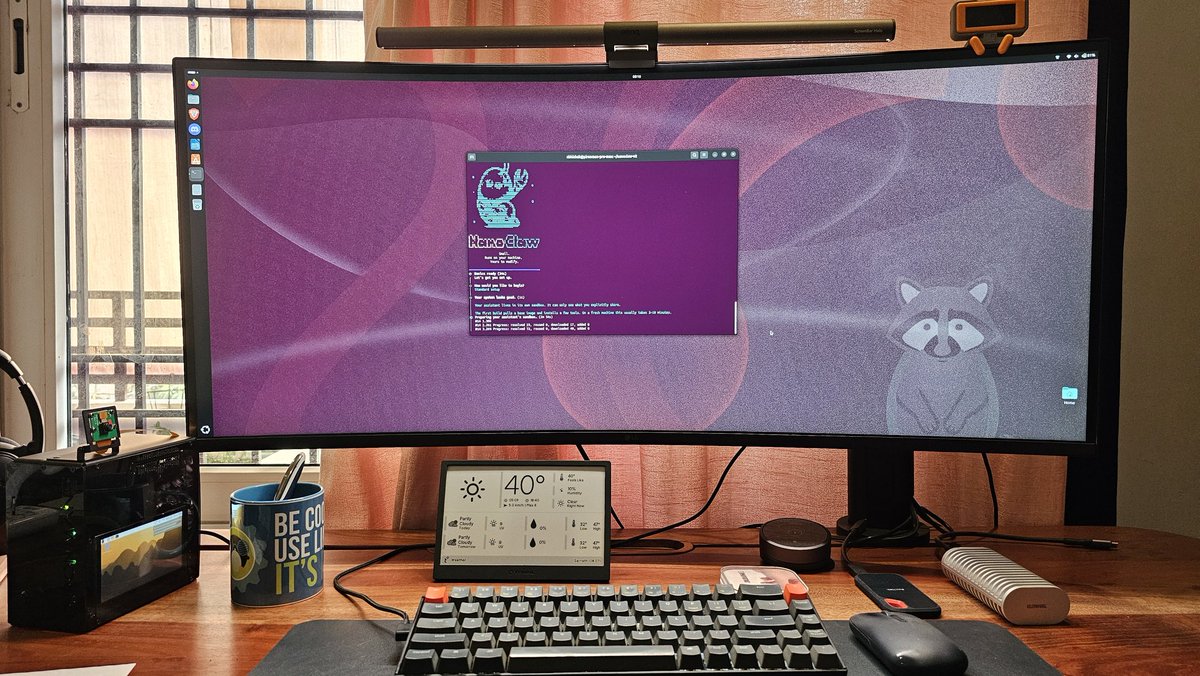
Your AI agent lives on the machine. 24/7. No cloud.
This is step one of the agentic AI PC, and everyone else is about to copy it.
This highlights common #datacenter NICs by speed tier, from 10G to 800G, with major vendors and example models at each bandwidth level 😎👇
Find a pdf ebook with all my #networking related infographics from https://t.co/3t6LHw8TIY
#network#networkequipment#ethernet
Quick Linux Tip # 6
Need to repeat a command every few seconds without installing anything extra?
Use:
$ watch -n 2 df -h
It reruns df -h every 2 seconds and refreshes the output in place, so you can watch disk usage change live.
Works with any command, swap df -h for free -h, uptime, or ls -lh /var/log.
It's the fastest way to monitor something in real time when you don't have a dashboard in front of you.
Follow @tecmint for more #Linux tips
What happens to the student's first app, or the privacy tool built by a volunteer? Google's mandatory registration blocks them all by default unless they play by Google's rules. https://t.co/MQPtIuZUUm #KeepAndroidOpen
I used to retype long commands again and again… until I found a better way.
If you’re doing the same, this will help:
https://t.co/0ow4PCk1WA
Follow @tecmint for more #Linux tips.
Quick Linux Tip #5
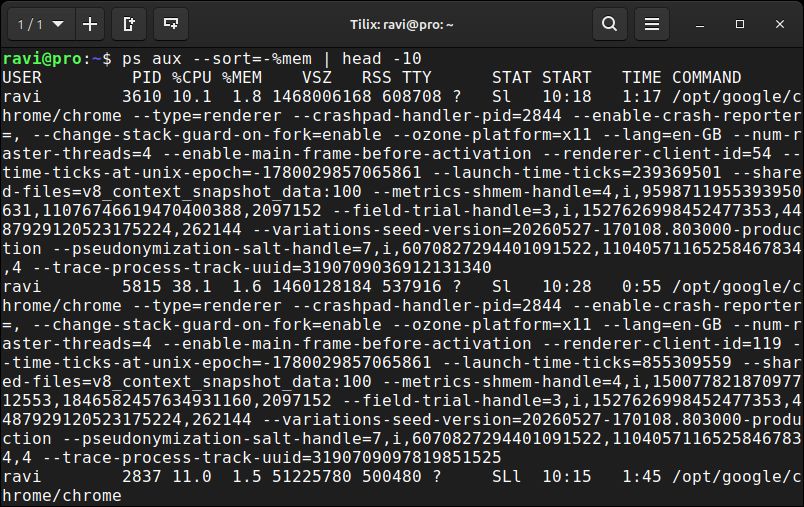
Need to check how much memory each running process is actually using?
Use:
$ ps aux --sort=-%mem | head -10
It sorts all running processes by memory consumption and shows the top 10 hogs.
%mem is the percentage of total RAM the process holds, and --sort=- reverses it so the worst offenders land at the top.
Run this when free memory is dropping, and you need a name to point at before reaching for a reboot.
Follow @tecmint for more #Linux tips
Quick Linux Tip #3
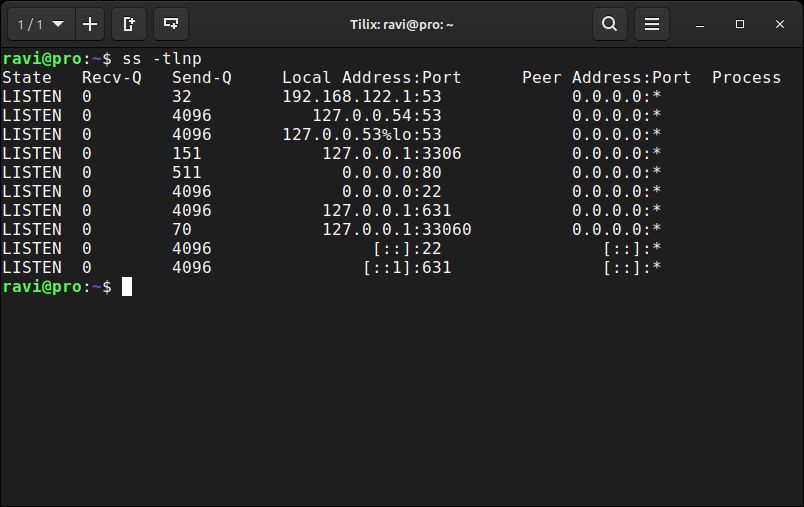
Need to see which ports are open and which process owns each one?
Use:
$ ss -tlnp
It lists all TCP listening ports with the process name and PID attached.
Faster than netstat, built into every modern Linux system, and no package to install.
Run this before opening a firewall port, and you'll know instantly if the service is actually bound and listening or just supposed to be.
Follow @tecmint for more #Linux tips