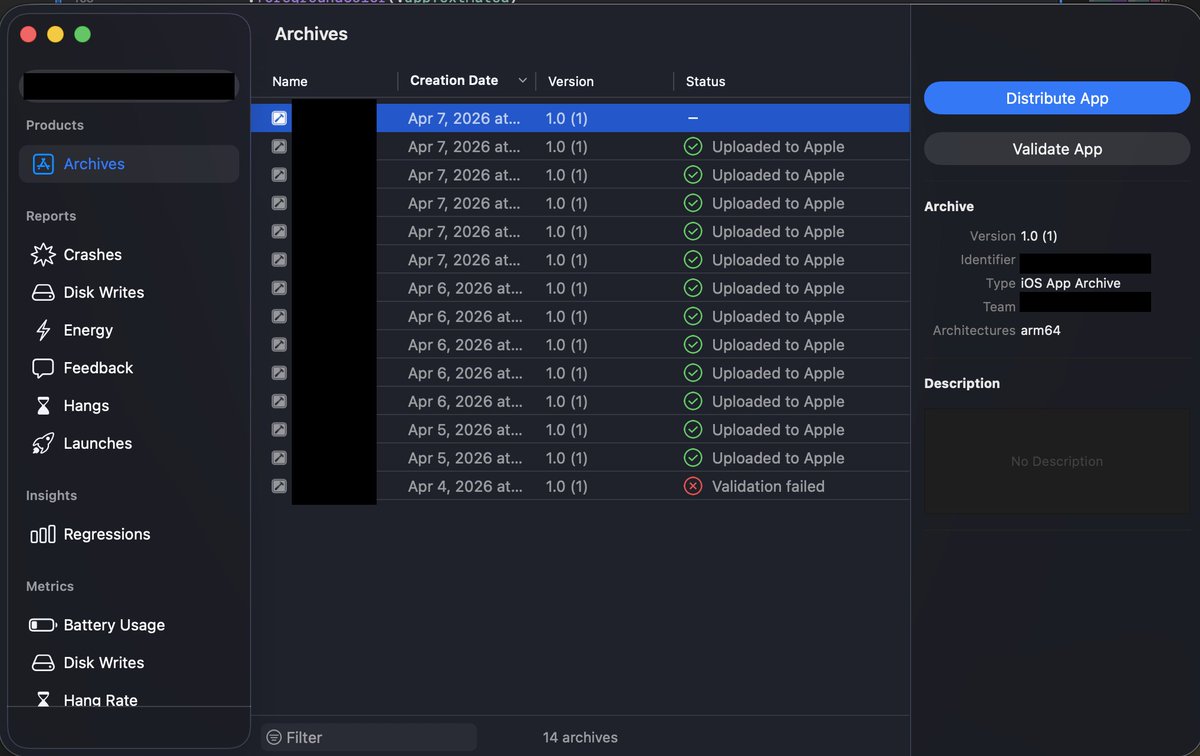
I sent my first iOS app for review yesterday and I got a response in less than 24 hours!
It was rejected for the following reasons:
1) The app has two subscriptions (monthly and yearly). I attached the same app screenshot as a promotional image on both of them. This was my mistake.. I didnt know what a promotional image is and turns out I don’t need it, so I resolved this by removing them.
1) The app requires mic permissions, and the permission request screen did two wrong things:
The button to enable mic permission said “Allow Microphone Access”, and apparently you can’t use such wording.. I replaced it with a simple “Continue”.
The other issue is that I had a “Not now” option, and that seems to be a violation.
The reviewer noted “A custom message appears before the permission request, and the user can close the message and delay the permission request with the ‘Not now’ button. The user should always proceed to the permission request after the message.”
I just removed the “Not now” option.
3) The app description in the App Store and the in-app Paywall was missing a terms of use link.. so I added links to the standard Apple terms of use.
I’m surprised my first app has only these 3 callouts.. let’s see if the app gets approved this time!
@Singh_Jasminder My problem isn’t in sharing with testers, that part doesnt take much. It’s the archiving, then distributing, then completing the compliance prompt in app store connect, then adding the tester group, then updating the app on the device.. all this to test a simple change
I'm building an iOS app and testing with TestFlight is disruptive and a waste of time. Is this normal? Am I doing this right or is there a better alternative?
@tibo_maker Oh and I mentioned it in the video.. but during video creation, the "Target Duration" slider should snap to 10s or 15s multiples... e.g. make it easier to set 30s instead of 29s or 31s.
Maybe look at most common durations for your users & set intervals that make sense for that.
Nice work, Tibo! I've been following for a while but never tried out Revid till now.. it does way more than I assumed! This is my honest feedback:
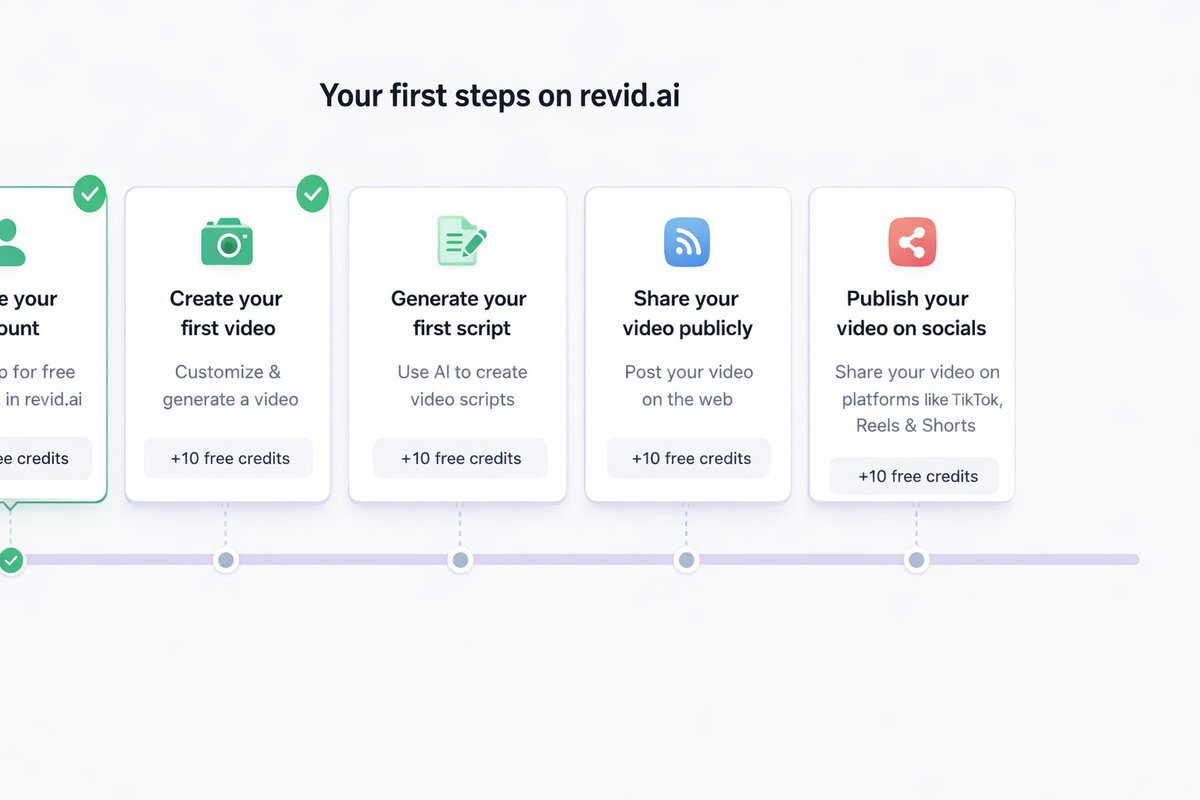
1. The onboarding steps at the top can be more "guiding", so instead of a list of tasks.. have something like steps on a timeline.. (I've attached a rough sketch of what I'm imagining)
2. Add a one-liner to explain what we'll achieve or do in each step.. For example, I can't tell the difference between "Share your video publicly" and "Publish your video on socials"..
3. An initial tutorial mode would be great. Something like intro.js could be useful here.. I explained a bit on the video below.
4. Other than onboarding feedback.. I really believe you can do a better job marketing Revid's features. I've seen a few ads pop up on FB, but they all show teh final product/generated video. Maybe try focusing on revid's automation of all the workflows and how intuitive it is..
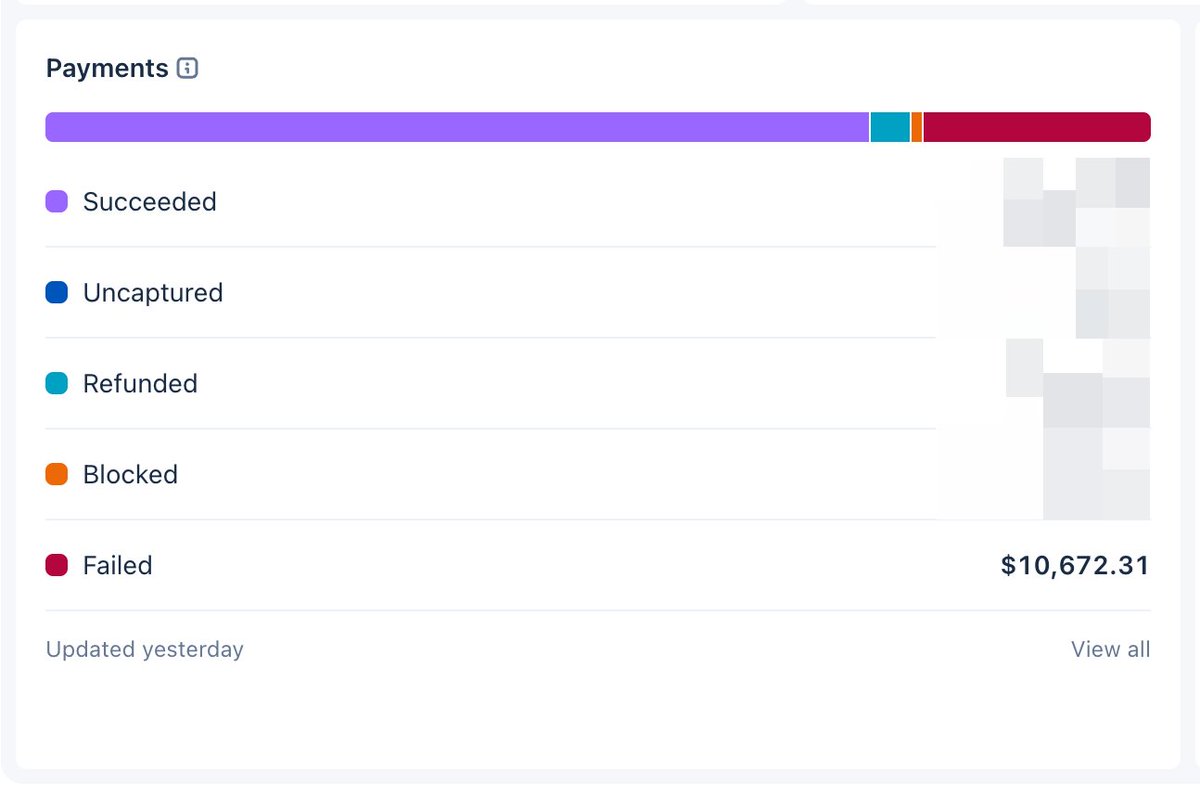
Curous to see how this works out. Looks interesting at first, but it may not be worth it in the long run with disputes/chargeback fees from a disgruntled customer.. plus charging for support now establishes a commitment to fulfill, or at the very least to reply or close the request if inactionable.
@eeelistar@moltbook Isn’t this agentic AI which is essentially an LLM with privileges? If so, how would two bots communicate on anything other than the natural language that LLMs are trained?