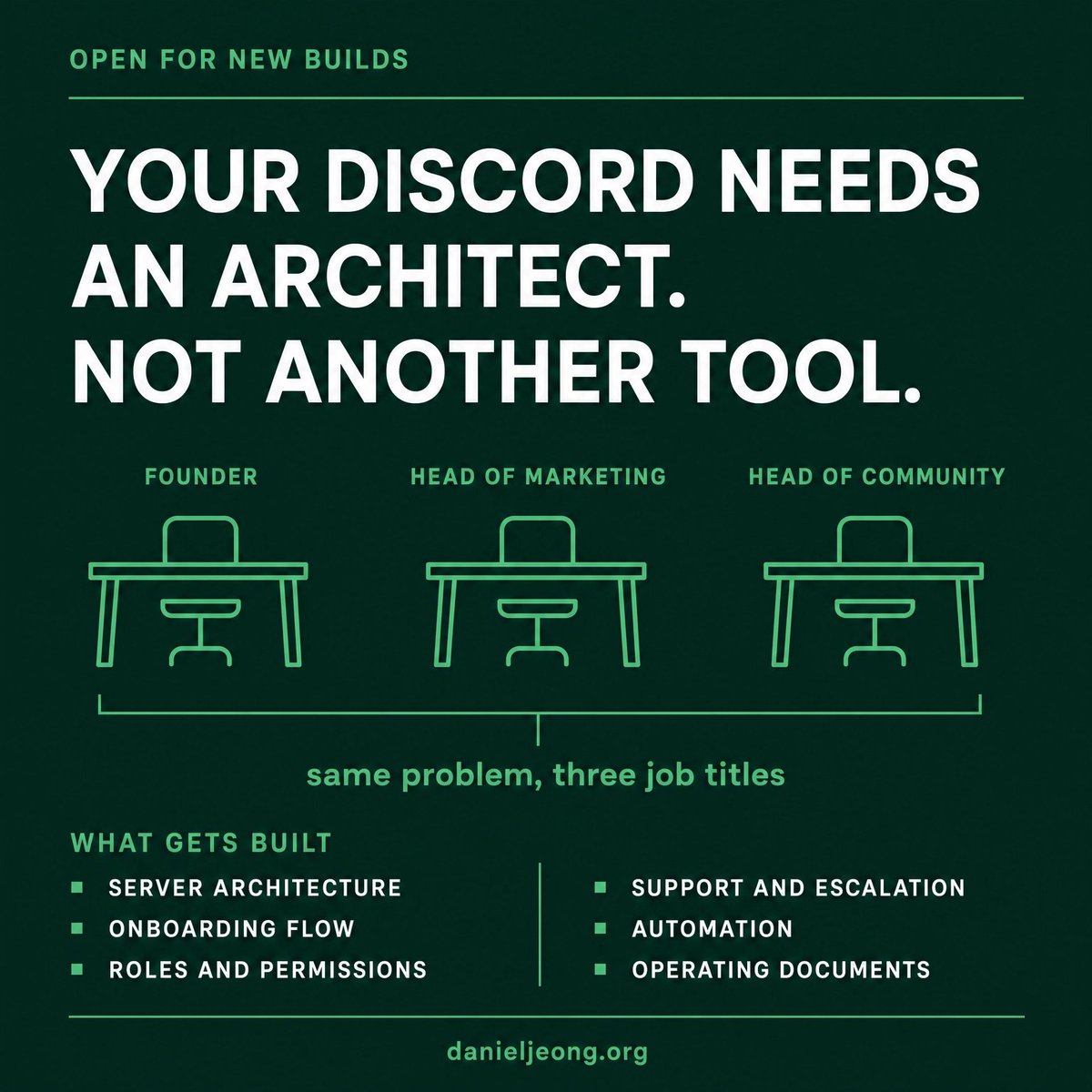
This one is for three people.
The founder who keeps hearing that a community would help retention and has no idea who should build it. The head of marketing who inherited a Discord that nobody asked for and now owns a quiet room with a growing member count. The head of community who knows exactly what the server needs and does not have the engineering time to build it.
If you are one of them, this is what I do.
I build Discord as revenue infrastructure. Server architecture, onboarding and entry flows, permission and role systems, support and escalation paths, automation, moderation frameworks, and the operating documents your team runs the place with after I leave. Brands, agencies, and paid communities all get the same treatment, sized to where they actually are.
What that looks like in practice. A full build from an empty server. A rebuild of a server that grew without a plan. An audit that tells you what is broken and in what order to fix it.
Background, briefly. Top Rated Plus on Upwork. Managed a Discord from roughly a thousand members to 1.7 million, at the time the second largest on the platform. Head Discord moderator for Google Developers. Lead community manager for an eighty thousand plus developer community. Solo practice with agentic infrastructure behind it, so you get senior work without an agency layer.
Who this is not for. Anyone who wants a server built in a weekend, anyone hoping community will replace acquisition, and anyone who wants a bot list instead of an operating system.
If your community is on the roadmap this quarter, the fastest first step is a conversation about what the server is supposed to do for the business. Everything else follows that answer.
https://t.co/dCc7kLK3c9
Launching a community server is the first step. Running it well is ongoing work: new members need a clear place to start, questions need answers, and moderation has to stay consistent as the server grows.
I'm a Discord community manager. I set up and run the parts that keep a server in order, from onboarding, roles and channels to moderation and member support. I've worked across 155+ communities over five years.
If your server needs a community manager, you can book a free strategy call at the link below.
https://t.co/dCc7kLJvmB
Open your server settings and look for a tab called Web Presence. If your community is listed in Discord's Server Discovery, that tab decides which public channels strangers can read.
Discord announced the schedule in October 2026. Every Discoverable server gets a public Server Web Page from November 16, 2026, with automated summaries of active conversations. From mid-December 2026, messages from public channels can appear in web search, shown without usernames or avatars. If admins change nothing, every public channel stays on. The settings can be changed at any time, so the work is the same whether those dates are ahead of you or behind you.
The fix is a sort, channel by channel, using three questions. Can everyone in the server see it? If not, it is already out of scope. Would you put its content on your own website? If yes, its messages can go on the web. Is the general topic fine to describe, even when single messages would read badly out of context? If yes, keep the summary and turn messages off. Anything left is opted out of both. FAQ, guides and showcase channels often pass. Support, feedback and off-topic channels often do not.
Then rewrite your Server Profile, because Discord builds the default page from it, and the page stays editable after it goes live. Post a short notice so members know which channels are on the web, and that they can keep their own messages out under User Settings, then Data and Privacy. And tighten AutoMod in the channels you open, since a scam link there can be read by people who never joined.
The full guide, with every setting explained in plain words, is on my site.
https://t.co/dCc7kLK3c9
Most companies hiring a Discord community manager are hiring the wrong person.
If you have the budget, hire someone with a real track record at both big and small companies. Someone who brings basic business principles into the server: sales, follow-ups, feedback gathering.
Most Discord community managers don't do that. There's no structure and no system. They copy what other servers are doing (usually the wrong thing), take shortcuts, and down the line the company can't justify the budget because nobody can show the numbers or what actually came out of it.
Second problem: people from other industries starting a community ask ChatGPT or Claude what to do. I've worked with a lot of AI companies, and the data out there on Discord community management is outdated.
Wrong data in, wrong guidance out. Build on that and the community fails.
My two cents.
A recruiter messages you out of nowhere. The role is senior, the pay is generous, the interview goes well, and the last step is a small take-home task: download this project, run it, fix the bug.
That last step is the attack. The FBI warned in 2024 that state-backed hackers targeting crypto and finance firms build fake job offers around "pre-employment tests" that ask people to run unfamiliar code packages or repositories. Researchers at Palo Alto Networks' Unit 42 described the same pattern in 2023, with malware hidden inside the test project that stole browser data and then installed a backdoor. What the attackers want is the work laptop the person runs it on.
It matters this week because of scale. Around $6.36 billion left a major crypto exchange on 29 October 2026, according to TRM Labs, which linked the theft to a North Korean group whose earlier campaigns, per a 2022 FBI, CISA and Treasury advisory, often began with messages that mimicked recruitment and offered high paying jobs. Public reporting has not said how that particular breach started, and this post does not guess. The pattern is still worth knowing.
The fix is one rule, and leaders have to make it safe to follow. No interview task, test project or "custom meeting app" ever runs on a company device. If a test needs code to run, it runs in a virtual machine on a personal device, or on a device the hiring company provides. Verify any recruiter on a second channel before going further. Then cover the basics many teams skip: two-factor sign-in on every work account, and a separate "cold" admin account kept only for admin changes. And tell your team plainly that taking interviews is normal, so nobody hides it and does the test on a work laptop to stay discreet.
The full breakdown, stage by stage, is on my site.
https://t.co/dCc7kLJvmB