Using Codex via the ChapGPT mobile app while out and about this weekend. It’s controlling Codex on a Mac Mini, which is building a native iPhone app. I’m just texting it feedback and it’s sending me fresh TestFlight builds. Wild times!
No one tells you that parenting is just relearning the world through someone who thinks worms are friends & birds are miracles. It’s the most healing thing I’ve ever done. My daughter looked out the window this morning & said, everything is green & growing. I told her, you too. And something inside me whispered, so are you. Now I’m watching her hold flowers up to the sun while the light bends like it recognizes her. It’s funny, every spring I think I’m teaching my child about the world & every spring she proves she’s the one teaching me how to see it.
robotics at openai is alive and well. you'd be doing yourself a favor to block any accounts that report otherwise.
15 open roles – come work with us!
https://t.co/qYOnScXNWv
what’s the state of the art in shared AR experiences (multiple people in the same physical space interacting with the same virtual AR objects)? wondering if the upcoming meta VR glasses will be good at this.
You can now connect multiple local computers to the same dot and choose which one it uses for a task.
It can build and test your app on a dedicated machine while you keep coding on your laptop.
Most of you probably haven't noticed this, but dots have a new feature called multi-exec that we quietly released on friday. I've been using it all weekend on my personal dot and it's incredibly powerful.
I'd like to share why this is a big deal and how to use it.
At a high level, multi exec lets your dot run commands directly on any computer. This immediately turns your dot into a real virtual employee. Here's why it's a gamechanger:
- you can attach a powerful machine with persistent storage to your dot (I attached it to my maxed out Mac Studio Ultra)
- the dot can now drive your computer directly via Computer Use
- this extends to browser use
- all your websites stay logged in, residential ip etc
- you set up all your CLIs and authentication ONCE and the dot can use them directly (no more fighting the default ephemeral cloud computer)
- the dot can save skills locally for repeated workflows and subagents can use those directly
- if you have a local obsidian memory vault for your agents, your dot can use that too
- building ios app end to end and testing it in xcode, and showing me screenshots of progress as it works
- all of the above also applies to any subagents your dot delegates to in the cloud (subagents share context unlike separate threads).
To enable it, open the desktop app on your computer and hit "allow computer", then give your dot this prompt:
"Hey I just connected my computer. Can you attach to it directly so it's your default computer and you can run commands directly on it? Do it in your root thread so that all subagents inherit this computer for running commands. Run whoami to run water through the pipes and verify it works end to end."
I recommend attaching your dot to the most powerful machine you have and investing time into it up front:
- Log into all the emails & websites you need e.g. stripe cli, gcloud, firebase, etc
- Install and auth all the CLIs, git you need
- Make sure computer use is turned on and allowed to use your computer while its locked
- I also enabled Allow All for Browsing and Downloads so my dot could use computer use to download whatever it wanted from websites without asking me for approval for each domain (use at your own risk).
- Important: I HIGHLY recommend to ask your dot to build out repeated workflows as skills, and iterate to make those skills bulletproof by running water through the pipes with its subagents.
As of this weekend, my dot is sending me screenshots of its progress building my iOS app end to end on my Mac Studio Ultra via xCode, and clicking around and testing things end to end. It's able to configure things in stripe via the CLI and use websites when it needs to download images for my workflows. It’s night and day. Don't sleep on it.
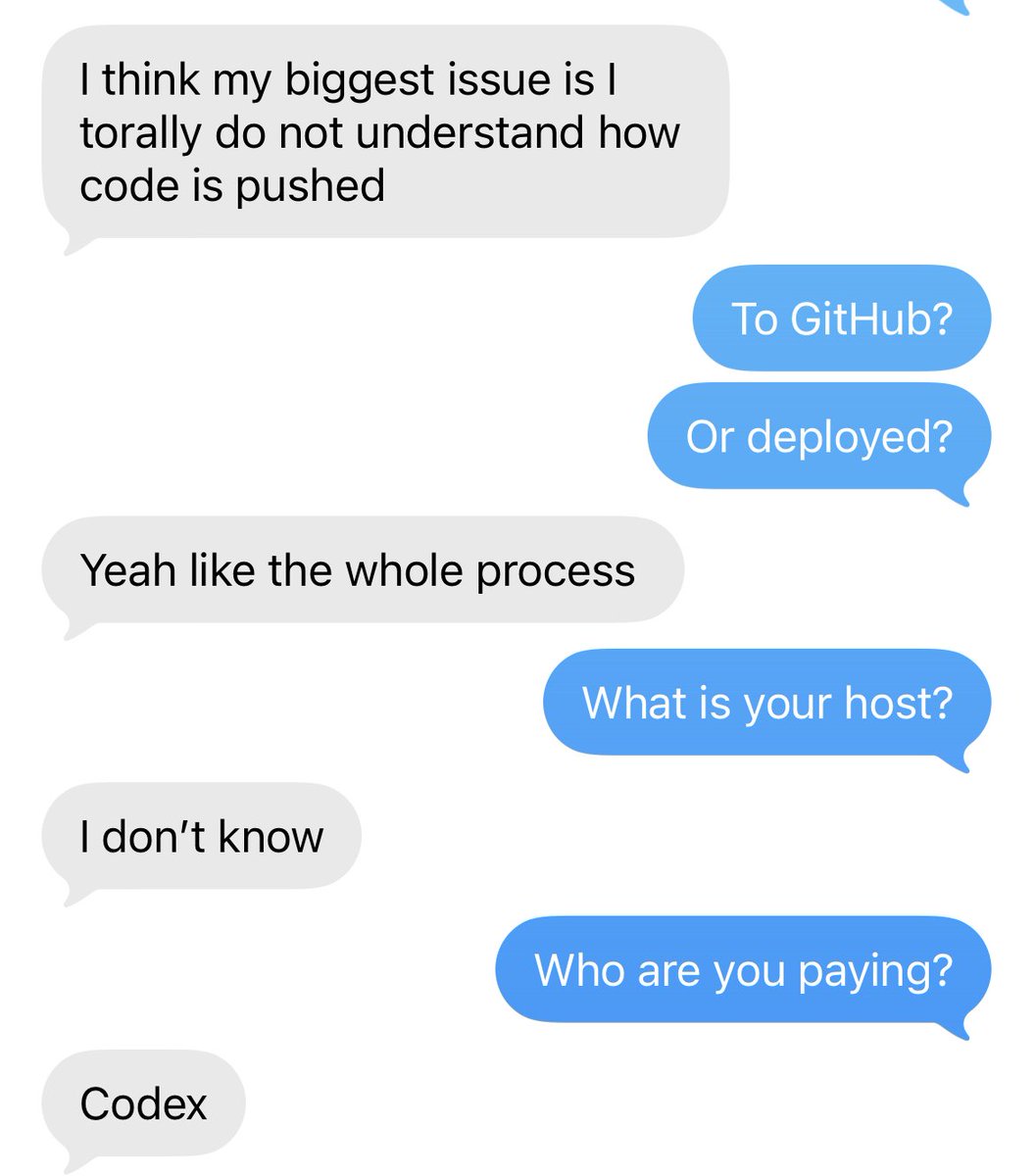
Software got a lot easier if you know what you wanna build, and a lot harder if you don’t.
With clarity, you can straight-shot to the solution. Without it, you’ll ship a pile of junk and spend a lot of money doing it. Pre-AI era you would ship nothing, which is an improvement.
Images, upgraded—introducing ChatGPT Images 2.6.
Now with GIFs and reference images.
Plus, two new models are coming to the API with 50% faster image generation.
we've assembled a team of some of the most talented people in the persistent agent space - to make dots incredible
dm me if you are interested in joining 👀
Sites is a killer feature because it abstracts the complexity and makes all of this so easy. Interactive artifacts for your specific problem in a snap.
People seem to think its "silly" that vibe coders are going to be maintaining apps for themselves.
My take is that its not silly at all... GPT Sites has built in Auth, DB, Storage, Hosting... everything... GPT Sites will continue to get better and easier to use.
Once you build your site just prompt it: "every day please make sure this site is secure and maintained properly, make any changes you need to"
Done! You now have a personal software application that is auto-maintained for YOU!
This is already better than most SAAS.
Why?
Because SAAS companies do not maintain software for YOU. SAAS companies maintain software for it's current and future pool of users, and their business model first.
You as an individual are not prioritized.
And there's also a common misconception that we are a bubble on x. I've seen it with my own two eyes. The most "normie" of "normies" are building and successfully using software that they build themselves.
And we are only in like inning 2/9 on this. It will only accelerate.
hi all, two things:
1. usage limits are back to being double – your feedback worked
2. we today kicked off an intense sprint to dramatically improve the app simplicity and performance. i will oversee this. more to come.
now, send me your complaints