INSTEAD OF WATCHING NETFLIX TONIGHT.
Spend 1 hour with this.
Claude AI FULL COURSE that teaches you how to BUILD and AUTOMATE anything.
The people who watch this tonight will wake up tomorrow with a new skill.
Watch it and Bookmark it now
Anthropic Head of Product:
“Fable 5 - is our best model for self-improving agentic systems. It can run for days on a single /goal.
add /loops, dynamic workflows, dreaming and you become unstoppable.”
in 11 minutes, the Anthropic team shows how to build long-running systems with Fable 5 from scratch.
Worth more than a $500 agent-building course.
Live from Anthropic’s latest stage in Japan. Unpublished.
We shipped Aspire 13.3 today!
https://t.co/NSuQGxrLvw
- A new skill to aspirefy your existing application
- Now the agent can see your browser logs
- You can aspire deploy and any Kubernetes cluster (and aspire destroy)
#aspire@aspiredotdev
I will never set up skills manually again.
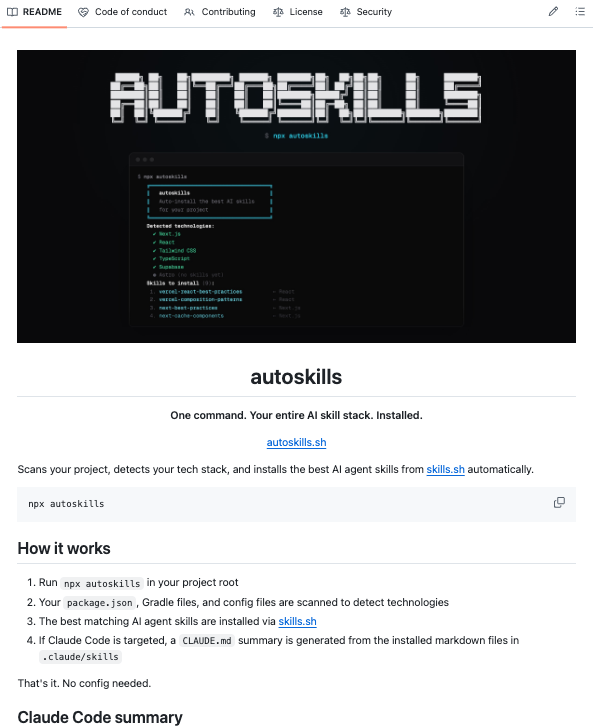
Someone open-sourced a single command that scans your project, detects your entire tech stack, and installs the right AI agent skills for everything it finds automatically.
It's called autoskills. You run `npx autoskills` in your project root. That's it.
→ Reads your package.json and config files to fingerprint your stack
→ Matches detected technologies against a curated skill registry at https://t.co/IFsmTpprRb
→ Installs skills for 50+ technologies: React, Next.js, Vue, Svelte, Astro, Tailwind, Supabase, Neon, Playwright, Expo, Stripe, Prisma, Cloudflare, AWS, Vercel, GSAP, Bun, Deno, Hono, NestJS, Spring Boot, and more
→ `--dry-run` flag shows what it would install before touching anything
One command. Your entire AI skill stack. Installed.
Link in the comments.
Another blow to Anthropic!
Devs built a free and better Claude Cowork alternative:
- 100% local
- voice-enabled
- works with any LLM
- MCP tool extensibility
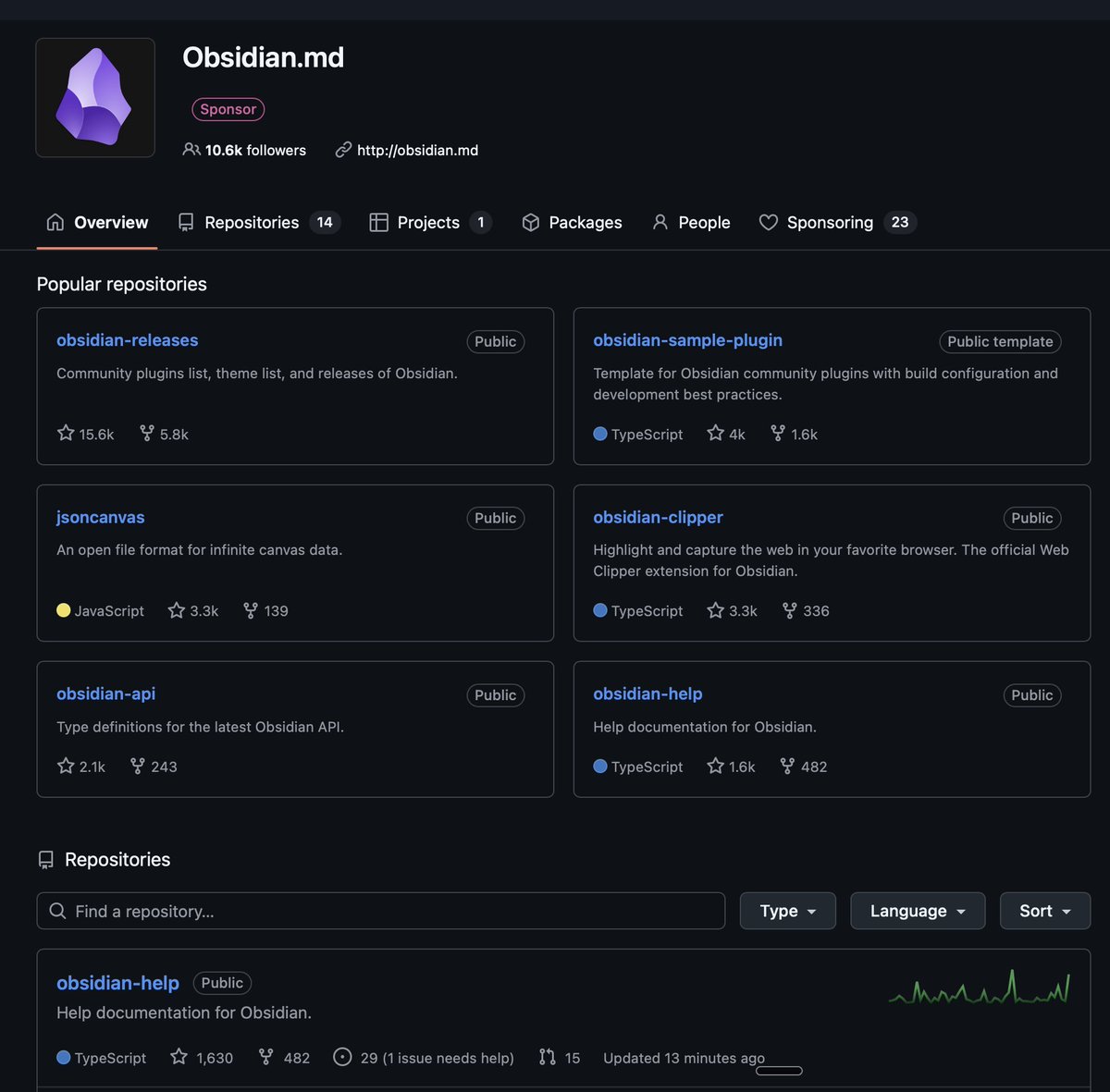
- obsidian-compatible vault
- background agents & web search
- automatic knowledge graph creation
100% open-source.
🚨 BREAKING: Someone just built a web-based System Design Simulator.
It's called Paperdraw. It lets you drag and drop components to see how they handle real-world conditions like traffic, failures, latency, and scaling in real time.
100% free to try.
Made an updated version this weekend
Here's how you do it (raw notes)
> Grab @karpathy's latest gist (in the first comment)
> Download @steipete summarize CLI
> Download yt-dlp
> Download obsidian
> Download @tobi qmd
--> Setup a node or Golang CLI called "brain"
--> Have it index all your youtube data, AI agent data (jsonl files)
--> Get your X data by requesting an archive in your settings
--> Setup vaults for each domain/topic area
--> Ask questions with your agent and qmd
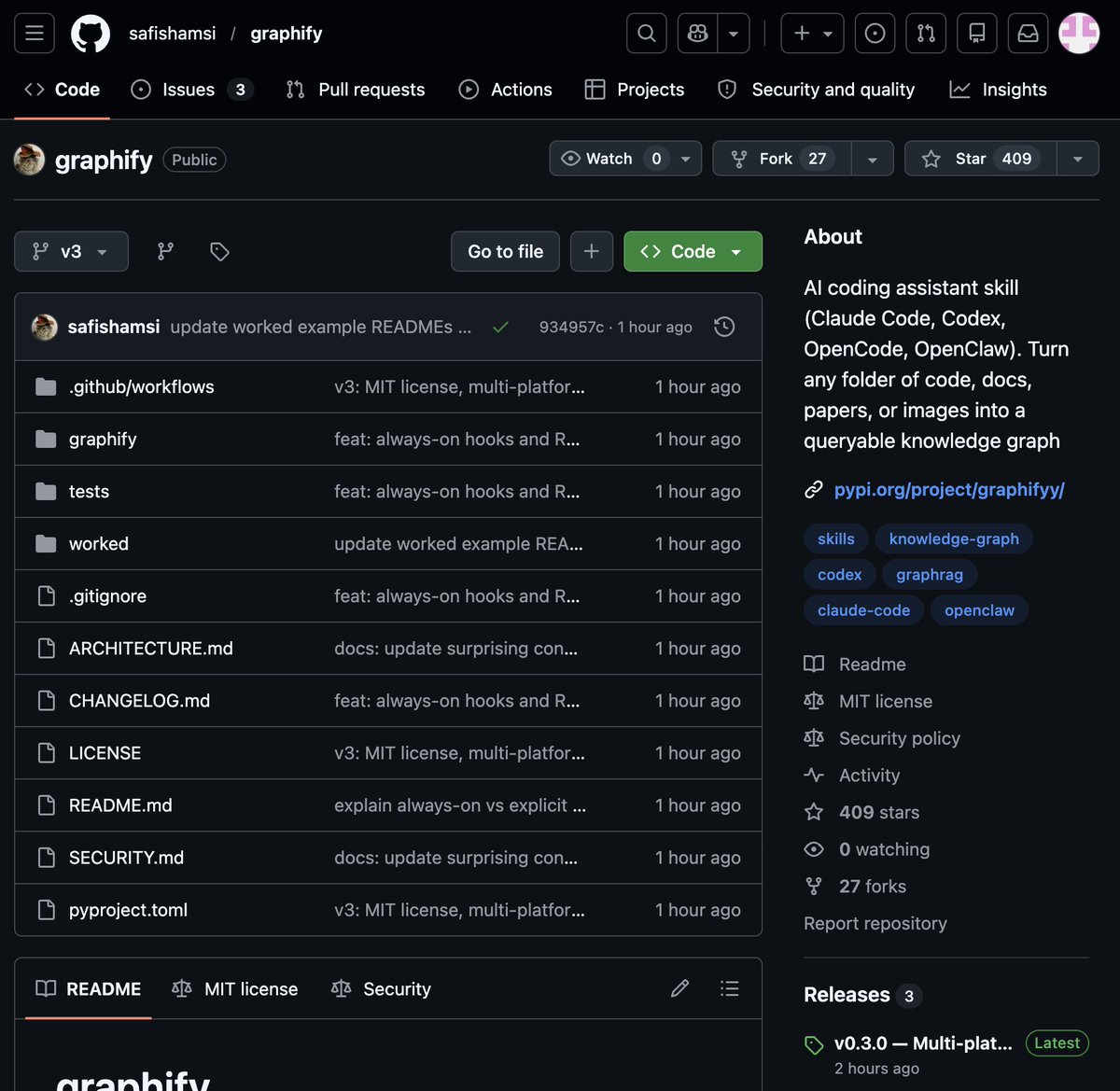
🚨 BREAKING: Someone just built the exact tool Andrej Karpathy said someone should build.
48 hours after Karpathy posted his LLM Knowledge Bases workflow, this showed up on GitHub.
It's called Graphify. One command. Any folder. Full knowledge graph.
Point it at any folder. Run /graphify inside Claude Code. Walk away.
Here is what comes out the other side:
-> A navigable knowledge graph of everything in that folder
-> An Obsidian vault with backlinked articles
-> A wiki that starts at index. md and maps every concept cluster
-> Plain English Q&A over your entire codebase or research folder
You can ask it things like:
"What calls this function?"
"What connects these two concepts?"
"What are the most important nodes in this project?"
No vector database. No setup. No config files.
The token efficiency number is what got me:
71.5x fewer tokens per query compared to reading raw files.
That is not a small improvement. That is a completely different paradigm for how AI agents reason over large codebases.
What it supports:
-> Code in 13 programming languages
-> PDFs
-> Images via Claude Vision
-> Markdown files
Install in one line:
pip install graphify && graphify install
Then type /graphify in Claude Code and point it at anything.
Karpathy asked. Someone delivered in 48 hours.
That is the pace of 2026.
Open Source. Free.
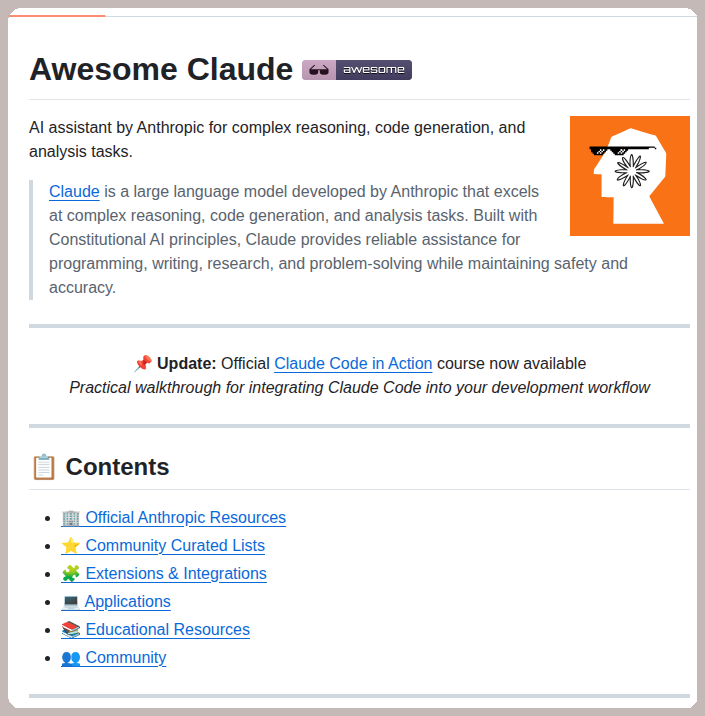
My Claude Code can now automate my entire workflow thanks to this GitHub repo.
It's called claude-code-best-practice and it packages production-ready Agents, Commands, Memory, Hooks, and Skills in one spot.
It's completely open source.
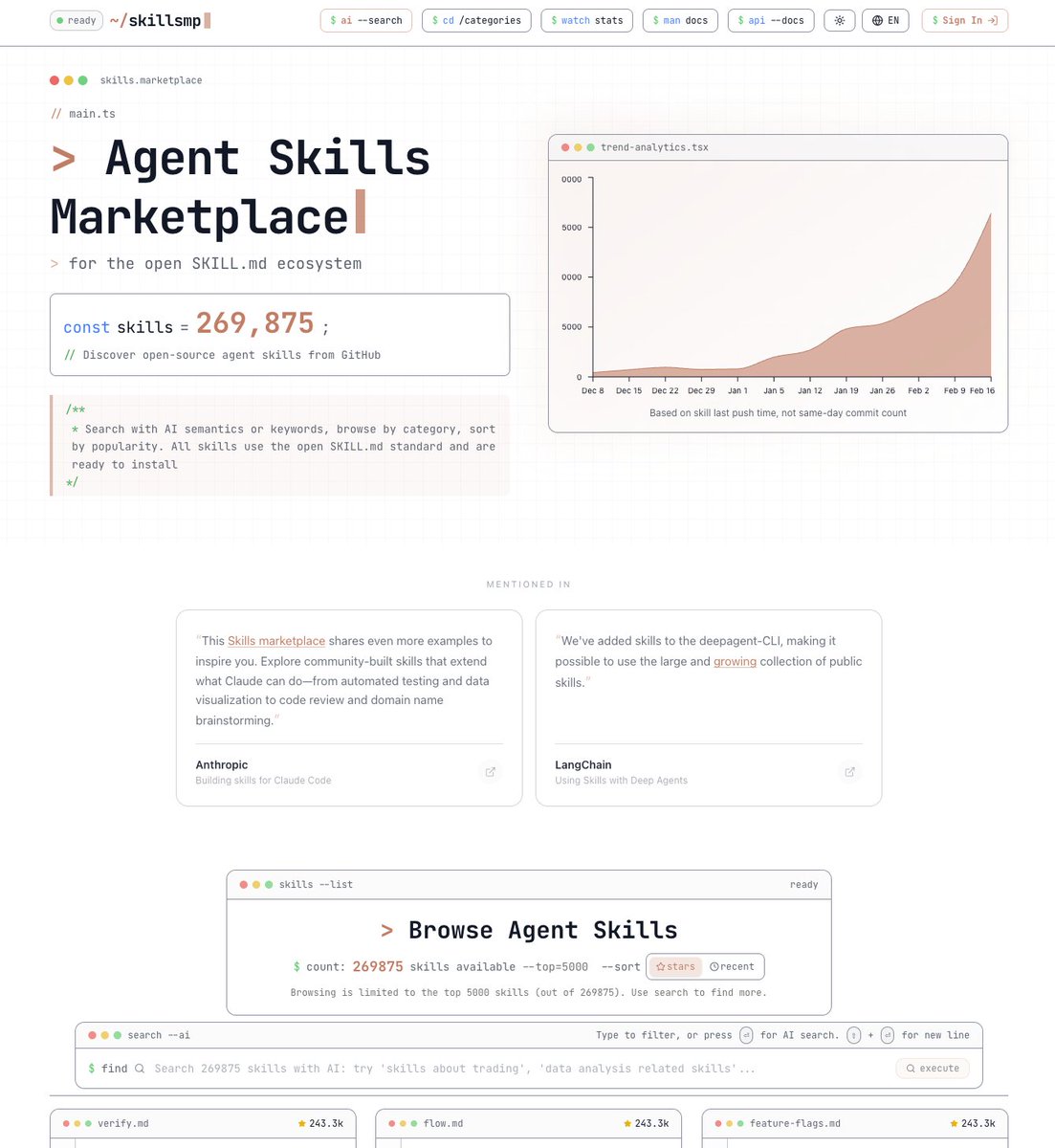
Holy shit... someone just built an App Store for Claude Code.
It's called SkillsMP and there are 200,000+ agent skills that teach your AI exactly how to write PPTX files, review PRs, deploy to cloud, analyze data, and more.
No complex prompting. No building from scratch. No wasted tokens.
100% Opensource.
🚨 This GitHub repo just changed how I use Claude Code forever.
It's called claude-code-best-practice and it gives you production-ready Agents, Commands, Memory, Hooks, and Skills all in one place.
No guessing. No scattered docs. No trial and error.
Here's what's inside:
→ Agents — orchestrate complex multi-step tasks autonomously
→ Commands — custom slash commands you can reuse instantly
→ Memory — Claude remembers context across every session
→ Hooks — shell commands that fire on tool call events
→ Skills — installable capabilities that level up Claude Code
Most devs are still using Claude Code like a basic chat assistant.
This repo turns it into a full autonomous coding system.
100% Opensource.
Anthropic released a 33-page guide on building Skills.
Here's everything you need to know (under 370 words):
First, what are Skills?
A skill is a folder that teaches Claude how to handle specific tasks. You teach it once, and it works every time. No more re-explaining your preferences in every conversation.
Skills aren't locked to Claude. They've been published as an open standard, so you can use them with AI agents like OpenClaw, too.
Here's the simplest way to think about it:
MCP gives Claude access to your tools. Skills teach Claude how to use them well. One without the other is incomplete.
The guide breaks things down into 3 use cases:
1. Workflow Automation: You have processes that need to run the same way every time. A skill can pull your project status, evaluate team capacity, and create tasks without you walking Claude through each step again.
2. MCP Enhancement: Your team has years of accumulated knowledge about how things should work. A skill captures that expertise so Claude handles edge cases the way your best team member would.
3. Document Creation: Every team has standards for how presentations, code, and designs should look. A skill lets Claude follow those standards without you pasting your style guide into every conversation.
The setup is more straightforward than you'd think:
One SKILL. md file with some structured metadata at the top is all that's required. Scripts, templates, and reference docs are optional.
Two fields in that metadata matter most:
- name (lowercase with hyphens, no spaces or capitals)
- description (what the skill does + specific phrases that should activate it)
Nail the description, and Claude picks up your skill at exactly the right moment. Get it wrong, and it sits there doing nothing.
The guide walks through 5 patterns that actually work:
1. Sequential Workflow Orchestration: processes that need to happen in a fixed order, like onboarding a customer or deploying a service.
2. Multi-MCP Coordination: your workflow touches multiple services, say design in Figma, tasks in Linear, updates in Slack. One skill ties them together.
3. Iterative Refinement: the skill validates its own work, catches issues, and refines the output before handing it to you.
4. Context-Aware Tool Selection: Claude picks the right tool automatically depending on the file type, size, or situation instead of you telling it every time.
5. Domain-Specific Intelligence: your skill carries specialized knowledge like compliance rules or security checks that Claude wouldn't know on its own.
Pitfalls the guide warns you about:
- Vague descriptions like "Helps with projects" that never trigger
- Important instructions buried inside walls of text
- No fallback when a tool call fails
- One skill trying to do too much
Here's the bigger insight:
AI doesn't have to be general-purpose in every conversation. Give it focused knowledge for the workflows you actually repeat, and it stops being a chatbot and starts being a genuine part of how you work.
I've shared a link to the PDF in the next tweet.
Google launched a brand new AI tool.
It's called CodeWiki, and it might be the biggest upgrade GitHub has had in years.
And all you do is paste your GitHub repo in, and it turns your entire project into an interactive guide.
It also generates diagrams, explanations, walkthroughs, everything you could ever want, and even a chatbot that knows the code better than anyone else.
So you never have to dig through a giant repo again wondering what does this do
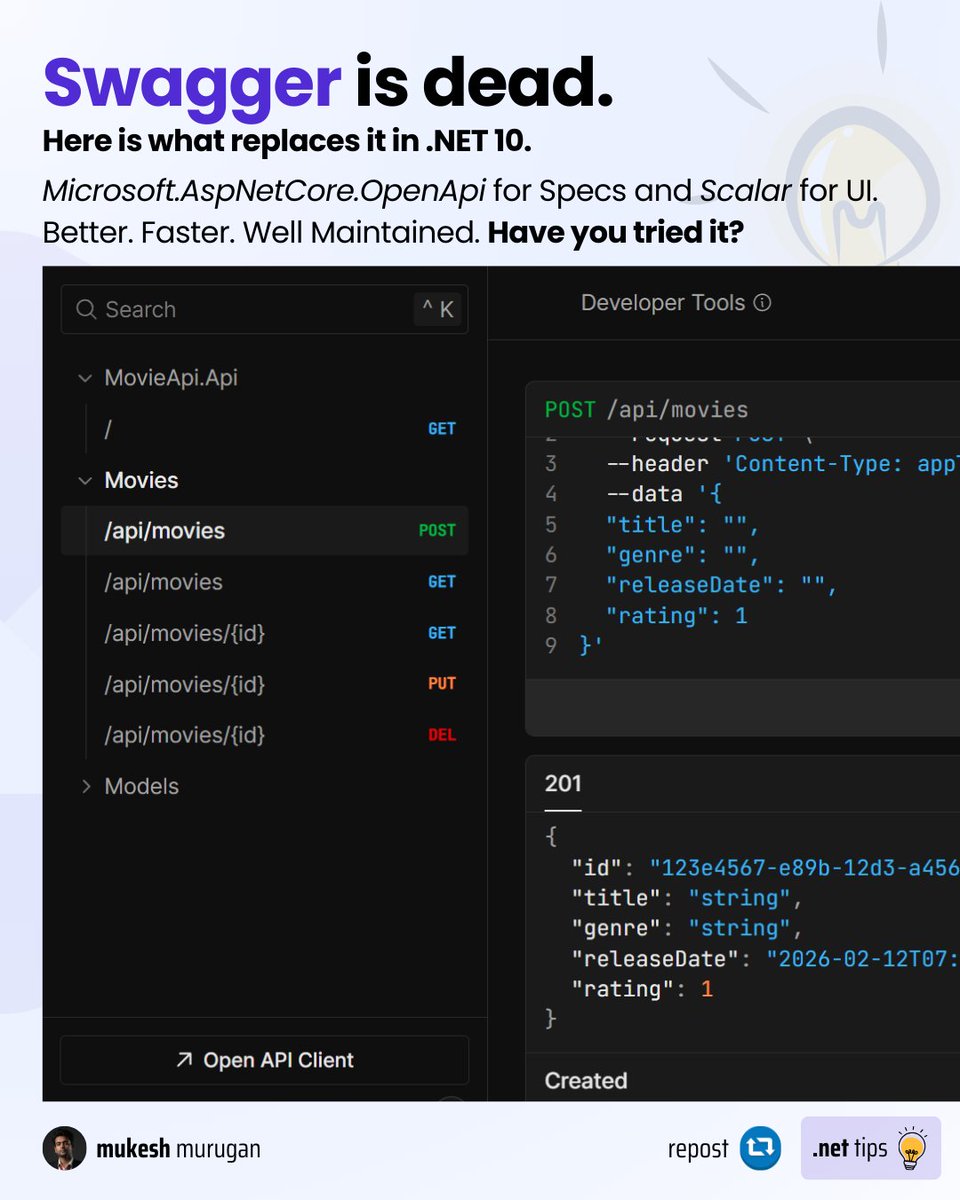
If you're still using Swashbuckle in .NET 10, here's what you missed.
Swashbuckle hasn't had regular updates in over a year.
So, Microsoft dropped it from .NET 9+ templates and built their own.
The replacement: `Microsoft.AspNetCore.OpenApi` — built-in, lighter, maintained.
For a UI: Scalar > Swagger UI. It's faster, better looking, and supports dark mode out of the box.
Migration takes 5 minutes: remove Swashbuckle, add `https://t.co/SUgtYkwEkM.AddOpenApi()`, done.
Read article to help you migrate -https://t.co/eGz3clMjAu
Repost this to help a fellow developer.