New research shows that it’s not just our devices that need time to recharge. ⚡
Read our Work Trend Index report to learn how new settings in Microsoft #Outlook and personal insights in #MicrosoftTeams are creating healthier work environments: https://t.co/nLwHSKtzbT
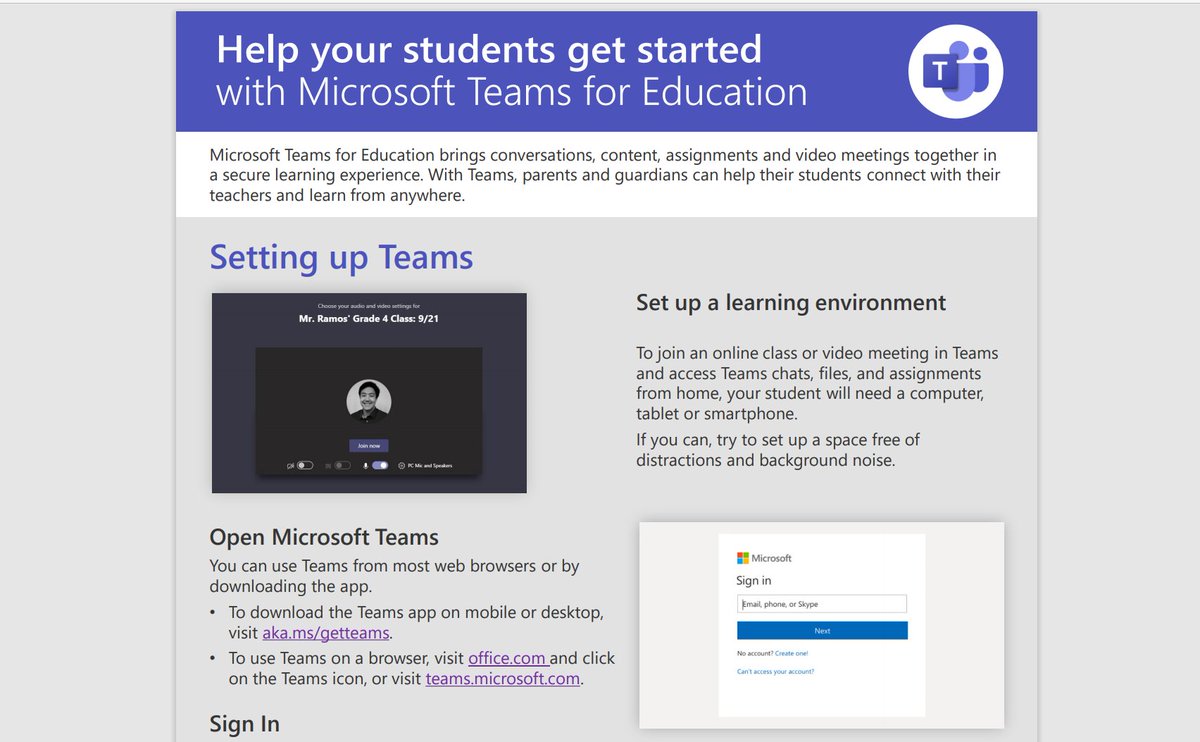
NEW! A set of incredible #MicrosoftTeams resources for parents. Short, printable PDFs
✅ Get Started: https://t.co/UMazGXjNof
✅ Meetings: https://t.co/95Du3PHppR
✅ Accessibility: https://t.co/V3nUKUviro
Check out & share!
#edtech#MIEExpert#remotelearning#MicrosoftEDU
📖 14 updates for Immersive Reader 📖
🌥 General availability on Azure
👩💻 https://t.co/SA85Nc3IFI
🦁 Safari Montage
✉ Outlook Desktop & Mail app
➗ Math Solver
🌍 New languages & voices
Blog 👉 https://t.co/yBnbrLSmk6
#edtech#MIEExpert#dyslexia#accessibility#MicrosoftEDU
NEW! A quick tip 📽 on using the new "Assignments Settings" in #MicrosoftTeams, rolled out today!
⏰ Default time
🔙 Backfill assignments for new students
🔔 Set default channel to notify
🦄 Turn in celebrations (on/off)
YouTube 📺 https://t.co/lwoprMjm8h
#edtech#MIEExpert
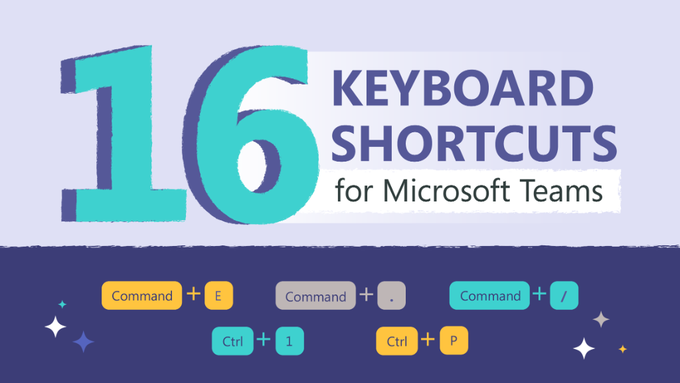
This easily downloadable infographic provides 16 essential keyboard shortcuts for #MicrosoftTeams ⌨
Learn how to start a new chat, quickly attach files, meetings and more.
👉 https://t.co/U50kp9vkf0
#edtech#MIEExpert
"Teams Meetings - What's New and What's Coming Soon" 🔮
Be sure to grab a copy of @DominicWillit's super useful PowerPoint Deck from last week's webinar
🔗 https://t.co/Gm4fyrMpOt
📺 https://t.co/7KesD2JRyn
#edtech#MIEExpert#MicrosoftTeams#MicrosoftEDU
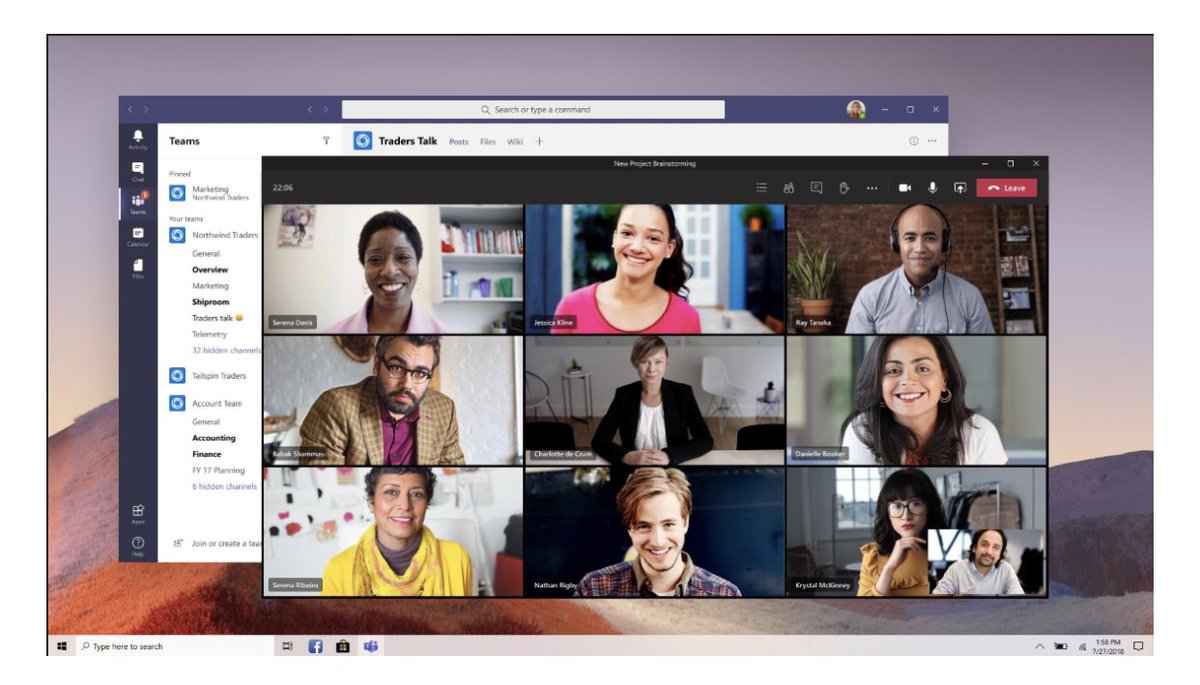
NEW! A quick tip video 📽 of the new 3 x 3 video view (9 people at once) that is starting to roll out for #MicrosoftTeams 🎉 Some @Flipgrid team cameos & others
YouTube: https://t.co/PlsxiUQUIL
Blog: https://t.co/t1Lq8rvWqL
#FlipgridForAll#edtech#MIEExpert#MicrosoftEDU
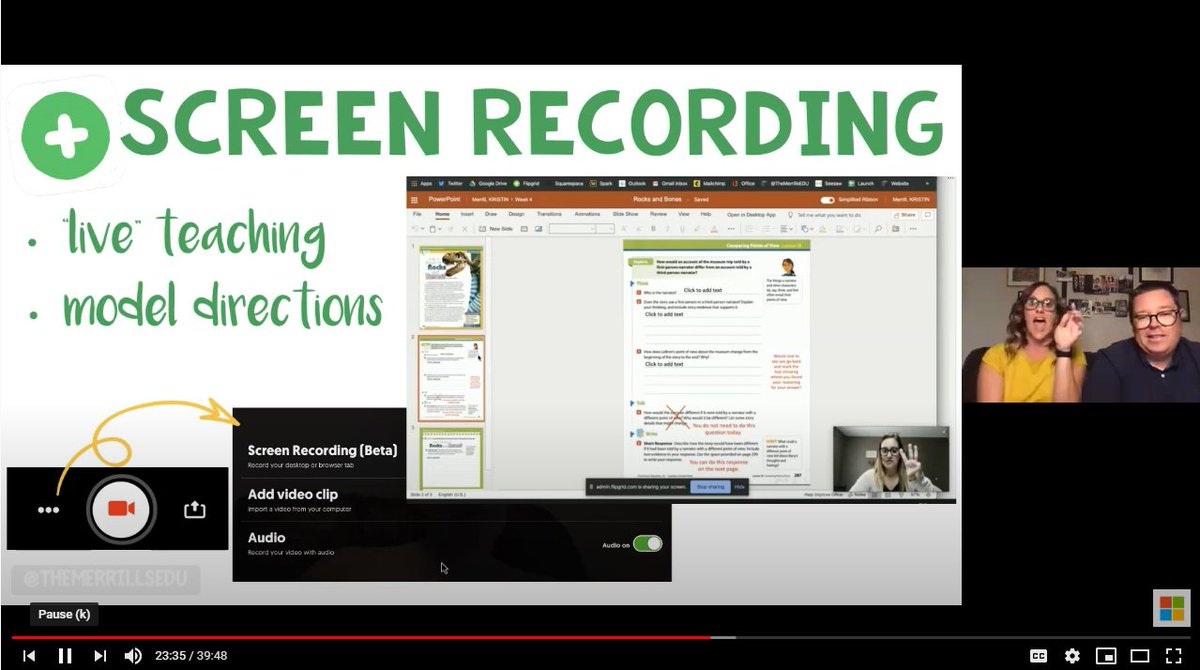
Hey teachers, are you ready to elevate your #screencasting skills with a bit of editing? Check out our Video Editor Cheat Sheet which gives you a rundown of all of our available editing tools you can use to enhance videos. https://t.co/gN2nThJxsl
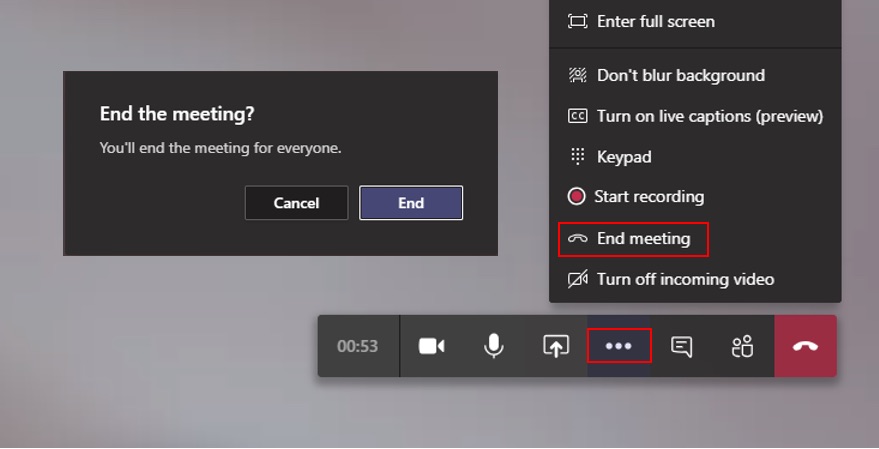
NEW! Educators or staff can force-end a meeting in #MicrosoftTeams 🛑 Just click the "..." and choose End meeting
This was a top educator request and it is rolling out today 👂
More details 👉 https://t.co/3XHP64174S
#edtech#MIEExpert#MicrosoftEDU