OK, the new @tuple integration with @claudeai is kinda bonkers. Having Claude Code listening on a Tuple call and proactively spawning sub-agents and chiming in on a pairing session—while still a little creepy—is remarkably useful.
I'll say something like "I think X is only used in Y module" and move on, and then 30s later Claude Code will pop up with a note about another usage I forgot about.
Or we'll be processing several million records via an artisan command to test how it'll handle real-world volume and Claude's just in the background spot checking rows and chiming in with optimizations to make the command more performant.
If you had told me a year ago that I'd be piping the raw transcript of my Tuple calls into an LLM, I would have laughed in your face. But holy smokes is it so useful. 😅
Tuple! Now in @raycast.
And your terminal.
And your Claude Code.
And your Codex.
And any other harness you've got.
All local on your machine and accessible via CLI and MCP.
https://t.co/WmfRmxZbfF
I'm from Uruguay building a personal project in which an AI wakes up while you are using your computer and starts doing weird things on its own. does this count as nefarious?
We just released a zoom tool on macOS, making it even easier to see tiny text
And we’re giving an Apple Pro Display to a random person who uses it 😏
Official Rules 👉 https://t.co/96hHhhiou0
A dev I talked to said his favorite tool for development recently is called:
(I was expecting some AI IDE)
(Drumroll… it wasn’t)
Tuple!
It’s a lair programming tool that allows “taking over” the other person’s screen/IDE. Apparently his whole team uses it daily & love it
We redesigned our screen share window to make it easier to access commonly-used controls and understand what’s going on in a call. Coming soon to macOS. What do you think?
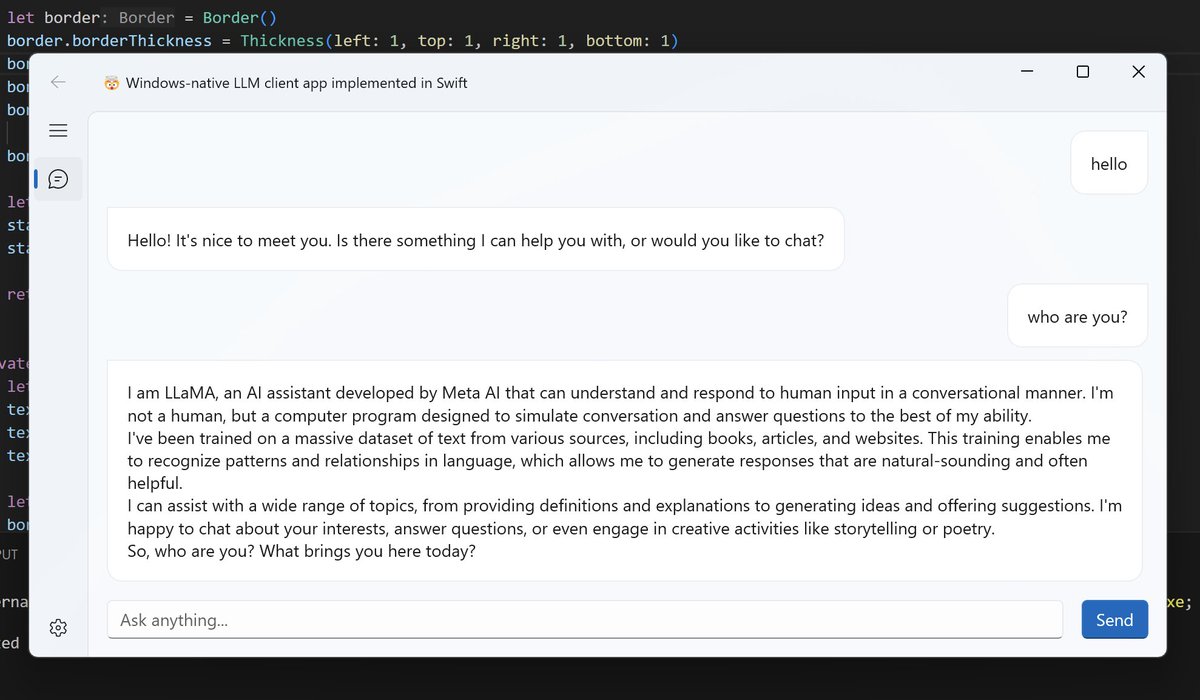
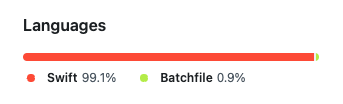
This is the source code and documentation for a cross-platform macOS/Windows application implemented in @SwiftLang 6. It’s an LLM client. I’ve been playing with it for some time in my spare time and I’m happy to share it publicly now!
https://t.co/YgYvMUsec2
@Windows@SwiftLang@browsercompany@compnerd My next step is to actually share the logic between the Swift and the Windows apps. This was just a UI mock to try to understand the limitations of this approach. I will keep posting!
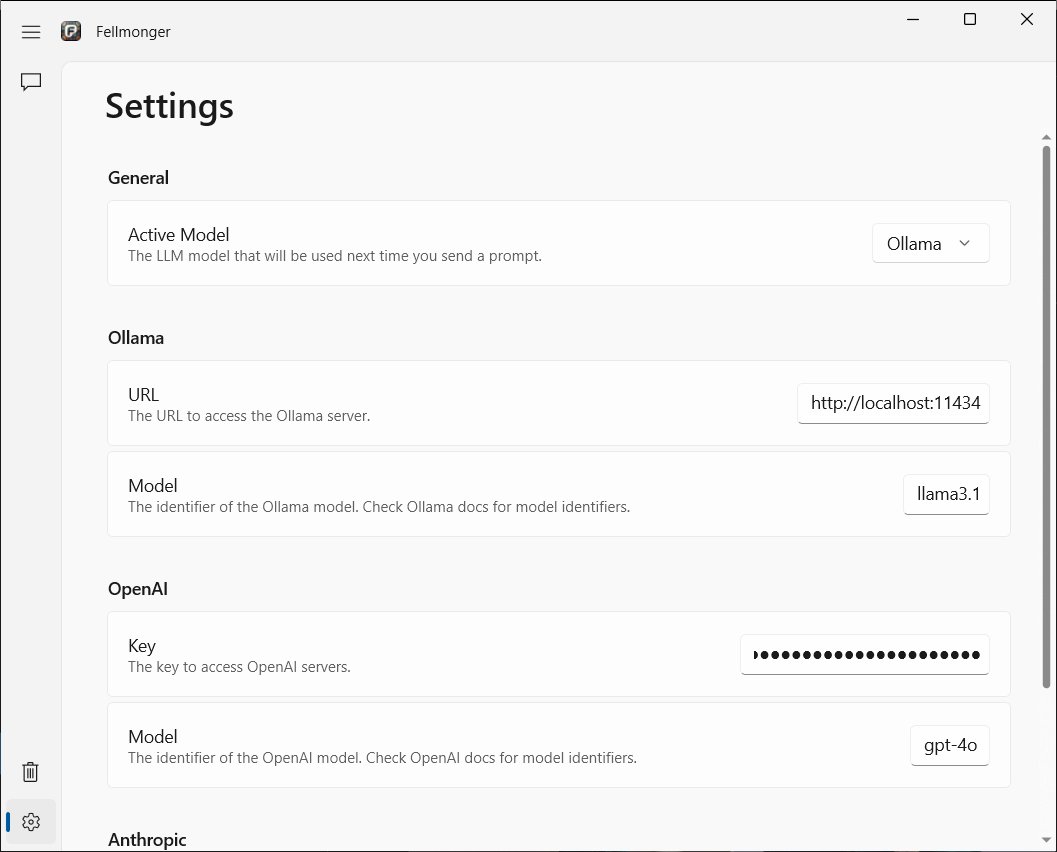
@SwiftLang@browsercompany@compnerd@ollama@OpenAI@Anthropic I tried to condense down everything I learned about cross-platform Swift in this GitHub repo. Happy to improve it so we can all have more learning resources about this in the @SwiftLang community. Let me know if you have any thoughts about it! https://t.co/YgYvMUsec2
This is the source code and documentation for a cross-platform macOS/Windows application implemented in @SwiftLang 6. It’s an LLM client. I’ve been playing with it for some time in my spare time and I’m happy to share it publicly now!
https://t.co/YgYvMUsec2
@SwiftLang@browsercompany@compnerd@ollama@OpenAI@Anthropic So implemented this app that was conceptually simple but at the same time complex enough to get a better feeling about the whole developer experience. It basically has a chat view and settings view. Here is a live demo.