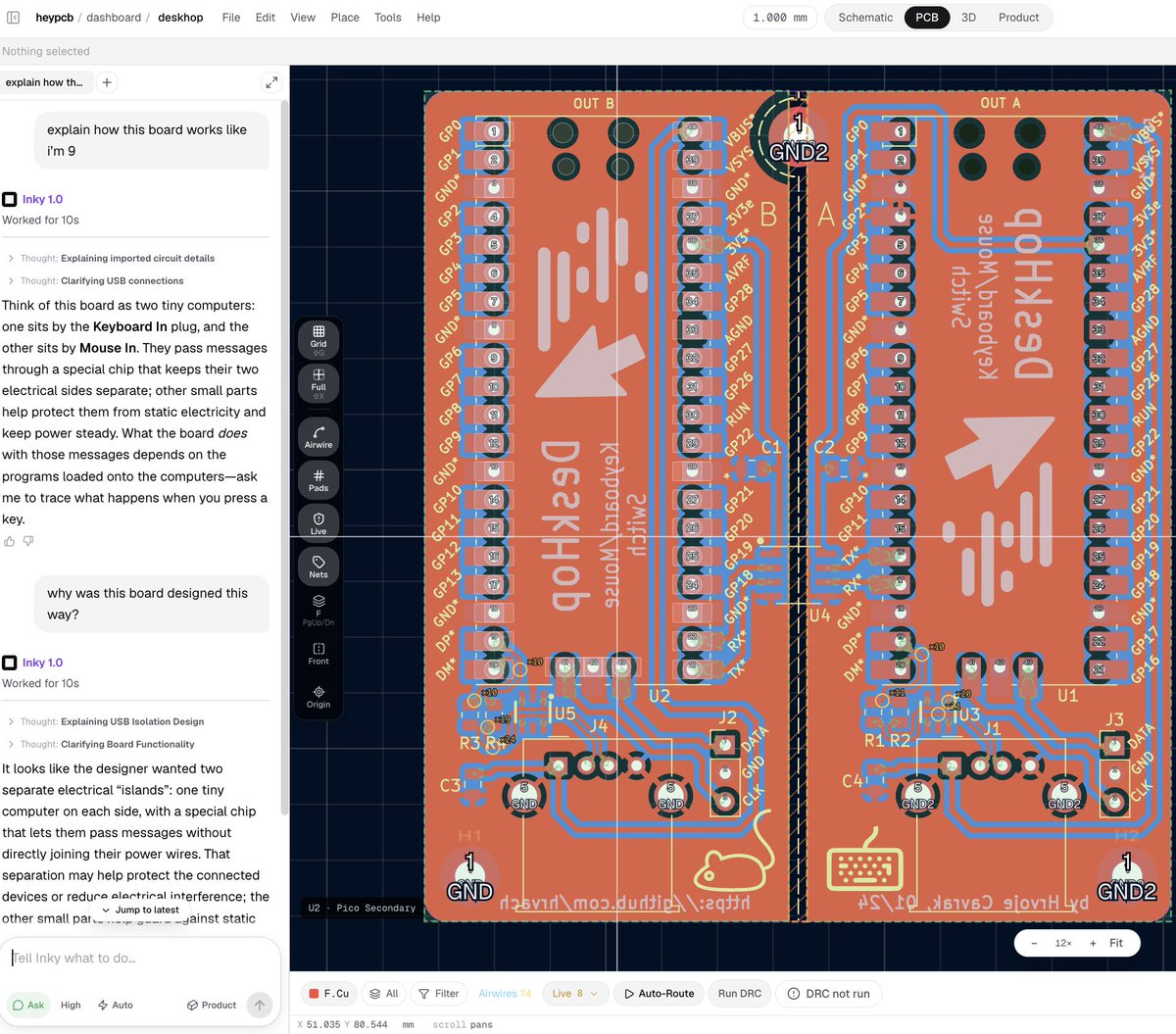
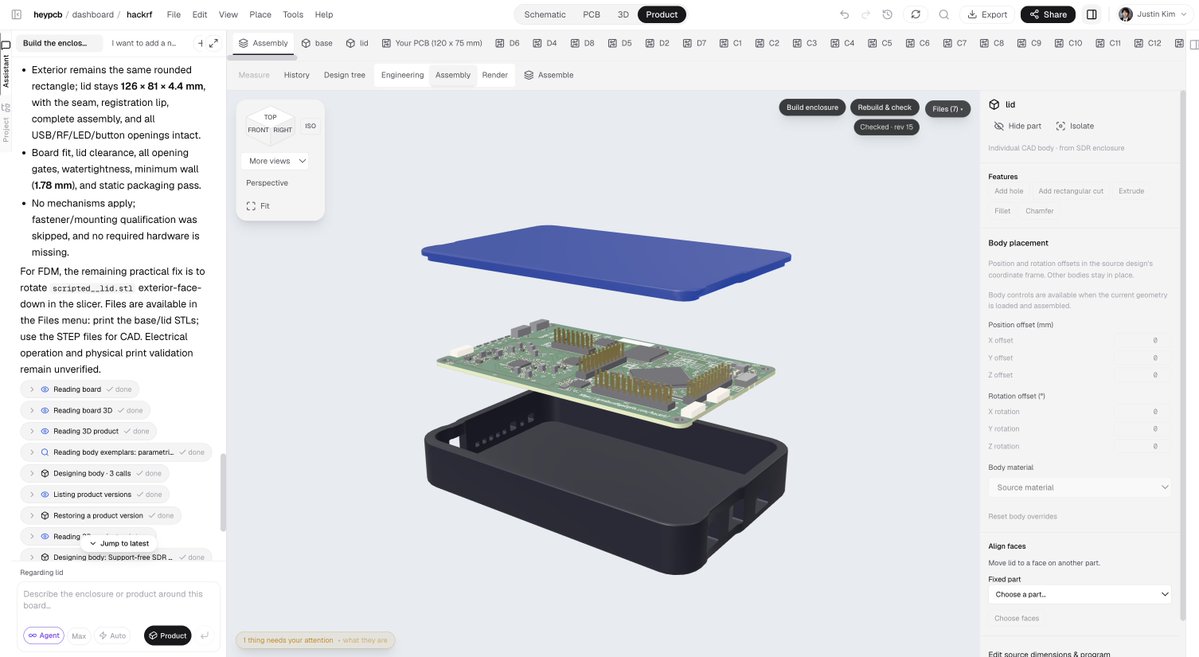
GitHub wasn’t built for hardware.
So we built Circuit World.
An AI-native EDA + MCAD platform for designing, iterating, collaborating, versioning, and manufacturing hardware in one browser.
You don’t have to start every design from scratch.
Start with one of 8,800+ existing boards, build on it, and iterate with AI from PCB to mechanical assembly. Then send it straight to manufacturing.
https://t.co/nElOAXs1RW
If you're building with an ESP32, Arduino, Raspberry Pi, or STM32, you probably shouldn't start from scratch.
Circuit World now has 8,900+ open-source hardware designs you can browse by platform.
1. Pick what you're building around
2. Find boards that already use it
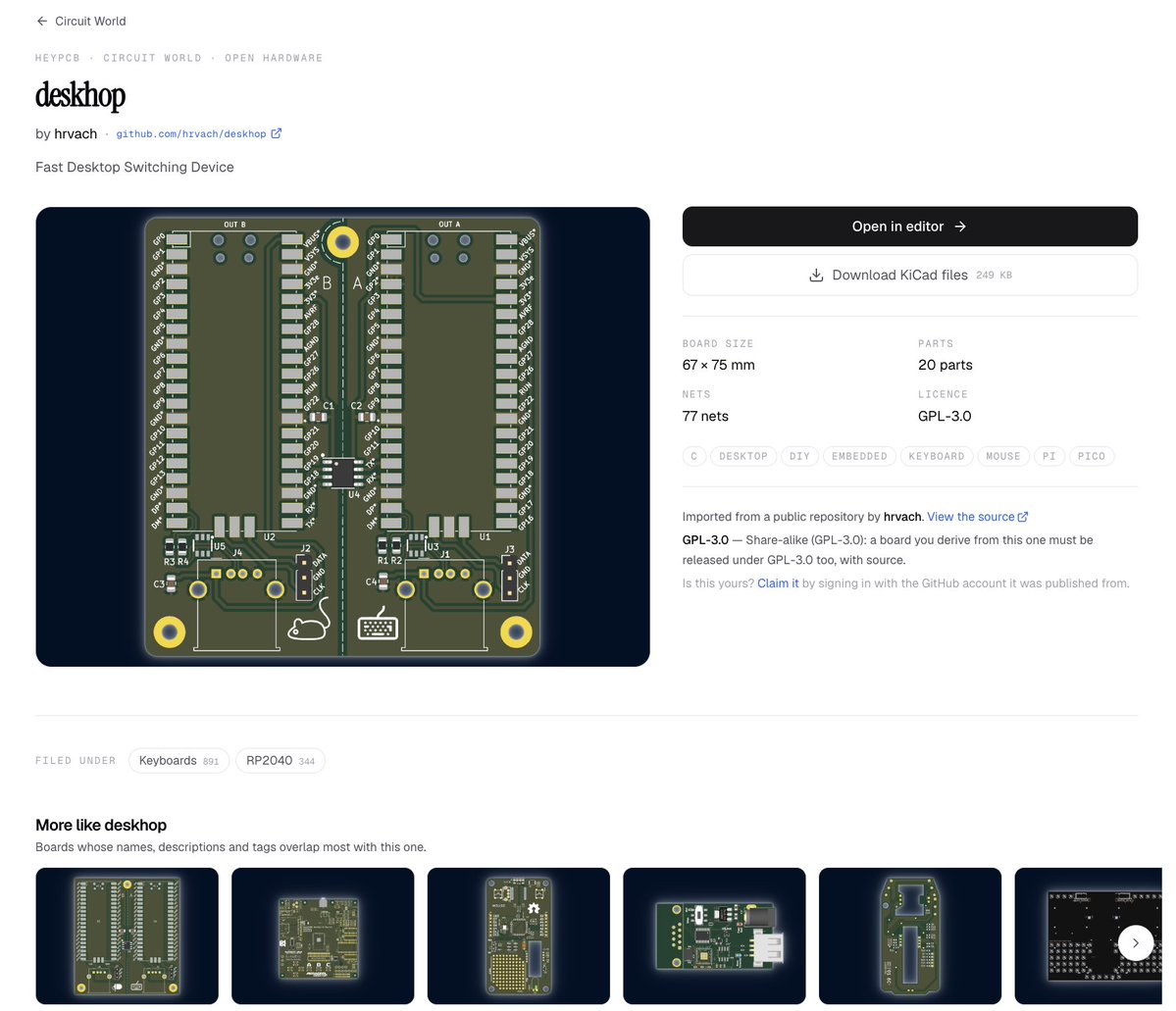
3. Open the schematic + PCB directly in your browser
4. Fork one and make it yours
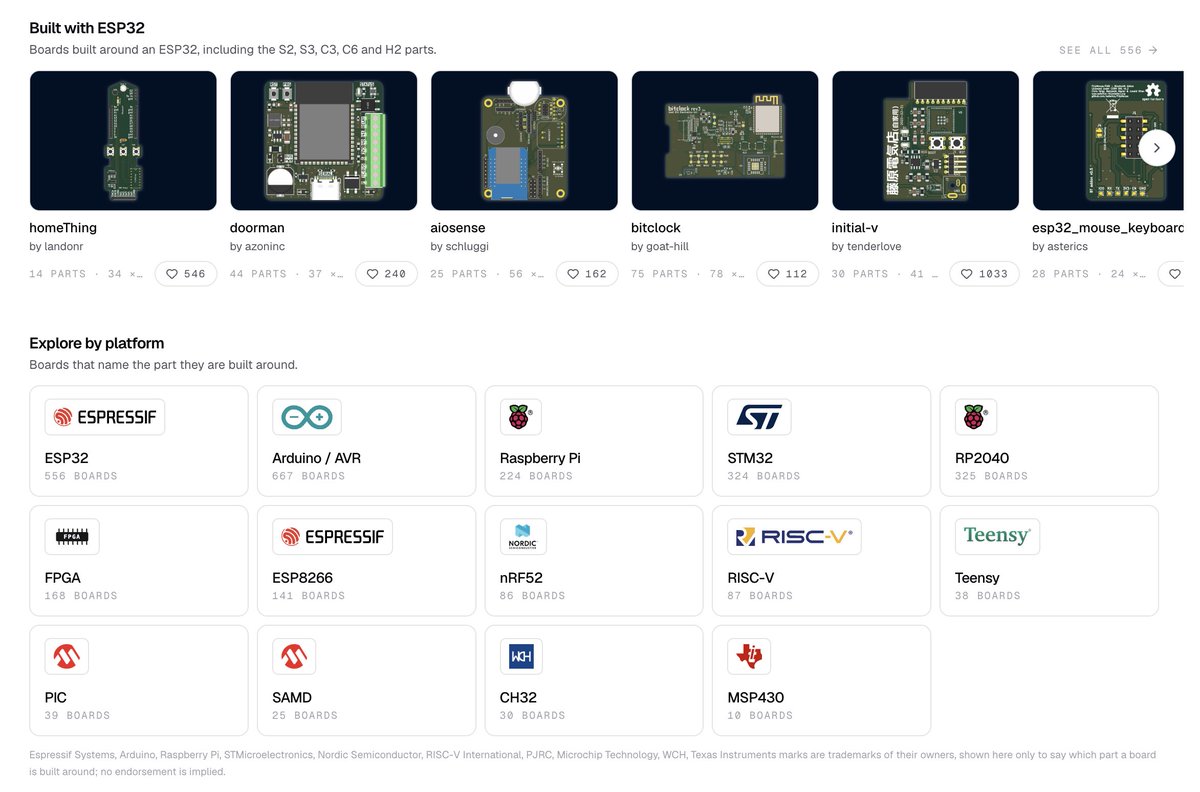
ESP32, Arduino, STM32, RP2040, Raspberry Pi, FPGA, nRF52, RISC-V and more.
https://t.co/Jy4IDQhZ4L
Open-source hardware finally has a homepage.
8,900+ designs you can actually browse.
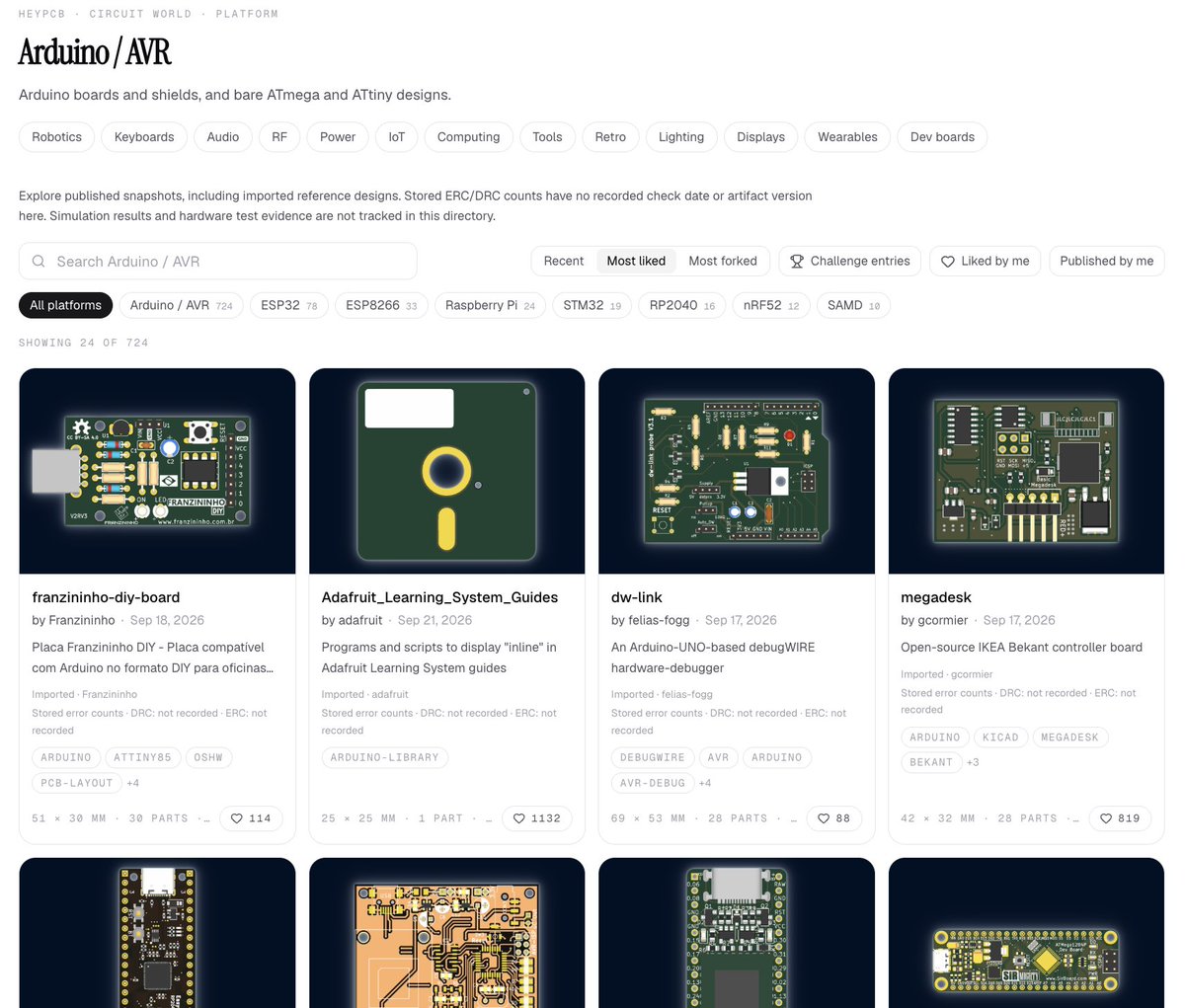
1. Browse by hardware: robotics, RF, power, IoT, keyboards...
2. Browse by platform: ESP32, Arduino, STM32, Raspberry Pi, RP2040, FPGA...
3. Open any project directly in our browser EDA + MCAD
But finding the design is only the start.
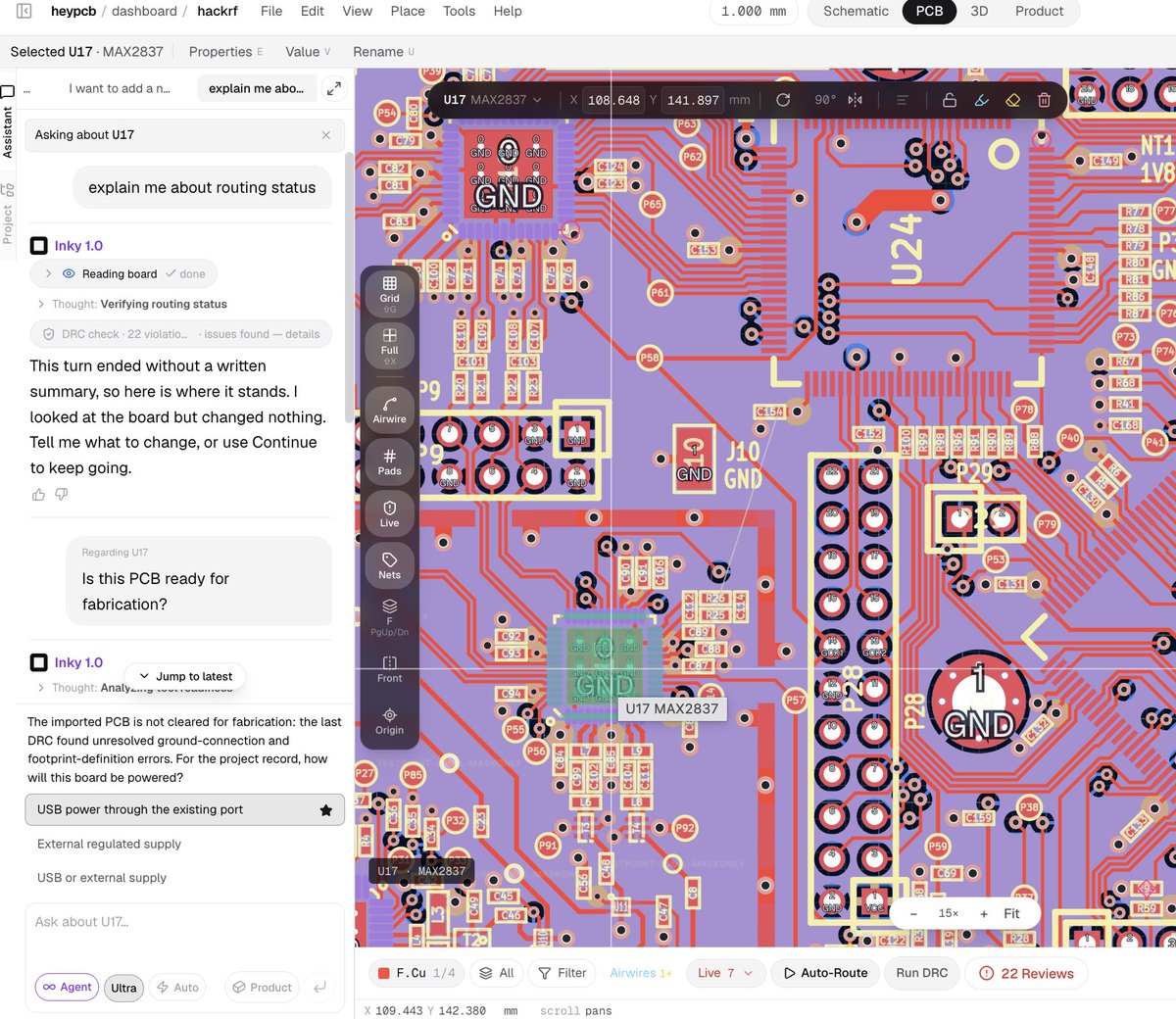
AI lives right next to the editor and understands the project you have open.
Ask how the circuit works. Ask why a component is there. Explore the PCB + mechanical design. Then fork it, change it, and make it yours.
https://t.co/nElOAXs1RW
p.s. we're not trying to make another place to store hardware files. we're trying to make hardware searchable, understandable, and editable.
The best hardware tutorial is a board that already works.
Not another 45 minute YouTube video.
1. Open a real schematic + PCB
2. Ask AI how it works and why it was designed that way
3. Fork it, change it, and learn by building your own version
That’s what we want Circuit World to become: a place where you can open real hardware in a browser, explore the EDA + MCAD, and learn from the design itself.
https://t.co/Jy4IDQhZ4L
Open-source hardware finally has a homepage.
8,900+ designs you can actually browse.
1. Browse by hardware: robotics, RF, power, IoT, keyboards...
2. Browse by platform: ESP32, Arduino, STM32, Raspberry Pi, RP2040, FPGA...
3. Open any project directly in our browser EDA + MCAD
But finding the design is only the start.
AI lives right next to the editor and understands the project you have open.
Ask how the circuit works. Ask why a component is there. Explore the PCB + mechanical design. Then fork it, change it, and make it yours.
https://t.co/nElOAXs1RW
p.s. we're not trying to make another place to store hardware files. we're trying to make hardware searchable, understandable, and editable.
One of the coolest things about open source hardware is that you can actually learn from the real thing.
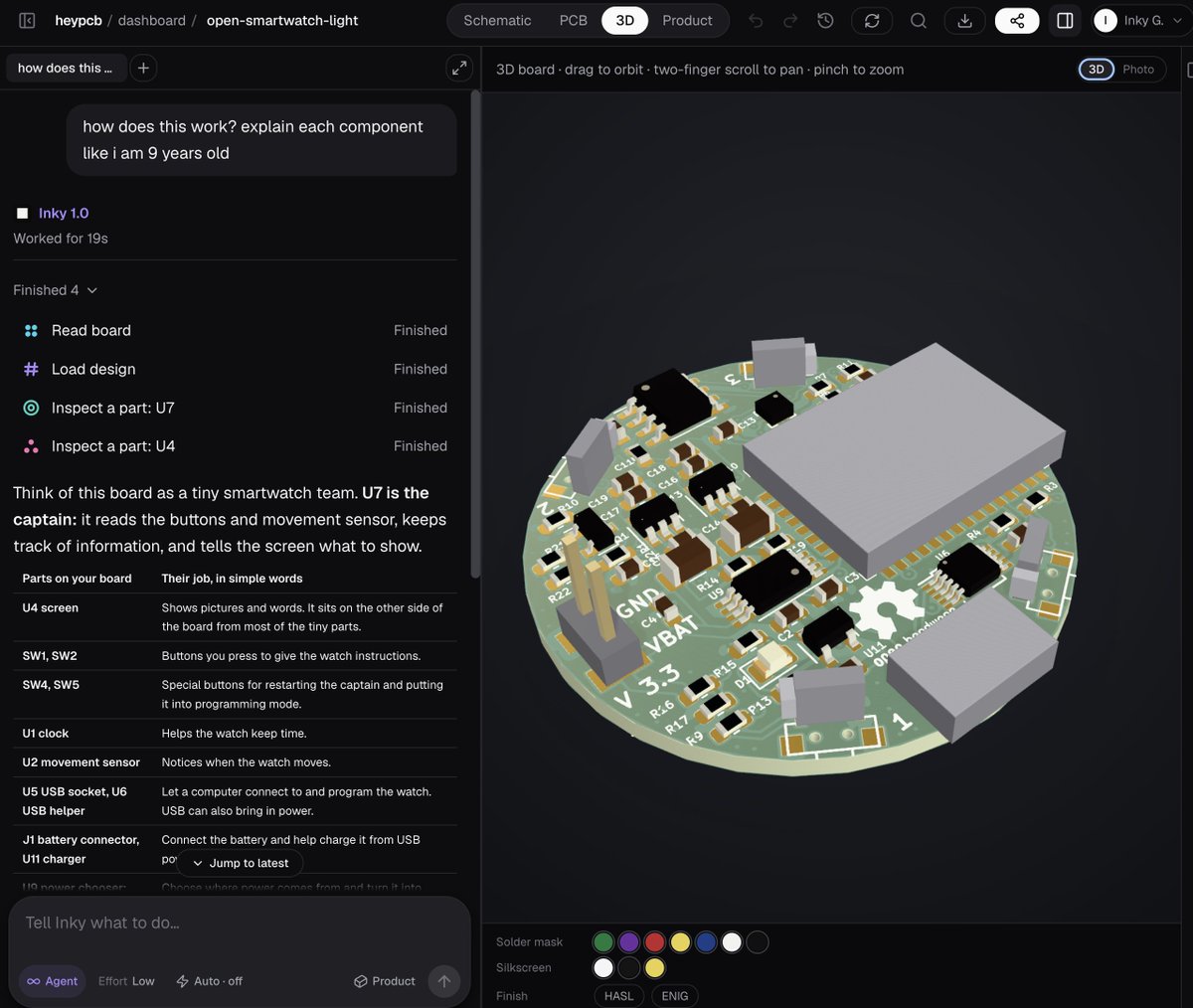
this is open-smartwatch-light.
> a fully open source smartwatch
> 55 parts
> 60 nets
> complete kicad design files
> pcb + schematic you can inspect and modify
instead of just downloading a repo and trying to figure out what everything does, you can open it directly in circuit world and ask inky:
> "how does this work? explain each component like i am 9 years old"
and it actually reads the board.
u7 > the main controller
u4 > the display
u2 > movement sensor
u5 + u6 > usb / programming
u11 > battery charging
sw1 / sw2 > buttons
then you can inspect the actual pcb, trace components, understand the design, modify it, and keep building from there.
this is what i want circuit world to become:
github gives you the source.
circuit world should help you understand it + build on top of it.
8,800+ open source hardware designs and counting.
https://t.co/hsnR6sSdXW
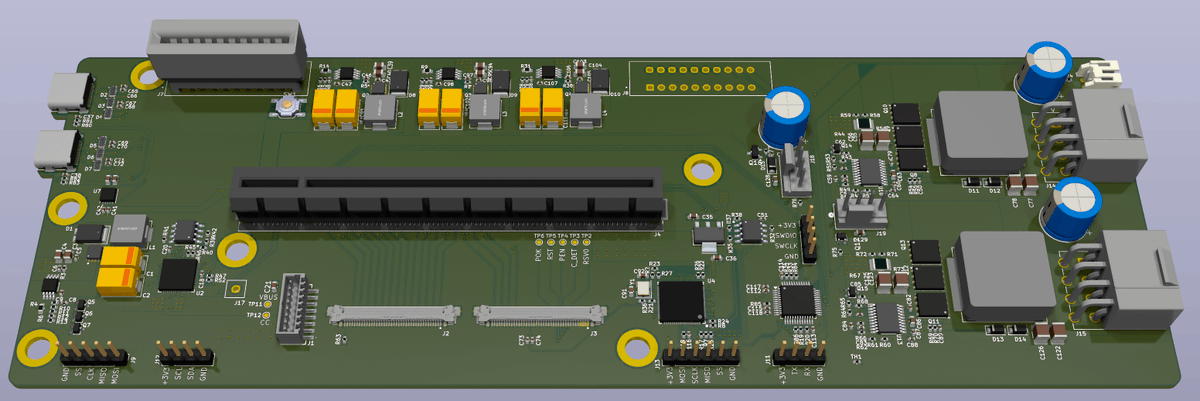
This is an open-source eGPU dock for the ROG Ally / ROG Flow.
300 parts. 334 nets. Fully viewable in the browser.
you can inspect the PCB in 3D, download the original KiCad files, or open it directly in HeyPCB and start modifying it with AI.
it’s one of 8,800+ open-source hardware designs now on Circuit World.
The idea is simple: hardware shouldn’t always start from a blank canvas. Find something close to what you want, understand it, fork it, change the PCB + mechanical design, then manufacture it.
https://t.co/zqUUI2qQq0
HackRF. The Open Book. Corne. anyon_e.
you already know these boards. You just can't open one without cloning a repo, unzipping it, and hoping KiCad agrees.
so we put them all in one place.
Circuit World: 7,500+ open-source hardware designs. Real schematic, real PCB, real CAD. Fork any of them in your browser.
https://t.co/zqUUI2qQq0
Vibe-Hardware is not as simple as it looks.
It’s not the flashy demo where AI generates a nice-looking PCB in 20 seconds and calls it done.
The hard part starts after that.
1) The circuit has to actually work
2) The PCB has to be valid
3) The enclosure has to fit and the parts have to exist
4) And then there are about 50 other tiny details that somehow turn into VERY expensive problems
That’s why we’re approaching vibe hardware differently with https://t.co/zMPWmKlc1P.
We’re building an AI-native EDA + MCAD platform, where AI works inside the actual design environment and understands both the electronics + mechanical design as you iterate.
Generating hardware is cool.
Building hardware you’d actually trust enough to manufacture is the real problem.
Open-source hardware finally has a homepage.
7,600+ designs you can actually browse.
1) Browse by hardware: robotics, RF, power, IoT, keyboards...
2) Browse by platform: ESP32, Arduino, STM32, Raspberry Pi, RP2040, FPGA...
3) Open any project directly in our browser EDA + MCAD
But finding the design is only the start.
AI lives right next to the editor and understands the project you have open.
Ask how the circuit works. Ask why a component is there. Explore the PCB + mechanical design. Then fork it, change it, and make it yours.
https://t.co/Jy4IDQhZ4L
p.s. we're not trying to make another place to store hardware files. we're trying to make hardware searchable, understandable, and editable.
Thousands of great open-source hardware projects are being wasted.
Not because the designs are bad, but because actually building on someone else’s hardware is still way too hard.
You open a project and suddenly you need to understand:
1) The schematic + PCB
2) The mechanical design / CAD
3) Datasheets for every component
4) Why the original engineer made each decision
That’s why we built Circuit World, with 7,500+ open-source hardware designs (drones, robots, laptops, and WAY more).
Open any of them in your browser, explore the EDA + CAD with AI, fork it, and make it yours.
https://t.co/Jy4IDQhZ4L
Every file in this video opens in KiCad.
FOSSASIA's Pocket Science Lab, opened and checked in https://t.co/h0koDJ2EtD:
194 parts, 173 nets, 4 copper layers. DRC 0/0. ERC 0 errors.
A check that didn't run is reported as skipped. Never as a pass.
Free PCB Week ends Mon. https://t.co/lAxQae3EAW
Open-source hardware is mostly a ZIP file.
1. Download the KiCad files.
2. Figure out the dependencies.
3. Find the right revision.
4. Realize final_v7_REAL.kicad_pcb was not, in fact, final??
5. Modify it locally.
6. Send screenshots back and forth.
We think hardware should work more like software.
So we built Circuit World.
6,500+ open-source hardware designs. EDA + MCAD. Fully explorable and forkable in your browser.
https://t.co/BsOCkFux8J