Big thanks to everyone for coming to work every day the past 2.5 years to pour all their talent, energy & creativity into crafting the best developer experience possible. ❤️
What a beautiful way to show that security and usability don’t have to be at odds! 💪
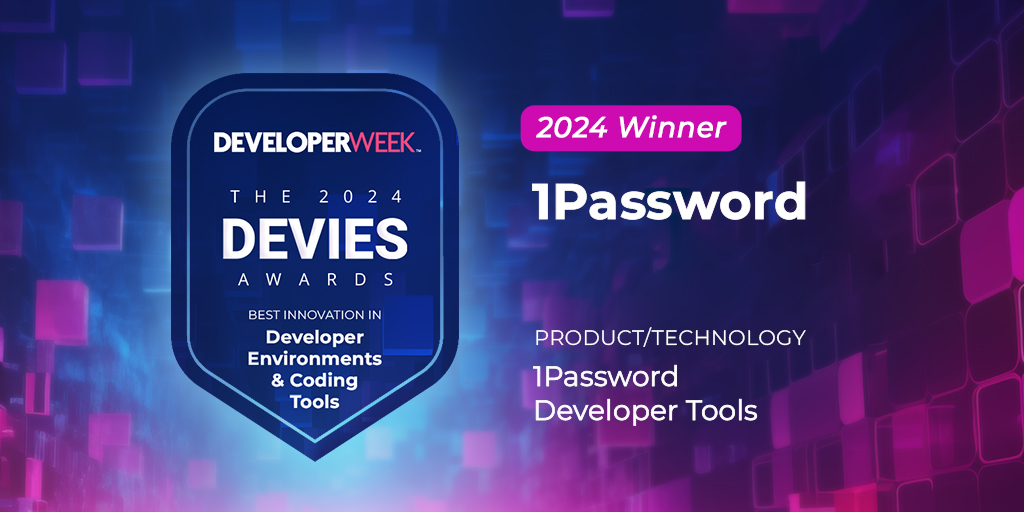
So proud of our team that just won the DEVIES award in the category for “tools that make the process of writing code more efficient and enjoyable for developers.”
1Password Developer Tools has won a 2024 DEVIES Award in the Developer Environments & Coding Tools category 🎉.
Presented by @DeveloperWeek, this award recognizes outstanding design, engineering, and innovation in developer tech across 31 categories. https://t.co/5BPXiN2iw4
🚨 Big News 🚨 @1Password has joined the Student Developer Pack! The industry’s leading password manager is bringing their tools to students with a benefit designed for developers. 😎
Get your #StudentDeveloperPack at: https://t.co/0wrV2l9aiz
Are you a student? Get a free year of 1Password and our Developer Tools with the @GitHubEducation Student Developer Pack.
Whether you’re coding, cramming for an exam, or collaborating with classmates, 1Password keeps your sensitive information secure.
https://t.co/p2I9t4dYPl
@ForstPenguin@albyva@1Password Thanks for the kind words! We’re actually looking into how we can safely and easily add support to use SSH keys from shared vaults.
📢 @1Password Shell Plugin + Twilio CLI
Mac/Linux devs! You can now securely authenticate in the Twilio CLI with your fingerprint using a @1Password Shell Plugin 🙏
Detailed set-up guide -> https://t.co/7E6f0K9R9d
Developers: forget about storing plaintext API keys on disk or typing out passwords, you can now access any CLI with your fingerprint. 🪄
Introducing 1Password Shell Plugins and new CI/CD integrations, designed to simplify and secure your workflows.
https://t.co/Fnye7F1X08
Wait, is that our CEO pushing code to our @GitHub repos? 👀
Without signed and verified commits, an imposter could hijack your codebase. 1Password now makes it easier to generate, store, and use SSH keys for Git commit signing – no GPG keys required.
https://t.co/bl05GphK9R
Today, I am thrilled to announce our new integration with @1Password as well as our support for SSH commit verification. Now developers can easily add their SSH key to verify commits and generate and store SSH keys right from the browser.🗝️🙂
https://t.co/V2OoYOGNyQ
Did you know @1password is using Docusaurus?
@jodyheavener shared his experience implementing their developer doc portal 👌
Cool details:
- plugin system
- MDX + extending markdown, remark plugins
- theming, swizzle, custom site footer
https://t.co/Sr7YwVSDKZ
Every developer starts their day with "git pull". Today, I'm excited to announce that we made that a whole lot nicer with the launch of 1Password SSH Agent!
Read the full story here: https://t.co/tHlGSFs5Rw
@e38383 If the new beta doesn’t fix it for you, try first authorising a terminal window (e.g. run ssh and exit) and then spawning a new window as a subprocess of that first window. In theory, that subprocess then has permission to use your SSH key. Haven’t tried it out myself though.
Interested in learning more about our recently released @1Password Developer Tools like the CLI 2.0 and SSH features? Sign up to join a live training session tomorrow! https://t.co/PuY04sTcE7