How an arrow leaves the board in Arrowgami:
launch at 1 pt/s
accelerate at 800 pt/s², times (3 / length)^0.2
top out at 1000 pt/s
Long arrows accelerate less, so they're still sliding out while you tap the next one. Tuned with sliders in a hidden dev menu.
#SwiftUI
@lazyjakee Arrowgami: tap the arrows off the board until a picture appears. A new daily puzzle every day, weekly leagues, no ads between levels. iPhone, iPad and Apple Watch, built solo in SwiftUI from Switzerland.
https://t.co/A6o6F3KFYG
@Zaydenf9 Arrowgami: tap the arrows off the board until a picture appears. A new daily puzzle every day, weekly leagues, no ads between levels. iPhone, iPad and Apple Watch, built solo in SwiftUI from Switzerland.
https://t.co/A6o6F3KFYG
@Vaibhav_Gareja Arrowgami: tap the arrows off the board until a picture appears. A new daily puzzle every day, weekly leagues, no ads between levels. iPhone, iPad and Apple Watch, built solo in SwiftUI from Switzerland.
https://t.co/A6o6F3KFYG
@ItsKamranK Arrowgami: tap the arrows off the board until a picture appears. A new daily puzzle every day, weekly leagues, no ads between levels. iPhone, iPad and Apple Watch, built solo in SwiftUI from Switzerland.
https://t.co/A6o6F3KFYG
@imryanarya007 Arrowgami: tap the arrows off the board until a picture appears. A new daily puzzle every day, weekly leagues, no ads between levels. iPhone, iPad and Apple Watch, built solo in SwiftUI from Switzerland.
https://t.co/A6o6F3K898
@gianmauric Arrowgami: tap the arrows off the board until a picture appears. A new daily puzzle every day, weekly leagues, no ads between levels. iPhone, iPad and Apple Watch, built solo in SwiftUI from Switzerland.
https://t.co/A6o6F3K898
@anupamrjp Arrowgami: tap the arrows off the board until a picture appears. A new daily puzzle every day, weekly leagues, no ads between levels. iPhone, iPad and Apple Watch, built solo in SwiftUI from Switzerland.
https://t.co/A6o6F3K898
@Mr_Swiftly That they ask for things I'd never have thought of. A player wanted colourful arrows, I tried a few versions in TestFlight, and five palettes shipped in the next update. Small, but it's the one that made it feel real.
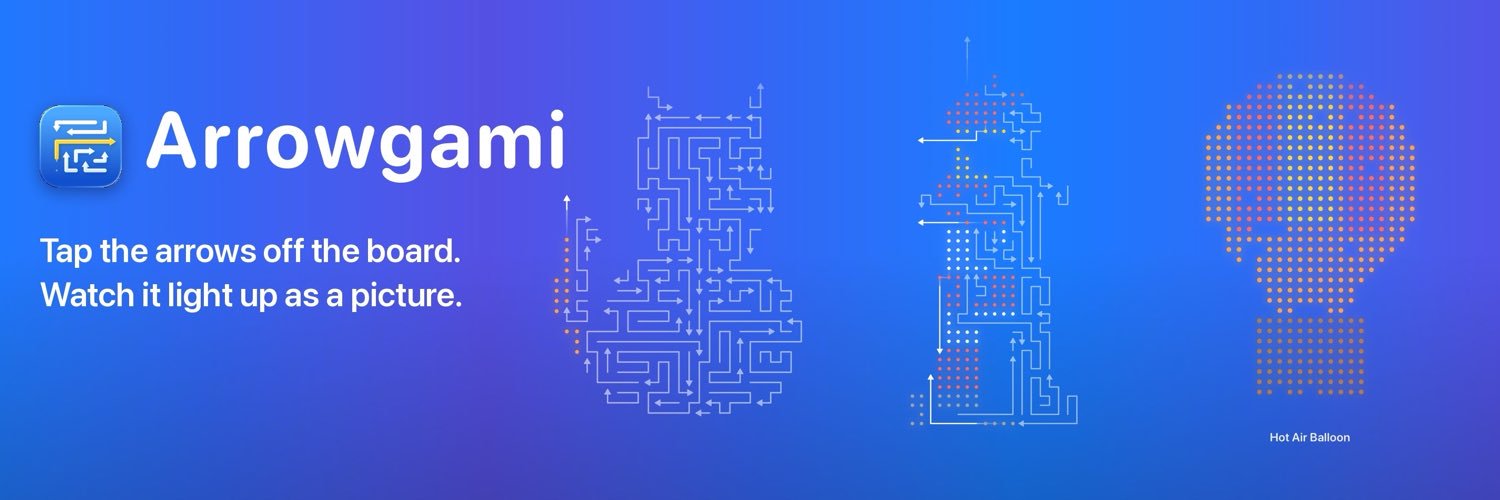
I'm building Arrowgami, a daily arrow puzzle for iPhone, iPad and Apple Watch. Solo, all SwiftUI, a month on the App Store.
Tap the arrows off the board; once it's clear, it lights up as a picture.
A few things I learned building it:
#buildinpublic
@tiboadriana Arrowgami: tap the arrows off the board until a picture appears. A new daily puzzle every day, weekly leagues, no ads between levels. iPhone, iPad and Apple Watch, built solo in SwiftUI from Switzerland.
https://t.co/A6o6F3K898
@anupamrjp Arrowgami: tap the arrows off the board until a picture appears. A new daily puzzle every day, weekly leagues, no ads between levels. iPhone, iPad and Apple Watch, built solo in SwiftUI from Switzerland.
https://t.co/A6o6F3K898
@YuryBreiNovaSt Thanks! Where players come from. This week's new ones were from Taiwan and Russia, nowhere I've posted. So I went through every screen in all 11 languages and fixed a pile of cut-off text, Russian especially.
@domrealmapps It had to shrink. The phone's daily has hundreds of dots, the watch fits about 12 by 11 that are still big enough to tap. So the watch gets its own small boards, and the daily stays on the phone. A win on the wrist still counts for the streak and the league.
@aitorapps Thanks! Big boards take a moment to generate, so the next one is built while you're still solving the current one, and Play never has to wait.
@GeorgeYameen Most of it is shared. The rules, the board generator and the save with its iCloud sync live in one Swift package, and the watch even reuses the phone's board drawing and arrow motion. Its own part is small: about a dozen files for its screens and boards sized for the wrist.
@asoclimb Thanks, that's what the next update does: shot 1 now shows a fully lit board, subtitle unchanged. Traffic is still too small for a clean A/B test, so I'll compare conversion before and after.
@iamvishal16_ios Same here. The preview and the simulator never felt like the phone, so I ended up tuning the arrows on the device itself, with sliders in a hidden debug menu.