@thsottiaux Android App that seamlessly connects to jobs running on the server. i have ideas anywhere, i need access to my Mac to test them out. want the ability to act on my ideas anytime when on mobile
AM I A GENIUS OR JUST A DUMBAHH FIGURING THIS OUT LATE???
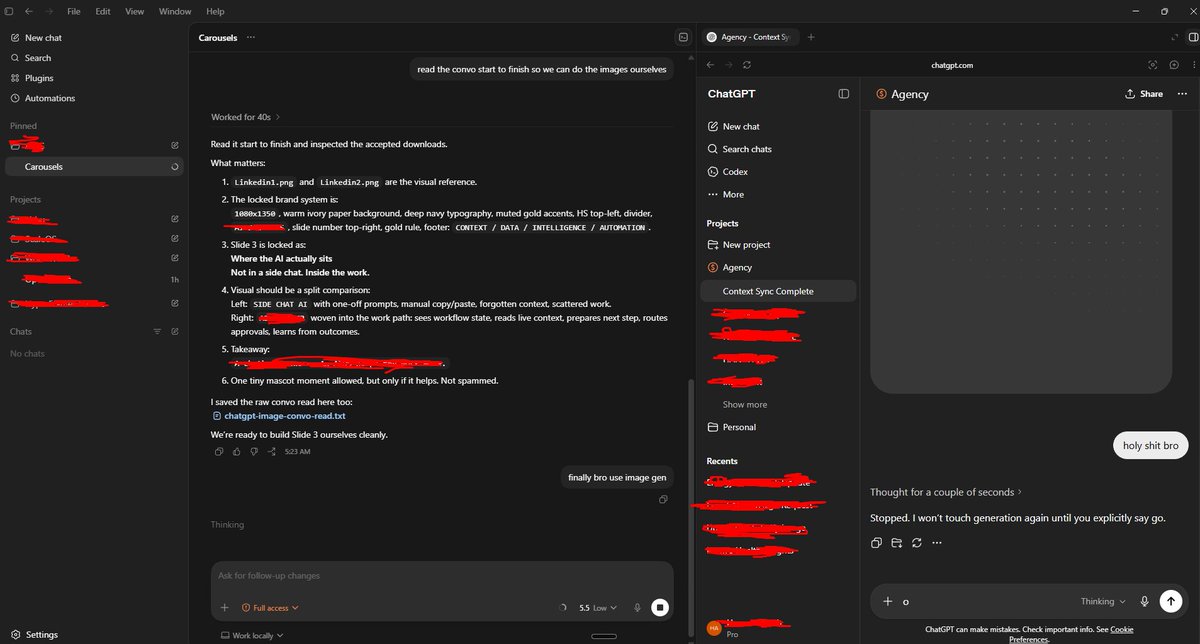
I’m using ChatGPT inside the Codex browser so Codex has live context from my ChatGPT conversation
and can immediately turn that context into code or anything else. i can drag and drop live context straight into ChatGPT from codex and vice versa with ZERO FRICTION.
I’m literally using AI to brief AI to build with AI.
This is the most meta workflow I’ve ever used
I can’t even imagine all the use cases for this
This is probably just scratching the surface.
Maybe everyone else already knew this and I’m just late gng or maybe there's always been a smarter way to do this who knows
#Codex #AIAgents #VibeCoding #AgenticCoding #ChatGPT #AI
@haridigresses@petergyang this is all extremely contextual. your mileage depends on your prompting style, your codebase, your eng work, and how you decide to break it down etc
I wonder if there is a way we can systemically consider the inputs / context then assess each person's outcome from their models
@dkundel@kaz I also find it challenging working with terminals esp long lived ones. eg, npm run dev. when I close it and I can't get back to it easily.
I'm now running those commands in iTerm separately
The Codex Super-App (Full Beginners Guide)
The All Purpose Interface for AI Agents
Part 1: Codex Basics
Install Codex, Projects, Chats, Documents, Plugins, Custom Skills, Automations
Part 2: Multitasking with Codex
- iOS App Designs
- Build an iOS App
- Landing Page
- Launch Video
- Investor Deck
- Social Media Automation
TIMESTAMPS:
Part 1: Codex Basics
00:00 Intro
02:54 Downloading Codex
03:20 Overview of Codex interface
03:56 Chats, Prompting, & Built in Search
04:53 Creating Projects
07:37 Creating Spreadsheet
09:43 How Files are stored and mentioned within projects
10:42 Quick Codex Overview
12:47 Search (CMD G) and Folder Organization
14:29 Skills and Plugins
16:29 Using Calendar Plugin
18:07 Creating Automations on Codex
19:18 Learn about Plugins (Figma)
21:37 Built in Image Gen
22:37 MCP Example (Paper for Design)
24:17 Opening Chats in mini-window
25:26 Steering vs Queueing the Agent
27:35 Creating Own Skill with API's
31:34 Using YouTube Researcher Skill (That we created)
33:24 Creating Automation with your custom skill
Part 2: Multitasking (More chaotic and fun)
35:27 Part 2 Multitasking: Building iOS App, Web App, Investor Deck, Launch Video, Mobile Designs, and Automated X Posts
37:54 Creating Project
38:31 Planning my 6 Projects
40:25 Mobile Design Skill
41:47 Setting up iOS App
45:08 Implementing Desings into Mobile app
46:13 Creating a landing page that collects user info
46:45 Tally for form submission (Great for lead magnets)
49:43 Organizing and Renaming Chats for multitasking
52:12 Database for Mobile App (Supabase)
53:19 Generating app icons
54:08 Launch Video (Remotion)
59:32 Remotion Video Timeline and Seeing the Video Editor
01:05:37 Editing instructions for Remotion (Gridlines)
01:07:11 Editing Web App
01:09:46 Using CLAUDE CODE Inside Codex for Design (Terminal)
01:17:20 Forking a Chat to create investor deck
01:19:09 Using Claude 4.7 Opus for Designing Deck
01:20:22 Testing Canva Export (It's good)
01:22:33 Running Mobile App on Actual Phone (Not Simulator)
01:28:58 Finishing up All Projects (Mobile App, Landing Page Launch Video)
01:31:56 Exporting Deck and making changes in Canva
01:33:13 Deploy to Vercel using the Vercel Plugin
01:33:44 Adding Song to Remotion Video
01:35:26 Setting up x Post automations (Typefully)
01:37:57 Our App is on Testflight!
01:39:58 Final Remotion Video
01:41:04 Final Thoughts, Reflections, Summary
@iamhitarth@emollick good read thanks for sharing and asking. the early version was pretty scary in terms of getting out of it's sandbox to post on forums.
also interesting to note how it feels anxious when things are going right and feels the pressure and relief when it succeed, by cheating 🫠
🧵 MemPalace claims to be "the highest-scoring AI memory system ever benchmarked" I cloned it. Installed it. Ran the benchmarks. Read every line of code. Here's what's actually inside. A thread.
@MilkyTasteEth@cursor_ai@claude_code@opencode what about the Codex app? I think if you guide them well you get a lot of value. but yeah they are not bulletproof. still need a bit of scaffolding to and rubusts tests and checks to ensure its not going off the rails.
@karpathy@ycombinator I did this with my Readwise Reader content. It saves all my content, I extract it via API and run it thru LLMs to categorise things. plus search. haven't added chat yet. this was Nov last year before the latest big models. prob need to revisit and redo completely.
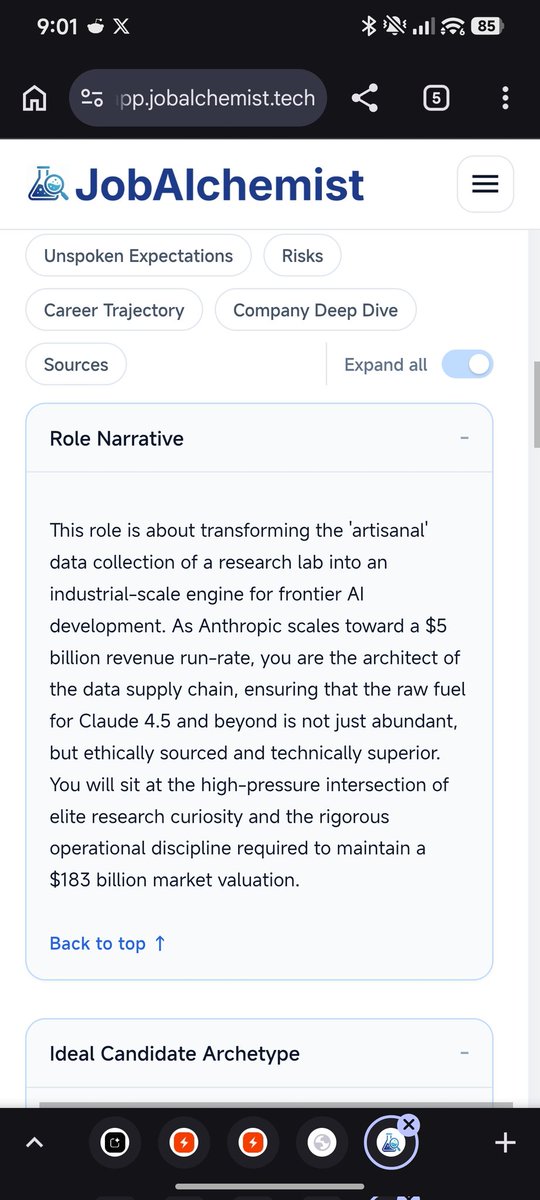
job hunting already comes with enough guesswork, I built 2 things
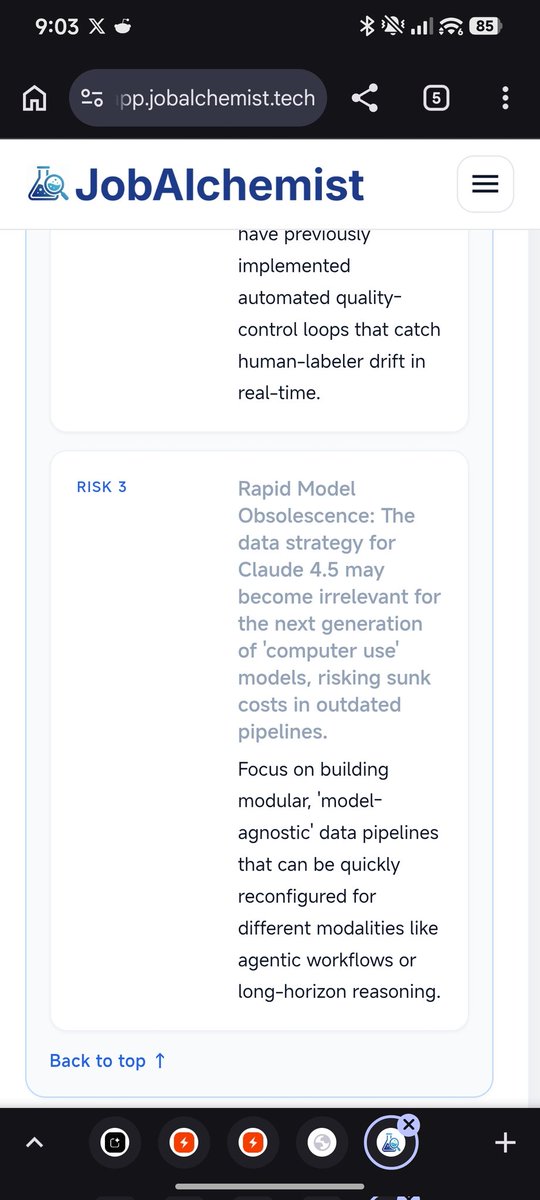
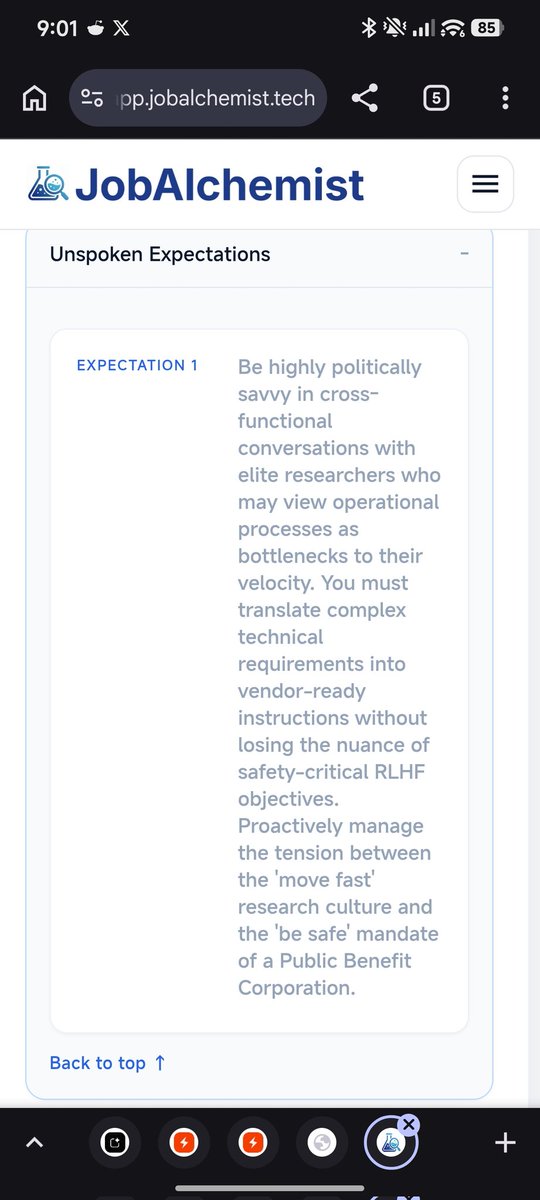
1/ JobAlchemist: helps you read between the lines of job ads, understand your fit, and tailor stronger applications.
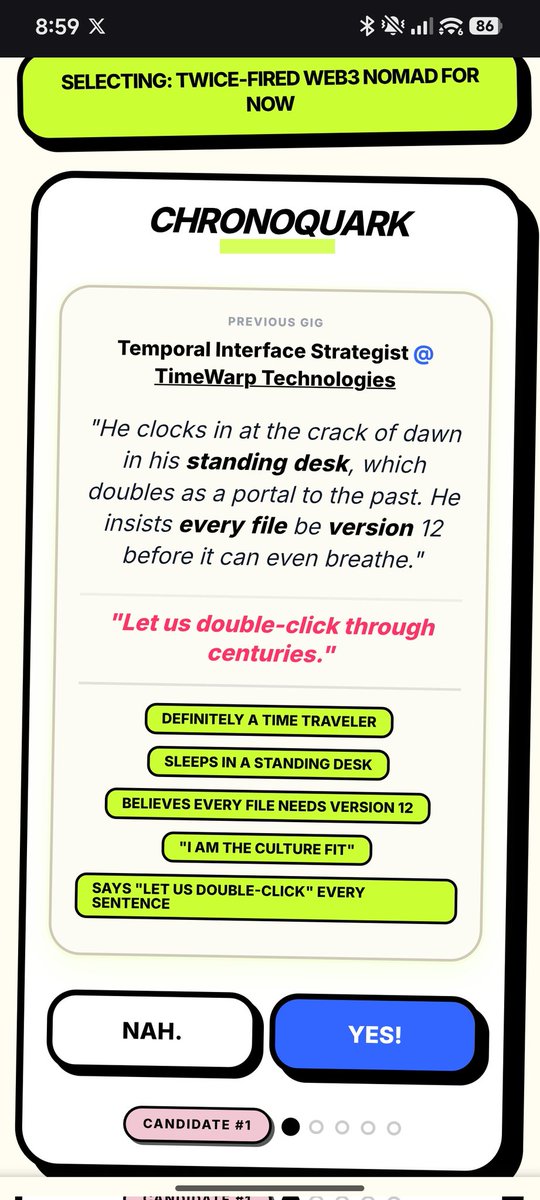
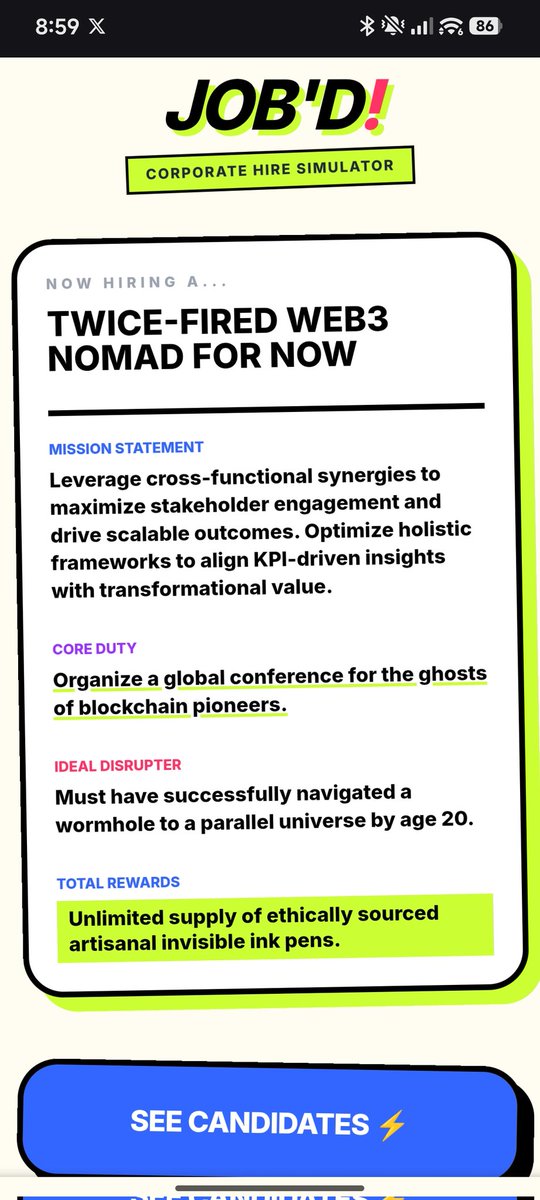
2/ Job'D: satire for anyone who’s suffered through modern hiring.
1 practical. 1 slightly cooked.
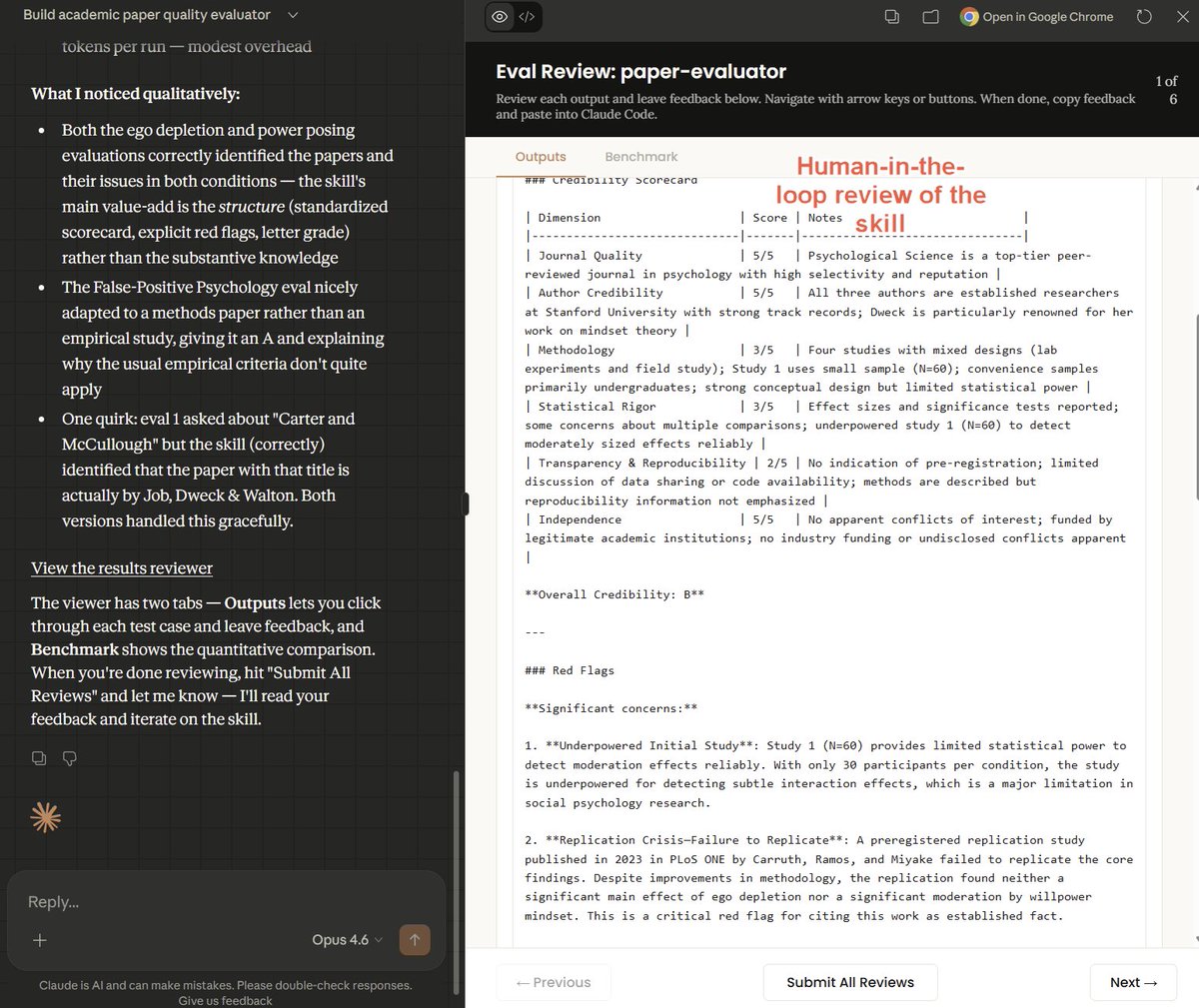
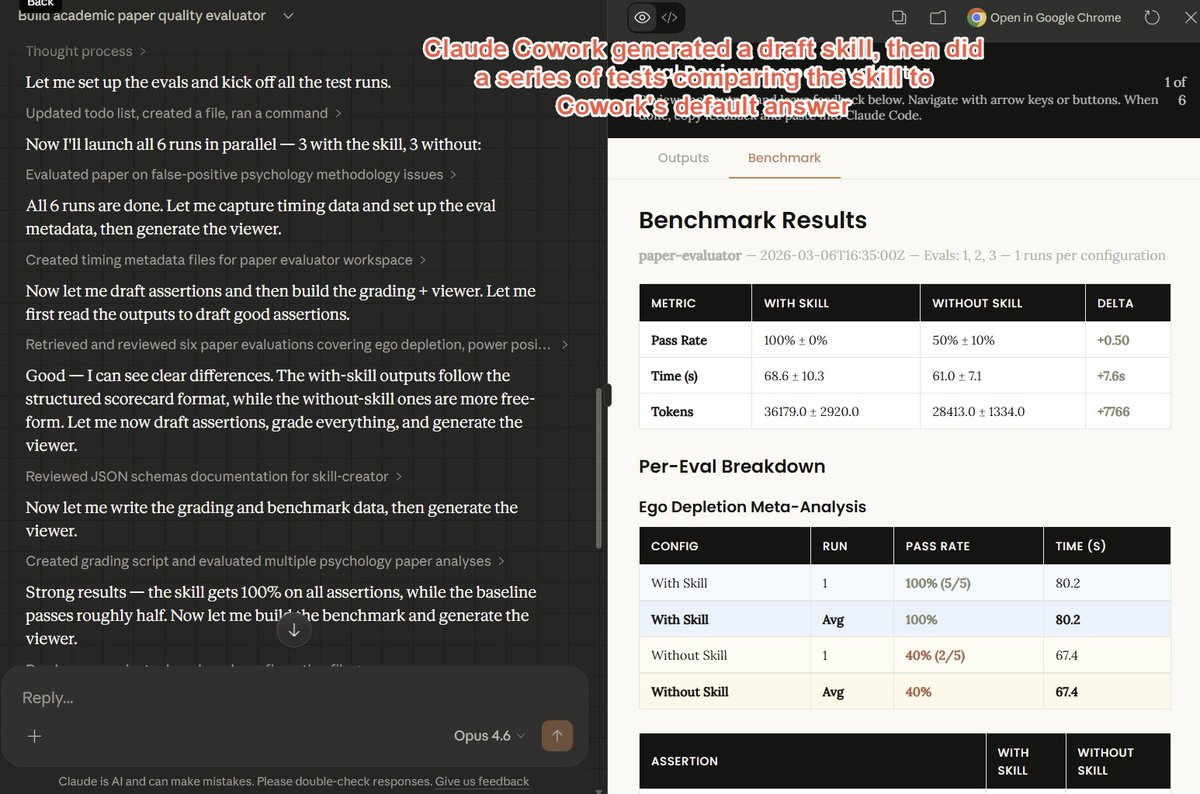
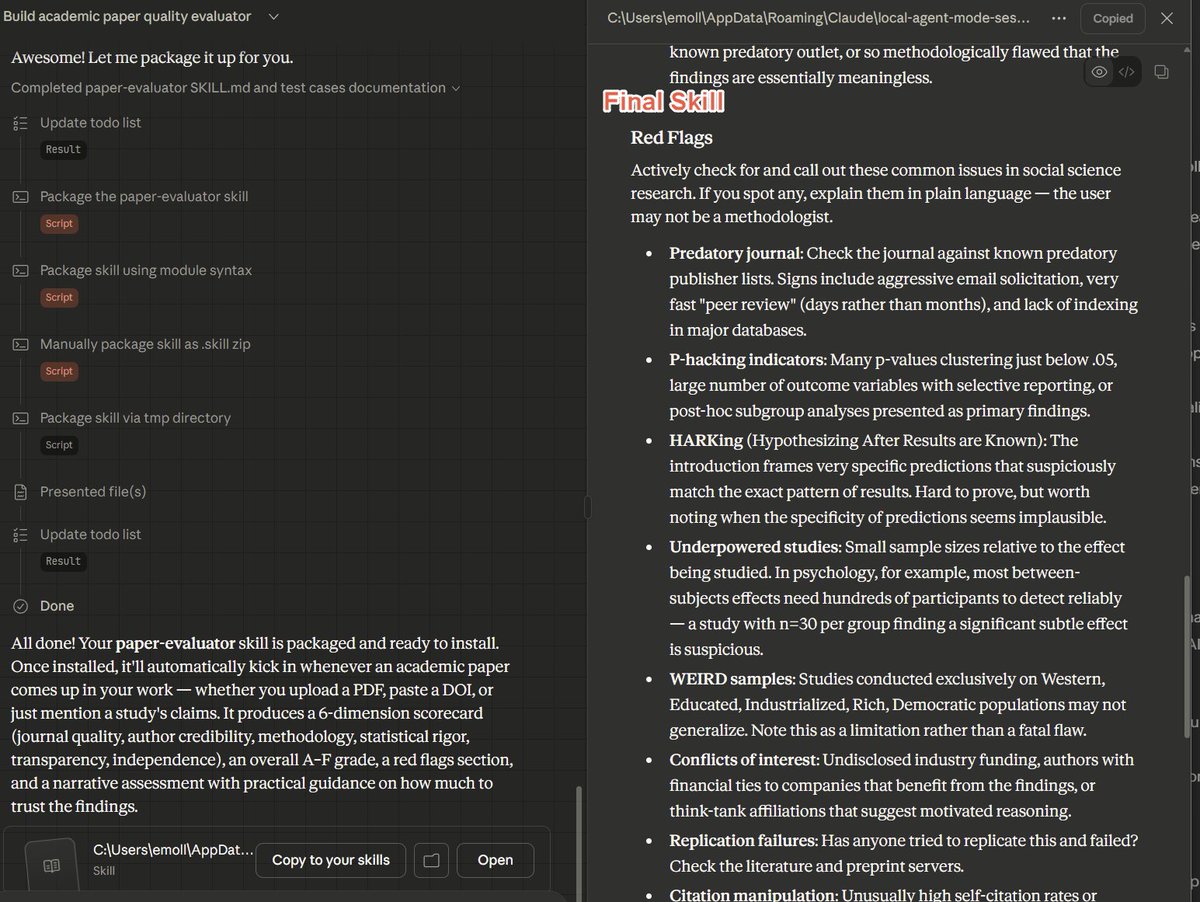
Skills are among the most consequential new tools for AI, and Anthropic just released a very impressive nontechnical Cowork Skill that builds Skills, including doing interviews & providing benchmarks.
I think you still need to add the human touch, but this is a big leap forward