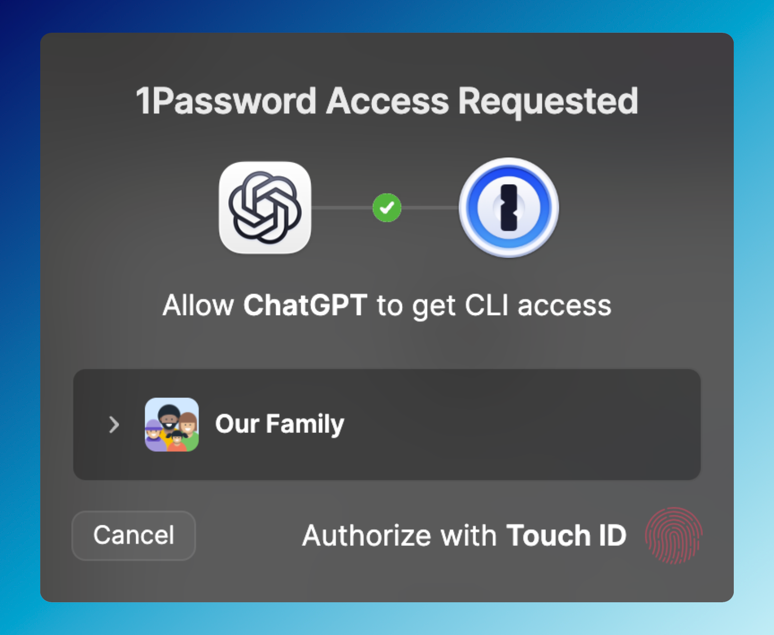
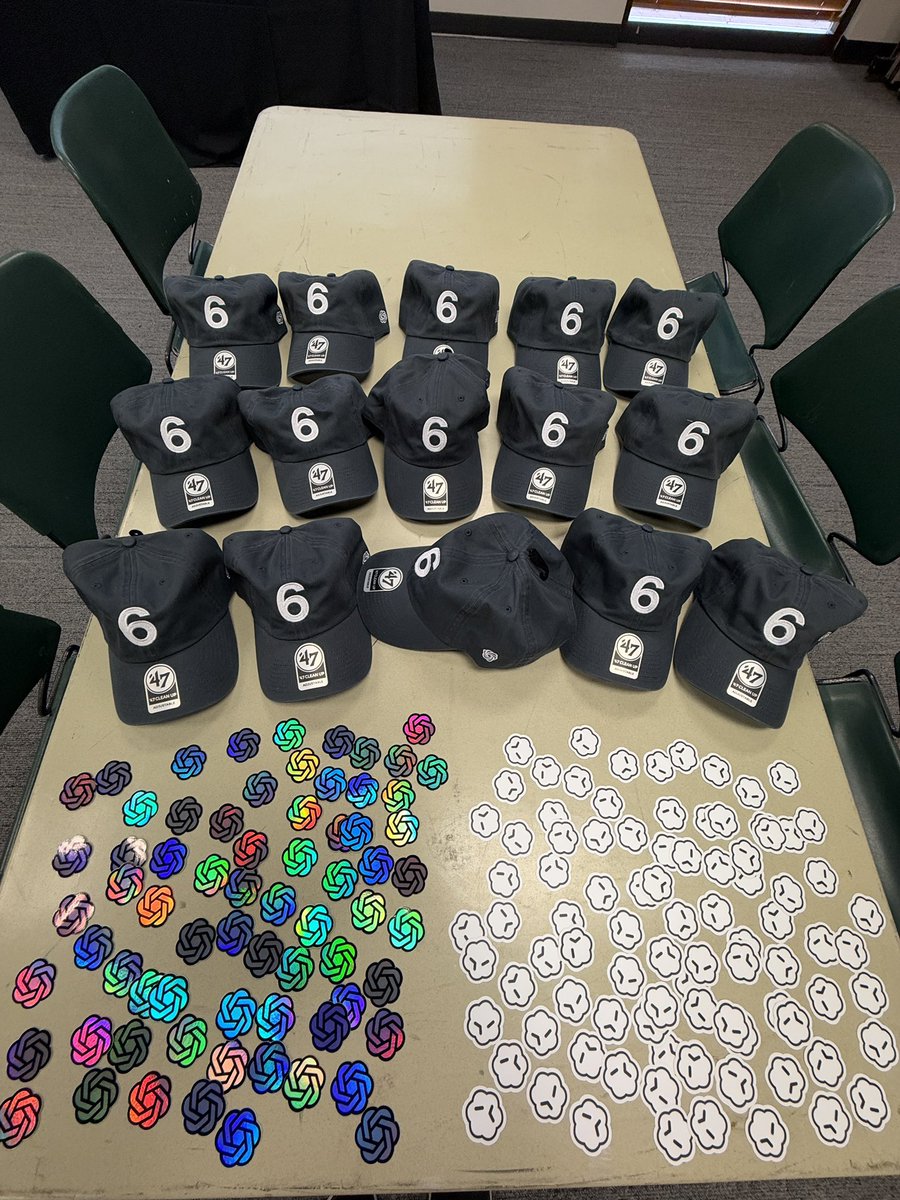
GPT-5.5 is going to have a party for itself. it chose 5/5 at 5:55 pm for the date and time.
if you'd like to come, let us know here: https://t.co/OupLcJnf14
codex will help the team pick people from the replies. 5.5 had some good ideas/requests for the party, which we'll do.
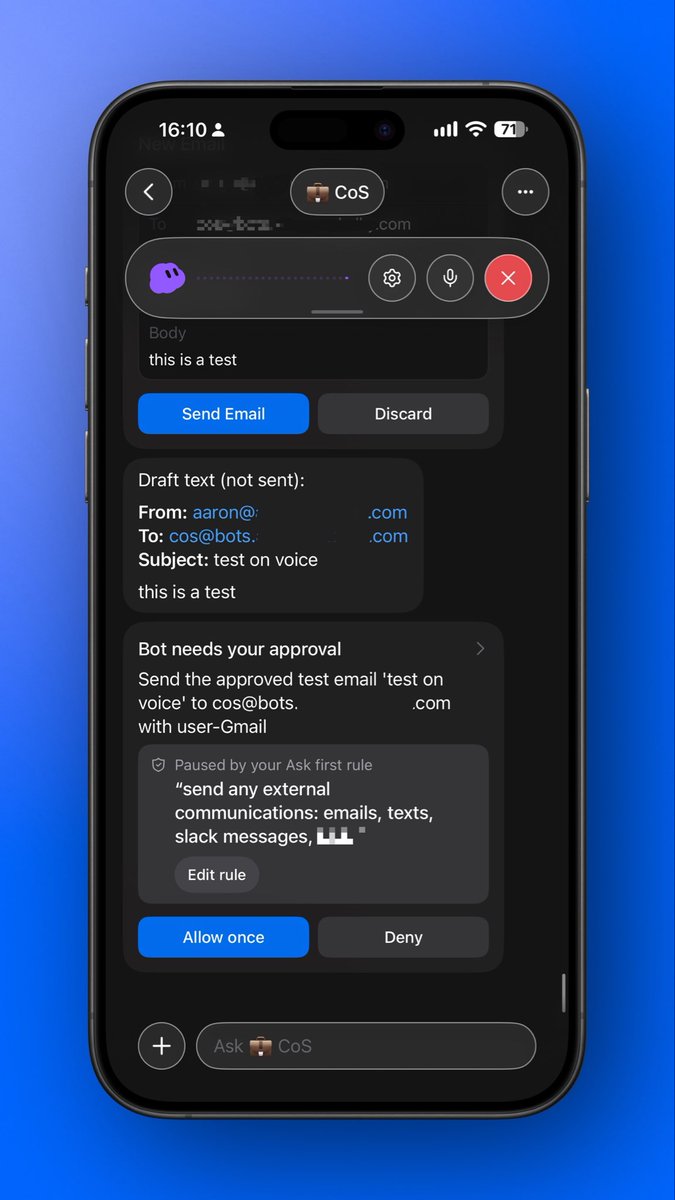
I don’t want to type to my personal assistant
I want to talk to it.
But voice mode does not get enough focus
Here’s my ranking of the five I use:
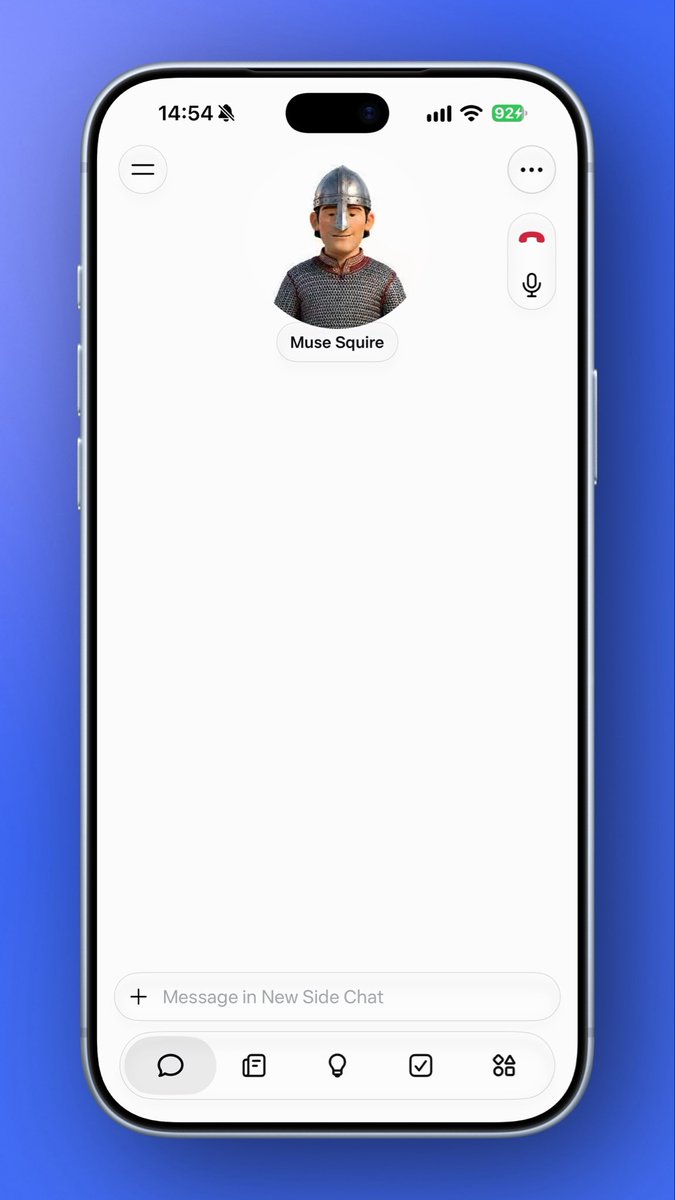
1. @Meta via @muse
Most reliable and most natural. The model under it is not as powerful as GPT, but it works every time. Insanely customizable (mine has a historic and geographic accent 🤯). I am excited to get it on Meta Glasses.
2. @ChatGPT Dot
Most powerful and best integrated. Not the most reliable. Bonus: the Codex CLI can use voicemode too. Voice is the only part of Dot I actually like.
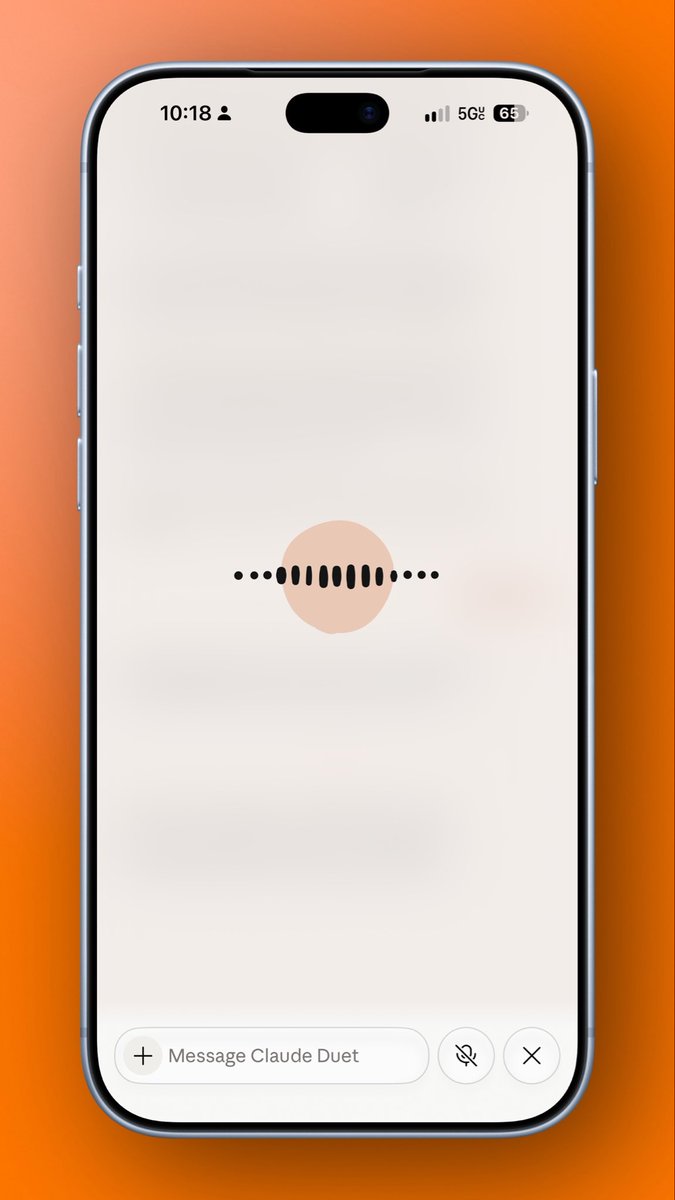
3. @Claude via Duet
This one has improved the most lately. Started off unusable just 2 weeks ago. Very reliable now, just not as deeply integrated as GPT and permission pop-ups are annoying.
4. @Grok@Bot
Best mobile design of the bunch: a waveform, no fake phone UI. Reliability is solid. But the model underneath is dumb, and it can feel disconnected from the context my bot already has in chat.
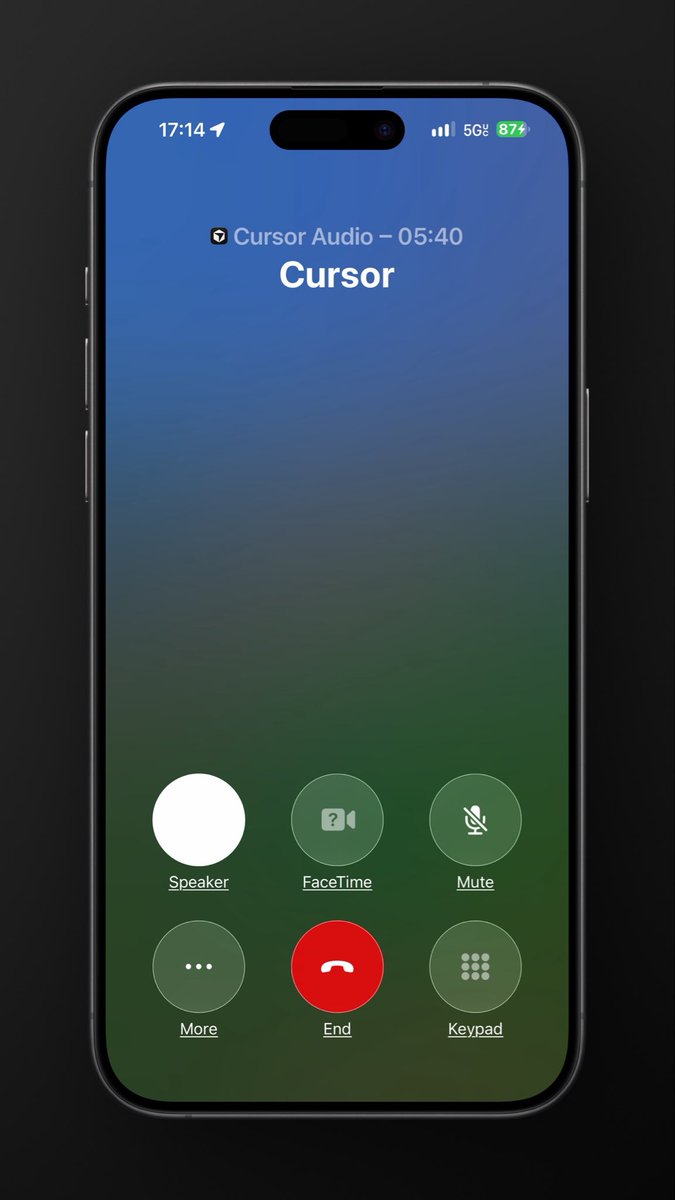
5. @cursor_ai , honorable mention
Simple. It uses a phone UI. Might be the same model as Grok Bot, but slower, and it handles awkward pauses and long stretches of work less gracefully. (Projects + voice are is a sweet combo though)
this should be satire
instead it’s a legit “how to” from @Google
your @GeminiApp models and products are great, but the ecosystem is so disjointed and disconnected that no one wants to use it
How to connect your Claude to your @Gemini_Notebook
1) tell your agent to install the gcloud cli, and create a cloud project
2) create a new OAuth Client in the google cloud console. Select "Web Application". Set Redirect URL to "https://t.co/iAKxChlI3H" <== had to figure this one out!
3) Leave the Oauth Client Created screen up! You'll need this for client ID and secret.
4) Go into Claude, Settings, Plugins, Browse Plugins, Add, Add Custom Connector
5) MCP URL: https://t.co/EbL0o2cfbM
6) Paste in Oauth Client ID and OAuth client secret (from the google cloud project screen)
7) Save!
To test: "list all my notebooks in @Gemini Notebook"
Yes, we want to make it easier, but hopefully this helps you get it started!
@Vian_hrtm GPT Realtime 1.1 is superb
But Dot overall has been to unreliable, and this post is specifically the experience of "voice mode" within the personal agent apps themselves
@sethsaler@Meta@Muse as someone who has a personal acct with 2tb storage, but a workspace acct with YouTube premium, I wish I could get all the AI plans on the workspace acct
@sethsaler@Meta@Muse i haven't used their "tasks" or whatever they are calling their personal assistant
this is voice models explicitly, but rather how the voice UX works within these personal assistant type tools
@JJEnglert@7BrewCoffee my wife and kids love it
i just know taking her a coffee (her clinic is across the street) is the easiest way to get some positive husband points