@Abdiraimov_@CleanShot@sintoneli Thanks, Otabek! That’s useful feedback. What’s the first thing you’d change to make it feel more premium? Do you have a reference page?
Safari 27 has a built-in MCP server. Connect Codex or Claude Code to inspect pages, check console errors, and test your website directly in Safari.
My setup guide includes screenshots and a fun task to try:
https://t.co/aEBSLoy5Z7
#Safari#MCP#Codex
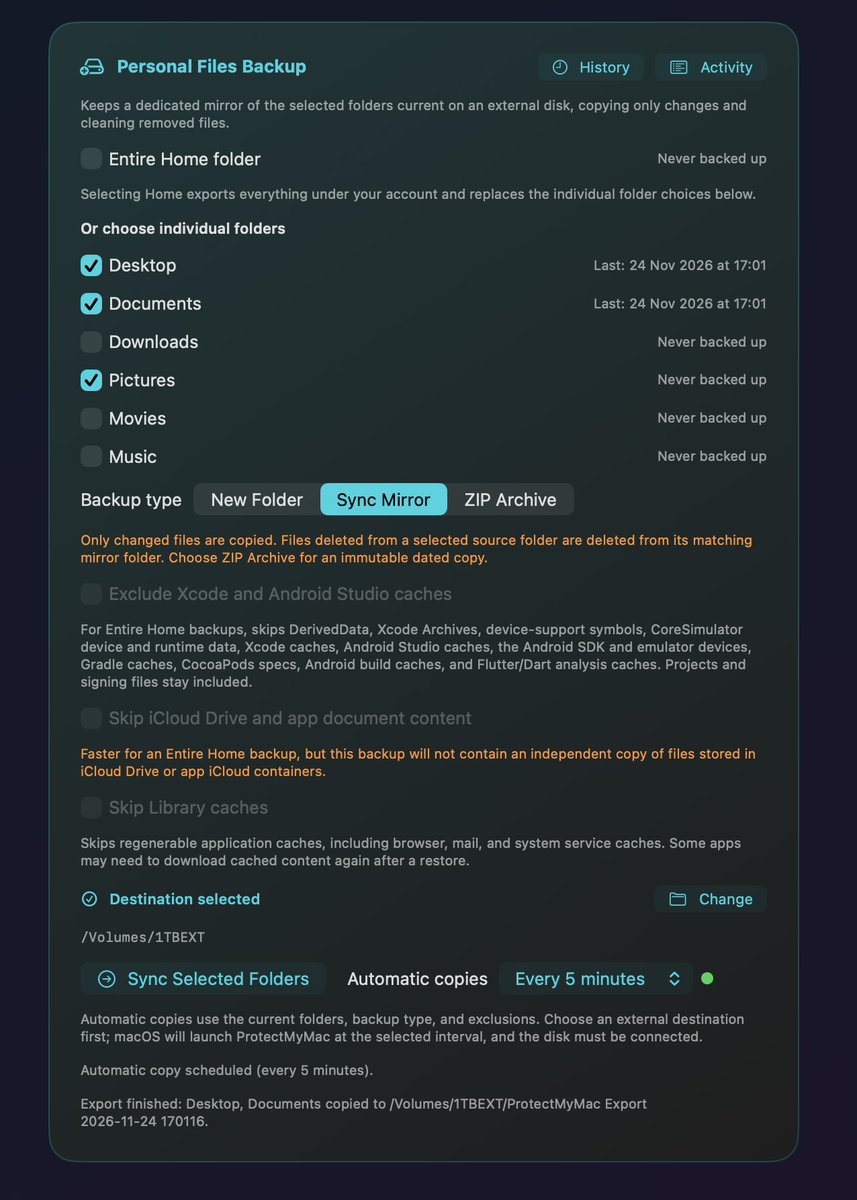
ProtectMyMac 1.1 adds scheduled Personal Files backups. 🛡️
Choose your folders, backup type, external disk, and interval. macOS launches the backup—even when the app is closed.
Keep your disk connected.
https://t.co/Ds7FJPmkVE
#macOS#MacBackup
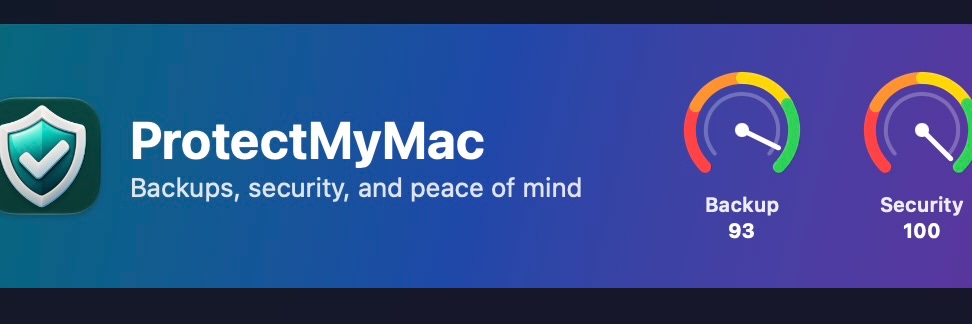
🚀 Introducing ProtectMyMac – Is Your Mac Really Protected?
Ever wondered whether your Time Machine backups are actually working? I certainly have! That frustration inspired me to build ProtectMyMac.
🛡️ Know your Mac’s backup and security status at a glance.
✅ Time Machine Monitoring – Know when your Mac was last successfully backed up.
✅ Backup Health Checks – Spot potential backup problems before you need to restore your files.
✅ Security Awareness – Keep an eye on important macOS security protections.
✅ Privacy First – A lightweight utility designed to help you stay in control of your Mac.
✅ Simple Dashboard – Essential protection information without unnecessary complexity.
🎉 EXCLUSIVE LAUNCH OFFER – FIRST 500 CUSTOMERS!
🔥 50% OFF – ONLY $3.00 USD!
Regular price: $5.99 USD – one-time purchase.
Only the first 500 customers qualify for this special launch price!
💻 Built for Mac users who want peace of mind without the guesswork.
👉 Discover ProtectMyMac:
https://protectmymac/
ProtectMyMac – Because a backup you can’t trust isn’t peace of mind.
#ProtectMyMac #MacSecurity #TimeMachine #macOS #MacBackup #7RedBits