@eduo The app has been on App Store since December 2016. The tape loading was disabled up to this version. It supports the .P (ZX81) and .O (ZX80) file extensions.
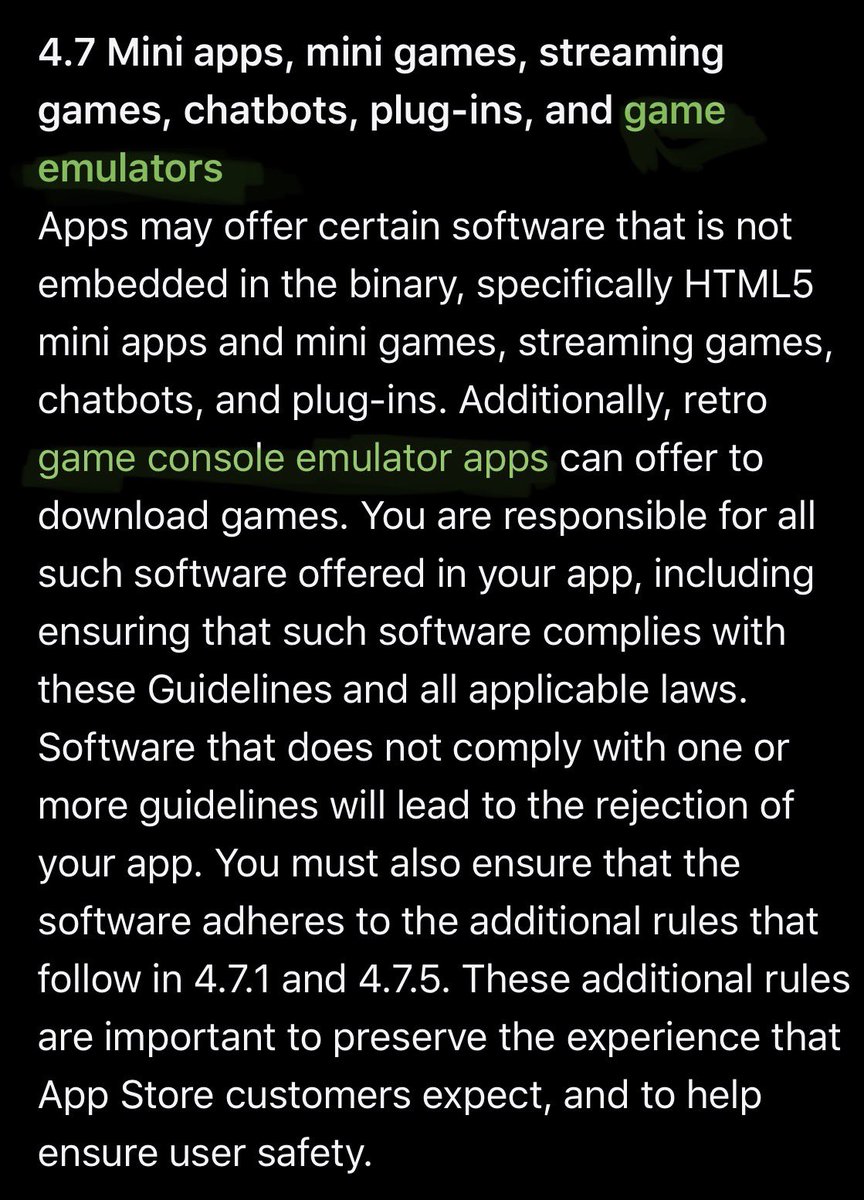
First and foremost I don’t encourage piracy. I was surprised this was approved as I was testing the waters with Apple’s new guidelines. My submission included a video loading a file and quoting the 2.5.2 rule. Pigs fly.
@douglasmun They seem to target free apps to mask their activity. I ended up having to remove my free iOS/iPadOS from the App Store for a certain nation (you can probably guess which). It would get crazy download figures on a random day eclipsing everything else by a thousand fold margin.
@fr8d Well, he was aware of the Apple Watch under the general umbrella of wearable devices. And in a broad sense he’d seen many ideas about wearable devices and glasses would certainly have been amongst them but unlikely any brief that would have aligned well to the Vision Pro
@fr8d @zx81gaming Thanks for the kind words! You might also like its sister app, Jupiter ACE, developed from starting from the same base project code. If you have time please leave a review on the App Store.
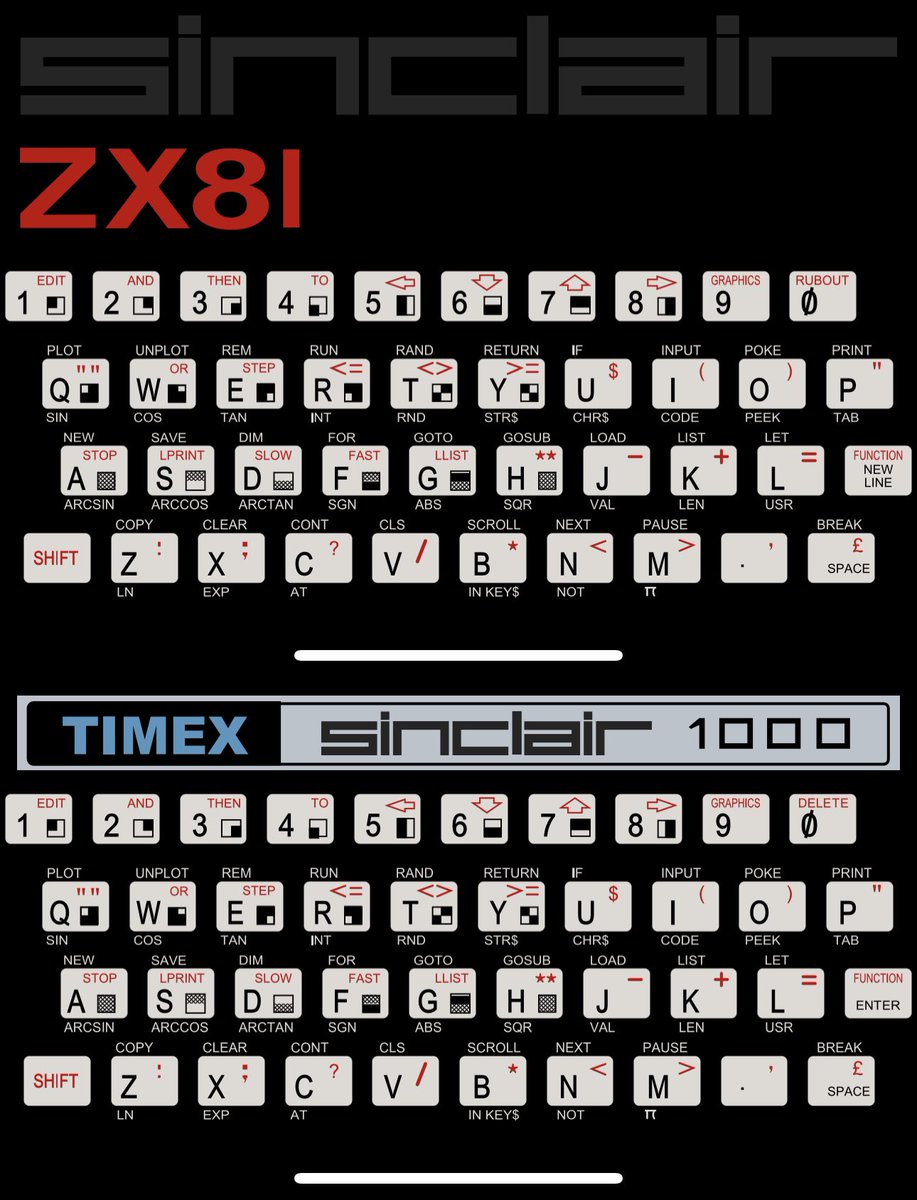
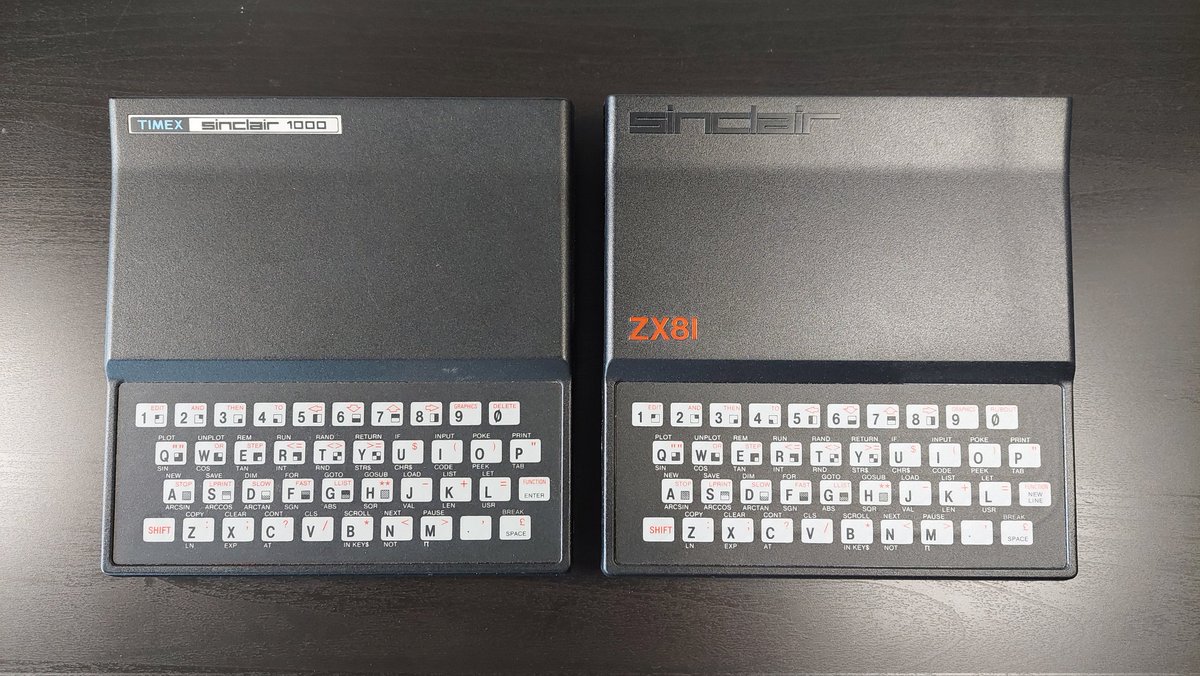
@ezContents@level106 A sort of related Easter egg in the ZX81 iOS/iPadOS app: Change settings to NTSC and >1K RAM to update the logo & keyboard styling. This was broken in the app until I saw your tweet, which prompted me to test and fixed it with an update.
@ezContents@Raxor1Robin NTSC models have less vertical margin lines. Z80 processor time is used to generate the screen output and the user program is executed during these lines. Less lines / more frames for NTSC results in slower execution of user programs and ocasional race incompatibility conditions.
@80sNostalgia Took me a few attempts for this to go on my device.
When bugs did arise back in the day it was a far more painful affair. If there was a problem we had to live without a fix. Remember even the ZX81 went through three ROM editions.